
10 Best Security Cameras 2026 for Home Protection

Tablet for Seniors

Raised Toilet Seat

Indoor Security Camera
Security cameras help us monitor our homes, apartments, and outdoor spaces when we cannot be there. Today’s models can send phone alerts, record video, support two-way talk, and work indoors or outside. Some connect to a local recorder, while others store footage in the cloud.
The best security camera for you will depend on video quality, night vision, motion detection, privacy features, storage options, and the camera’s power source. You should also check whether the camera needs a subscription, works with your smart-home system, and can withstand the weather if you plan to install it outdoors. We tested and researched leading security cameras to find the models that provide reliable monitoring and useful features without unnecessary costs.
Best Security Cameras 2026
We reviewed leading security cameras for video quality, smart features, reliability, and ease of use. Our list highlights the best options for monitoring homes, entrances, yards, and other important areas.
HITELLARCAM 2K Outdoor Security Camera

We recommend this camera for budget shoppers who want sharp video, flexible storage, and a battery-powered design for indoor or outdoor use.
Pros
- Clear 2K video with color night vision
- Supports 2.4GHz and 5GHz Wi-Fi
- Free cloud storage and local SD card support
Cons
- Free cloud storage saves footage in SD quality
- Battery life depends heavily on motion activity
- The SD card is sold separately
During testing, we found the camera simple to mount and set up through its app. Dual-band Wi-Fi gives us more connection options, though placement and signal strength still affect performance.
The daytime image looks detailed enough for common home monitoring. At night, the built-in lighting helps preserve color, but it may draw more battery power than standard infrared night vision.
Motion alerts worked well for basic activity near the camera. We also liked the two-way audio for speaking with visitors, while Alexa support adds convenient voice control.
The battery can last for weeks with regular motion activity, but the advertised six-month estimate depends on light use and mild conditions. We also appreciate the IP66 weather-resistant housing, which suits covered outdoor areas.
The free cloud plan adds value, but its SD-quality limit may encourage some buyers to use a paid plan or install a microSD card. With a 4.4-star rating from more than 5,200 Amazon reviews, this camera offers a useful feature set at a reasonable price.
Realhide 2K Wireless Security Camera
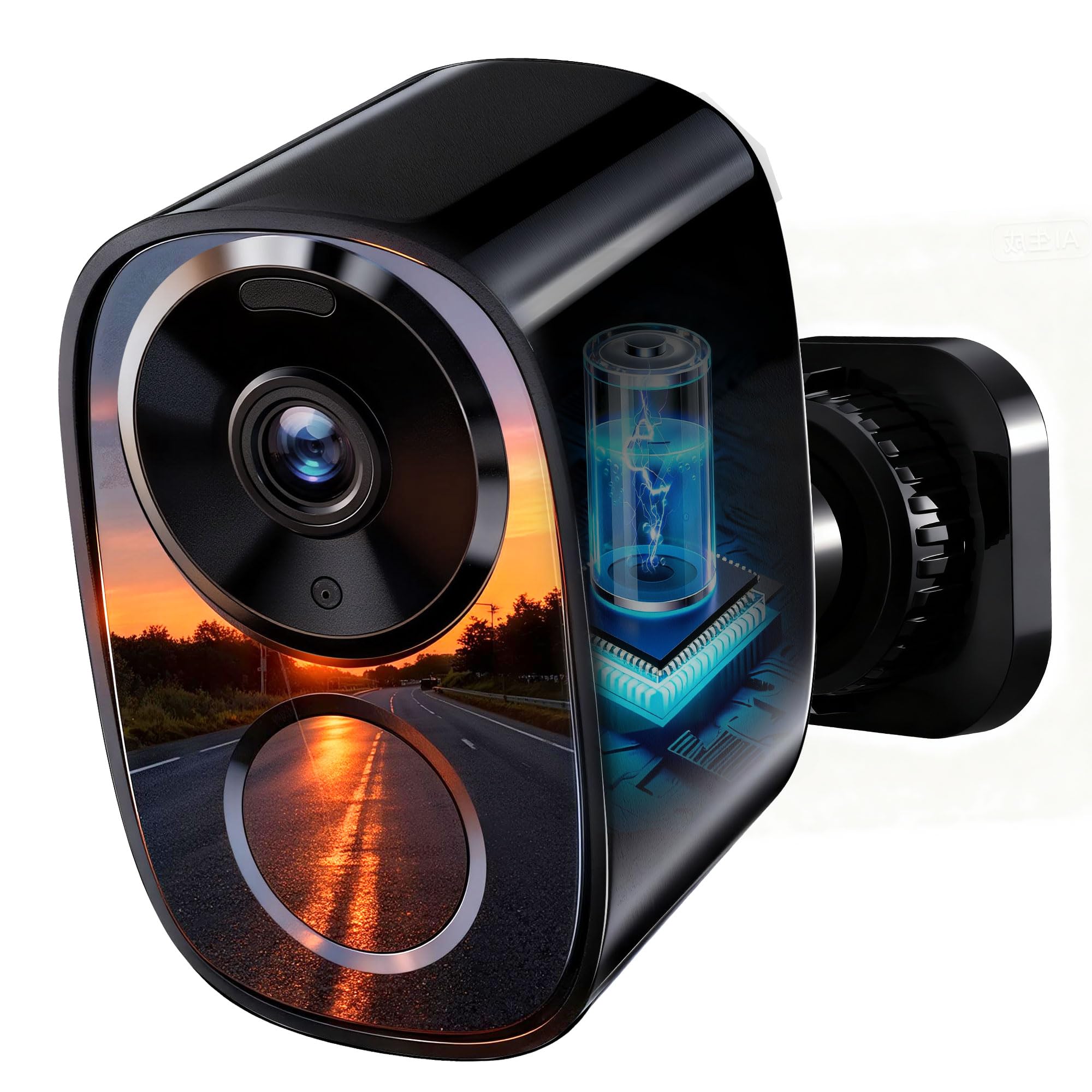
We recommend this camera for shoppers who want sharp video, flexible storage, and a wire-free setup at a reasonable price.
Pros
- Clear 2K video with color night vision
- Supports cloud storage and microSD cards
- Long battery life and dual-band Wi-Fi
Cons
- The camera does not swivel remotely
- USB-C charging connection may feel loose
- Battery life depends on motion activity
During testing, we found the setup simple and the app easy to use. The camera delivered clear daytime footage, while the built-in spotlight helped preserve color at night. Motion alerts arrived promptly for people and activity near the camera.
The rechargeable battery makes this model useful for porches, driveways, and other areas without a nearby outlet. Realhide claims up to six months of use, but frequent motion events will reduce that time. We also like the choice between free cloud storage and a local microSD card.
Its weather-resistant design suits outdoor use, and two-way audio lets us speak with visitors through the app. The fixed view worked well, though we would prefer a motorized swivel option for wider coverage.
Customer feedback is generally positive, with a 4.2-star average from more than 2,200 ratings. Some owners report excellent image quality and easy installation, while others mention concerns about the charging port. Overall, this camera offers a useful mix of video quality, storage options, and battery convenience.
Tapo C425 2-Pack
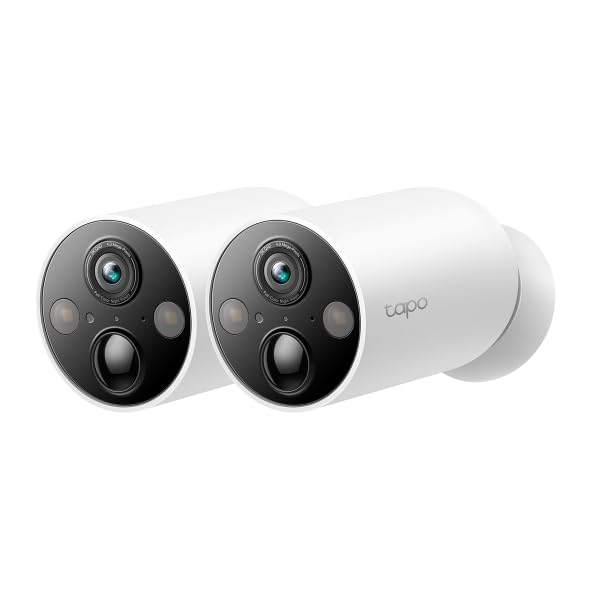
We recommend the Tapo C425 for homes that need wide, wire-free coverage, useful AI alerts, and local storage without a required subscription.
Pros
- Simple magnetic mounting and battery-powered setup
- Clear 2K video with a wide viewing angle
- Person, pet, and vehicle detection at no extra cost
Cons
- Battery life depends heavily on activity and settings
- Video can have a short delay over Wi-Fi
- Solar charging requires an optional accessory
We found the C425 easy to place around a home because the magnetic mount lets us remove and reposition the camera quickly. The wire-free design also works well for garages, porches, and other areas without a nearby outlet.
Video quality is strong for this price range. The wide view covers more of a yard or entryway, while the built-in light helps produce color footage at night. We could also use two-way audio to speak with people near the camera.
The app’s AI detection helps reduce unnecessary alerts by identifying people, pets, and vehicles. Local recording through a compatible microSD card gives us another option besides cloud storage, which helps keep ongoing costs lower.
Battery performance will vary with motion, video quality, and weather. Although Tapo states that the large battery can last up to 300 days, busy areas may require more frequent charging. We also noticed the expected delay that comes with many Wi-Fi battery cameras, so it may not suit users who need instant live video.
Firstrend Wireless Security Camera System
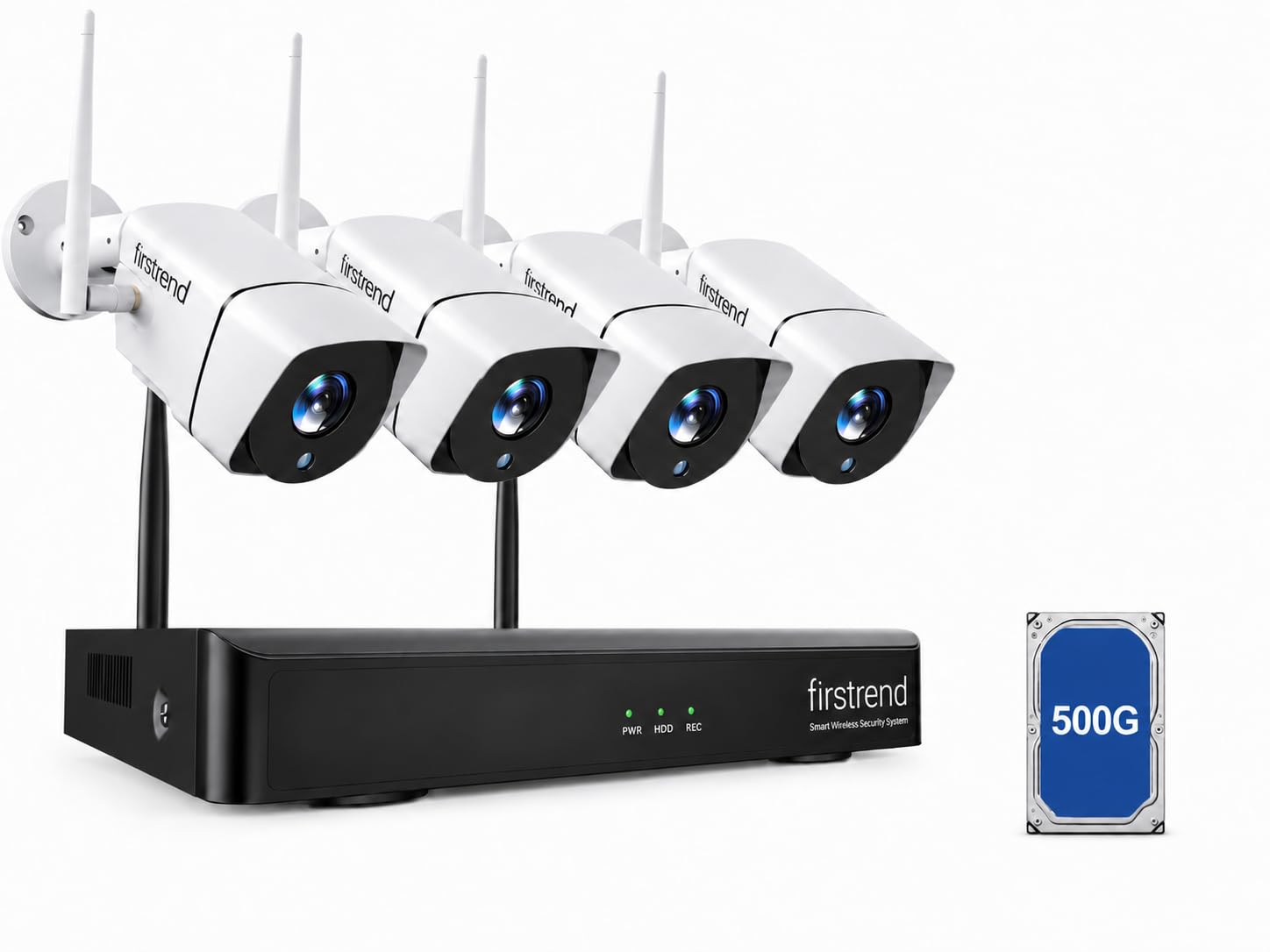
We recommend this Firstrend system for buyers who want local recording, simple setup, and no required monthly cloud fee.
Pros
- AI human detection can reduce alerts from animals and trees.
- The included NVR stores video locally.
- Cameras work indoors or outdoors.
Cons
- Each camera still needs a power outlet.
- Remote viewing requires an Ethernet connection to the router.
- 1080p video offers less detail than newer 2K or 4K systems.
During setup, the cameras paired with the NVR quickly, which made installation easier than wiring a traditional system. We still needed to plan for power cables, since “wireless” refers to the video connection rather than the power supply.
The 1080p image looked clear enough for general monitoring. We could follow activity near doors, driveways, and garages, while infrared night vision provided useful detail after dark. Wider areas may need careful camera placement because each camera has a 90-degree viewing angle.
The built-in 500GB hard drive supports continuous, scheduled, or motion-based recording without a cloud subscription. Playback took some practice, but the NVR provided a practical way to review and back up clips.
Human detection helped limit unnecessary alerts, and two-way audio let us speak with visitors through the app. For remote access, we had to connect the NVR to our router with Ethernet. Overall, this system suits homes and small businesses that prefer local storage over recurring fees.
Realhide CB70W 4K Security Camera
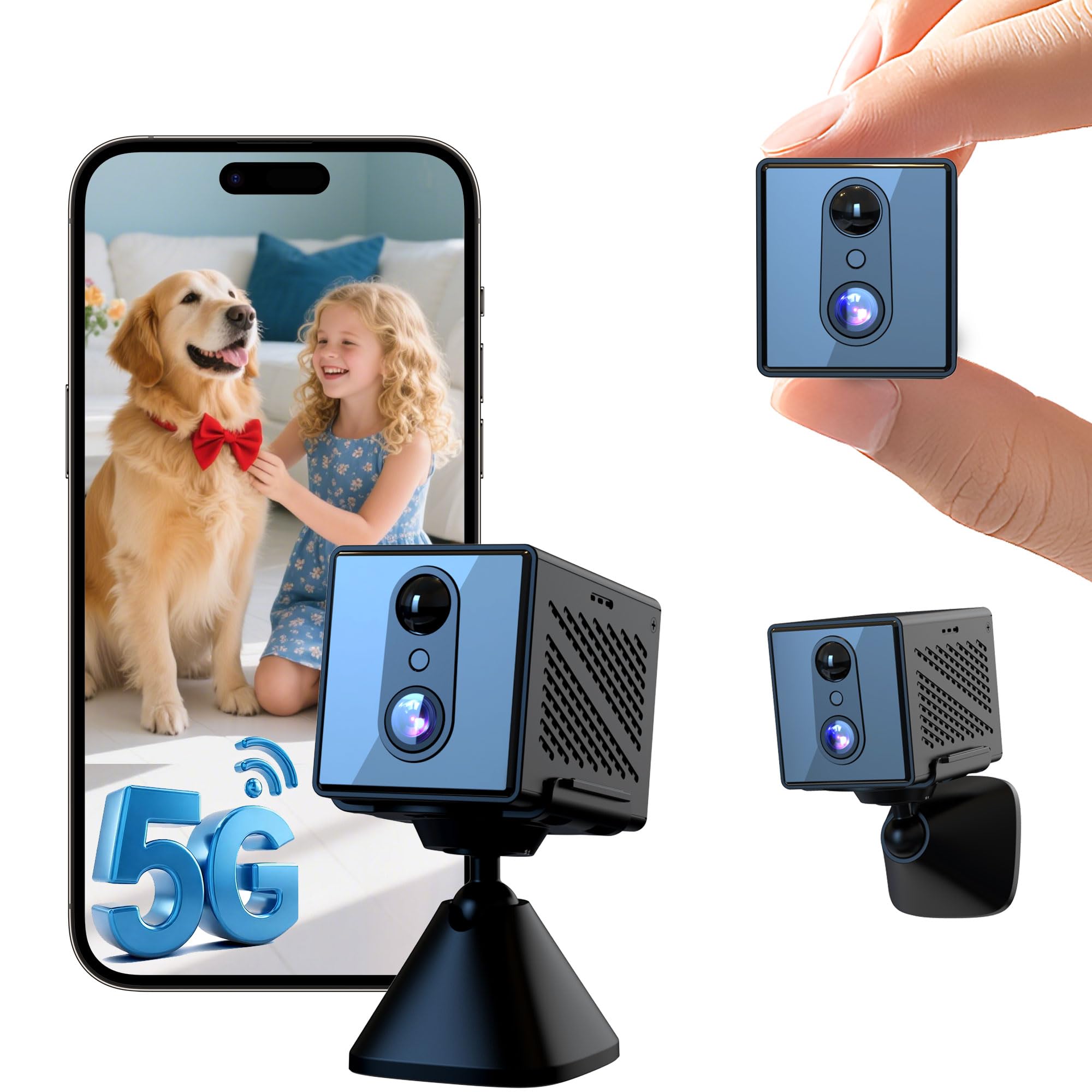
We recommend this compact indoor camera for shoppers who want easy setup, clear video, and flexible storage at a modest price.
Pros
- Clear daytime video and useful night vision
- Supports both 2.4GHz and 5GHz Wi-Fi
- Offers cloud and microSD storage options
Cons
- Designed for indoor use only
- Battery life depends on settings and activity
- Motion alerts may need sensitivity adjustments
We found the setup simple through the companion app. The camera connected quickly to both common Wi-Fi bands, and the small body made it easy to place on a shelf or mount on a wall.
During testing, the image looked sharp in daylight, while night vision provided a usable view in darker rooms. The wide-angle lens helped cover more space, but the small camera still works best when placed close to the area we wanted to watch.
Motion alerts arrived promptly on our phone. We would adjust the sensitivity after setup, since busy rooms can create extra notifications. The rechargeable battery adds flexibility, although frequent alerts and continuous use will shorten the time between charges.
We also like the choice between rolling cloud storage and a local microSD card. The camera is not water resistant, so we would keep it inside. Overall, the Realhide CB70W suits basic indoor monitoring, pet checks, and nanny-cam use.
SuddenRich 4G Solar Security Camera
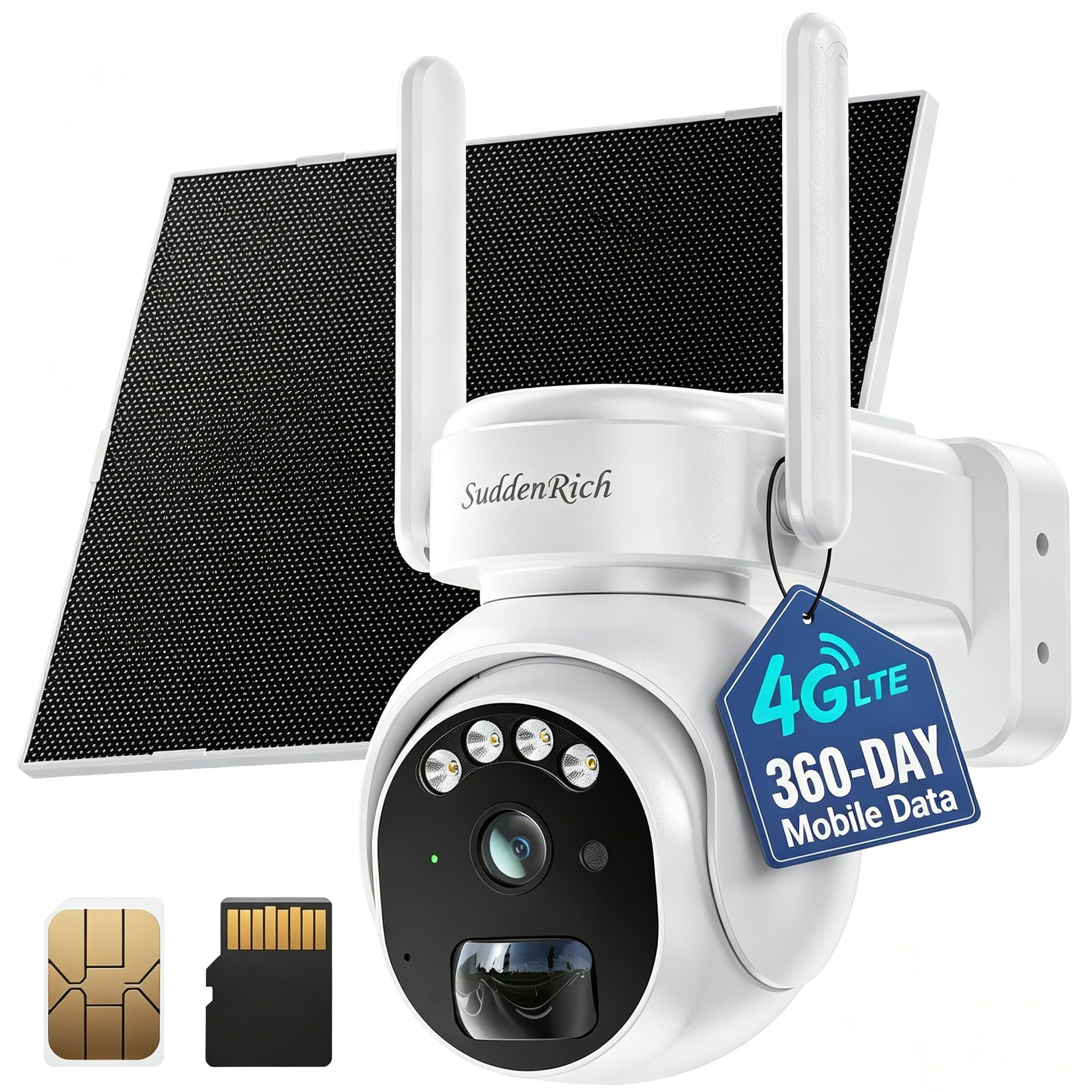
We recommend this camera for remote outdoor sites that lack Wi-Fi, power, or wired internet.
Pros
- Cellular connection works in remote locations
- Solar power and 360 days of included data
- Pan, tilt, tracking, and continuous recording
Cons
- Cellular performance depends on local coverage
- Setup and app reliability may vary
- AI alerts require a paid service
We found this camera useful for farms, workshops, job sites, and other areas beyond a home network. The included cellular plan removes the need for a separate Wi-Fi connection or immediate monthly service fee.
The solar panel and built-in battery make installation easier because we did not need to run a power cable. Its 4MP video looked clear enough for general outdoor monitoring, while infrared and spotlight modes helped with nighttime viewing.
The camera can scan a wide area with pan and tilt controls. Human tracking, motion alerts, two-way audio, and a siren add useful tools when we need to check activity from a phone. Continuous recording saves footage to the included memory card, though cloud backup costs extra.
We would not rely on it without checking cellular coverage first. Some user feedback also points to occasional delays, offline periods, or slow wake-up behavior. The camera offers strong flexibility for remote monitoring, but it may require more troubleshooting than a standard Wi-Fi model.
Rraycom W1-B 4-Pack Security Cameras
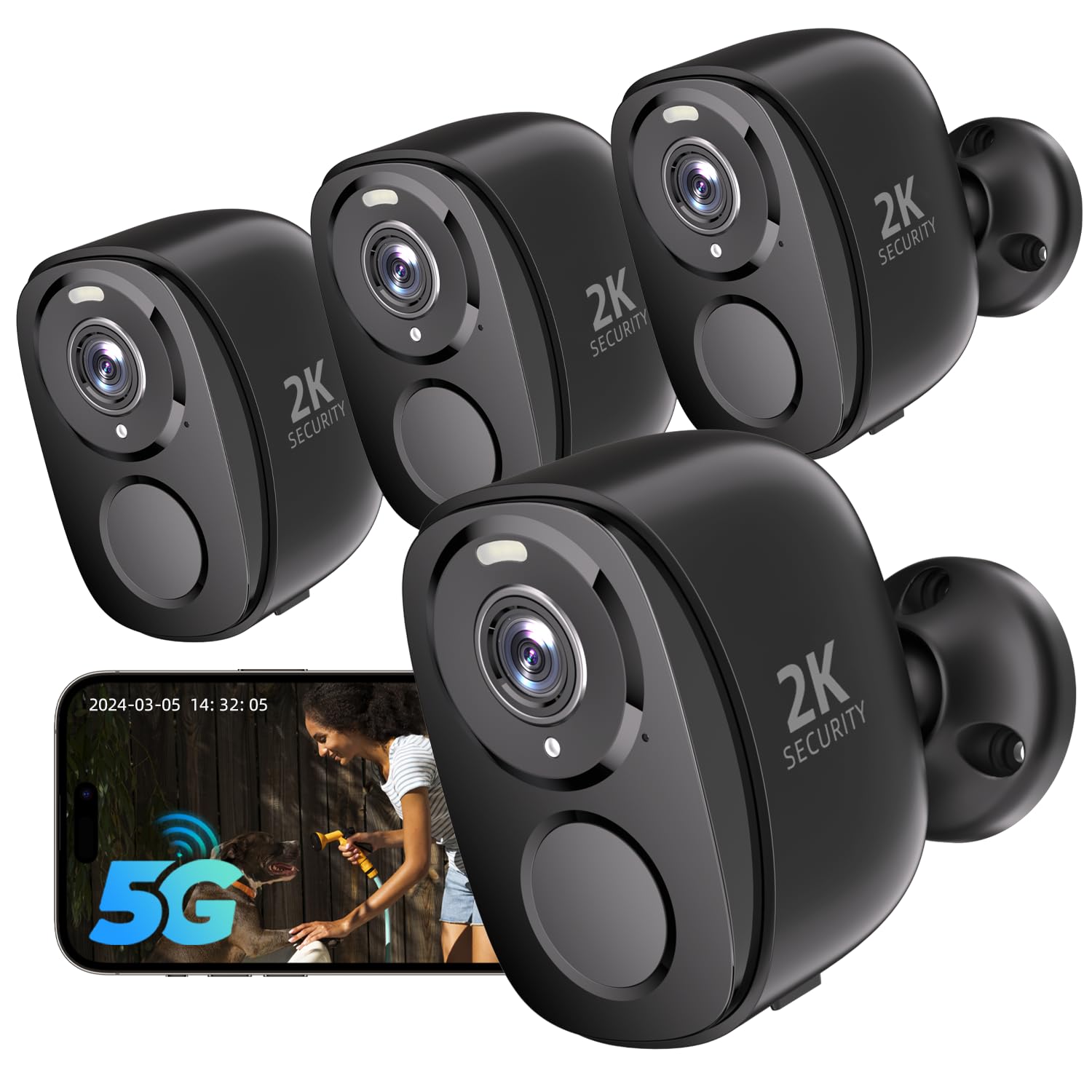
We recommend this four-camera system for buyers who want wide home coverage, clear video, and flexible storage without depending fully on a subscription.
Pros
- Clear 2K video with useful color night vision
- Supports both 2.4GHz and 5GHz Wi-Fi
- Includes motion alerts, a siren, and two-way audio
Cons
- Battery life may vary between cameras
- Cloud features can require separate subscriptions
- SD card storage requires buying a card separately
We found the setup simple, especially with Bluetooth pairing and the app’s guided process. The wireless design also made it easier to place cameras around a garage, porch, hallway, or other areas without running video cables.
During daytime testing, the image looked sharp enough to identify people and packages at typical home-security distances. The wide viewing area covered more space, while the spotlight helped add color and detail at night. The camera also supports motion zones, which can reduce alerts from nearby streets or passing cars.
The built-in siren and two-way audio add practical ways to respond to activity. We could speak with visitors through the app or view the feed on compatible Alexa devices. The IP65 weather rating makes the cameras suitable for outdoor placement, although careful mounting can help protect them from prolonged exposure to harsh weather.
Battery performance appears to be the main concern. Some users report several days of use, while others get longer results, so motion levels, signal strength, and settings will affect charging frequency. We also noted that some cloud functions may add ongoing costs, while local recording requires a separate microSD card.
With a 4.2-star rating from more than 1,000 reviews, the Rraycom W1-B offers a strong feature set for its price. We would choose it for broad indoor and outdoor coverage, but buyers who want long battery life or a fully subscription-free experience should compare alternatives.
eufy Security SoloCam S340
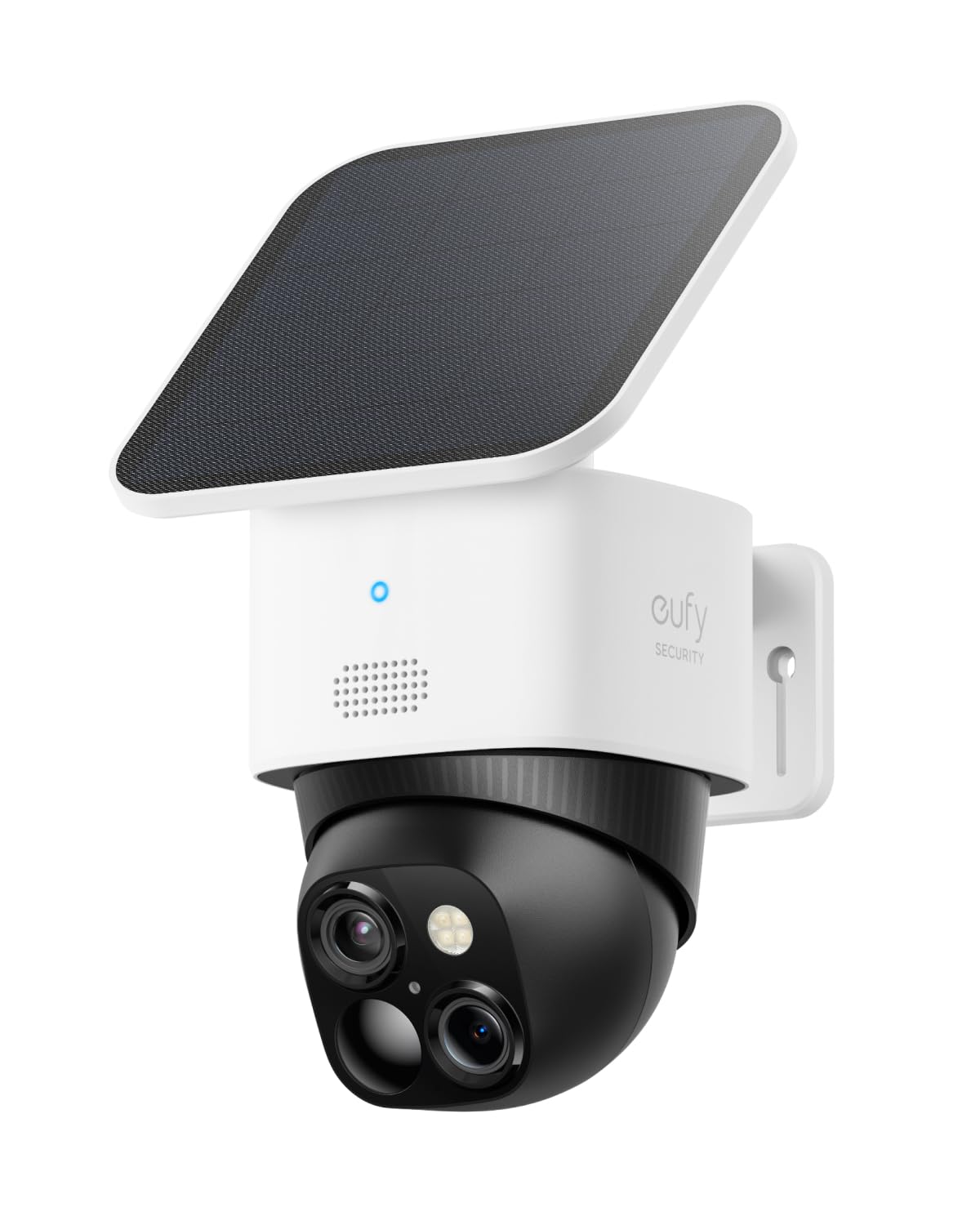
We recommend the SoloCam S340 for outdoor coverage when we want sharp video, solar charging, and local storage without a monthly fee.
Pros
- Clear dual-camera video with useful zoom
- Solar panel helps reduce charging
- Pan-and-tilt coverage with local storage
Cons
- Motion detection does not cover every direction at once
- Wi-Fi strength affects performance
- Night vision range is limited
The S340 gave us a clear view of people and activity around the property. Its two-camera design helped us check both a wider area and closer details, while the pan-and-tilt controls made it easy to scan the yard, driveway, or porch.
Installation felt simple because the camera runs wire-free and includes a removable solar panel. In a sunny location, the panel can help maintain the battery, but shaded areas may still require occasional charging.
We also liked the local storage, since basic recording does not require a subscription. The app handled setup and live viewing well, though strong Wi-Fi remains important for steady access.
Despite the 360-degree movement, the camera cannot detect motion behind its current viewing direction at the same time. We would place it where the main approach stays within its active view.
OOSSXX 5MP Wired Security Camera System
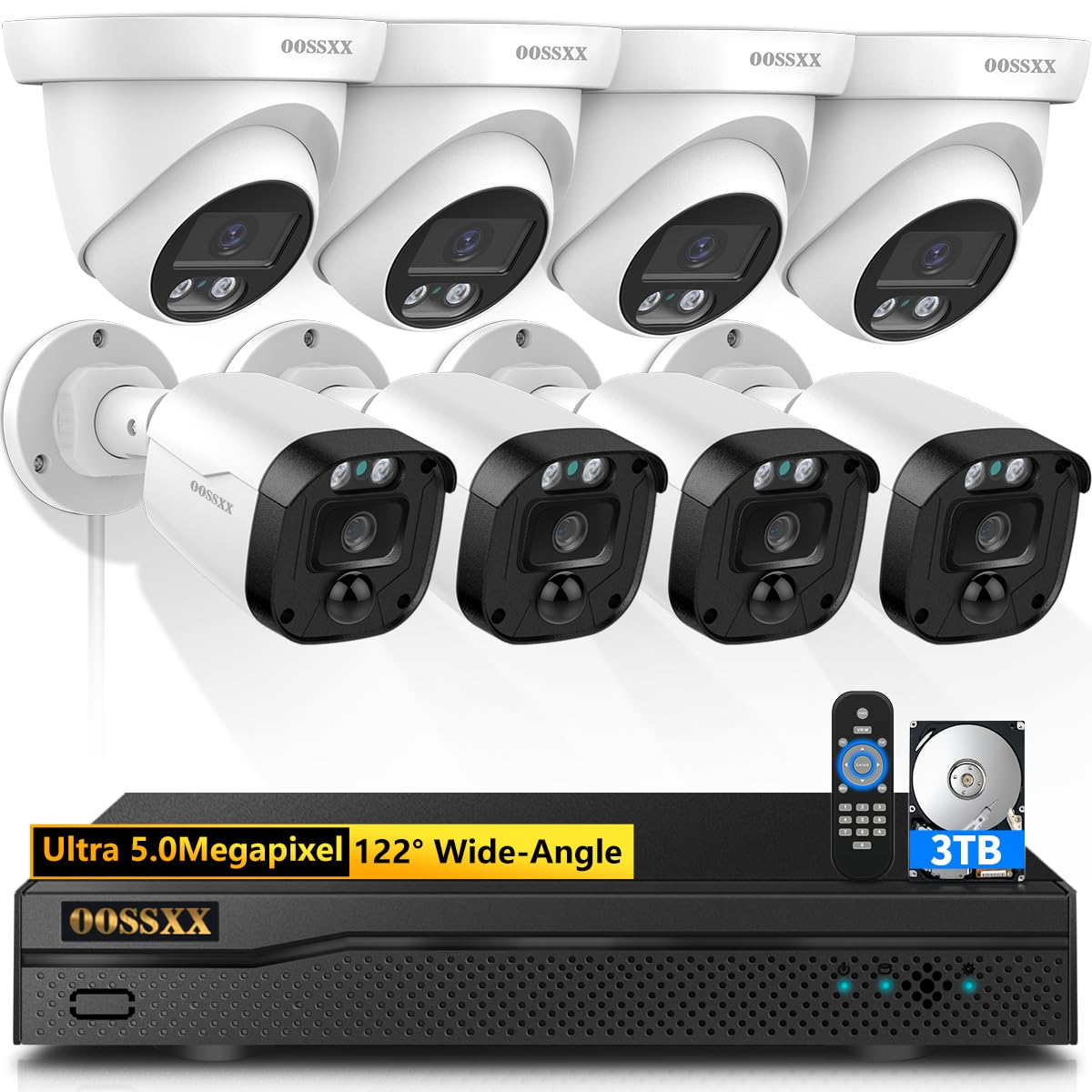
We recommend this system for buyers who want sharp video, local storage, and reliable wired coverage without a monthly app fee.
Pros
- Clear 5MP video with useful night vision
- Weather-resistant cameras for indoor or outdoor use
- Includes a 3TB hard drive and remote viewing
Cons
- Wired installation takes more time than wireless setups
- Analog connections may limit future upgrades
- The app experience may feel less polished than leading brands
We found the daytime image clear enough to identify people and vehicles across a typical yard. The wide viewing angle also helped cover more space with fewer gaps, although careful camera placement still mattered.
At night, the infrared view remained useful around the edges of the property. Details became less distinct at longer distances, but nearby movement stayed easy to notice.
The wired design gave us a steady connection during testing and avoided wireless signal concerns. Installation required routing cables to each camera, so this system suits homeowners who can plan the setup or do not mind extra installation work.
The included 3TB drive supports continuous recording, while the Honestview app allows remote viewing and playback. We also liked that the system does not require a monthly service plan, though buyers should expect a simpler experience than premium cloud-camera platforms.
aosu D1 Max 6-Cam Kit
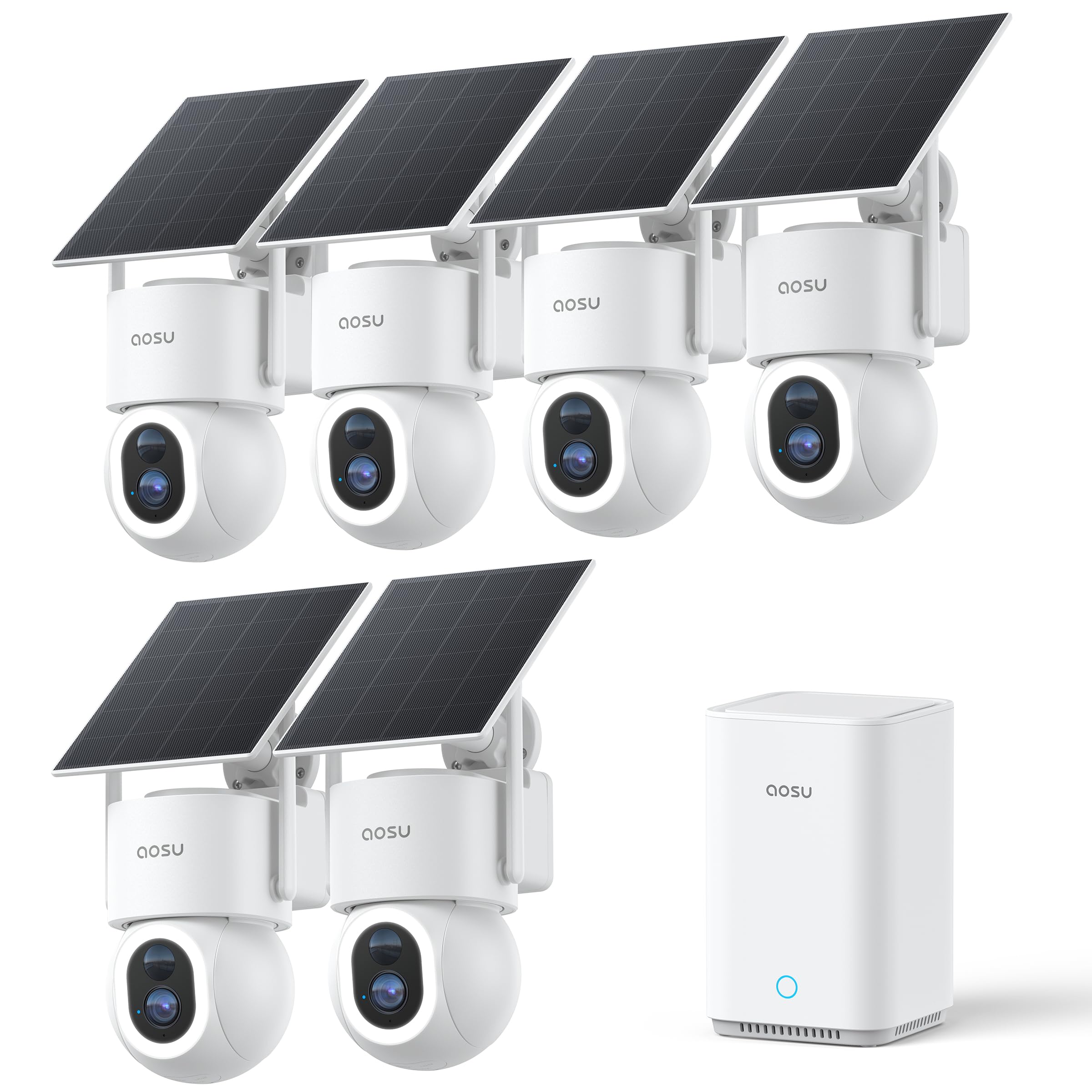
We recommend this kit for larger properties because it combines broad coverage, sharp video, solar power, and local storage without a required subscription.
Pros
- Clear 4K video with useful color night vision
- Solar charging reduces battery maintenance
- Six cameras and 360-degree tracking cover large areas
Cons
- The system may feel excessive for small homes
- Tracking can miss movement or follow the wrong subject
- Setup depends on a stable Wi-Fi connection
We found the cameras easy to install, with no power cables to run from each unit. The separate solar panels gave us more flexibility when choosing camera locations, and customer reports suggest the batteries stay charged well in sunny conditions.
Video looked sharp during the day, while the built-in lights helped preserve color at night. Infrared mode offered a quieter option when we did not want the spotlights active. The pan, tilt, and auto-tracking features also helped us monitor driveways, yards, and other wide areas.
The on-device person and vehicle detection reduced unnecessary alerts. We could set activity zones and use the vehicle guard feature to watch parked cars more closely. Still, motion tracking was not perfect, so we would review important events rather than rely on it alone.
Recordings stay on the included local storage, and the system supports expanded capacity up to 1TB. That avoids a required cloud plan, but we would keep the base station and cameras on a secure network for better privacy and reliability.
Buying Guide
We should start by identifying where we need coverage. Indoor, outdoor, doorbell, and floodlight cameras serve different purposes, so we should check the camera’s weather rating, viewing angle, mounting options, and low-light performance before comparing other features.
Image quality matters, but resolution alone does not determine clarity. We should look for:
- Video resolution: Higher resolution can show more detail, especially in wide areas.
- Night vision: Infrared or color night vision can improve visibility in low light.
- Motion detection: Adjustable zones and sensitivity help reduce unwanted alerts.
- Two-way audio: Useful for speaking with visitors or warning people away.
- Storage: Check whether the camera supports local storage, cloud storage, or both.
- Power: Wired models need a nearby outlet, while battery models require charging.
We should also review privacy and security controls. Look for account protection such as two-factor authentication, data encryption, user permissions, and clear policies about video storage and deletion.
Smart home support can affect daily use. We should confirm that the camera works with our preferred platform and supports the features we need, such as live viewing, alerts, routines, or voice control.
| Feature | What to check |
|---|---|
| Installation | Mounting method, wiring, and setup time |
| Alerts | Person, vehicle, package, or general motion detection |
| Storage cost | Required plans, fees, and recording limits |
| Privacy | Encryption, access controls, and data policies |
| Durability | Weather resistance and operating temperature |
Editor’s Choice
We choose the Google Nest Cam (Indoor, Wired) as our editor’s pick for 2026. It delivers sharp 1080p video, reliable motion alerts, and useful person, animal, and vehicle detection through the Google Home app.
Its wired design suits rooms where we want continuous coverage without charging batteries. We also value its two-way audio, activity history, and clear night vision. Some advanced features require a Nest Aware subscription, so we factor that cost into the buying decision.
| Feature | Details |
|---|---|
| Video quality | 1080p HD |
| Power | Wired |
| Smart alerts | People, animals, and vehicles |
| Storage | Cloud-based; subscription options |
| Best for | Indoor everyday monitoring |
We recommend this camera for households that already use Google Home devices. The app makes it simple for us to view live video, review alerts, and manage more than one camera from a single dashboard.
For homes without a nearby outlet, we would choose the Google Nest Cam (Battery) instead. It offers similar smart detection and can work indoors or outdoors, but users must recharge it regularly.
Conclusion
We should choose a security camera based on where we will use it, how much video storage we need, and whether we want a subscription. Indoor cameras often suit basic monitoring, while outdoor models need weather resistance, strong night vision, and reliable connections.
Our top picks may differ by household. A local-storage camera can reduce monthly costs, while cloud storage makes remote access and video sharing easier. Battery models offer flexible placement, but wired cameras usually need less maintenance.
Before buying, we should check these key features:
- Video quality: 2K or 4K for clearer details
- Night vision: Color or infrared viewing in low light
- Storage: Local, cloud, or both
- Privacy: Encryption, two-factor authentication, and physical covers
- Smart alerts: Accurate person, vehicle, and package detection
- Power: Wired, rechargeable, or solar options
We also need to place cameras where they can capture useful views without invading privacy. Strong passwords, updated firmware, and two-factor authentication help protect our accounts and recorded footage.
FAQS
What should we look for in a security camera?
We should compare video quality, night vision, motion detection, storage options, weather resistance, and privacy controls. We also need to check whether the camera works with our phone and smart home devices.
Do we need cloud storage?
Cloud storage saves recordings online and makes them easier to access from anywhere. Local storage, such as a microSD card or network recorder, can reduce monthly costs but may require more setup.
Are wired or wireless cameras better?
Wireless cameras offer easier installation, but they need regular charging unless they use a power cable. Wired cameras provide steady power and often support continuous recording, though installation takes more work.
Can security cameras work without the internet?
Some cameras can record to local storage without an internet connection. We may lose remote viewing, alerts, and cloud backups until the connection returns.
Where should we place outdoor cameras?
We should mount cameras high enough to prevent easy tampering while keeping doors, driveways, and walkways in view. We should avoid pointing them into areas where neighbors expect privacy.
Do security cameras protect our privacy?
We should choose cameras with strong passwords, two-factor authentication, automatic updates, and clear privacy settings. We can also disable audio or use privacy zones when needed.