
10 Best Security Cameras for Small Spaces: Compact Options for 2026


Memory Foam Seat Cushion

Electric Food Chopper

Toilet Seat Bidet Attachment
Security cameras help monitor entrances, rooms, pets, and valuables when you cannot be there. For small spaces, compact indoor cameras can provide useful coverage without taking up much room or making a room feel crowded. Many also offer motion alerts, two-way audio, night vision, and phone apps.
For small spaces, the best security cameras balance clear video, useful features, easy setup, and a compact design. We also pay close attention to viewing angles, power options, privacy controls, and whether the camera needs a hub or subscription. A camera that records clearly but produces frequent false alerts may be less useful than a simpler model that works reliably.
We compared compact security cameras to find the models that fit small rooms and apartments while keeping setup and daily use simple.
Best Security Cameras for Small Spaces
We selected the best security cameras for small spaces based on their size, video quality, setup, and useful features. Our list includes compact options for apartments, offices, entryways, and other areas with limited room.
TP-Link Tapo C100 Indoor Camera
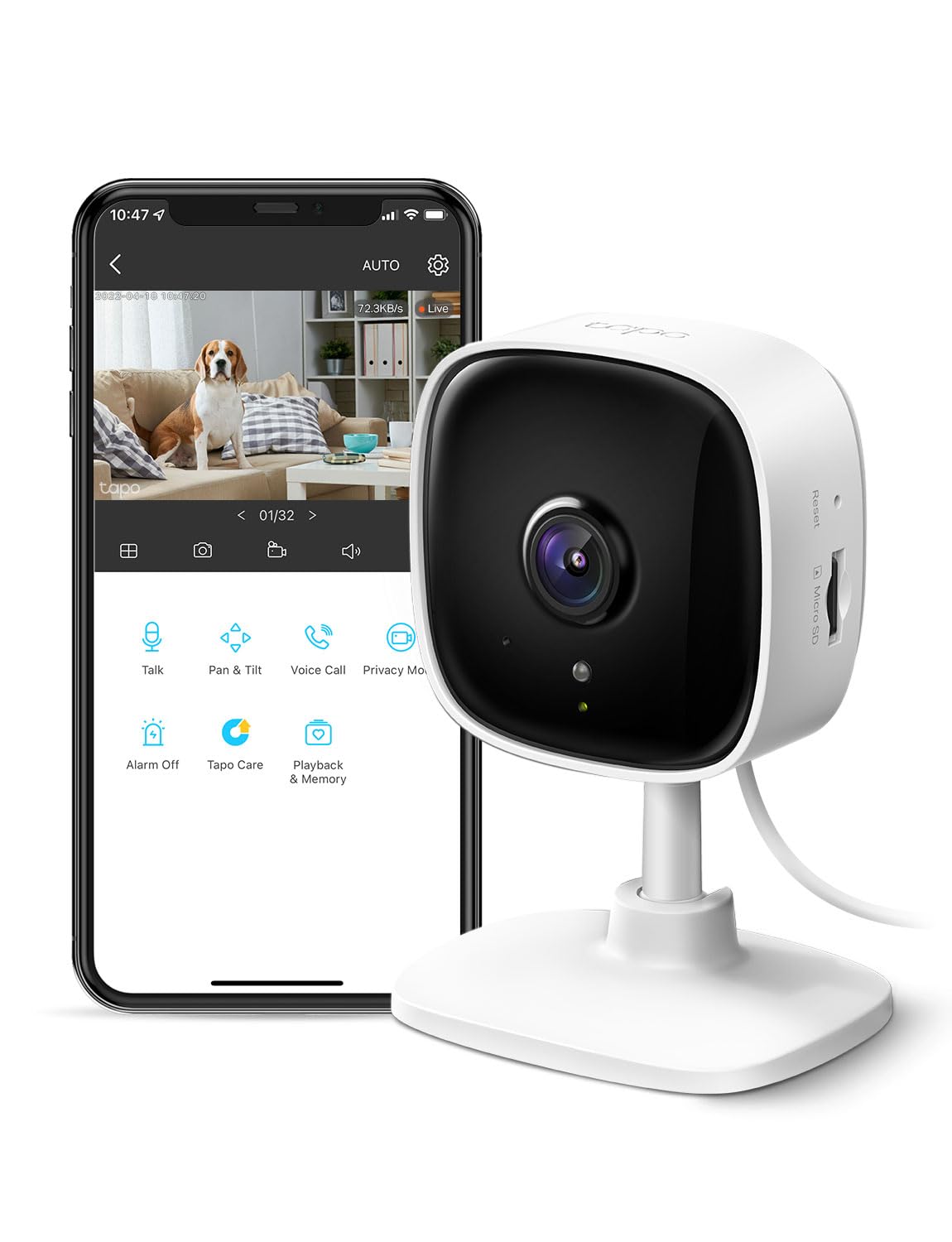
We recommend the Tapo C100 for small rooms because it offers clear video, useful alerts, and two-way audio at a low cost.
Pros
- Clear 1080p video for close indoor views
- Compact design that fits on shelves or walls
- Local recording works without a required subscription
Cons
- Uses only 2.4GHz Wi-Fi
- Requires a microSD card for local storage
- App features may vary with Google Home
In a small bedroom, nursery, or living room, the camera gives us a wide enough view to cover most of the space. The image stays clear during the day, and infrared night vision helps us check the room after dark.
Motion alerts worked well for basic monitoring, especially when we adjusted the settings to reduce alerts from pets. The two-way audio also let us speak through the camera, while the built-in siren added a useful deterrent for unwanted activity.
The camera needs a wired power connection, so placement depends on having an outlet nearby. We also found that the 2.4GHz Wi-Fi requirement may limit setup options in some homes.
We can save recordings to a compatible microSD card or use Tapo’s cloud service. Alexa and Google Assistant support lets us view the live feed on a compatible screen, though Google Home performance may not be consistent for every user.
Funstorm Mini Indoor Security Camera

We recommend this compact camera for small indoor spaces because it offers clear video, useful motion alerts, and flexible placement at a reasonable price.
Pros
- Sharp daytime video with useful night vision
- Small, portable design for tight spaces
- Long battery life between charges
Cons
- Setup may require a separate 2.4GHz Wi-Fi network
- Power adapter is not included
- The app does not provide remote camera rotation
We found the Funstorm easy to place on a shelf, desk, or wall without taking up much room. Its small cube shape works well in entryways, bedrooms, living rooms, and other areas where a larger camera would feel intrusive.
The image looked clear during daytime use, and night vision kept nearby subjects visible in low light. Motion alerts arrived through the app, making it practical for checking deliveries, pets, or general activity while we were away.
Setup was mostly simple, though connecting to a 2.4GHz Wi-Fi network may confuse some users with combined networks. The camera runs on a rechargeable battery, but users should remember that the package does not include a power adapter.
The camera supports app-based remote viewing and includes a free cloud storage trial. We also like its portability, but the fixed viewing direction means we had to position it carefully before leaving it unattended.
Blink Mini 2K+
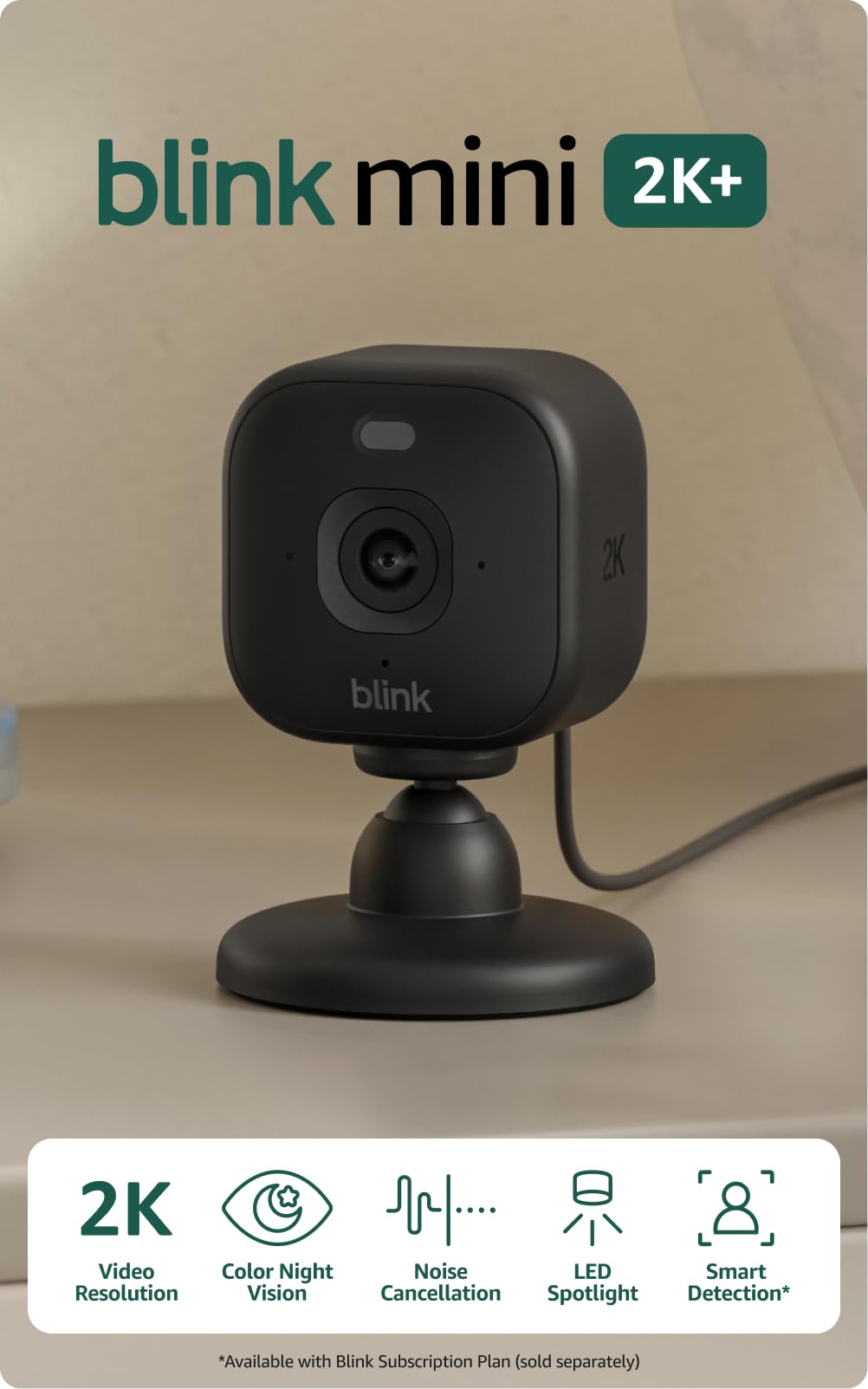
We recommend the Blink Mini 2K+ two-camera pack for small indoor spaces because it offers sharp video, wide coverage, and simple plug-in setup.
Pros
- Clear 2K video with useful digital zoom
- Wide view for rooms, entryways, and pet areas
- Easy setup with two-way audio
Cons
- No pan or tilt control
- Cloud storage requires a paid plan after the trial
- Indoor use requires the separate outdoor power adapter
We found the cameras quick to install using the Blink app. The compact design worked well on a shelf or mounted near a doorway, making it a good fit for apartments, offices, and other tight spaces.
Video looked clear during the day, and the wide view covered much of a small room from one corner. Night vision helped us monitor darker areas, though the fixed lens meant we had to aim each camera carefully during setup.
Two-way talk sounded clear enough for short conversations, and noise cancellation reduced some background sound. Motion alerts were useful, while person and vehicle detection require a separate Blink subscription.
The main limitation is the fixed camera position. We could not move the lens remotely, so the Mini 2K+ works best when we already know which area needs coverage. Cloud recording also adds an ongoing cost after the free trial ends.
AMZCEV C12 Mini Security Camera
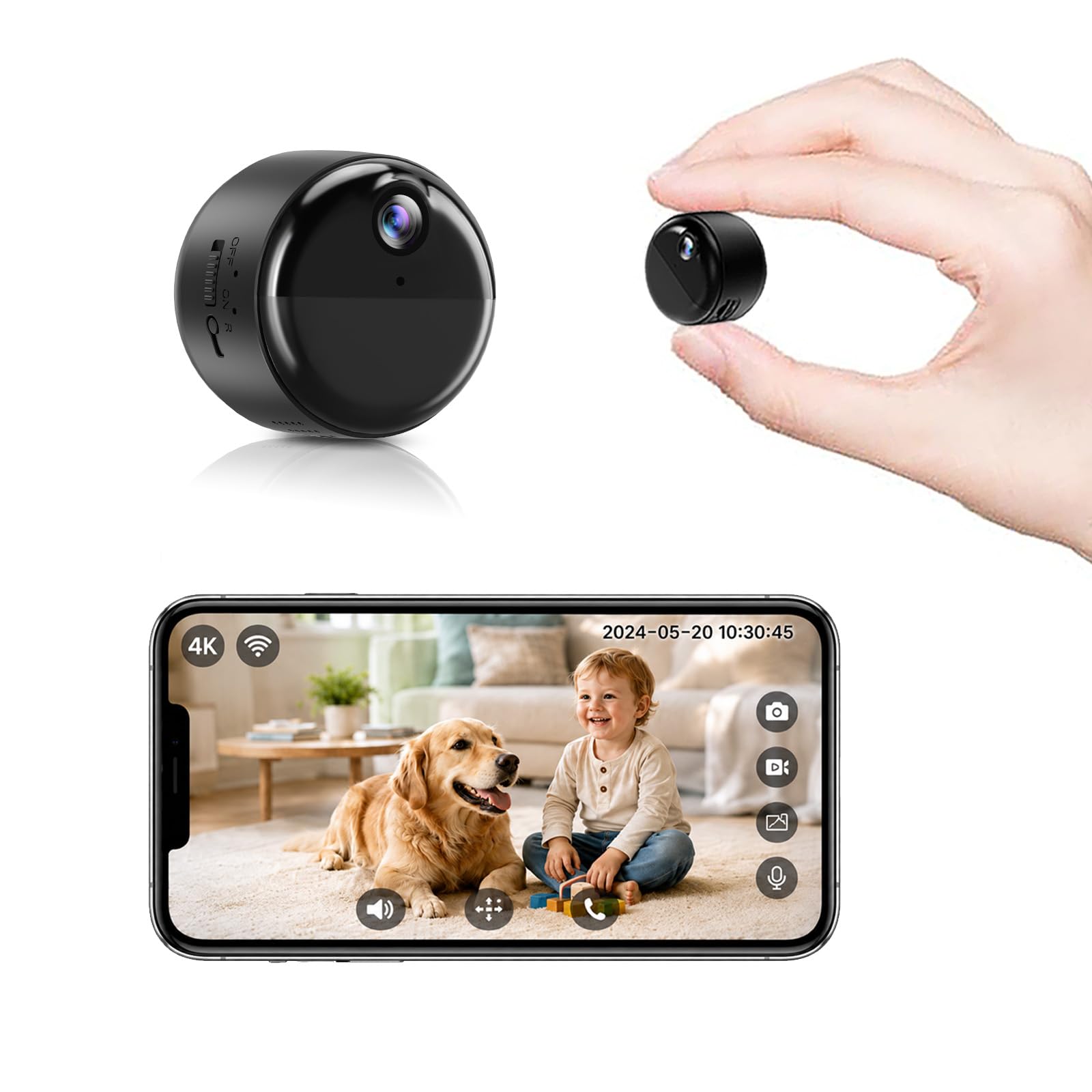
We recommend this camera for small indoor spaces because its tiny body, magnetic mount, and cordless design make placement simple.
Pros
- Fits neatly on shelves, corners, and other tight spots
- Clear video with useful motion alerts
- Easy phone setup and flexible storage options
Cons
- The battery needs recharging after extended recording
- A microSD card is not included
- Designed for indoor use only
We found the C12 easy to place without drilling or adding cables. Its magnetic base worked well on metal surfaces, while the small size kept it from taking over a shelf or counter.
The phone setup was straightforward, and the camera connected through the app without much effort. We could check the live view remotely and receive alerts when it detected movement.
Video looked clear in a small room, including during low-light conditions. The wide view helped cover more of the space, although the camera works best when placed close to the area we wanted to monitor.
Battery operation adds flexibility for renters, temporary setups, or locations without a nearby outlet. Continuous recording uses power faster, so we would use power-save mode when checking in occasionally rather than recording all day. Local storage requires a separate microSD card, while cloud backup may involve additional costs.
senri Mini Security Camera 3-Pack

We recommend this set only for basic, small-area monitoring if you can accept setup and connection problems.
Pros
- Small size fits on shelves, desks, or other tight spots
- Wide view works well for close indoor areas
- Rechargeable battery supports short, portable use
Cons
- App setup and Wi-Fi connection may be unreliable
- Video quality can fall short in real use
- Mixed reports about battery life and camera failures
We found the compact design useful for watching a pet area, nursery, or small entryway. The wide lens covers more space than its size suggests, but it still works best in a limited room rather than across a large living area.
The camera supports night viewing and remote access through the phone app. In practice, several buyers reported trouble pairing the cameras, keeping them connected, or using the instructions. We would plan extra time for setup and place the camera near a strong Wi-Fi signal.
Power is another concern. The built-in battery suits short checks, but continuous monitoring requires a USB connection. Some users also reported that cameras would not stay charged or that one unit in the pack failed.
At its current 2.7-star customer rating, this set carries more risk than we would accept for important home security. It may suit a low-cost experiment or a small pet-watching spot, but buyers who need dependable alerts and stable recording should consider a better-reviewed option.
DOEMTYAT Mini Wi-Fi Camera
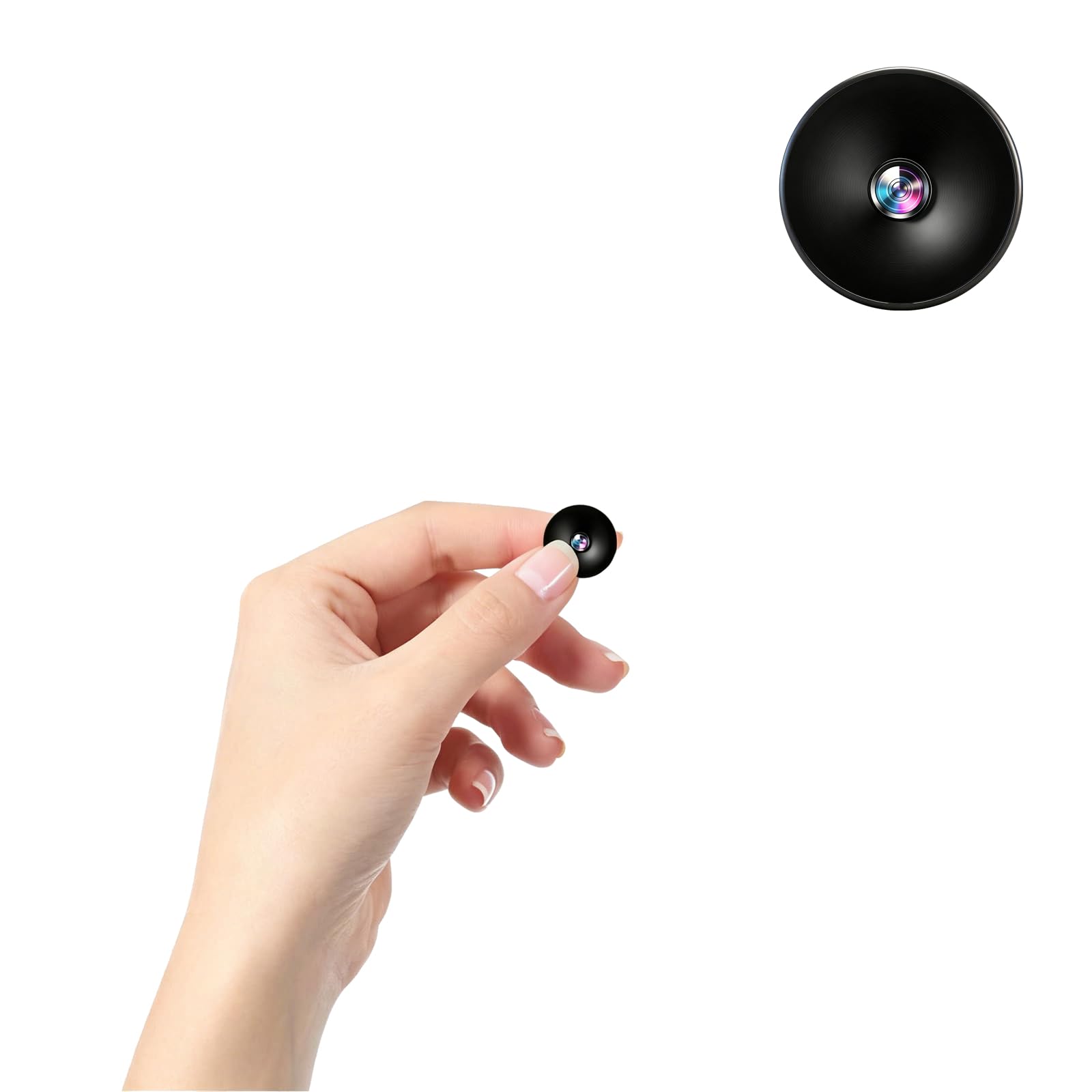
We recommend this compact camera for small indoor spaces when we want simple motion alerts, local recording, and flexible placement at a low price.
Pros
- Very small and easy to place on a shelf or desk
- Clear video with automatic night vision
- Supports motion alerts and microSD recording
Cons
- The built-in battery lasts only a short time
- Setup depends on the camera’s Wi-Fi connection
- App and privacy features may feel limited
We found the camera easy to position in a bedroom, office, or small shop. Its small size helped it fit into tight areas without taking up useful space, while USB power made longer use practical.
Video looked sharp in good lighting, and night vision helped us check darker rooms. Motion alerts added useful awareness, though we would test the alert timing before relying on it for important security events.
The camera can save clips to a microSD card and lets us review footage through the mobile app. Loop recording helps manage storage, but the short battery life means we would keep it plugged in for continuous monitoring.
Because this model is designed for indoor use, we would avoid placing it outdoors or in damp areas. We would also inform people before recording them and review local privacy laws, especially when using it for monitoring.
RFAWKNG Mini Hidden Camera
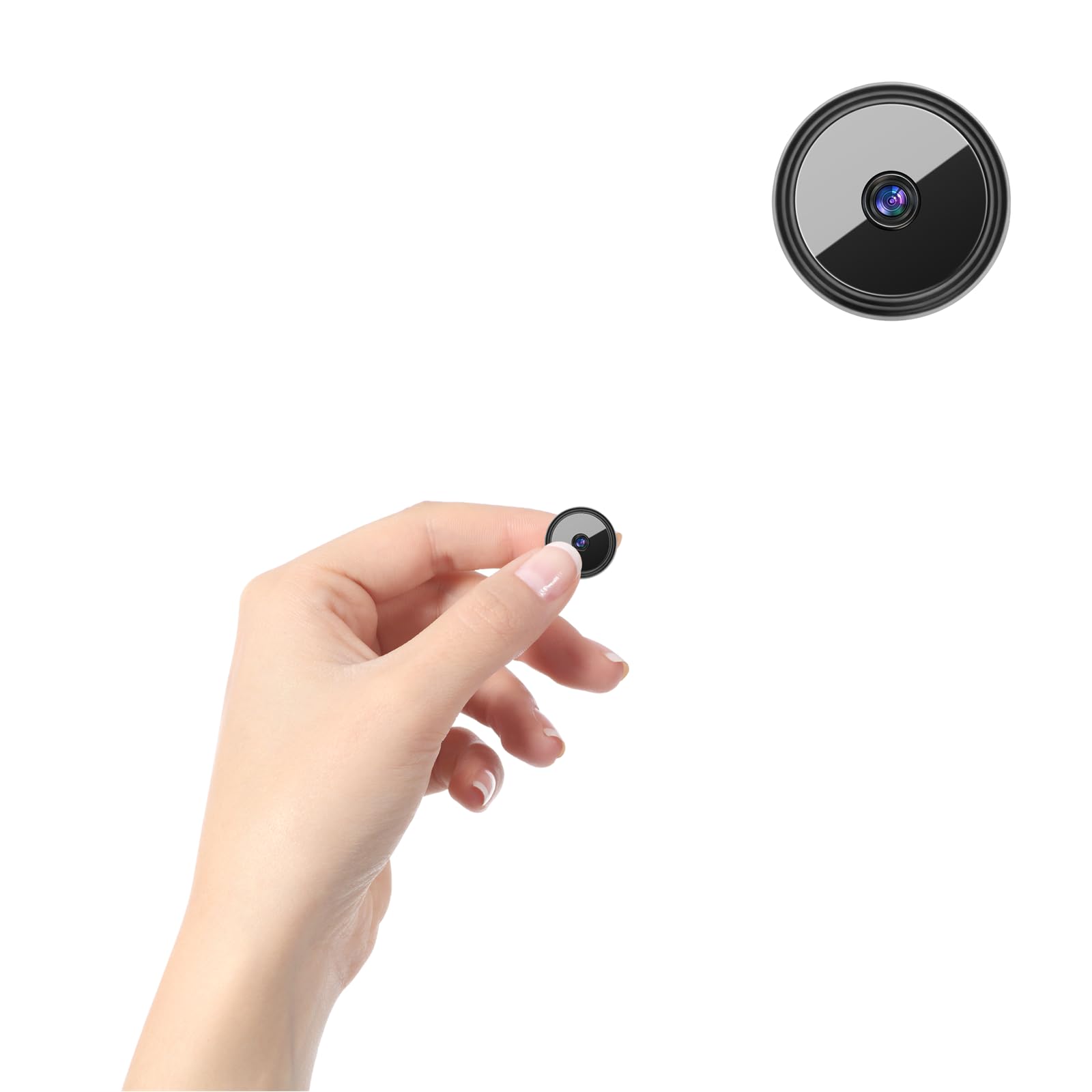
We recommend this camera for buyers who need a very small indoor monitor and accept its short battery life and basic app experience.
Pros
- Clear video for a compact camera
- Motion alerts with phone snapshots
- Local microSD storage and loop recording
Cons
- Battery use lasts only a short time
- Setup depends on a phone app and Wi-Fi hotspot
- Some buyers may find the full unit larger than expected
We found the camera easy to place in tight areas such as a shelf, desk, or workbench. Its small black body stays low-profile, while the included USB cable lets us keep it powered from a wall adapter or power bank for longer monitoring.
Video quality is a strong point for this size. The camera provides clear footage in good light and switches to infrared night vision when the room gets dark. Motion alerts can also send a snapshot to the phone, which helps us check activity without watching the live feed constantly.
The built-in battery works better for short checks than all-day use. We would keep it connected to USB for regular monitoring, especially because the listed standby time is limited.
Storage gives us useful flexibility. A microSD card can save recordings locally, while the app supports live viewing and clip review. However, the setup may take some trial and error, and one buyer reported that the overall camera felt larger than the advertised size. Use it only where recording is legal and everyone who needs notice has given consent.
ehomful Mini Security Camera

We recommend this camera for small indoor spaces when we need simple local recording without Wi-Fi, but its short battery life may limit mobile use.
Pros
- Compact body with a strong magnet and swivel mount
- Clear 1080p video with useful night vision
- Simple button controls and local recording
Cons
- Battery life may be too short for extended use
- Motion detection can be inconsistent
- MicroSD card is not included
We found the one-inch cube easy to place on a shelf, desk, or metal surface. The magnetic mount held it firmly, while the swivel design helped us aim the lens toward a doorway or small room.
Video looked clear enough for basic indoor monitoring. Night vision provided a usable black-and-white view in dark areas, though the limited range makes it better for nearby spaces than large rooms.
The camera uses a microSD card for recording, so we did not need an internet connection or app. The controls stayed simple, but the instructions were not always clear, especially when setting the date and time.
Battery performance appears to vary. Some users report useful runtime, while another review mentions only about 30 seconds after charging. We would use it near a power source for longer recording and treat motion detection as a helpful extra rather than a feature to rely on completely.
Smilephil A9 Mini Camera
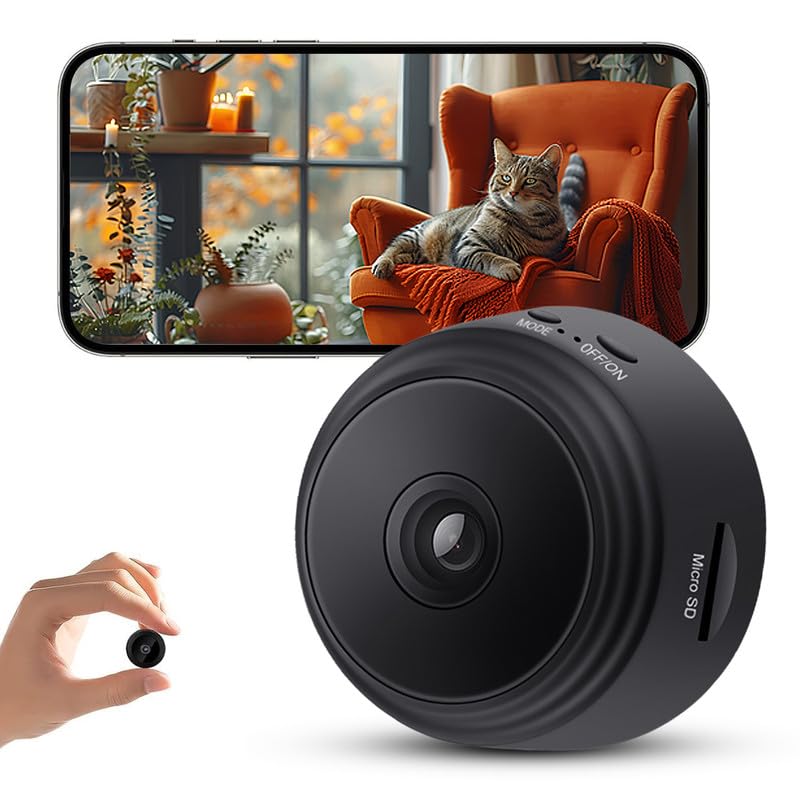
We recommend this compact camera for small indoor spaces because it offers clear 1080p video, night vision, and app-based motion alerts at a low price.
Pros
- Compact design fits neatly in tight areas
- Clear daytime video for basic monitoring
- Adjustable motion alerts and night vision
Cons
- App setup may require some patience
- Battery use can limit longer monitoring
- Single-camera coverage suits small areas best
We found the small square body easy to place on a shelf, desk, or wall. It works well in a bedroom, office, nursery, or pet area where a larger camera would take up too much space.
The 1080p image showed enough detail for routine checks. Night vision also helped us view a dark room, although the picture had less detail than it did during the day.
Motion alerts sent notifications through the app, and adjustable sensitivity helped reduce unwanted alerts. We could check the live view from a phone after receiving an alert.
Setup was quick once we downloaded the app and connected the camera to Wi-Fi. The camera uses a wireless connection and supports Android and iOS devices, but we would place it near a reliable signal for more consistent access.
LaView Indoor 1080p Camera 4-Pack

We recommend this compact four-camera set for monitoring pets, rooms, or small indoor areas at a reasonable price.
Pros
- Small design fits shelves, desks, and tight corners
- Clear 1080p video with useful night vision
- Simple app setup and two-way audio
Cons
- Works only with 2.4GHz Wi-Fi
- The app feels dated in some areas
- Cameras adjust up and down but do not swivel
We found the cameras easy to place in a kitchen, office, or living room without taking up much space. The wired design limits placement somewhat, but it also avoids battery charging.
The live view looked clear during the day, and the infrared night vision helped us check dark rooms. Motion alerts worked well for basic activity, though the camera may need careful placement to reduce alerts from regular movement.
The LaView app lets us view multiple cameras and share access with other users. Two-way audio made it easy to speak to someone nearby or check on a pet. We also liked having a microSD option, which can reduce the need for a paid cloud plan.
This set requires a 2.4GHz network, so it may not work with a setup that uses only 5GHz Wi-Fi. The fixed viewing range also means we had to position each camera carefully.
Buying Guide
We should start by measuring the available space and checking the camera’s viewing angle. A wide-angle lens can cover more of a small room, but too much distortion may reduce image detail near the edges.
Key features to compare include:
| Feature | What to look for |
|---|---|
| Video quality | Clear footage with enough detail for faces and objects |
| Low-light performance | Useful night vision or a well-tested low-light mode |
| Size and mounting | A compact body and flexible placement options |
| Power | A nearby outlet, rechargeable battery, or wired setup that fits the room |
| Storage | Local storage, cloud storage, or both, with clear costs and limits |
| Privacy controls | A physical shutter, lens cover, or software privacy mode |
We should check whether the camera needs a strong Wi-Fi signal. Small rooms can still have weak connections if walls, furniture, or appliances block the signal.
Motion alerts should offer adjustable sensitivity and activity zones. These controls help us reduce alerts from pets, traffic, or other movement that does not matter.
We should also review the camera’s app, setup process, and account security. Look for two-factor authentication, regular software updates, and clear information about how recordings are stored and protected.
If we rent, we should choose a model that mounts without permanent changes. For bedrooms, offices, or other private areas, we should give extra attention to privacy controls and indicator lights.
Editor’s Choice
We choose the TP-Link Tapo C120 as our editor’s pick for small spaces. Its compact design fits on shelves, desks, and narrow entryways without taking up much room.
The camera records in clear 2K resolution and includes color night vision. We also value its adjustable stand, which lets us aim the lens at a room, doorway, or pet area with less setup.
| Feature | Details |
|---|---|
| Video quality | 2K |
| Night vision | Color night vision |
| Storage | microSD card or subscription cloud storage |
| Best for | Rooms, desks, and small entryways |
We like the C120 because it offers useful features without a large body or complex installation. Motion alerts help us monitor activity, while two-way audio supports quick conversations through the camera.
The camera requires a power outlet, so we need to place it near a suitable socket. Users who want local recording should add a compatible microSD card and review the brand’s storage limits before buying.
Conclusion
We can choose a small security camera without giving up useful features. Compact models fit shelves, entryways, bedrooms, and other tight areas while still offering clear video, motion alerts, and night vision.
Before buying, we should check the camera’s size, viewing angle, power source, storage options, and privacy controls. A wired model works well near an outlet, while a battery model offers more flexible placement.
We should also match the camera to the space. A wide-angle camera can cover a small room, while a pan-and-tilt model helps monitor more than one direction. Local storage may reduce cloud fees, but cloud storage can make clips easier to access.
The best choice depends on our layout, budget, and security needs. Measuring the space first helps us avoid blocked views, poor placement, and unnecessary features.
FAQS
What type of camera works best in a small space?
We recommend compact indoor cameras with wide-angle lenses, two-way audio, and adjustable mounts. A small camera should cover the room without taking up much shelf or wall space.
Where should we place a security camera?
We should place the camera near an entry point or in a corner with a clear view. We should avoid pointing it directly at bright windows, which can make video details harder to see.
Do small cameras need Wi-Fi?
Most smart cameras use Wi-Fi to send alerts and stream video. Some models also support local storage, which lets us save recordings to a microSD card instead of relying only on cloud storage.
Should we choose indoor or outdoor protection?
We should choose an indoor model for bedrooms, offices, and living areas. If the camera will face moisture, dust, or changing temperatures, we need an outdoor-rated model.
How can we protect privacy?
We can use privacy shutters, camera activity zones, and strong account passwords. We should also review app permissions and enable two-factor authentication when available.
How much storage do we need?
Our needs depend on recording settings and how long we want to keep footage. Motion-only recording usually uses less storage than continuous recording.