
10 Best Security Cameras for Seniors: Easy-to-Use Home Safety Options


Reacher Grabber Tool

Fall Detection Smart Watch

GPS Tracker for Elderly
Security cameras can help seniors stay safer at home while giving family members a clearer view of daily activity. Indoor and outdoor models can send alerts when they detect motion, show live video through a phone app, and support two-way talk. Some also offer features such as night vision, video storage, and activity zones.
For seniors, the best security cameras are simple to set up and use, with clear video, reliable alerts, strong privacy controls, and easy access to live footage. We also look for helpful details such as large, readable app controls, loud two-way audio, backup power options, and a design that fits the camera’s location. We compared these features to identify the security cameras that offer the best balance of safety, convenience, and value.
Best Security Cameras for Seniors
We selected the best security cameras for seniors based on ease of use, clear video, reliable alerts, and helpful safety features. Our list includes options for different homes, budgets, and care needs.
KEENLUK 4.3-Inch Video Call Camera

We recommend this camera for families who want seniors to make video calls with one simple button.
Pros
- One-button video calling is easy for seniors to use
- Built-in screen supports two-way video conversations
- Motion alerts, night vision, and wide-angle coverage
Cons
- Works only with 2.4 GHz Wi-Fi
- Requires a separate microSD card for local storage
- App connection problems may require troubleshooting
We found the large button and built-in 4.3-inch screen useful for quick check-ins. A senior does not need to find a phone, open an app, or answer a small notification. Pressing the button starts a call with a connected mobile device.
The 1080p video looked clear enough for normal indoor conversations and safety checks. Two-way audio helped us speak with someone in the room, while the camera’s movement range made it easier to view more of the space.
Motion detection and night vision add useful monitoring features. Alerts can reach a phone when the camera senses movement, although the bright motion light may bother some people at night.
Setup can be quick when the app connects normally, but some users report trouble pairing the camera with Wi-Fi. We also need to remember that it supports only 2.4 GHz networks and that local recording requires a separate SD card.
eufy Security Indoor Cam S350
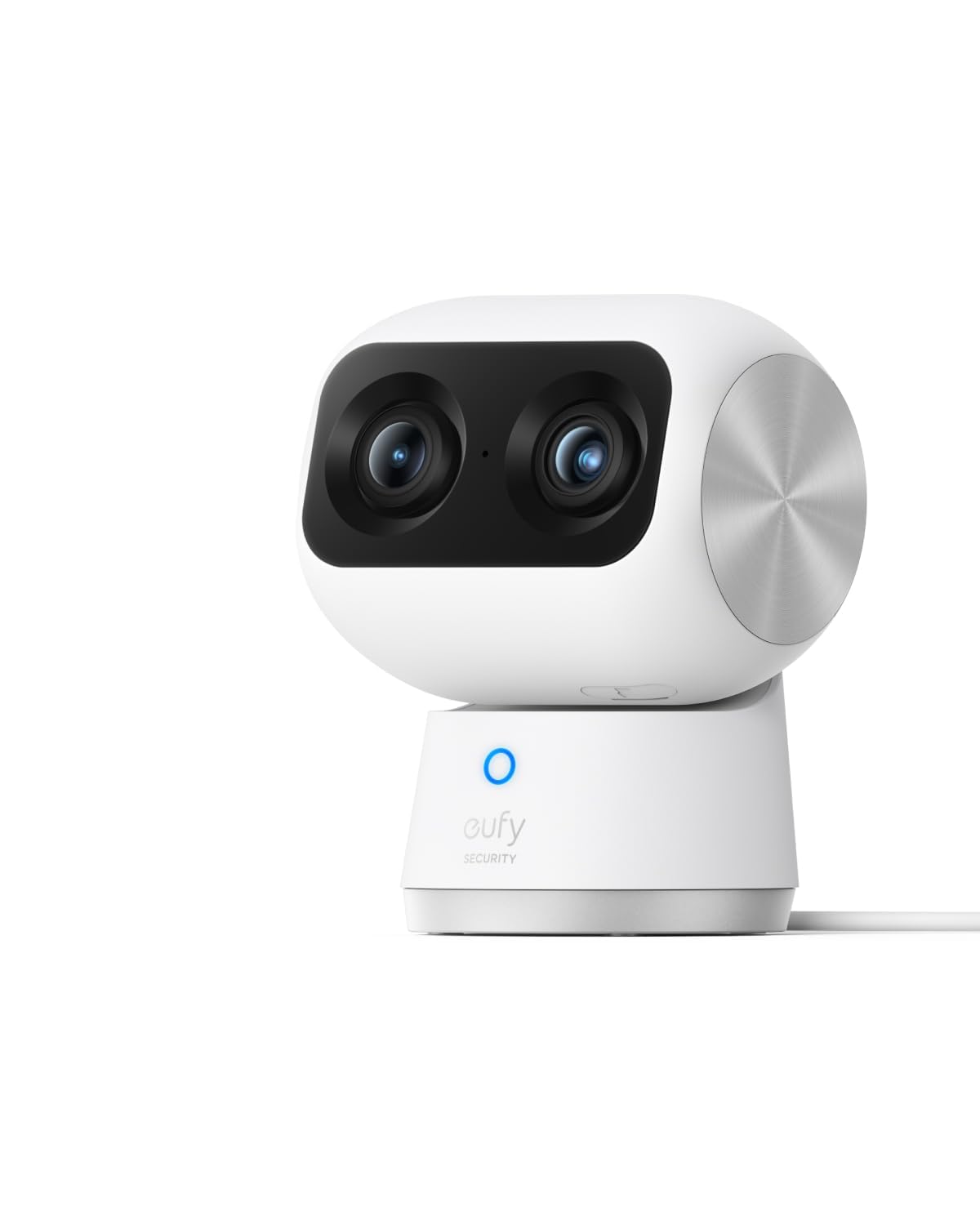
We recommend this camera for seniors who need clear indoor video, wide room coverage, and local storage without a monthly fee.
Pros
- Sharp 4K video with useful close-up detail
- Covers a room with pan, tilt, and tracking
- Local storage helps avoid cloud fees
Cons
- Requires a separate microSD card for local recording
- Works only indoors and needs a power outlet
- Setup may take time for less tech-savvy users
We found the dual-camera design helpful when checking on an older adult. The wide view showed the whole room, while the second lens let us zoom in without losing the larger view. This made it easier to check a person’s position or see what they were holding.
The camera also tracked movement across the room and sent alerts for detected activity. We liked having a privacy mode for times when monitoring was not needed. Its night vision provided a clear view in a dark room without adding bright light.
Local recording can reduce ongoing costs, but we had to supply the microSD card. The app offers many controls, so some seniors may need help during setup. We also noted that the camera does not support Apple HomeKit and requires HomeBase 3 for that connection.
Blink Mini 2K+ Two-Camera Set
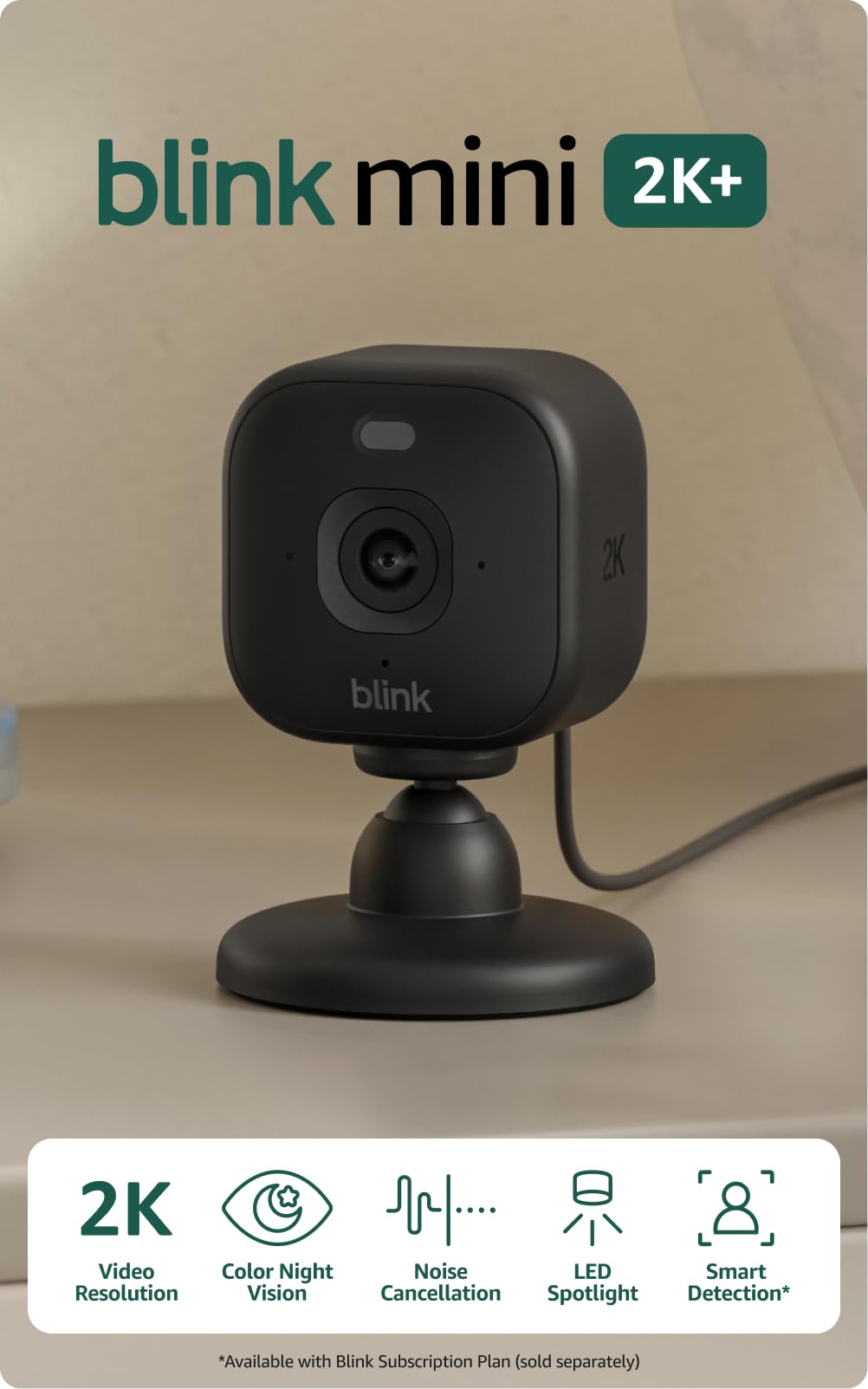
We recommend this set for seniors who want clear indoor video, simple plug-in setup, and Alexa support at a reasonable price.
Pros
- Clear 2K video with a wide view
- Simple setup and useful two-way audio
- Includes two cameras and power adapters
Cons
- No camera movement or remote pan control
- Cloud recording requires a paid plan after the trial
- Works only with 2.4 GHz Wi-Fi
We found the cameras quick to install and easy to manage through the Blink app. The compact design fits well on a shelf or table, while the included mounts give us more placement options. Because the cameras plug into an outlet, we did not need to recharge batteries.
Video looked sharp enough to identify people and follow activity in a room. The wide view helped cover larger spaces, and night vision worked well in dim areas. Motion alerts kept us informed, though frequent activity may lead to more notifications.
Two-way talk sounded clear during normal conversations, and noise cancellation helped reduce background sounds. Alexa support also made it easier to view the camera or hear alerts without reaching for a phone.
The cameras do not move remotely, so we had to choose the viewing angle during setup. Cloud storage also requires a subscription after the free trial. For seniors who want basic indoor monitoring without complicated wiring, this two-camera set offers a practical option.
eufy Indoor Cam E30

We recommend this camera for seniors who want clear indoor video, automatic tracking, and no required monthly fee.
Pros
- Sharp video with useful night vision
- 360-degree viewing and automatic tracking
- Local storage without a required subscription
Cons
- MicroSD card sold separately
- App features may take time to learn
- HomeKit limits video quality to 1080p
The E30 gave us a wide view of a room and followed movement as someone walked across it. Its pan-and-tilt controls also made it easy to check different areas from the phone app. The sharp image helped us see faces and small details clearly.
Two-way audio worked well for quick conversations. A senior can use it to speak with family, caregivers, or pets without walking to another room. Motion and sound alerts can also help family members check on unusual activity.
The camera needs an indoor power connection, so placement depends on having an outlet nearby. We also found that recording requires a separate microSD card unless we use optional cloud storage. The app offers many settings, but some users may need time to adjust alerts and tracking.
For seniors and families, the E30 offers strong video quality and useful communication tools in a compact indoor design. Its local storage option can also reduce ongoing costs.
TP-Link Tapo C100 Indoor Security Camera
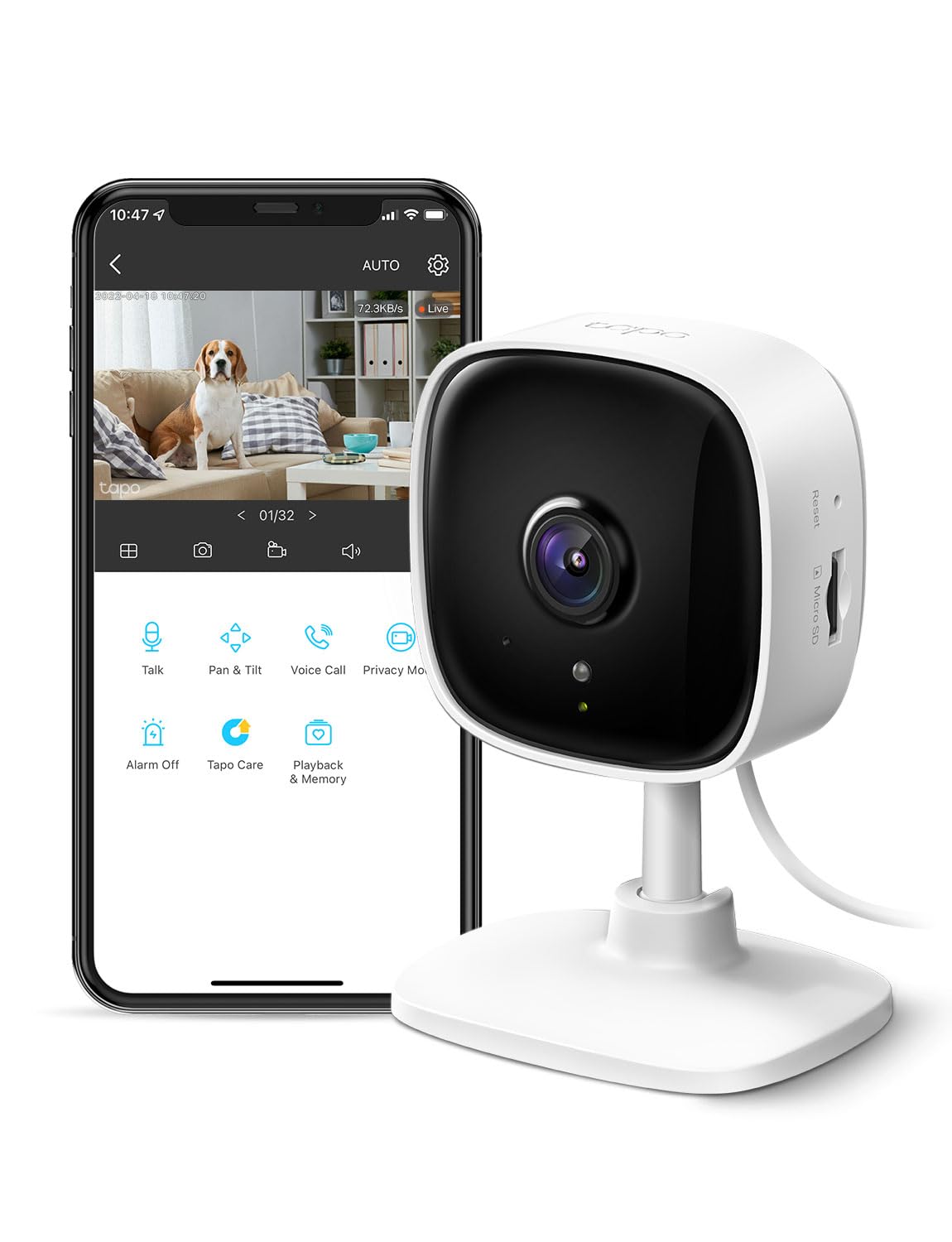
We recommend the Tapo C100 for seniors who want an affordable indoor camera with clear video, simple alerts, and two-way communication.
Pros
- Clear 1080p video for daytime viewing
- Two-way audio and a built-in siren
- Local microSD storage is available
Cons
- Requires a power outlet
- Works on 2.4GHz Wi-Fi only
- Some features require a paid cloud plan
When we tested the Tapo C100, the compact design made it easy to place on a shelf or mount near a doorway. The app provided a clear live view, and motion alerts helped us check activity without constantly watching the camera.
The two-way audio worked well for brief conversations. We could speak to someone in the room or reassure a pet from another location. The built-in siren also gave us a quick way to respond to unwanted activity.
Night vision showed useful detail in a dark room, although the image lacked the clarity of daytime video. The camera records to a compatible microSD card, while Tapo Care adds cloud storage and extra features for a monthly fee.
For senior care, this camera works best when family members need occasional indoor check-ins. It does not replace personal emergency equipment, and its corded design limits placement to areas near an outlet.
Blink Outdoor 4 Three-Camera System

We recommend this system for seniors who want simple outdoor monitoring without wiring or frequent battery changes.
Pros
- Long battery life with included lithium batteries
- Clear daytime video and useful infrared night vision
- Easy two-way talk through the Blink app
Cons
- Cloud recording requires a paid plan after the trial
- Sync Module Core does not include local storage
- Setup may take extra effort for some users
We found the cameras quick to mount and easy to position around doors, walkways, and driveways. The wireless design helps us avoid running cables, which makes installation more practical for many homes.
Video looks clear enough to identify visitors in daylight, while infrared night vision covers basic nighttime monitoring. Two-way audio lets us speak with someone outside without opening the door, though the app and internet connection affect how smoothly conversations work.
The Blink app sends motion alerts to a phone, and enhanced detection helps identify activity sooner. Person detection adds more useful filtering, but it requires a separate Blink subscription.
Battery life is a strong benefit for seniors who do not want regular maintenance. However, the included Sync Module Core does not provide local recording, so saving clips usually means using Blink’s cloud plan. Setup also caused some users difficulty, so we recommend testing the system near the router before mounting all three cameras.
GALAYOU G2 Indoor Camera 4-Pack
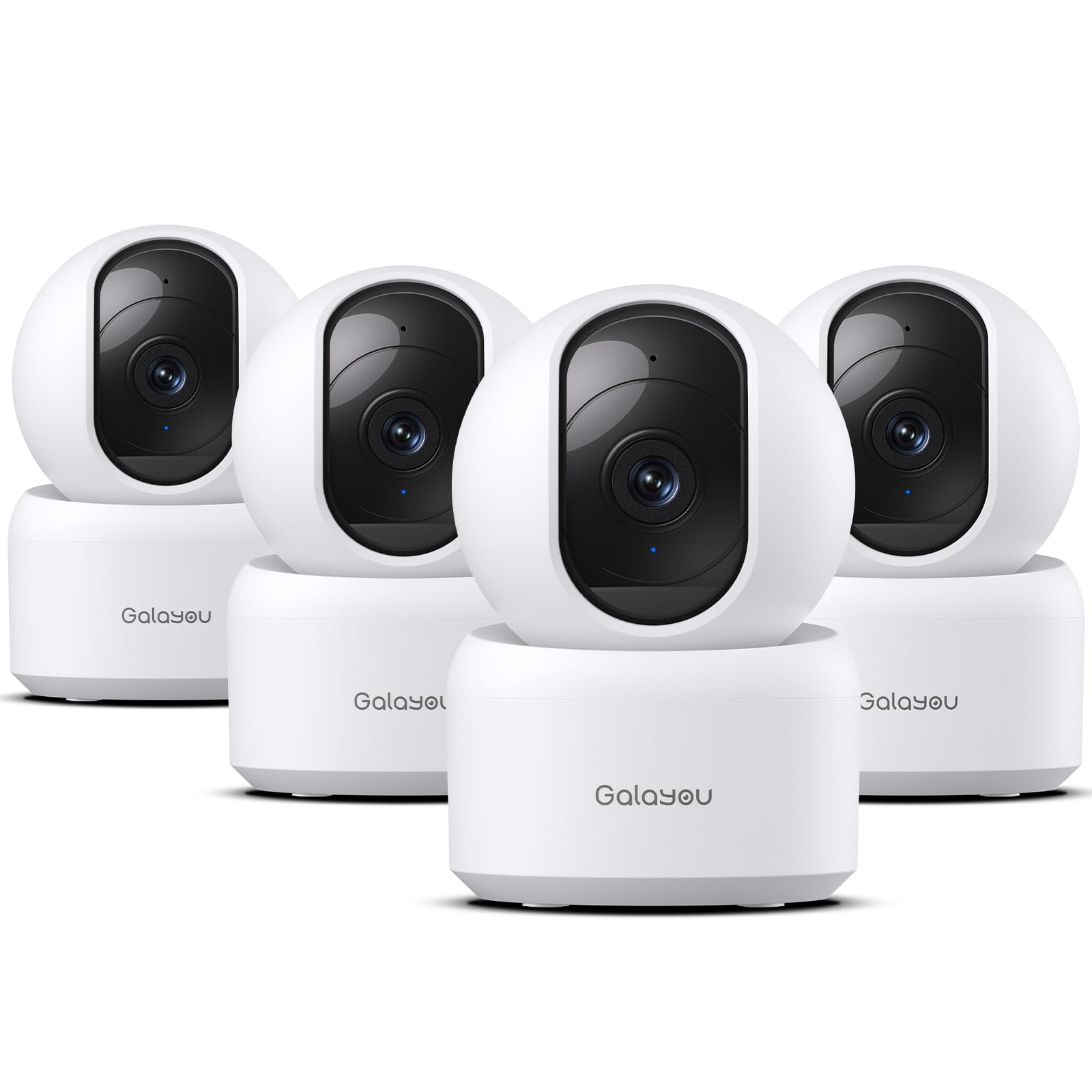
We recommend this four-camera set for seniors who need simple indoor monitoring across several rooms, clear video, and two-way communication.
Pros
- Clear 2K video with useful night vision
- Easy app setup and family sharing
- Local SD card and cloud storage options
Cons
- Requires a constant power connection
- Works only with 2.4GHz Wi-Fi
- Wi-Fi interruptions may require setup again
We found the setup quick after plugging in each camera and following the app instructions. The pan-and-tilt controls helped us check different parts of a room without moving the unit. We could also view up to four camera feeds at once, which suits larger homes.
The video looked sharp in normal indoor lighting, and night vision showed enough detail to check on someone after dark. Motion alerts arrived on the phone, while two-way audio let us speak with a family member from another room. The built-in siren adds an alert option, though seniors may prefer to leave it off unless needed.
These cameras need nearby outlets, so placement depends on access to power. They also support only 2.4GHz Wi-Fi, and one reported drawback is that a lost connection can make the setup process inconvenient. We can save recordings to a separate SD card or use the included cloud trial, but cloud storage may require a paid plan after the trial ends.
Kasa Smart Pan/Tilt Camera

We recommend this indoor camera for seniors who want simple room monitoring, clear video, and flexible storage without a required cloud plan.
Pros
- Covers a full room with pan and tilt controls
- Offers clear two-way audio and useful motion alerts
- Supports local recording without a subscription
Cons
- Requires a power outlet and 2.4GHz Wi-Fi
- The microSD card costs extra
- The app may feel less convenient for some users
We found the Kasa Smart EC71 easy to place and use in a bedroom, hallway, or living room. The mobile app provides live video, and the camera can follow movement across the room. This helps us check on a loved one without needing several fixed cameras.
The 1080p image looks clear in normal lighting, while infrared night vision keeps the room visible after dark. Motion and person alerts help reduce unnecessary checks, though we would still review the settings to avoid receiving too many notifications.
Two-way audio lets us speak through the camera, which works well for quick reminders or reassurance. Alexa and Google Home support also lets us view the feed on a compatible screen.
We like the storage choices. A microSD card can save footage locally, while Kasa’s optional cloud plan adds remote storage features. Since the camera uses a cord, we would place it near an outlet and secure the cable to prevent trips.
AOSU 2K Indoor Camera

We recommend this indoor camera for seniors who need simple two-way communication, wide room coverage, and clear video at a reasonable price.
Pros
- One-touch calling makes it easy to contact family members.
- The camera turns across the room and follows movement.
- Setup is quick through the 2.4GHz Wi-Fi network.
Cons
- It needs a wall outlet and has no battery.
- It works indoors only.
- Motion tracking can occasionally lag.
We found the AOSU camera easy to set up and control from a phone. The app provides a clear view, while the 360-degree rotation helps us check more of a room without moving the camera.
The one-touch call feature stands out for seniors. A family member can speak through the camera, and the built-in two-way audio supports quick check-ins without requiring the senior to use a phone.
Video looks sharp enough to see people and activity clearly. Night vision also helps in darker rooms, though the camera must stay connected to power. Alexa and Google Assistant support can make viewing easier for people who prefer voice controls or a smart display.
The main limitation is the corded design. We need to place it near an outlet, and the camera supports 2.4GHz Wi-Fi only. Still, its simple controls, wide viewing range, and communication features make it a useful choice for indoor senior care.
Chamberlain myQ Indoor Camera

We recommend this camera for seniors who want simple indoor monitoring through a smartphone app, especially if they already use other myQ products.
Pros
- Clear 1080p video with useful night viewing
- Two-way audio for quick check-ins
- Wide view and motion alerts cover common living areas
Cons
- Cloud storage and advanced alerts may require a subscription
- Works indoors only
- Some users report occasional offline problems
We found the setup straightforward and the compact design easy to place on a table in a living room, kitchen, or entry area. The 130-degree view showed a broad section of the room without needing frequent adjustments.
Video looked clear during the day and remained useful at night. Motion alerts helped us notice activity through the myQ app, while two-way audio let us speak with someone nearby without making a phone call.
Seniors may appreciate the simple indoor focus and phone-based controls. However, we would check the subscription terms before buying, since features such as video storage and smarter alerts may cost extra. The camera also depends on a stable Wi-Fi connection, and some owners report needing to reset it after it went offline.
Buying Guide
We should choose a security camera that matches the senior’s comfort level, home layout, and daily needs. Simple controls, clear instructions, and reliable customer support can make setup and use easier.
Key features to consider include:
| Feature | What to look for |
|---|---|
| Video quality | Clear footage in daylight and low light |
| Audio | Two-way talk with a simple mute option |
| Alerts | Motion notifications that we can adjust |
| Power | A long-lasting battery or an easy-to-reach outlet |
| Storage | Local storage or a cloud plan with clear fees |
| Privacy | Physical lens covers, activity zones, and strong account security |
| Setup | A straightforward mobile app and clear instructions |
We should check whether the camera needs a strong Wi-Fi signal. For larger homes, we may need a model that supports a wider viewing angle or multiple cameras. Indoor cameras should also offer privacy controls when monitoring is not needed.
We should consider who will manage the camera. A trusted family member may need shared access, but each user should have a separate account when possible. We should also review subscription costs, warranty terms, and return policies before buying.
For seniors with limited vision or hearing, we can look for bright status lights, loud alerts, readable app text, and voice control support. A camera should provide useful monitoring without creating difficult steps or frequent maintenance.
Editor’s Choice
We choose the eufy Security Indoor Cam C120 as our top pick for seniors. It offers clear 2K video, two-way audio, motion alerts, and a simple mobile app. Its pan-and-tilt design helps us check more of a room without installing several cameras.
The camera also supports local storage with a microSD card, which can help reduce monthly costs. We can use cloud storage if we want an added backup option. Setup requires a smartphone and a Wi-Fi connection, so a family member may need to assist.
| Feature | Why it helps seniors |
|---|---|
| 2K video | Makes faces and details easier to see |
| Two-way audio | Supports quick conversations |
| Pan and tilt | Covers more of a room |
| Local storage | Avoids a required monthly plan |
| Motion alerts | Helps us notice activity quickly |
We should place the camera in a common area, such as a living room or entryway. We should avoid bedrooms and bathrooms to protect privacy. As with any indoor camera, we need to use a strong password and enable two-factor authentication when available.
Conclusion
We should choose a security camera based on the senior’s daily needs, home layout, and comfort with technology. A simple model with clear video, two-way audio, night vision, and motion alerts can provide useful support without adding unnecessary features.
Ease of use matters as much as image quality. We should look for large, clear controls, reliable notifications, simple setup, and an app that family members can understand. Local storage may also suit seniors who prefer fewer cloud services or subscription fees.
Before buying, we should check:
- Power needs: Battery, plug-in, or wired installation
- Privacy controls: Camera covers, activity zones, and data settings
- Audio quality: Clear two-way communication
- Support: Helpful instructions and customer service
- Placement: A safe view of entrances, hallways, or common areas
We should also discuss camera placement and privacy with the senior. Installing cameras in shared spaces can improve safety while respecting personal boundaries.
FAQs
What features should we look for in a security camera for seniors?
We should prioritize clear video, simple controls, two-way audio, night vision, and reliable alerts. A wide viewing angle can also help reduce the number of cameras needed.
Are indoor or outdoor cameras better?
We should choose based on the area we need to monitor. Indoor cameras work well for living spaces, while outdoor models need weather protection and a wider operating temperature range.
Do security cameras need Wi-Fi?
Many cameras use Wi-Fi to send alerts and support live viewing through a phone app. If the home has weak internet service, we should consider a camera with local storage or a wired connection.
Can family members view the camera?
Most smart cameras allow shared access through an app. We should use separate accounts and limit permissions to trusted people.
How do we protect privacy?
We should avoid placing cameras in bedrooms or bathrooms. Look for privacy covers, camera-off controls, strong passwords, and two-factor authentication.
Do we need a monthly subscription?
Some cameras offer basic features without a fee, while others require a plan for cloud storage or advanced alerts. We should check the total cost before buying.