
10 Best Security Cameras for Disabled Adults: Top Accessible Options


Glucose Monitor Kit

Compression Socks

Anti-Glare Reading Glasses
Security cameras can help disabled adults stay safer and more independent at home. Depending on their needs, cameras may let them check rooms, speak with caregivers, receive motion alerts, or confirm that doors and living areas remain secure without needing to move around the home.
The best security cameras for disabled adults are easy to control, offer clear two-way audio, send useful alerts, and protect personal privacy. We also look for simple setup, reliable mobile apps, night vision, and flexible mounting options. Features such as fall detection can help in some situations, but they should not replace emergency response systems or personal care.
When choosing a camera, we pay close attention to accessibility, alert accuracy, data security, and ongoing fees. We researched models with different features and prices to identify the cameras that make home monitoring easier and more practical.
Best Security Cameras for Disabled Adults
We selected security cameras that offer clear video, simple controls, helpful alerts, and accessible features. Our list includes options for monitoring entrances, shared spaces, and daily activities with less effort.
TP-Link Tapo C100 Indoor Security Camera
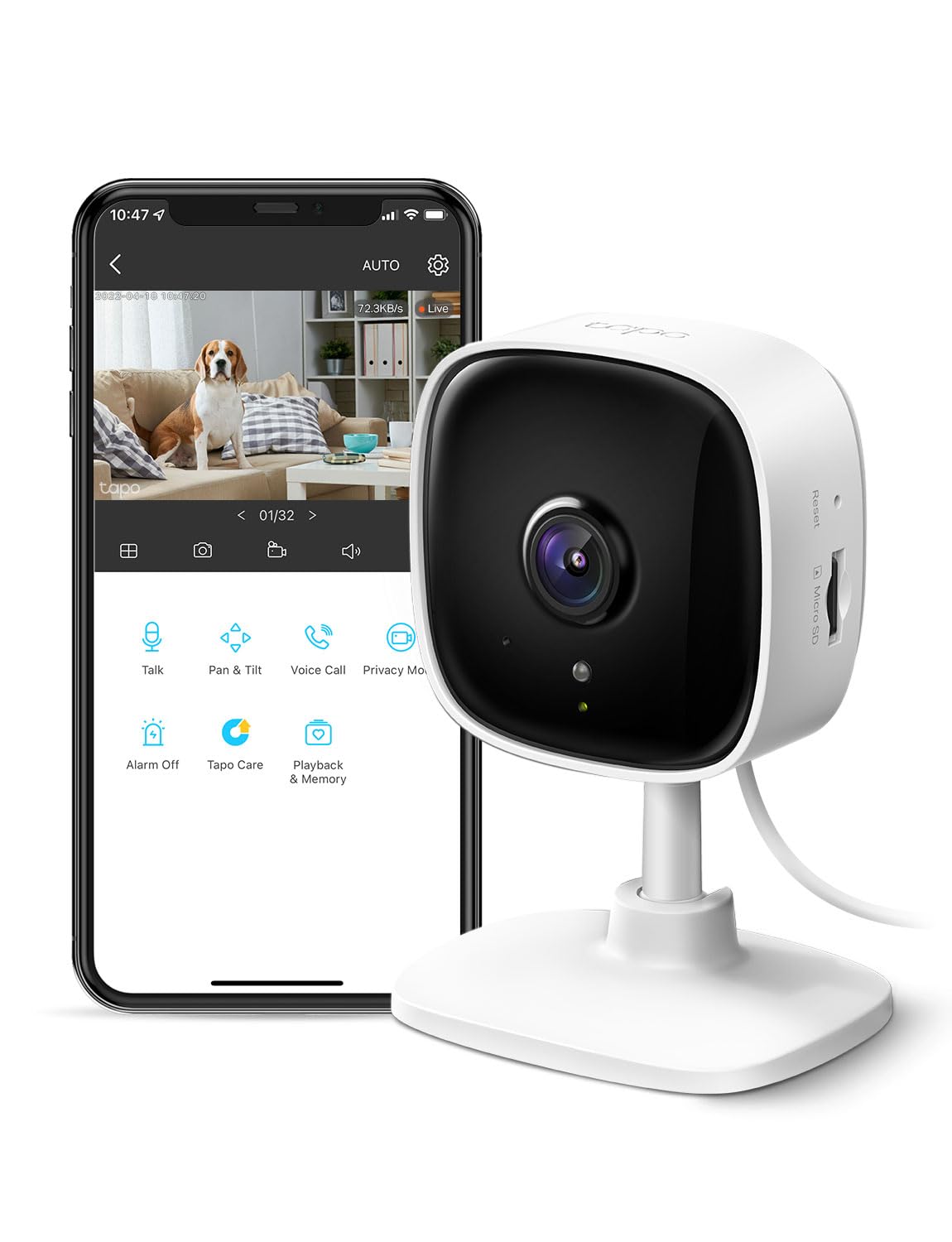
We recommend the Tapo C100 for disabled adults who need a simple indoor camera with clear video, two-way audio, and useful motion alerts at a low price.
Pros
- Clear 1080p video with helpful night vision
- Two-way audio and a built-in siren
- Local recording without a required subscription
Cons
- Requires a nearby power outlet
- Works only on 2.4GHz Wi-Fi
- The app may take some time to learn
We found the camera easy to set up and place in a bedroom, living room, or entry area. Its compact design takes up little space, while the phone app lets us check the room without walking to the camera.
Motion and person alerts can help family members notice activity quickly. The two-way audio also lets us speak with someone in the room, offer reminders, or provide reassurance without needing a separate call.
The 1080p image looks clear in daylight, and the infrared night view helps us see movement after dark. The built-in siren adds another way to respond to unwanted activity, though we would use it carefully around people who may be sensitive to loud sounds.
We can save recordings to a compatible microSD card, which avoids a required monthly plan. The camera does need constant power, and its 2.4GHz Wi-Fi requirement may limit placement in some homes. Alexa and Google Assistant support can also help users view the feed on a compatible screen, although smart-home performance may vary.
Zaguoroo Elderly Monitor

We recommend this monitor for caregivers who want simple, private room monitoring without Wi-Fi, especially when a senior may need quick help.
Pros
- One-touch alerts for help, water, toileting, or movement
- Portable screen with two-way talk and night vision
- No internet connection or monthly fee required
Cons
- The monitor needs a nearby power source
- Some users reported later device failures
- Video quality may not satisfy shoppers seeking a sharp, detailed image
We found the setup simple, with the camera, screen, and call button ready to use without an app or internet connection. That makes it easier for adults with limited mobility and for caregivers who prefer a private, direct connection.
The portable screen helps us check a room while moving around the home. We could use two-way talk, adjust the camera view, and zoom in when needed. Infrared night vision also supports checks in a dark bedroom.
The call button offers clear alert choices, which can help a senior communicate without reaching for a phone. Medication and meal reminders add useful support, while temperature alerts provide another way to notice changes in the room.
Battery life appears suitable for routine monitoring, especially when the screen stays in sleep mode between sounds. However, some buyers reported that their unit stopped working after repeated use, so we would keep the return period and warranty details in mind.
KEENLUK 4.3-Inch Security Camera

We recommend this camera for disabled adults who need a simple way to contact family, especially when using a phone feels difficult.
Pros
- One-button video calling is easy to use
- Large screen and clear 1080p video
- Motion alerts, night vision, and two-way audio
Cons
- Works only with 2.4GHz Wi-Fi
- Requires a separate microSD card for local storage
- App connection problems may occur
We found the one-button calling feature useful for quick check-ins. A family member can press the button without opening a phone app, which may help people with limited mobility, memory concerns, or trouble using small touchscreens.
The 4.3-inch display showed clear video during calls, and the two-way audio made conversations feel more natural than a standard security camera. Family members can also check the camera remotely through the app.
Motion detection and night vision add useful coverage indoors. The camera can turn toward a wide area, but motion alerts may feel excessive in busy rooms. We also noticed that the bright motion light could disturb some users at night.
Setup was quick for some owners, while others reported trouble connecting the camera to Wi-Fi through the app. We should also note that it supports only 2.4GHz networks and stores recordings on a microSD card that we must buy separately.
Wyze Cam Pan v3

We recommend this camera for disabled adults who want broad room coverage, clear alerts, and simple two-way communication at a reasonable price.
Pros
- Rotates across a room and tilts up or down
- Supports local recording without a required subscription
- Includes motion tracking, night vision, and two-way audio
Cons
- Requires a power outlet
- Outdoor use needs a separate power adapter
- Alerts and advanced features may depend on the Wyze app or subscription
During testing, the Pan v3 gave us a wide view without needing several fixed cameras. We could check a room remotely, follow movement, and speak through the camera. That makes it useful for checking on a family member, caregiver, pet, or visitor.
The app offers motion zones and person detection, which helped reduce alerts from less important activity. The privacy mode also let us disable the camera quickly when needed. Setup was straightforward, though users should note that this model does not support 5G Wi-Fi.
Video looked clear in daylight, while color night vision helped in low-light areas. Very dark scenes may lose detail, so we would place the camera near a light when possible.
The weather-resistant design works for covered outdoor locations, but the separate outdoor power adapter adds cost. For indoor monitoring, the included power setup is more convenient. Local microSD recording can also help users avoid a cloud plan, although storage management takes extra effort.
CallToU Senior Monitor with Call Button
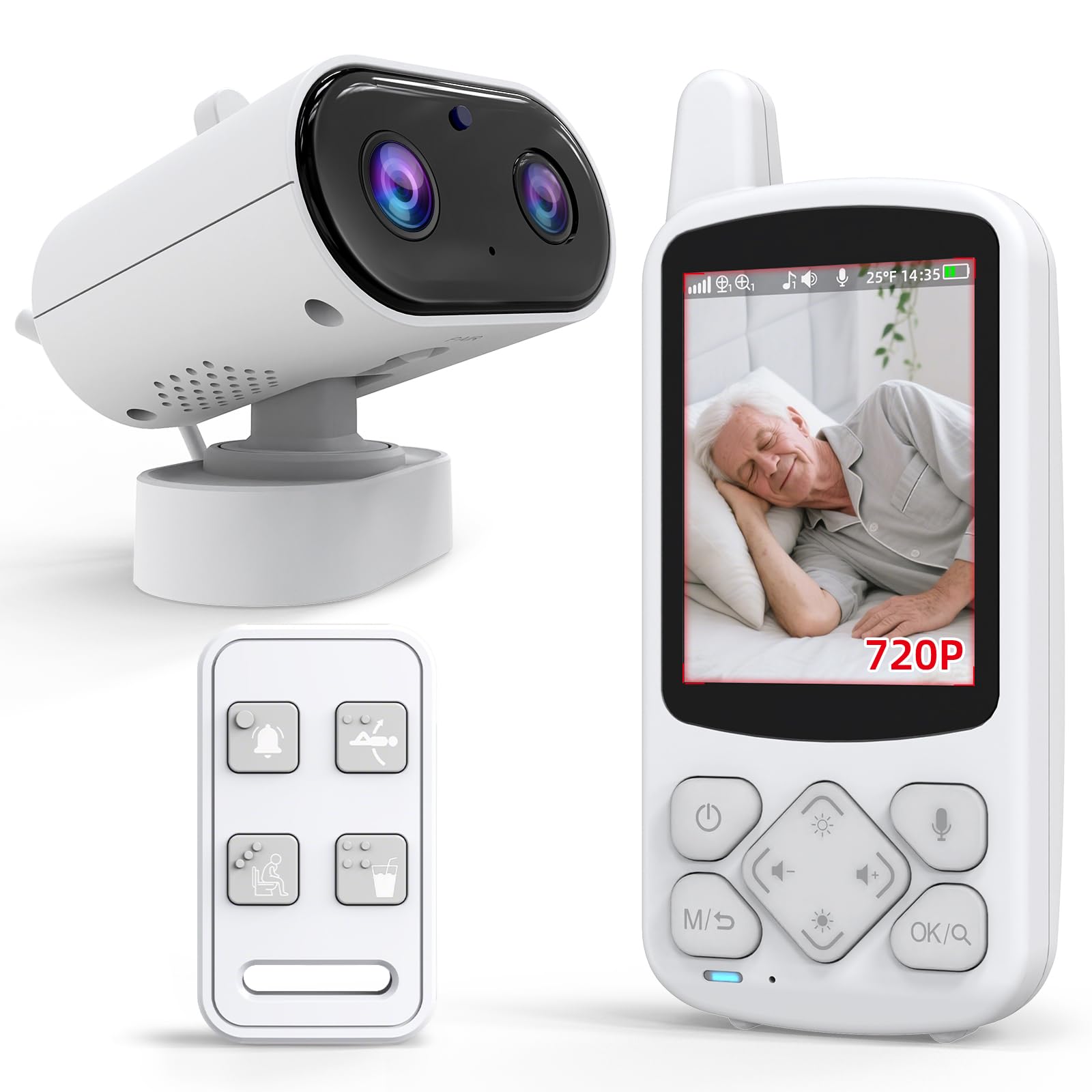
We recommend this monitor for caregivers who want a private, simple system with video, two-way audio, and a one-button help alert without Wi-Fi.
Pros
- Works without an internet connection
- Includes a portable screen and SOS call button
- Provides night vision and room temperature alerts
Cons
- The small screen may be hard for some users to view
- Battery life and alert reliability may vary
- Audio and video quality can feel basic
We found the setup straightforward, which helps when a disabled adult needs monitoring without a complicated app. The system uses its own wireless connection, so we could check the room even when Wi-Fi was unavailable.
The portable receiver made short check-ins convenient. We could carry it while moving around the home, and the two-way talk feature allowed us to speak with the person in the room. The 720p image looked clear enough for general monitoring, though the 2.8-inch display felt limited for detailed viewing.
The call button provides a direct way to request help, and the daily reminder alerts may support routines such as drinking water or using the bathroom. We would place the button somewhere dry and easy to reach because some users reported problems after it became wet.
Night vision helped us see the room after dark, while the temperature sensor added another useful detail. However, customer feedback also mentions short battery life, occasional resets, poor sound, and units that displayed a still image instead of live video. We would choose this model for basic indoor checks, but test every feature soon after setup.
Blink Mini 2K+ Two-Camera Set
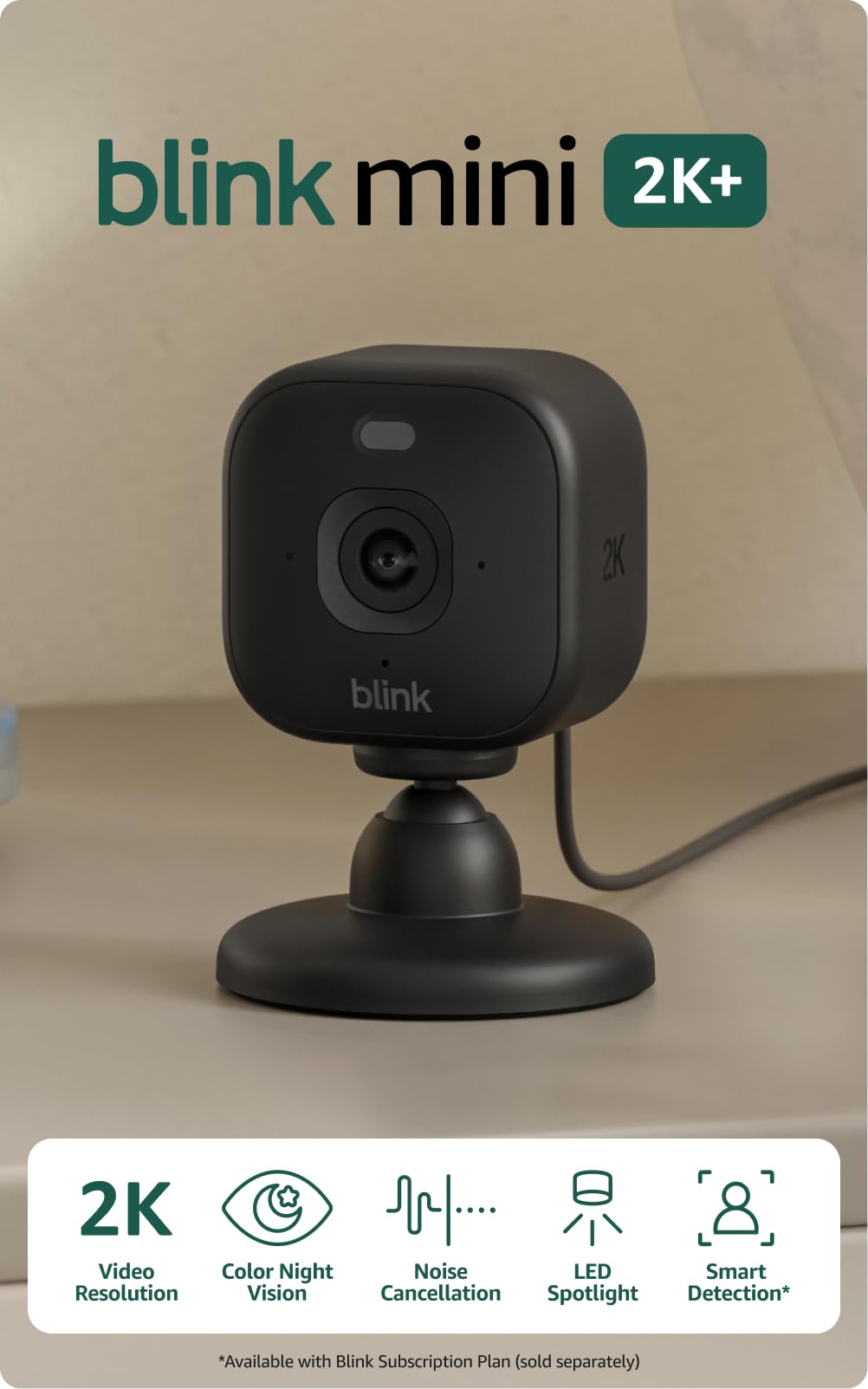
We recommend this set for disabled adults who need clear indoor video, simple two-way talk, and easy phone or Alexa access.
Pros
- Sharp 2K video with a wide view
- Clear two-way audio with noise cancellation
- Quick setup and flexible mounting
Cons
- Does not pan or tilt
- Cloud storage requires a paid plan after the trial
- Indoor power adapters limit placement
We found the setup straightforward through the Blink app. The compact cameras fit well on shelves, tables, or walls, and the included stands make placement simple without extra purchases.
The wide view helped us monitor larger rooms, while the 2K image kept faces and activity easier to recognize. Night vision also provided useful visibility in darker spaces, although the camera does not move to follow someone.
Two-way talk worked well for brief check-ins, reminders, or conversations from another room. The noise cancellation made voices easier to understand, which can help adults who need support without walking to the camera.
Motion alerts can notify a caregiver when activity occurs. Person and vehicle detection require a separate Blink subscription, and continued cloud storage also depends on a paid plan. We would place these cameras near key areas such as a bedroom, living room, or entryway.
VISION WELL 2K Wireless Security Camera
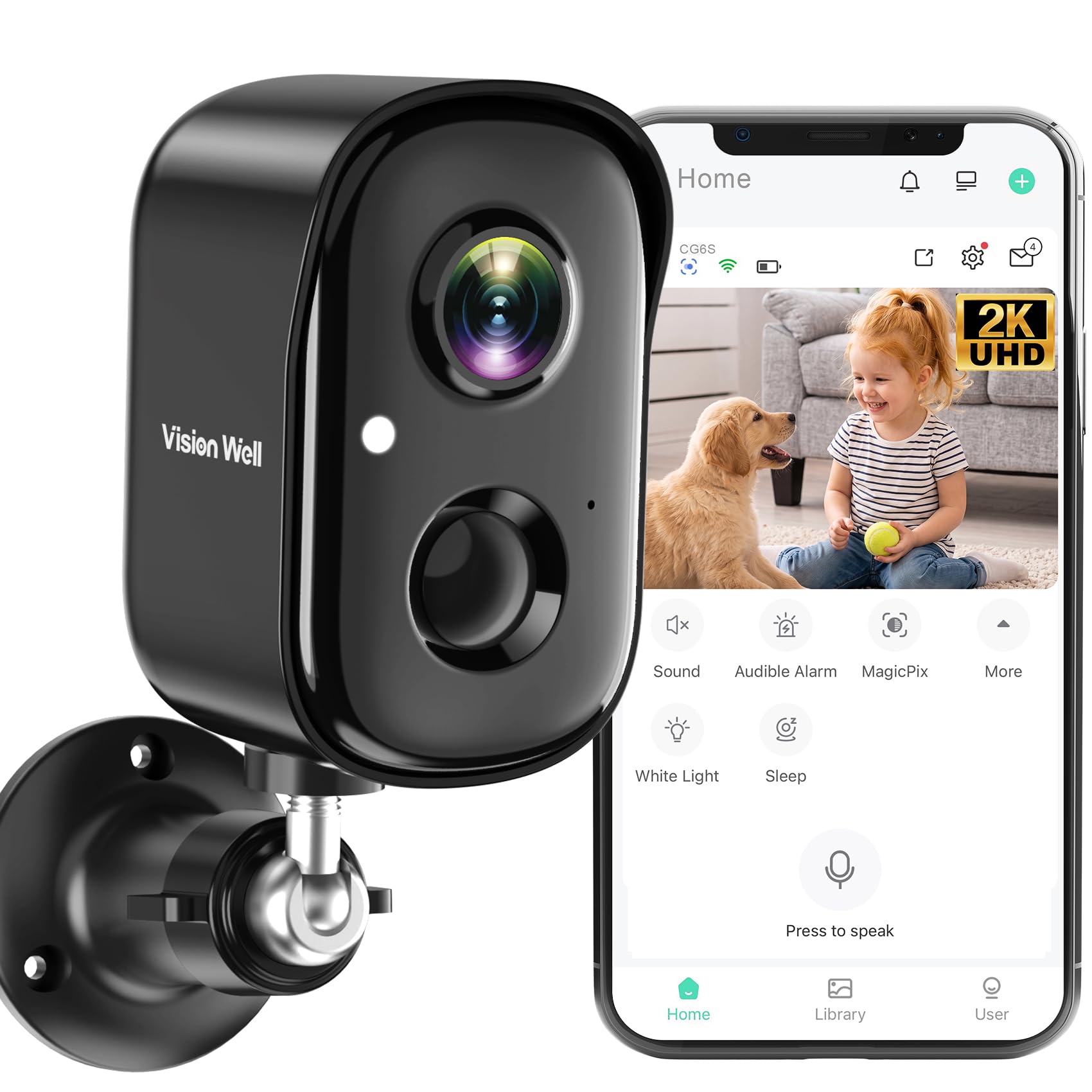
We recommend this camera for disabled adults who want clear video, phone alerts, and two-way communication without running power cables.
Pros
- Clear 2K video with color night vision
- Rechargeable, weather-resistant, wire-free design
- Two-way talk, motion alerts, and shared app access
Cons
- Does not support 5GHz Wi-Fi
- MicroSD card is sold separately
- Battery life may vary with frequent motion alerts
The VISION WELL camera gave us a clear view during the day and at night. Its wide image helped us monitor an entryway without needing to aim the camera often. Color night vision added useful detail, while infrared mode worked when lighting was limited.
We found the wire-free setup helpful for homes where reaching an outlet may be difficult. The wall mount keeps installation simple, and the rechargeable battery avoids a permanent power cord. Because usage affects battery life, we would check the charge level through the app.
Motion alerts can identify people, vehicles, pets, and packages. This helped us focus on important activity instead of every movement, although sensitive settings may still catch things such as moving leaves.
The built-in speaker and microphone let us speak with visitors or family members through the app. We could also use the siren and light when needed. The camera works with 2.4GHz Wi-Fi, and we could save recordings to a compatible microSD card or optional cloud storage.
Sair Pet Elderly Monitor

We recommend this monitor for caregivers who want simple, private indoor monitoring without Wi-Fi or a phone app.
Pros
- No internet setup or app required
- Includes SOS, medication, toilet, and temperature alerts
- Portable screen with two-way audio
Cons
- Speaker volume may be too low for some users
- Some owners report reliability issues over time
- Fall alerts require the user to press the assistance button
The camera and 5-inch screen were easy for us to set up. The private 2.4GHz connection avoids account logins and internet access, which can help caregivers who want a straightforward system. The picture looked clear in normal room lighting, and infrared night vision helped us check on someone after dark.
We found the alerts useful for daily care. A user can press the included button to send an SOS or signal needs such as using the toilet or drinking water. The medication reminder and temperature alarm add helpful prompts, but they should support—not replace—regular care.
The screen can wake when it detects sound, which saves power during quiet periods. Its battery makes moving the monitor around convenient, though the short included cord may limit placement. We also noticed that several reviews mention weak speaker volume, so this may not suit someone with significant hearing loss.
The camera supports a wide viewing range and can sit on a table or mount to a wall. However, reports about pan and tilt problems mean we would test those controls soon after purchase. With a 3.9-star rating from 107 customers, this monitor offers useful care features but has some quality and audio concerns.
GALAYOU G2 Indoor Dome Cameras
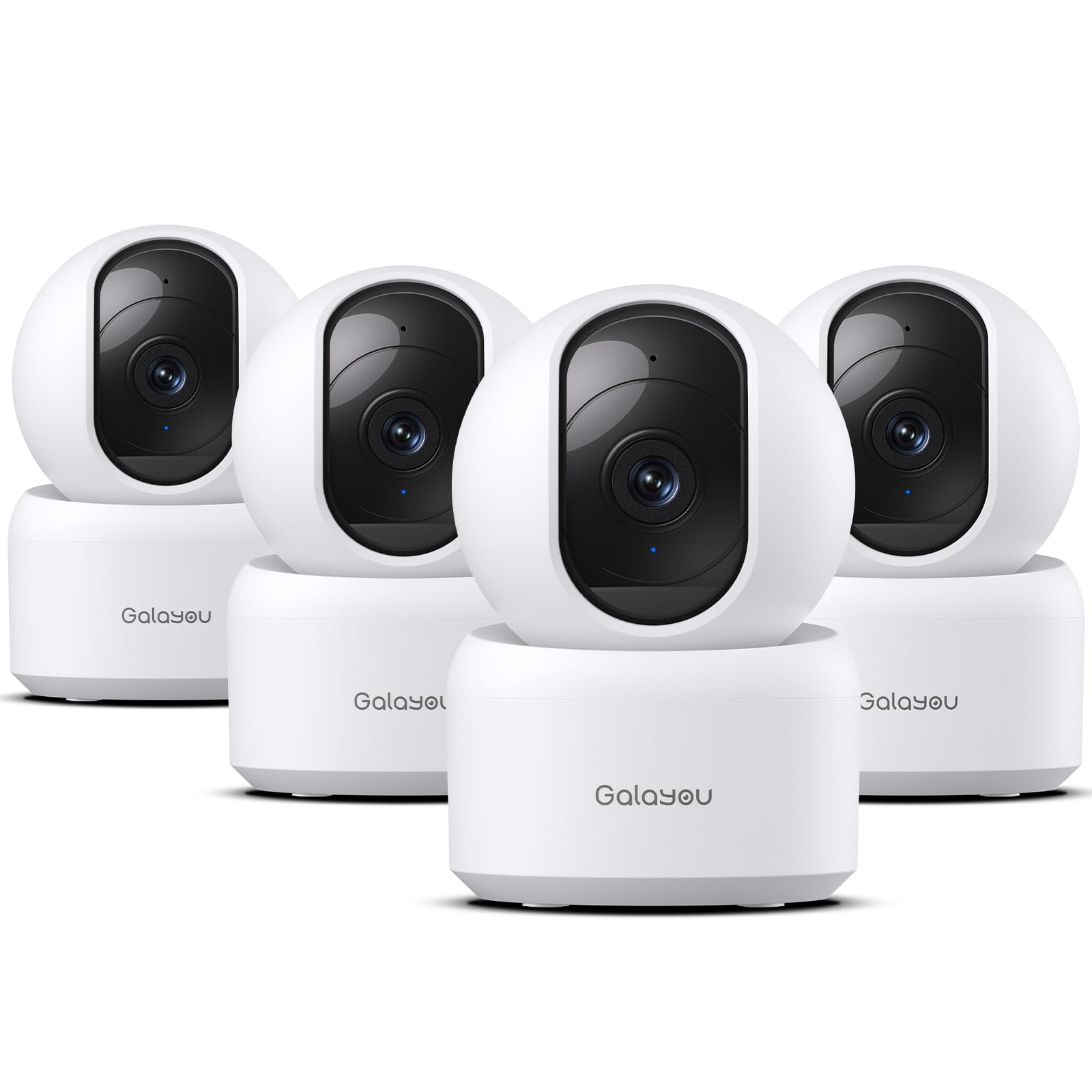
We recommend this four-camera set for indoor monitoring because it offers clear video, simple controls, and two-way talk at a reasonable price.
Pros
- Clear 2K video with useful night vision
- Remote pan and tilt controls
- Supports local recording with a TF card
Cons
- Requires a constant power connection
- Works only with 2.4GHz Wi-Fi
- Cloud storage may require a paid plan
We found the setup quick after installing the app and connecting each camera. The four-pack works well for checking several rooms, and we could view multiple feeds in the app. Sharing access with family members also helps when more than one person needs to monitor an adult’s home.
The video looks sharp enough to check whether someone has fallen, needs help, or has moved into another room. Motion alerts arrive on the phone, while the built-in siren can help draw attention. We would use the alerts carefully, since normal movement may trigger them.
Two-way audio makes it easier to speak with someone without making a phone call. We also liked the pan and tilt controls for checking more of a room from a distance. Night vision provides a usable view in dark spaces, though the cameras are designed for indoor use only.
Because each unit uses a power cord, we would place them near outlets and keep cords out of walking paths. The cameras also need 2.4GHz Wi-Fi, so we would confirm network compatibility before buying. Local recording avoids relying fully on a subscription, but the required memory card comes separately.
LaView 1080P Indoor Security Camera 4-Pack

We recommend this set for disabled adults who need simple indoor monitoring, clear video, and two-way communication without a complex setup.
Pros
- Easy app setup and remote viewing
- Clear 1080p video with useful night vision
- Four cameras support coverage across several rooms
Cons
- Works only with 2.4GHz Wi-Fi
- Cameras require wired power
- App experience may feel dated
We found the cameras easy to place in living rooms, kitchens, bedrooms, and entry areas. The compact design fits well on shelves or walls, but the fixed view limits adjustment. We could tilt the cameras up or down, not swivel them from side to side.
The LaView app provides live viewing from a phone or web browser. We could also share access with family members or caregivers, which helps when someone needs support checking in. The two-way audio lets users speak with visitors or loved ones without walking to another room.
Video looked clear during the day, and infrared night vision helped us monitor dark rooms. Motion alerts provide useful updates, though frequent activity from pets or normal household movement may create extra notifications.
The wired design keeps the cameras running, but each unit needs a nearby outlet. We also needed a 2.4GHz Wi-Fi network because 5GHz connections do not work. Local recording supports a microSD card up to 128GB, while cloud storage requires a subscription after the trial period.
Buying Guide
We should choose a security camera based on the person’s abilities, home layout, and support needs. A simple setup can reduce stress and make daily monitoring easier.
| Feature | What we should look for |
|---|---|
| Video quality | Clear images in daylight and low light |
| Audio | Two-way talk with an easy-to-use microphone and speaker |
| Alerts | Adjustable motion alerts that avoid unnecessary notifications |
| App access | Large, clear controls and simple menus |
| Installation | Wireless options or professional installation when needed |
| Privacy | Camera covers, activity zones, and secure account settings |
| Power | A reliable power source and warnings before batteries run low |
| Storage | Local storage or cloud storage with clear costs and retention rules |
We should check whether the camera works with the person’s phone, tablet, or computer. Voice control, large text, and strong audio can help people with limited vision, movement, or dexterity.
Placement also matters. We should cover entrances, hallways, and shared living areas without pointing cameras at private spaces. A wide viewing angle may reduce the number of cameras required, but it should not create blind spots.
Before buying, we should review the alert settings and test the setup. The person and their caregivers should know who can view the camera, how to change access, and what happens if the internet or power fails.
Editor’s Choice
We choose the Arlo Essential Indoor Camera for many disabled adults because it combines clear video, two-way audio, and a simple mobile app. Its compact design fits on a shelf or table, while night vision helps us check rooms in low light.
The camera supports motion alerts, so we can receive notifications when it detects activity. We can adjust activity zones to reduce alerts from areas that do not need monitoring.
| Feature | Why it helps |
|---|---|
| Two-way audio | Lets us speak with a visitor or caregiver |
| Motion alerts | Notifies us about movement |
| Night vision | Shows activity in dim rooms |
| Mobile app | Allows remote viewing and control |
| Privacy shutter | Helps block the lens when needed |
We should place the camera where it can show important areas without recording private spaces. We also need a stable internet connection and a nearby power outlet. Caregivers and household members should agree on camera placement and access before we install it.
The Arlo Essential Indoor Camera works best for users who want remote viewing and simple communication. People who need local recording, stronger privacy controls, or no monthly fees should compare other models before choosing.
