
Senior Symptom Tracking Log for Better Health Monitoring

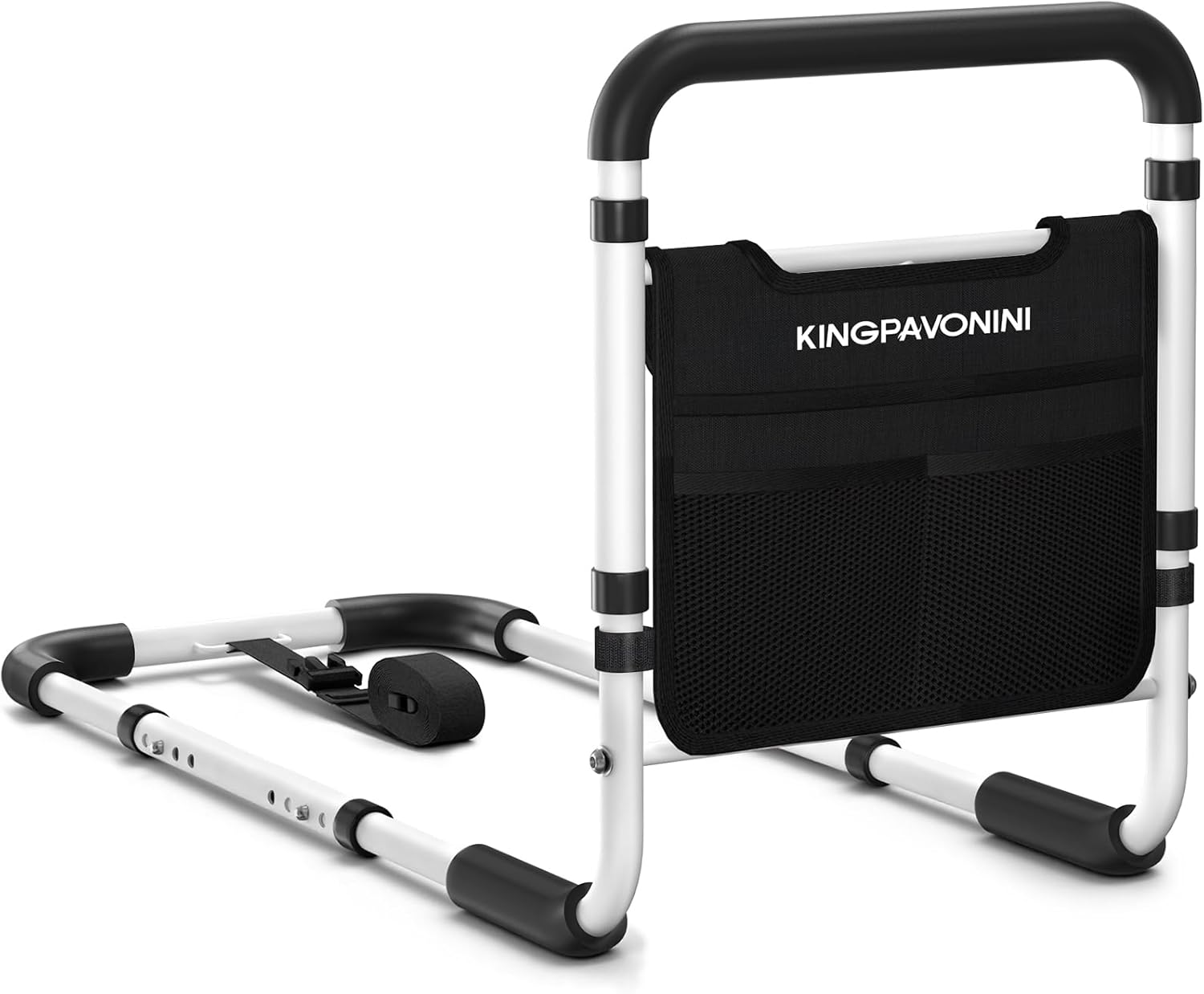
Bed Rail for Seniors

Back Massager with Heat

Orthopedic Sandals
A senior symptom tracking log helps older adults and caregivers record changes in health, spot patterns, and share clearer information with the doctor. It is most useful when kept simple, updated regularly, and reviewed for warning signs.
A senior symptom tracking log is a simple record of how an older adult feels from day to day. It can help families notice changes early, share clearer information with the doctor, and support safer caregiving at home.
- Track the basics: Date, time, symptom, severity, and triggers matter most.
- Watch for patterns: Repeated changes can reveal medication issues or illness early.
- Keep it simple: Paper, printable, or digital all work if used consistently.
- Bring it to visits: The log helps your doctor understand what is changing.
- Act on red flags: Sudden confusion, chest pain, breathing trouble, or falls need prompt care.
What a Senior Symptom Tracking Log Is and Why It Matters in 2026
A senior symptom tracking log is a written or digital record of symptoms, health changes, and possible triggers. In 2026, it matters even more because many families are balancing home care, telehealth visits, and multiple medications at once.
Instead of relying on memory, the log creates a timeline. That timeline can help you see whether a problem is improving, staying the same, or getting worse.
How symptom logging supports safer caregiving and earlier intervention
Small changes are easier to miss than major ones. A person may not mention mild dizziness, a poor appetite, or extra confusion, but those changes can point to dehydration, medication side effects, infection, or another issue that should be checked.
A clear log helps caregivers answer practical questions: When did the symptom start? How often does it happen? What makes it better or worse? Those details can help a doctor decide what to do next.
Keep the log in one place and update it at the same time each day, such as after breakfast or before bed. A steady routine makes it much easier to remember.
Who benefits most: older adults, family caregivers, and home care teams
Older adults benefit because they can better understand their own health patterns. Family caregivers benefit because they have a clearer picture to share during appointments, especially when several people help with care.
Home care teams also benefit because they can compare notes across shifts. If you use services such as senior nannies or other in-home support, a shared log can reduce confusion and improve communication.
Key Symptoms and Health Changes to Track in a Senior Symptom Tracking Log
Not every symptom needs to be tracked every day, but the most important ones should be recorded consistently. The goal is to notice patterns, not to write a medical novel.
Pain, dizziness, fatigue, sleep changes, appetite, mood, and confusion
These common changes can affect safety and quality of life. Pain may limit walking or sleep. Dizziness can raise fall risk. Fatigue may signal illness, poor sleep, anemia, or medication problems.
Also track sleep changes, appetite loss, sadness, irritability, anxiety, and confusion. Confusion is especially important because it can appear suddenly in older adults and may need prompt medical attention.
- Pain level and location
- Dizziness or unsteadiness
- Energy level and sleep quality
- Meals eaten and appetite changes
- Mood, memory, and confusion
Medication side effects, mobility changes, bowel and bladder patterns, and falls
Many symptoms are related to medication timing or side effects. Write down new nausea, constipation, sleepiness, shakiness, or unusual behavior, and ask your doctor or pharmacist whether a medicine could be involved.
Mobility changes also matter. Note slower walking, trouble standing, new weakness, bathroom accidents, constipation, diarrhea, or any fall, even if there was no obvious injury.
After a fall, do not assume everything is fine just because there is no bruise. Older adults can have hidden injuries, head trauma, or delayed pain, so monitor closely and seek medical advice when needed.
How to Set Up a Senior Symptom Tracking Log That Is Easy to Use
The best log is the one people will actually use. Keep it simple, readable, and easy to update in a few minutes.
Paper log vs. digital app vs. printable checklist: choosing the right format
Paper logs are often best for people who prefer large print and a low-tech routine. Digital apps can help families share information quickly, especially if caregivers live in different homes.
A printable checklist works well for busy households because it combines structure with flexibility. If you are comparing options, think about memory, vision, phone comfort, and who needs access to the information.
| Option | Best For | Note |
|---|---|---|
| Paper log | Simple daily use | Easy to keep on the kitchen table or near medications |
| Digital app | Shared caregiving | Helpful when multiple people need updates |
| Printable checklist | Structured tracking | Good for short daily notes and quick review |
What fields to include: date, time, symptom, severity, triggers, and notes
At a minimum, include the date, time, symptom, and how strong it was. A simple 1-to-5 scale can work, as long as everyone uses it the same way.
Add possible triggers, such as missed meals, a new medicine, heat, poor sleep, or activity. Leave space for notes about what helped, what made it worse, and whether you called the doctor.
Use the same words each time. For example, “dizzy,” “lightheaded,” and “off-balance” can mean different things to clinicians, so consistency helps them interpret the log more accurately.
Practical examples of a daily tracking routine for home caregivers
A morning routine might include checking pain, energy, appetite, and whether the person slept well. An evening routine might include reviewing medications, bathroom changes, mood, and any unusual events during the day.
If a home caregiver visits only part of the day, the log should be easy for the next person to continue. This is especially helpful in shared care situations where family members take turns.
Record the date, time, and the main symptom or change you notice.
Write down meals, sleep, medication timing, activity, or anything unusual that may be related.
Look for patterns and decide whether to continue monitoring or call the doctor.
How to Read Patterns in the Log and Spot Red Flags Early
A log becomes most useful when you review it regularly. Even a quick weekly look can reveal trends that are easy to miss day by day.
Identifying worsening symptoms, recurring triggers, and medication timing issues
Watch for symptoms that are becoming more frequent, lasting longer, or happening at the same time each day. That pattern may point to medication timing, dehydration, low blood sugar, poor sleep, or another trigger.
If symptoms happen after a new prescription, over-the-counter medicine, or supplement, talk to your doctor or consult your pharmacist. Some side effects are mild, but others need a change in treatment.
When caregivers record symptoms in a steady way, it is often easier for clinicians to see the difference between a one-time problem and a real trend.
When a symptom trend suggests a doctor visit, urgent care, or emergency help
A doctor visit is a good idea when a symptom is new, keeps returning, or interferes with eating, walking, sleeping, or thinking. Urgent care may be appropriate for problems that need same-day attention but are not life-threatening.
Emergency help is needed for sudden chest pain, trouble breathing, signs of stroke, severe confusion, fainting, or a major fall with possible injury. When in doubt, seek help right away.
Bring the log to any visit where symptoms are changing, medications are being reviewed, or recovery is not going as expected. The more specific the notes, the easier it is for your healthcare provider to help.
Common Mistakes People Make When Using a Senior Symptom Tracking Log
Many logs fail because they become too complicated or are filled out only when someone is already worried. A simple, steady habit works better than a perfect form that no one uses.
Recording too little detail or waiting until symptoms become severe
If you wait until a symptom is severe, you may forget important details like when it started or what happened before it got worse. Short notes written in the moment are usually more useful than trying to remember everything later.
Try to include enough detail to explain the pattern, but not so much that the log becomes overwhelming. A few clear lines are often enough.
Ignoring “small” changes that may signal infection, dehydration, or decline
Small changes can matter a great deal in older adults. A slight drop in appetite, more sleepiness, new unsteadiness, or a mild increase in confusion may be the first sign of a bigger problem.
These changes do not always mean something serious, but they should not be dismissed. If the pattern continues, talk to your doctor.
Using inconsistent terms that make the log hard for clinicians to interpret
One person may say “weak,” another may say “tired,” and another may say “not herself.” Those phrases can be helpful, but they are clearer when paired with specific details.
For example, note whether the person needed help standing, skipped lunch, slept most of the day, or forgot familiar names. Specific observations make the log easier to use during medical visits.
Cost, Convenience, and Comparison: Paper Logs vs Digital Tracking Tools
Most symptom tracking tools are not expensive, but the best choice depends on how the log will be used. Consider ease, sharing, and whether the person being cared for can participate.
Free printable logs, low-cost notebooks, and subscription-based caregiver apps
Free printable logs and basic notebooks are usually the lowest-cost choices. Some caregiver apps offer reminders, sharing features, and storage, but they may require a subscription or paid upgrade.
Medicare coverage usually does not pay for a simple symptom log itself, though some related care tools or services may be covered depending on the plan and the setting. If cost matters, check the details with your insurance plan or healthcare provider.
Which option works best for memory concerns, shared caregiving, and busy households
For memory concerns, a paper log placed in a visible spot may be easiest. For shared caregiving, a digital tool can help everyone stay updated without repeated phone calls.
For busy households, the best system is the one that takes the least effort to maintain. If a tool is too complicated, it will not be used consistently.
- Paper logs are simple and low-cost
- Digital tools can improve sharing
- Printables can keep daily tracking organized
- Paper can be misplaced
- Apps may be hard for some seniors to use
- Too much detail can make any system harder to maintain
Expert Guidance and Warning Signs That Should Not Be Ignored
A symptom log is a support tool, not a diagnosis. It helps you describe what is happening, but a healthcare professional still needs to decide what it means.
When to bring the log to a primary care visit, specialist appointment, or hospital discharge review
Bring the log to primary care visits, specialist appointments, and follow-up visits after a hospital stay. It can also be useful during discharge reviews, when medication lists and home instructions may be changing.
The log is especially helpful if the person has several conditions, takes multiple medicines, or has had recent changes in mobility, mood, or memory. If you are unsure what to bring, call the office and ask.
Symptoms that require immediate medical attention, especially after a fall or sudden change
Seek immediate help for sudden weakness, slurred speech, chest pain, trouble breathing, severe headache, fainting, or new confusion that comes on quickly. After a fall, watch closely for head injury, worsening pain, or trouble moving a limb.
If the person is unusually hard to wake, has a seizure, or seems to be getting worse quickly, call emergency services. It is always better to act early when the change is sudden.
Final Recap: Using a Senior Symptom Tracking Log to Improve Daily Care
A senior symptom tracking log gives families a clearer picture of daily health, especially when symptoms are mild, changing, or hard to describe. It can support safer caregiving, better doctor visits, and earlier responses to problems.
When the log is simple, consistent, and shared well, it becomes a practical part of everyday care. That steady record can help families communicate better and support healthier aging over time.
How consistent tracking helps families communicate better and support healthier aging
Consistent tracking reduces guesswork. It helps everyone involved in care see what is happening, what has changed, and what needs attention next.
If you are starting now, begin with just a few symptoms and build from there. Talk to your doctor or healthcare provider if you are unsure what to track or how to respond to a change.
Frequently Asked Questions
Include the date, time, symptom, severity, possible triggers, and short notes. It also helps to record medication timing, falls, appetite changes, mood, and confusion when relevant.
Daily tracking is usually best for active symptoms or changing health. If the person is stable, you may only need to record changes, but keep the routine consistent.
It depends on the person and the caregiving setup. Paper is simple and easy to read, while digital tools are helpful when several caregivers need to share updates.
Pain, dizziness, fatigue, sleep changes, appetite, mood, confusion, mobility changes, bowel and bladder patterns, medication side effects, and falls are all important to track.
Call your doctor if symptoms are new, worsening, recurring, or affecting daily activities. Bring the log to appointments so the healthcare provider can see the pattern more clearly.
A simple symptom log is usually low-cost and often not a covered item by itself. Coverage for related care tools or services can vary, so check your plan or ask your healthcare provider.