
Caregiving Roles and Responsibilities Template for Teams

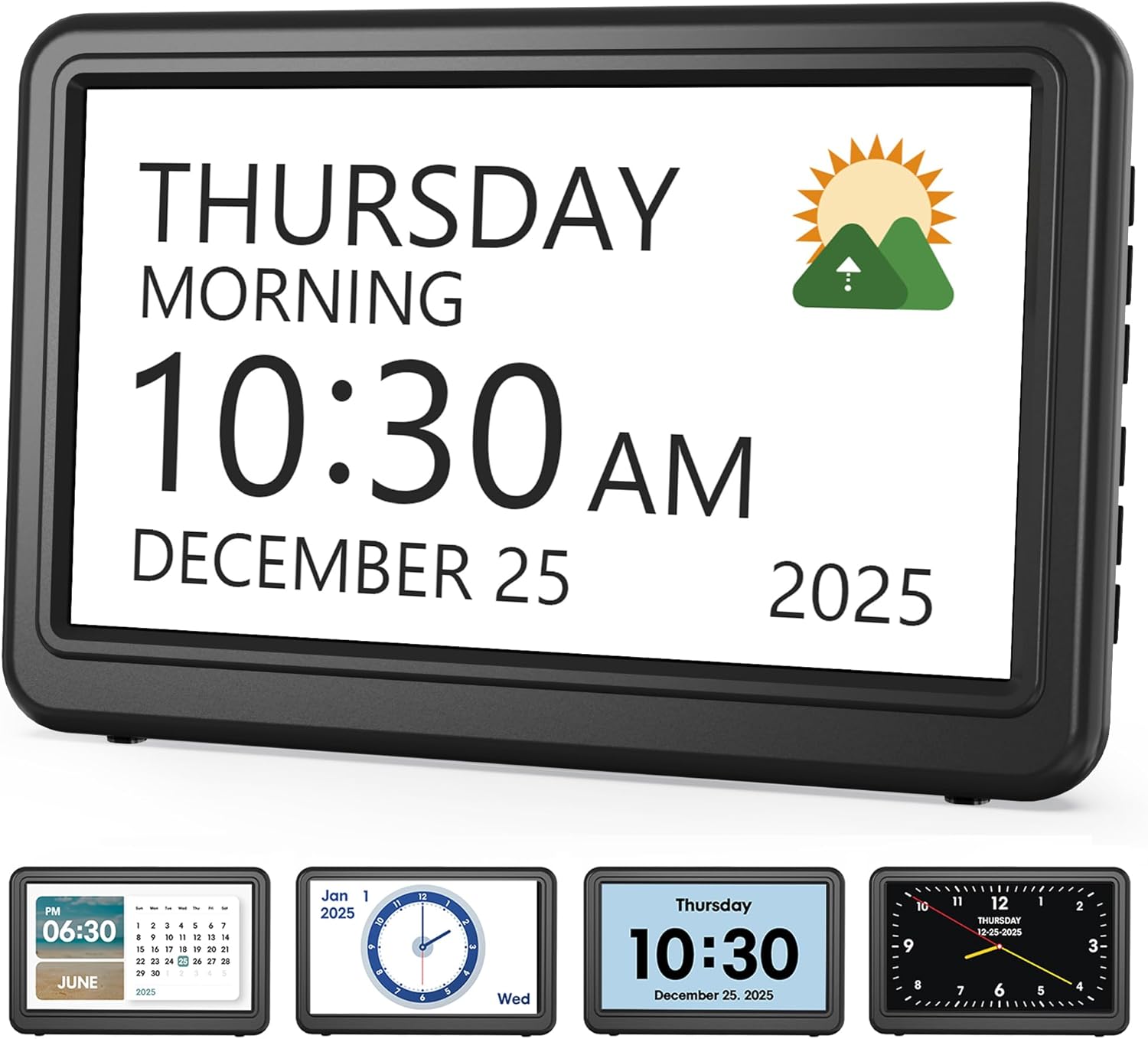
Medication Reminder Alarm

Shower Chair for Elderly

Slow Cooker Crock Pot
A caregiving roles and responsibilities template helps families and care teams divide senior care tasks clearly and safely. It reduces confusion, improves communication, and makes it easier to spot when professional help is needed.
A clear caregiving roles and responsibilities template can make daily senior care safer, calmer, and easier to manage. It helps families, home care aides, and care teams know exactly who is doing what, when, and what to do if something changes.
- Clear roles: Assign daily, health, safety, and communication tasks in writing.
- Better handoffs: Use notes so caregivers know what happened on the last shift.
- Safer care: Include escalation steps for falls, confusion, and missed medications.
- Regular updates: Review the template after health or staffing changes.
- Professional support: Contact a doctor or care professional when needs become complex.
What a caregiving roles and responsibilities template is and why teams need one
A caregiving roles and responsibilities template is a simple written guide that lists who handles each part of a senior’s care. It can cover daily tasks, health checks, safety steps, communication, and backup coverage.
For older adults, this kind of structure matters because care often involves more than one person. Without a shared plan, tasks can be missed, repeated, or assumed to be someone else’s job.
How a shared template reduces confusion in elder care settings
In elder care settings, confusion usually starts with small gaps. One person thinks another caregiver gave the medication reminder, handled the meal, or checked the front door.
A shared template lowers that risk by making responsibilities visible. It also helps everyone follow the same routine, which can be especially important when a senior has memory loss, mobility limits, or changing health needs.
- Clear task ownership for each shift
- Fewer missed care duties
- Better handoffs between caregivers
- More consistent support for the senior
Who should use it: family caregivers, home care aides, care managers, and facility teams
This template is useful for many kinds of care arrangements. Family caregivers can use it to divide work fairly, while home care aides can use it to stay aligned with the family’s expectations.
Care managers, assisted living teams, and other facility staff can also use it to reduce overlap and keep care plans organized. If the senior has medical conditions or takes several medicines, talk to your doctor or consult your pharmacist/healthcare provider about any care tasks that may need clinical guidance.
Core sections every caregiving roles and responsibilities template should include
A helpful template should be practical, not complicated. The goal is to make care easier to follow during busy days, tired evenings, and unexpected changes.
Daily care tasks: bathing, dressing, meals, mobility, and toileting support
Start with the basic daily needs that keep a senior comfortable and clean. These often include bathing or shower support, help getting dressed, meal preparation, walking or transfer assistance, and toileting support.
It helps to note how much assistance is needed. For example, one person may only need reminders and setup, while another may need hands-on help. Be specific about dignity and privacy, especially for intimate personal care.
- Bathing or sponge bath schedule
- Clothing choices and dressing help
- Meal times and snack support
- Walking, transfers, or wheelchair help
- Toileting routine and continence supplies
Health-related duties: medication reminders, vitals, symptom tracking, and appointment coordination
Health tasks should be written clearly because they affect safety. Common examples include medication reminders, blood pressure or other vital checks if ordered, symptom tracking, and arranging appointments or transportation.
Be careful not to treat a template as medical advice. If a person has a complex condition, recent hospital stay, or many prescriptions, ask the healthcare provider how often each task should happen and what warning signs matter most.
If the senior is missing medications, has new symptoms, or seems weaker, confused, or short of breath, contact a healthcare professional promptly. A template can track concerns, but it should not replace medical judgment.
Safety and home monitoring: fall prevention, wandering checks, and emergency contacts
Safety items deserve their own section because they often prevent the biggest problems. Include fall prevention steps, supervision needs, wandering checks for dementia, and the location of emergency contacts.
It is also wise to list what to do in an emergency. For example, note who calls 911, who notifies family, and where important papers, insurance cards, and medication lists are kept.
If a senior has repeated falls, leaves the home unsafely, or becomes suddenly confused, do not rely on a paper plan alone. These can be signs that the care level needs to change.
Communication and documentation fields for shift handoffs and care updates
Good caregiving depends on good communication. Add space for shift notes, completed tasks, concerns, appetite changes, sleep issues, and anything unusual that the next caregiver should know.
These notes help with handoffs and reduce the “I thought someone else handled it” problem. They also create a simple record that can be shared with family members or a clinician when needed.
Keep documentation short and factual. Write what you saw, what you did, and what changed, rather than guessing why it happened.
How to customize the template for different senior care situations
No single caregiving roles and responsibilities template fits every household or facility. A good one should be adjusted to match the senior’s health, routines, and level of independence.
Home care for aging in place
When a senior is aging in place, the template should reflect the home environment. That may include grocery runs, trash removal, mail checks, light housekeeping, and safe movement around stairs, rugs, or bathrooms.
It can also help to note which tasks the senior can still do alone. That preserves independence while making sure support is available where it matters most.
Dementia and memory care support
For dementia care, the template should include supervision details, calming routines, and wandering prevention. It should also list behavior changes to watch for, such as agitation, sleep reversal, or increased confusion.
Keep instructions simple and consistent. People with memory loss often do better when caregivers use the same words, follow the same routine, and avoid too many sudden changes.
Post-hospital recovery and short-term caregiving
After a hospital stay, the care plan may need temporary changes. The template should include follow-up appointments, wound or incision care if instructed, mobility limits, and signs that the recovery is not going as expected.
Short-term care can change quickly, so update the template often. If discharge instructions are unclear, call the hospital, doctor, or pharmacist to confirm what is allowed and what is not.
Long-term team-based care in assisted living or family caregiving networks
In a long-term team, the template should be more formal. It may need assigned roles for weekdays, weekends, overnight coverage, and who handles family updates.
For families coordinating across distance, a shared digital care log can be especially useful. It keeps everyone informed without relying on memory or scattered text messages.
Practical examples of role assignments that prevent overlap and missed tasks
One of the best uses of a caregiving roles and responsibilities template is to make the schedule concrete. Clear assignments help avoid duplicate work and missed care.
Example: splitting morning, afternoon, and overnight responsibilities
A morning caregiver might handle bathing, breakfast, medications, and getting the senior ready for the day. An afternoon caregiver could manage lunch, a walk, appointments, and a check on supplies.
Overnight coverage may focus on toileting help, fall prevention, and emergency response. When shifts are written this way, each person knows what matters most during their time.
Example: assigning medication oversight, meal prep, transportation, and companionship
Another common approach is to divide tasks by type. One caregiver may oversee medication reminders, another may prepare meals, a third may drive to appointments, and a fourth may provide companionship or social time.
This works well when family members live nearby and can share duties. It also helps when a paid aide and family caregivers are working together and need a clear division of labor.
Example: using backup coverage when a primary caregiver is unavailable
Every plan should include backup coverage. Illness, travel, weather, and family emergencies can interrupt even the best schedule.
Write down who steps in, what tasks cannot be skipped, and who should be notified first. That simple step can prevent a gap in care when someone is unavailable.
Many caregiving problems are not caused by lack of effort. They happen because no one had a clear written plan for handoffs, backups, and urgent changes.
Common mistakes teams make when using caregiving responsibility templates
A template only helps if people actually use it. The most common problems are vague wording, missing safety steps, and outdated information.
Being too vague about who does what and when
“Help with meals” is too broad. It is better to write “prepare breakfast at 8 a.m.” or “set out lunch and make sure it is eaten.”
The same is true for medication, bathing, and transportation. Specific timing and ownership reduce confusion.
Leaving out escalation steps for falls, confusion, or missed medications
Care teams sometimes document routine tasks but forget emergency steps. That can be risky if the senior falls, becomes unusually confused, or misses important medicine.
The template should say who to call, when to call the doctor, and when to seek urgent help. If the situation seems serious, do not wait for the next shift.
Failing to update the template after health changes or staffing changes
Care needs change. A person who could walk independently last month may now need a walker, close supervision, or help with toileting.
Update the template after hospital visits, new diagnoses, medication changes, or caregiver turnover. An old plan can be worse than no plan at all.
Overloading one caregiver and ignoring burnout risk
When one person does too much, mistakes become more likely. Burnout can lead to missed tasks, frustration, and poor communication.
Try to spread duties fairly and build in breaks. If the workload is becoming too heavy, consider outside help and discuss options with your healthcare provider or local care resources.
- Clearer schedules
- Less caregiver stress
- Better safety follow-through
- Can become outdated quickly
- May be too rigid if not reviewed
- Does not replace professional care
Expert guidance: when a template is not enough and professional help is needed
A caregiving template is a strong organizing tool, but it has limits. Some situations need clinical input or a more advanced care plan.
Warning signs that the care plan needs a nurse, social worker, or geriatric care manager
Consider professional help if the senior has frequent falls, rapidly changing needs, repeated medication problems, or family conflict over care decisions. A nurse, social worker, or geriatric care manager can help sort out priorities and safety concerns.
These professionals can also help when caregivers are unsure how much support is appropriate. If you are unsure, talk to your doctor about the best next step.
When safety concerns, dementia behaviors, or medical complexity require escalation
Escalate care if there is wandering, aggression, severe confusion, refusal to eat or drink, or a new inability to manage basic daily tasks. Medical complexity also matters, especially after surgery, stroke, or a major illness.
In these cases, the template should support the care plan, not carry the whole burden. The senior may need a higher level of supervision or a formal reassessment.
How to document concerns before contacting a healthcare professional
Before calling, write down the date, time, what happened, and what changed. Include symptoms, missed tasks, and anything that may have triggered the problem.
This makes it easier for the doctor or pharmacist to understand the issue and offer useful advice. Clear notes can also help if the care team needs to compare patterns over time.
If you see a sudden change in walking, speech, memory, mood, eating, or breathing, get medical advice promptly. Sudden changes should not be assumed to be “just aging.”
Template format options, tools, and cost considerations for 2026 teams
Teams can choose from paper forms, shared digital logs, or caregiving apps. The best option depends on how many people are involved, how often care changes, and how comfortable the team is with technology.
Printable paper templates vs. shared digital care logs
Printable paper templates are simple and easy to post on a fridge or keep in a binder. They work well for small households and for caregivers who prefer writing things by hand.
Shared digital care logs are better when several people need updates in real time. They can make it easier to see completed tasks, missed items, and changes from one shift to the next.
Free templates, paid caregiving apps, and team coordination software
Free templates are a good starting point if the care situation is straightforward. Paid apps and team coordination software may offer reminders, shared notes, and easier scheduling.
Before paying for any tool, check whether the features match your real needs. More expensive does not always mean better for a family care team.
What features matter most: access control, reminders, audit trails, and mobile updates
For 2026 teams, the most useful features are usually simple ones. Look for access control so only the right people can see sensitive information, reminders for time-sensitive tasks, and a record of who updated what and when.
Mobile updates can also help when caregivers are on the move. If a tool stores health information, review privacy settings carefully and choose something the whole team can use consistently.
Final recap: building a clear, dependable caregiving roles and responsibilities template
A strong caregiving roles and responsibilities template gives older adults safer support and gives caregivers a calmer way to work together. It turns scattered tasks into a shared plan that is easier to follow, review, and update.
Keep it specific, keep it current, and keep it realistic. When health needs change or the situation becomes more complex, consult your doctor, pharmacist, or another healthcare professional so the care plan stays safe and appropriate.
Key takeaways for safer coordination, better communication, and consistent senior care
Use the template to assign daily tasks, health duties, safety checks, and communication notes. Review it often, add backup coverage, and update it after any major change in health or staffing.
Most of all, treat it as a living tool. A clear plan can reduce stress, prevent missed care, and help everyone support the senior with more confidence.
Frequently Asked Questions
It should include daily care tasks, health-related duties, safety checks, communication notes, and backup coverage. Clear timing and task ownership help prevent confusion.
Family caregivers, home care aides, care managers, and facility teams all benefit from a shared plan. It helps everyone stay aligned and reduces missed tasks.
Update it after any change in health, medications, mobility, staffing, or living situation. A current plan is much safer than an outdated one.
No. It is an organizing tool, not a medical plan, so talk to your doctor or healthcare provider when symptoms, medications, or safety concerns change.
Paper templates work well for simple setups, while digital care logs are better for teams that need real-time updates. Choose the format your caregivers will use consistently.
If there are repeated falls, wandering, severe confusion, missed medications, or rapid health changes, more professional support may be needed. A nurse, social worker, or geriatric care manager can help.