
10 Best Smart Watches for Disabled Adults: Top Accessible Options


Smart Health Watch for Seniors

Digital Blood Pressure Monitor

LED Clip Reading Light
Smartwatches can help disabled adults manage daily tasks, track health information, and stay connected. Depending on the model, they may offer fall detection, emergency calling, medication reminders, fitness tracking, and alerts for messages or appointments. A watch can also reduce the need to carry a phone or reach for it throughout the day.
The best smartwatch depends on the wearer’s needs, including accessibility features, comfort, battery life, ease of use, and compatibility with their phone. We should also consider screen readability, voice controls, water resistance, medical alert options, and whether the watch requires a monthly service plan. We tested and researched smartwatches to find the models that offer useful features without adding unnecessary complexity.
Best Smartwatches for Disabled Adults
We reviewed smartwatches with accessibility features that can support health tracking, communication, safety, and daily tasks. Our list includes options with clear alerts, emergency features, voice controls, and easy-to-use designs.
Yoever IDW20 Smart Watch

We recommend the Yoever IDW20 for adults who want a large display, voice controls, health tracking, and basic calling at a modest price.
Pros
- Large screen with a rotating crown and simple touch controls
- Alexa, Bluetooth calls, reminders, and phone notifications
- Long battery life and IP68 water resistance
Cons
- Setup and menu navigation may take time to learn
- Calls require a connected smartphone
- Health readings should not replace medical equipment
The 1.91-inch screen gives us enough room to read notifications and use the main controls without constant swiping. The rotating crown also helps us move through menus, which can be useful for users who find small touch targets difficult.
Alexa handles voice requests such as setting reminders, checking the weather, and controlling music. We can answer calls from the watch, but the phone must stay connected, and the watch cannot send SMS messages.
Health features include step, heart rate, blood oxygen, sleep, stress, and activity tracking. We find the reminders for water, movement, alarms, and fitness goals useful for daily routines, though users should treat the readings as general wellness information.
The watch supports many activity modes and can handle swimming, hand washing, and sweat. Its GPS works through a paired phone, so it does not provide full phone-free route tracking.
Battery life is a strong point. Depending on use, we can expect several days between charges, while lighter use may extend that period. The companion app and initial setup may feel less direct than premium watch systems, so some users may need help getting started.
Garmin vívoactive 5

We recommend the Garmin vívoactive 5 for disabled adults who want wheelchair-friendly activity tracking, health insights, and long battery life in one watch.
Pros
- Wheelchair mode tracks pushes and handcycling
- Battery can last up to 11 days
- Clear AMOLED screen and simple health tools
Cons
- Some health data provides estimates, not medical readings
- Touch controls may be difficult for some users
- Advanced features require the Garmin Connect app
We found the wheelchair mode especially useful because it tracks pushes instead of steps. It also includes push and handcycle activities, plus workouts for strength, cardio, Pilates, yoga, and HIIT.
The bright screen made health data easy to read indoors and outdoors. We could check heart rate, stress, sleep, naps, and Body Battery without reaching for a phone. These tools can help us notice activity and rest patterns, but they should not replace medical advice.
Battery life stood out during daily use. We could go for several days between charges, which helped reduce the need to remove the watch. Notifications, music storage, GPS, and contactless payments added convenience, though some features depended on a paired phone or compatible service.
The watch felt light and comfortable for extended wear. Still, users with limited hand movement may find the small touchscreen or band clasp challenging. We would choose it for users who value accessible activity tracking and detailed wellness features more than emergency-care functions.
Fajocru V46 Senior Safety Smartwatch
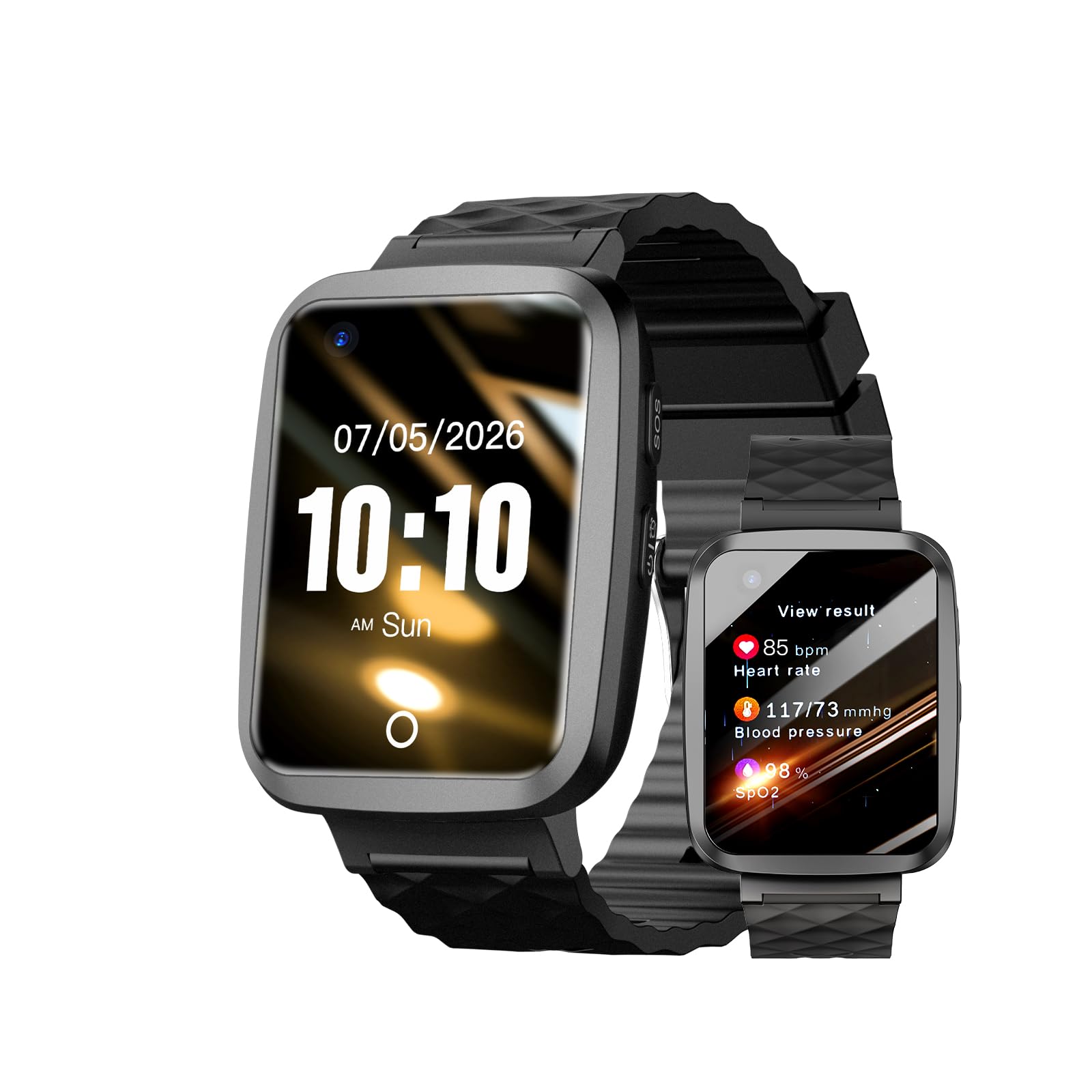
We recommend this watch for adults who need fall alerts, location tracking, and simple voice contact in one device.
Pros
- Fall detection and SOS alerts can contact preset caregivers
- Built-in GPS supports location monitoring and geofence alerts
- Large screen, voice calling, and magnetic charging aid daily use
Cons
- Health readings should not replace medical devices
- Caregivers must set up the app and cellular service
- IP67 protection does not make it suitable for swimming
We found the Fajocru V46 most useful as a safety device rather than a full-featured smartwatch. Its fall alert and SOS functions can notify contacts when the wearer cannot reach the screen, although caregivers should test these features after setup.
The built-in GPS helps families check a wearer’s location and create safe areas. Two-way voice calling also makes quick check-ins easier, especially for users who may struggle with a smartphone.
A large, high-contrast display and magnetic charging cable support people with limited dexterity or vision. The watch also includes medication and sedentary reminders, step counting, and basic heart rate and blood pressure reference readings.
We would confirm cellular compatibility before buying because the watch needs mobile service for calls, GPS updates, and emergency alerts. Its waterproof design should handle rain and hand washing, but we would remove it before bathing or swimming.
Fajocru V46 Senior Safety Smartwatch
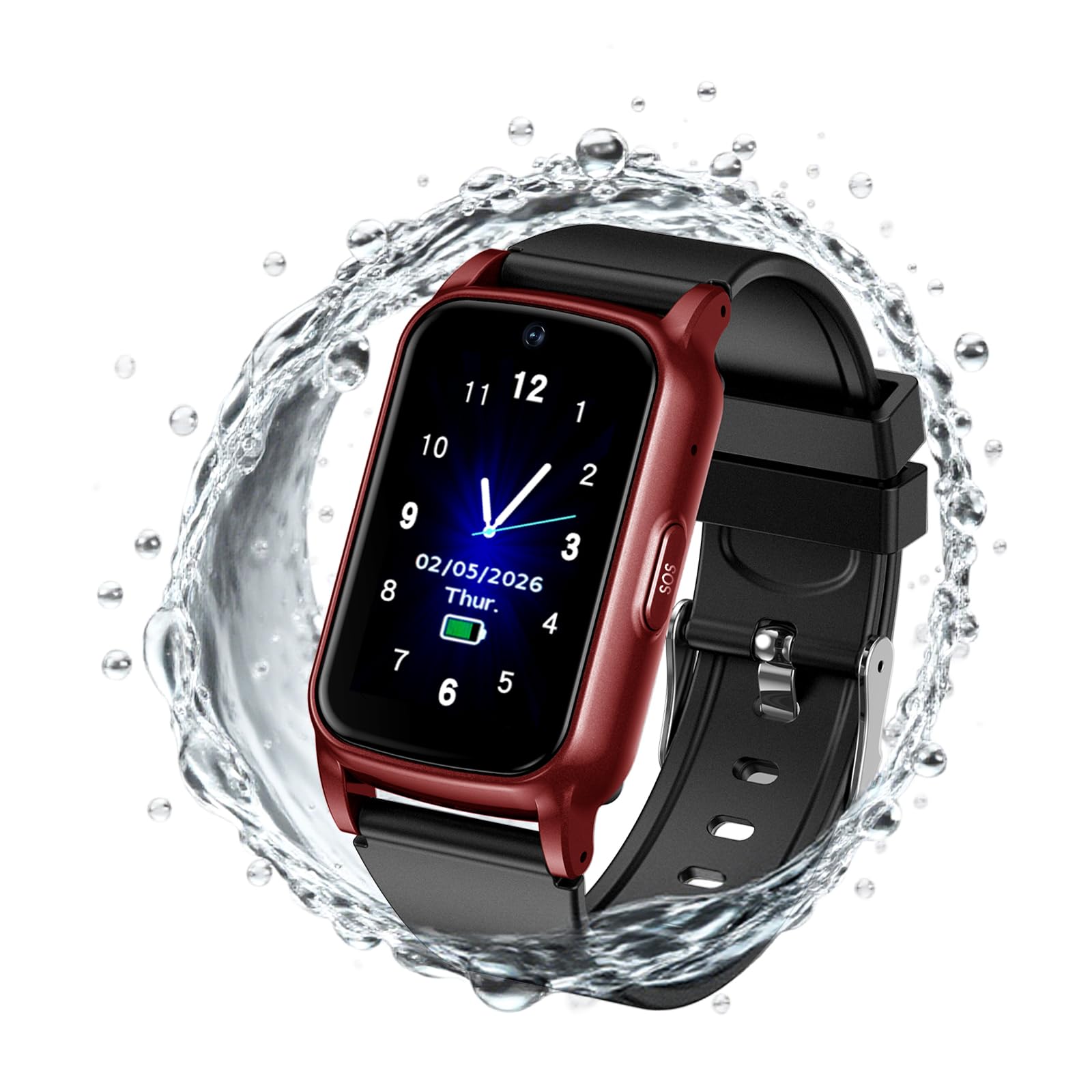
We recommend the Fajocru V46 for adults who need GPS tracking, emergency calling, and simple communication from one wearable.
Pros
- Automatic fall alerts and SOS calling
- GPS tracking with safe-zone notifications
- Large screen with voice and video calls
Cons
- Requires a compatible Nano SIM card
- Health readings are for reference, not medical use
- Setup may require help from a caregiver
We found the large, high-contrast screen easy to read, and the touch controls felt more suitable for users who may struggle with small buttons. The watch can make calls, send voice messages, and support video chats without requiring the wearer to carry a phone.
Fall detection and the SOS feature provide useful safety support. GPS tracking and geofencing can also help caregivers monitor location and receive alerts when the wearer leaves a set area. These tools depend on a working SIM card, cellular service, and proper app setup.
The watch tracks steps, sleep, heart rate, and other wellness information. We would treat its blood pressure and blood oxygen readings as general references rather than replacements for medical equipment.
Before using it, we would insert a compatible Nano SIM card that supports 4G LTE, voice calling, and mobile data. The watch has IP67 water resistance for hand washing and light rain, but we would avoid swimming with it.
Tensky ID208Plus Smart Watch

We recommend this watch for disabled adults who want simple call access, health tracking, and reminders without paying for a premium model.
Pros
- Calls and notifications appear on the watch
- Voice control, reminders, and health tools support daily routines
- Comfortable design with a battery that can last about a week
Cons
- We cannot reply to messages from the watch
- GPS depends on a connected smartphone
- Health readings should not replace medical devices
The Tensky ID208Plus gives us useful access to calls and notifications through its built-in speaker and microphone. We can answer calls from the wrist, which may help when reaching for a phone feels difficult. Alexa also lets us set alarms, check the weather, and use voice commands.
Its large touchscreen and customizable watch faces make key information easy to find. We can use reminders for movement and water, while sleep, heart rate, blood oxygen, and stress tracking provide general wellness information. These features can support routines, but they are not intended for diagnosis or emergency care.
The battery provides about seven days of heavy use based on the listed claims, so we spend less time charging it. The watch also handles swimming and showers, though we should avoid hot water and seawater. Setup works with compatible Android and iPhone devices, but the watch does not support message replies and uses the phone for GPS.
We found the Tensky best suited to users who value call access, reminders, and basic wellness tracking at a lower price. People who need medical-grade readings, independent cellular service, or advanced accessibility controls should consider a more specialized device.
Fitpolo Alexa Smartwatch
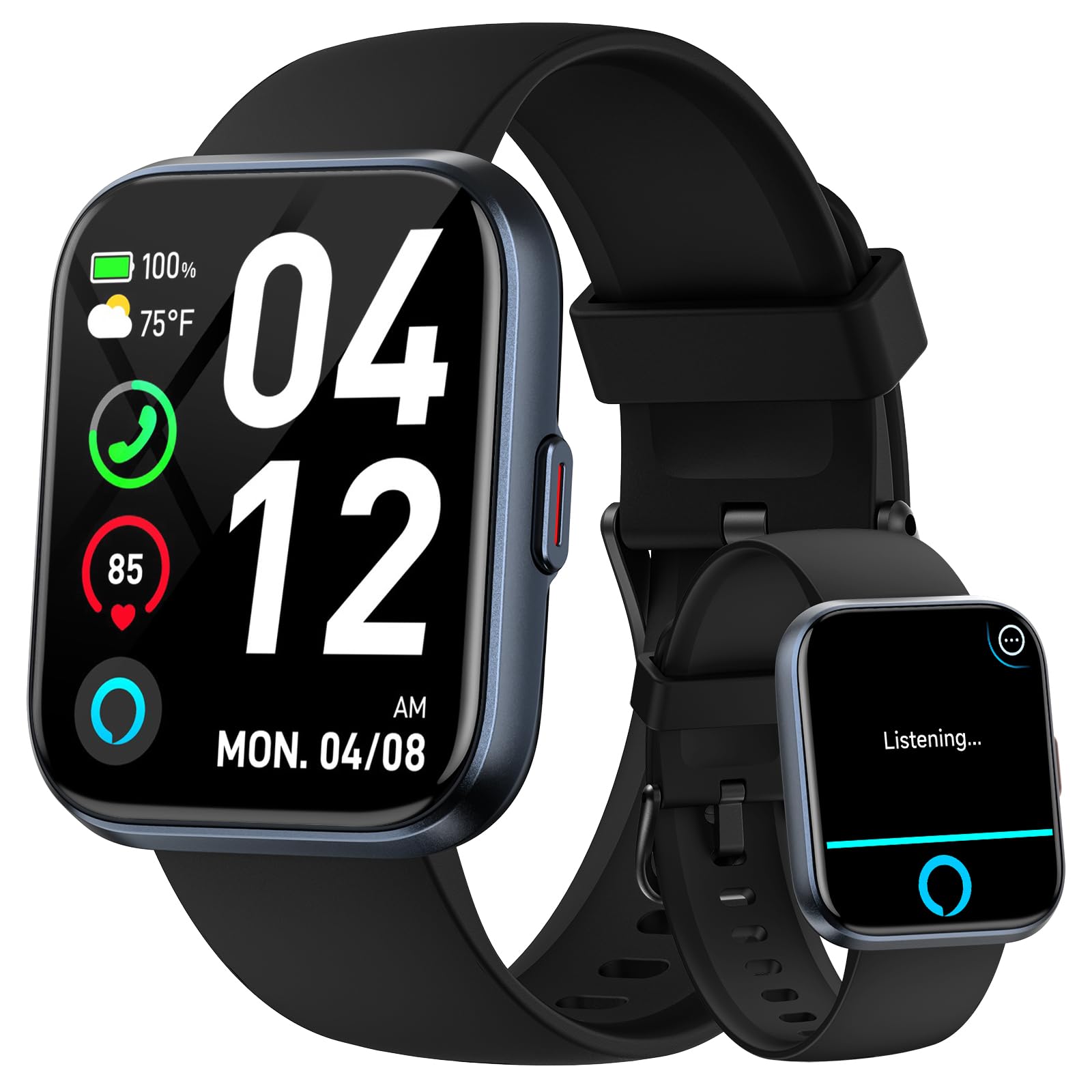
We recommend this watch for disabled adults who want large-screen alerts, health tracking, and hands-free calling at a modest price.
Pros
- Clear 1.8-inch display with adjustable brightness
- Alexa, Bluetooth calls, and vibration alerts
- Long battery life with a comfortable silicone band
Cons
- Cannot send replies to text messages
- Health readings are for general tracking, not medical use
- GPS depends on a connected smartphone
We found the large screen easy to read, and the touch controls responded well during everyday use. Vibration alerts helped draw attention to calls, notifications, alarms, and health reminders without relying only on sound.
Alexa added useful hands-free features, such as setting alarms, checking the weather, and controlling compatible smart-home devices. Bluetooth calling worked when the phone stayed nearby, but the watch cannot send text replies.
The VeryFit app records heart rate, blood oxygen, stress, sleep, steps, and activity. We would treat these measurements as general wellness information rather than a substitute for medical equipment.
The watch supports many exercise modes and handles handwashing, rain, and sweaty activities with its IP68 rating. Its battery can last about seven days with typical use, which reduces the need for frequent charging.
The band fits wrists from about 6 to 8.7 inches and feels practical for daily wear. Users who need fall detection, medical alerts, cellular service, or independent GPS should consider a more specialized device.
KIPTUMTEK T7 Smart Watch
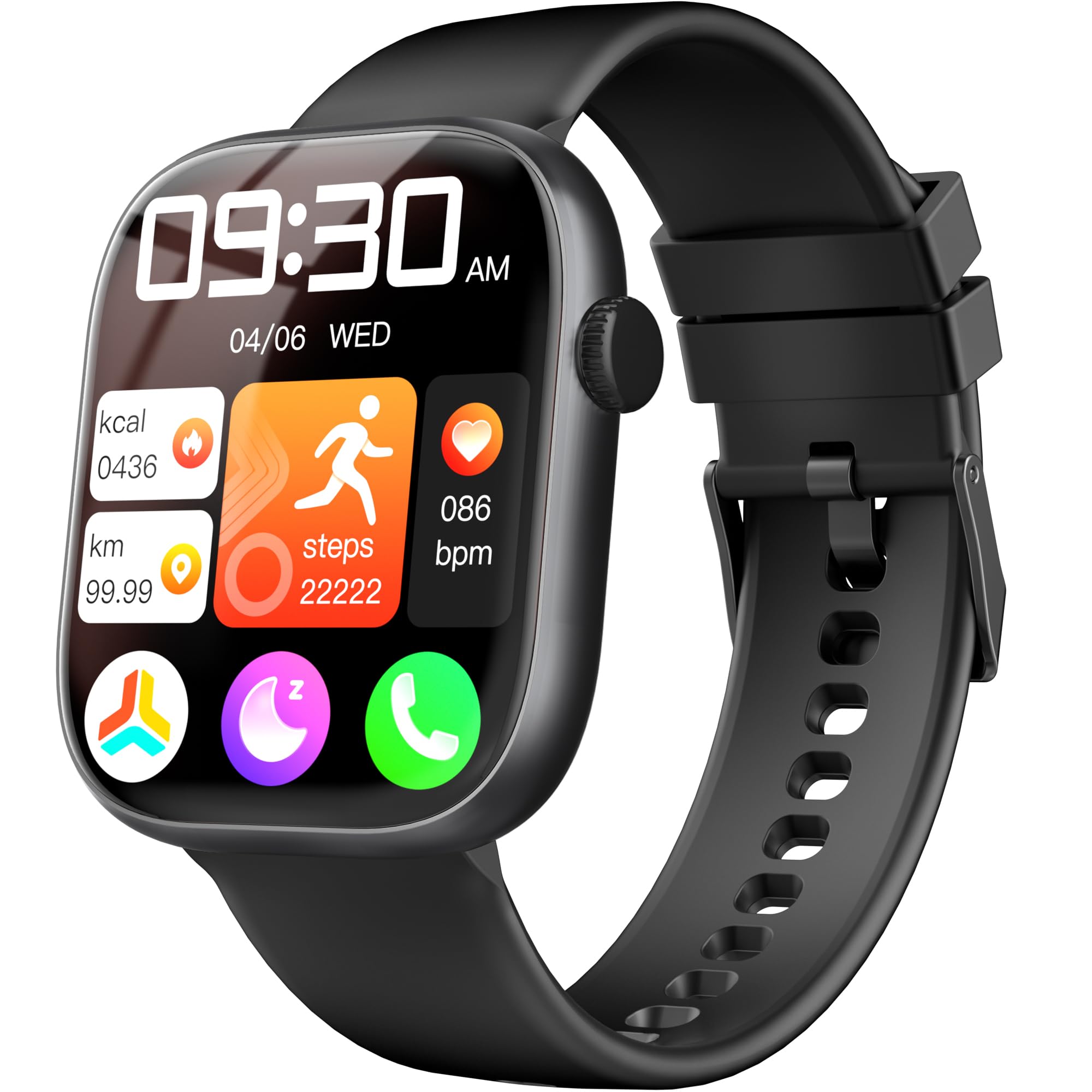
We recommend the KIPTUMTEK T7 for adults who want simple call alerts, activity tracking, and health reminders at a low price.
Pros
- Bright, readable 1.83-inch screen
- Bluetooth calls and phone notifications
- Long battery life for regular use
Cons
- No built-in GPS
- Health readings are not medical measurements
- IP67 rating does not support swimming
We found the large display easy to read and the touch controls simple to use. The lightweight design also felt comfortable during long periods of wear, which can help users who dislike bulky watches.
Bluetooth calling worked well when the phone stayed nearby. We could view messages and app alerts from the wrist, use reminders, and access tools such as the timer, calculator, and phone finder.
The watch tracks steps, sleep, heart rate, blood oxygen, and stress. These features can help us notice daily patterns, but we should not use them to diagnose or manage a medical condition.
Battery life may reach about 10 days with moderate use. The watch handles rain, sweat, and handwashing, but its IP67 rating does not make it suitable for swimming or hot showers. Since it lacks GPS, we need to carry a phone for route tracking.
Quican ID208 Plus Smartwatch
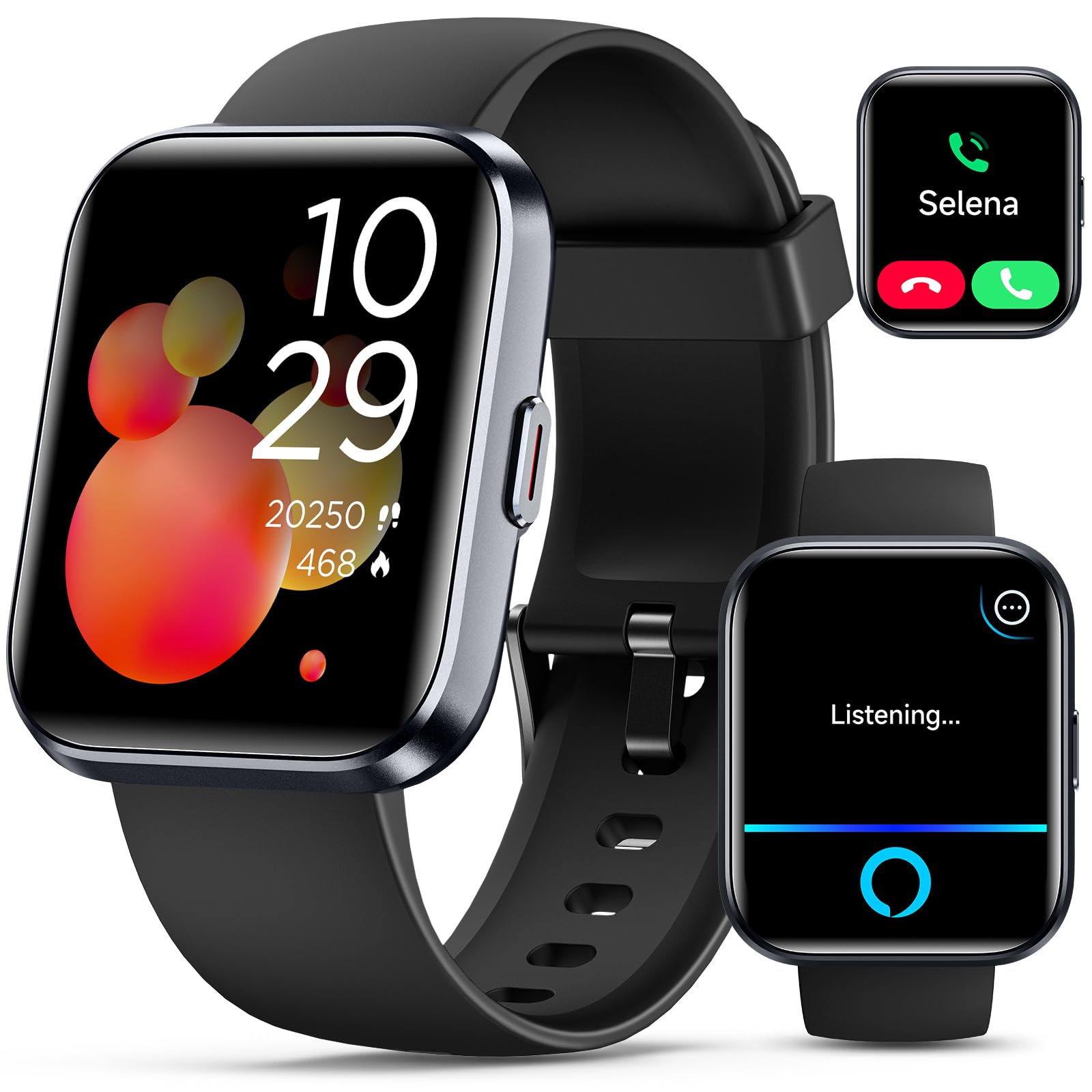
We recommend this watch for adults who want simple activity tracking, call alerts, and health trends at a low price.
Pros
- Large 1.8-inch screen with responsive touch controls
- Comfortable band and simple VeryFit app setup
- Long battery life and Alexa support
Cons
- GPS works through a connected phone
- Message alerts do not support text replies
- Health readings should not replace medical devices
We found the large display easy to read and the touch controls straightforward. The soft silicone band felt comfortable during daily wear, and its adjustable fit suited a wide range of wrists.
Call and message alerts can help users stay aware without checking a phone. Alexa adds voice controls for basic tasks, while alarms, timers, reminders, and the find-phone feature offer useful support for daily routines.
The watch tracks steps, sleep, heart rate, stress, and blood oxygen levels. We would use these features to notice general patterns, not to make medical decisions. The watch also includes many exercise modes, but its GPS depends on a paired smartphone.
Battery life is a strong point, although real-world use may fall below the advertised maximum. The IP68 rating helps with rain and hand washing, but we would avoid swimming or deep water. Overall, this is a practical choice for users who value basic alerts, a clear screen, and simple wellness tracking.
BOOOMIC Alexa Smart Watch
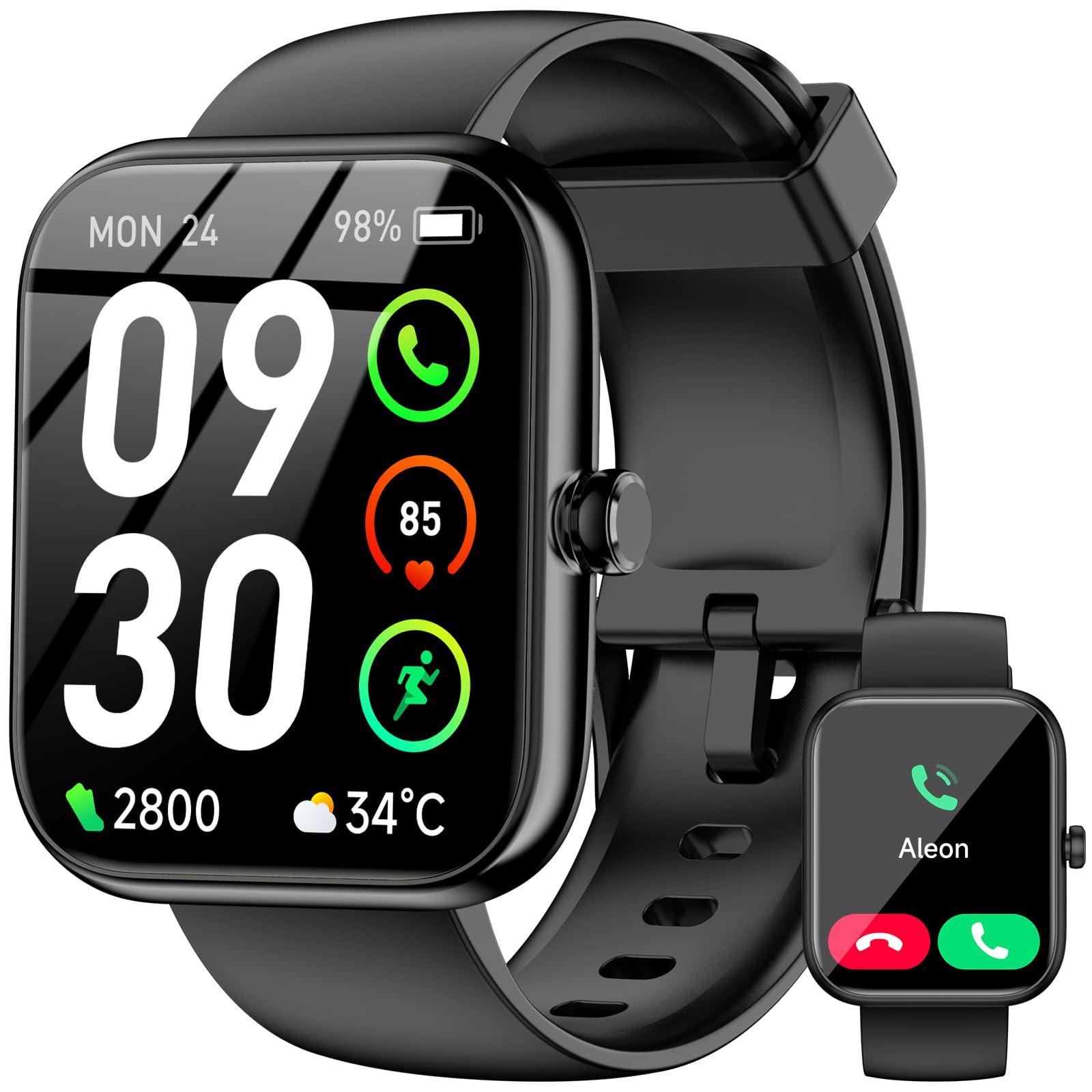
We recommend this watch for disabled adults who want a large screen, phone alerts, Bluetooth calls, and basic health tracking at a low price.
Pros
- Large, readable touchscreen
- Bluetooth calls and phone notifications
- Alexa, reminders, and health tracking
Cons
- Needs a smartphone for calls, Alexa, and GPS
- Cannot reply to messages from the watch
- Health data should not replace medical devices
We found the 1.83-inch screen easy to read and navigate. The touch controls felt simple for common tasks, such as checking alerts, starting a timer, or viewing the weather. The large display may help users who struggle with smaller text or buttons.
Bluetooth calling worked well for short conversations when the watch stayed near the phone. Notifications from apps such as WhatsApp, Telegram, and Facebook appeared on the screen, but we could not send replies from the watch. Alexa also requires a connected smartphone.
The watch tracks heart rate, stress, sleep, steps, and other activity data. These features can help us notice daily patterns, but they are not designed for diagnosis or emergency monitoring. The watch also includes reminders, a sedentary alert, music controls, and a find-my-phone feature.
Its IP68 rating suits handwashing and everyday sweat, but we would remove it before bathing, using a sauna, or entering hot water. Battery life may vary with calling, notifications, and tracking, so we would not depend on its advertised maximum without testing our own usage.
TOOBUR Alexa Smart Watch

We recommend this affordable watch for adults who want call alerts, activity tracking, and long battery life without buying a premium model.
Pros
- Clear, large screen with customizable faces
- Battery can last about a week with regular use
- Alexa, Bluetooth calls, and phone-finding tools
Cons
- Some health readings may be inconsistent
- App syncing can require manual checks
- The plastic band may not suit every wrist
We found the 1.95-inch screen easy to read, which can help adults who prefer larger text and simple touch controls. Call and message alerts also reduce the need to check a phone during daily tasks.
The watch supports heart-rate, stress, sleep, step, and activity tracking. We would use these features to notice general trends, not to replace medical devices or professional advice. The product also offers more than 100 activity modes and an IP68 water-resistance rating.
Battery life is a strong point. With regular use, it can last several days before charging, and the simple buckle makes it easy to remove. The included band may feel less comfortable on some wrists, but compatible replacement bands can improve the fit.
Alexa adds voice control for reminders, weather, and other supported tasks. However, the watch depends on a paired Android or iPhone, and users may need to open the VeryFit app to keep data synced.
Buying Guide
We should start with the user’s daily needs, such as fall detection, medication reminders, emergency calls, fitness tracking, or sleep monitoring. The best choice should support independence without adding difficult steps.
| Feature | What to check |
|---|---|
| Accessibility | Large text, clear icons, strong contrast, voice control, and adjustable alerts |
| Safety | Fall detection, emergency calling, location sharing, and a reliable alert system |
| Comfort | Lightweight design, soft bands, simple buttons, and a secure fit |
| Battery life | Enough power for daily use, with charging that feels easy and safe |
| Connectivity | Compatibility with the user’s phone, mobile network, hearing aids, or other devices |
| Health tools | Features that match medical needs, with clear limits on accuracy and purpose |
We should check whether the watch works with the user’s phone and whether important features require a paid service. We also need to confirm that emergency tools work in the user’s location and with their mobile network.
A simple interface can matter more than a long feature list. We should look for readable displays, clear menus, customizable alerts, and controls that work for users with limited vision, hearing, movement, or memory.
Before buying, we should review the charging method, water resistance, warranty, return policy, and customer support. A trial period can help us check comfort, ease of use, and whether alerts are easy to notice.
Editor’s Choice
We recommend the Apple Watch SE (2nd generation) for many disabled adults. It offers fall detection, emergency SOS, medication reminders, heart-rate alerts, and strong voice control through Siri. Its clear interface and large text options can also support users with vision or motor needs.
The watch works best with an iPhone. Users who need cellular service should choose a cellular model and confirm that their carrier supports it.
| Feature | Why it may help |
|---|---|
| Fall Detection | Can contact emergency services after a hard fall |
| Emergency SOS | Provides quick access to help |
| Voice control | Lets users perform tasks without precise touch |
| Medication reminders | Supports regular medication schedules |
| Accessibility settings | Includes larger text, screen readers, and touch controls |
We should match the watch to each person’s needs. Samsung Galaxy Watches may suit Android users, while the Google Pixel Watch offers useful health and safety tools for compatible Android phones. People with limited hand movement should check band comfort, button placement, and voice-control accuracy before buying.
Conclusion
We should choose a smartwatch based on the user’s daily needs, comfort, and ability to use its controls. Features such as fall detection, emergency calling, health tracking, reminders, and voice control can support safety and independence.
We also need to check phone compatibility, battery life, screen readability, and accessibility settings. A simple interface may work better than a watch with many advanced features.
Before buying, we should confirm that emergency features work in the user’s location and with their mobile plan. We should also consider whether a family member, caregiver, or support worker can help set up alerts and notifications.
The best choice is the watch that the user can wear comfortably and operate with confidence. Testing the watch during daily tasks can help us decide whether it meets the user’s needs.
FAQS
What should we look for in a smartwatch for a disabled adult?
We should focus on accessibility features, clear controls, strong vibration alerts, voice support, and a comfortable fit. Fall detection, emergency calling, medication reminders, and health tracking may also help, depending on the user’s needs.
Can smartwatches help people with limited vision?
Yes. We can choose models with screen readers, voice commands, large text, high contrast, and adjustable display settings. Tactile alerts can also reduce the need to read the screen.
Do smartwatches support people with hearing loss?
Many models use vibration alerts for calls, messages, alarms, and emergency notifications. We should check whether the watch supports customizable vibration patterns and connects well with the user’s phone.
Are fall detection and emergency features reliable?
These features can help, but they may not detect every fall. We should treat them as backup tools and check whether they require a phone, cellular service, or an active subscription.
Can we use a smartwatch without a smartphone?
Some cellular models can make calls and send messages without a phone nearby. We should confirm the watch works with the user’s carrier and supports the needed accessibility features independently.
How can we make a smartwatch easier to use?
We can adjust text size, simplify notifications, enable voice control, and remove unused apps. A family member or support worker can help set up emergency contacts and practice key functions.