
7 Best Smart Light Bulbs for Elderly: Easy-Use Options for Safer Homes


Compression Socks

Adjustable Walker with Wheels

Shiatsu Neck Massager
Smart light bulbs can make everyday lighting easier to control. They connect to a phone, voice assistant, or remote and let users turn lights on and off, adjust brightness, and sometimes change color without reaching for a wall switch. For older adults, these features can add convenience and help reduce the need to walk through a dark room.
For elderly users, the best smart bulbs offer simple controls, reliable connections, clear setup, and compatibility with the devices they already use. We also look for bulbs with useful scheduling, adjustable brightness, and a dependable manual switch option. A bulb that requires a complicated app or loses its settings after a power outage may create more problems than it solves.
We evaluated smart bulbs with these needs in mind, focusing on ease of use, accessibility, performance, and value. Next, we’ll highlight the models that stood out and explain what to consider before buying.
Best Smart Light Bulbs for Elderly
We reviewed smart light bulbs for simple setup, clear controls, reliable performance, and useful safety features. Our list highlights options that make everyday lighting easier to manage with voice commands, mobile apps, schedules, or remote access.
Govee Smart Light Bulbs
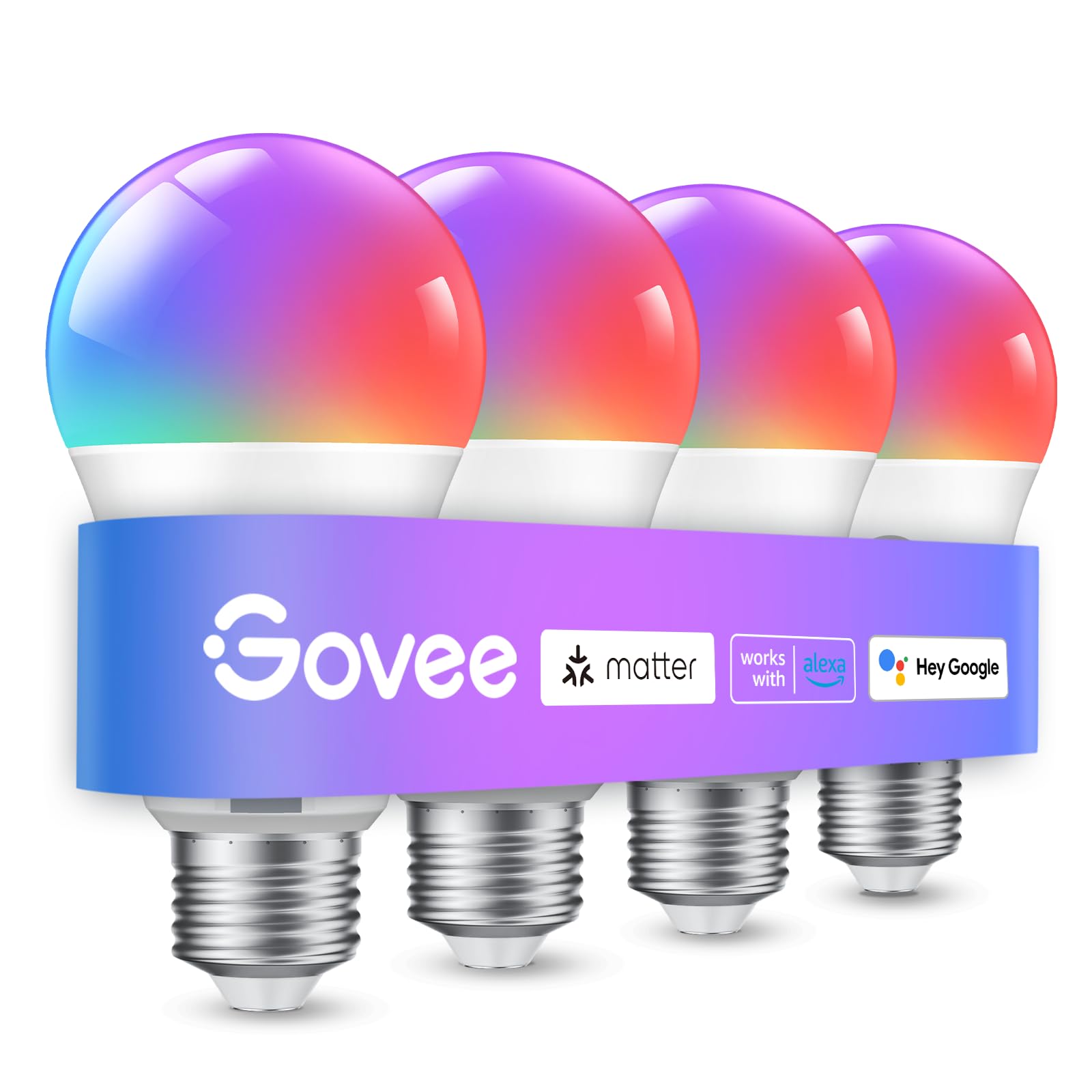
We recommend these bulbs for older adults who want easy voice control, schedules, and adjustable lighting without replacing existing E26 fixtures.
Pros
- Simple app and voice controls
- Bright white and color settings
- Useful timers and daily schedules
Cons
- Requires a 2.4GHz Wi-Fi network
- Setup may need microphone and app permissions
- Cannot work with smart switches
We found the four-pack easy to install in standard lamps and ceiling fixtures. Bluetooth helped with setup, while Wi-Fi enabled control from the app and voice assistants such as Alexa and Google Assistant.
The bulbs provide up to 800 lumens, with adjustable brightness and white tones. We could set a softer light for evenings or a brighter setting for reading. The color options are useful for mood lighting, but many users may mainly use the regular white settings.
Schedules can make daily routines easier. We could set the lights to turn on at a chosen time or follow sunrise and sunset patterns. This may help older adults avoid walking through dark rooms, especially when paired with lamps in hallways or bedrooms.
The main limitation is network setup. These bulbs need stable 2.4GHz Wi-Fi, and the app requires permissions for features such as music syncing. We also would not use them with a wall-mounted smart switch, since the product does not support that setup.
Linkind Smart Light Bulbs

We recommend these bulbs for older adults who want voice control, flexible lighting, and scheduled routines without using a hub.
Pros
- Alexa and Google Home voice control
- Bright, adjustable white and color settings
- Bluetooth backup and app control
Cons
- Setup requires a 2.4GHz Wi-Fi network
- The AiDot app may occasionally lose its connection
- Not suitable for traditional dimmer switches
We found the setup straightforward after connecting to a 2.4GHz network and pairing the bulbs with Alexa. Voice commands handled common tasks well, such as turning lights on, changing brightness, and switching between warm and cool white.
The 800-lumen output worked well for lamps and smaller rooms. We could set warm light for relaxing, brighter white light for reading, and schedules that turned lights on or off automatically. These features can help reduce the need to reach for a switch.
The AiDot app offers many scenes, color choices, and group controls. Most people may not need the music sync or custom light effects, but the basic controls remain useful. Bluetooth can help maintain local control, though the initial setup still needs 2.4GHz Wi-Fi.
We also noted a possible drawback: some users may find the app connection less reliable at times. These bulbs work with standard E26 sockets, but they should not connect to traditional dimmer switches because flickering or buzzing may occur.
Kasa Smart Color Wi-Fi Bulbs
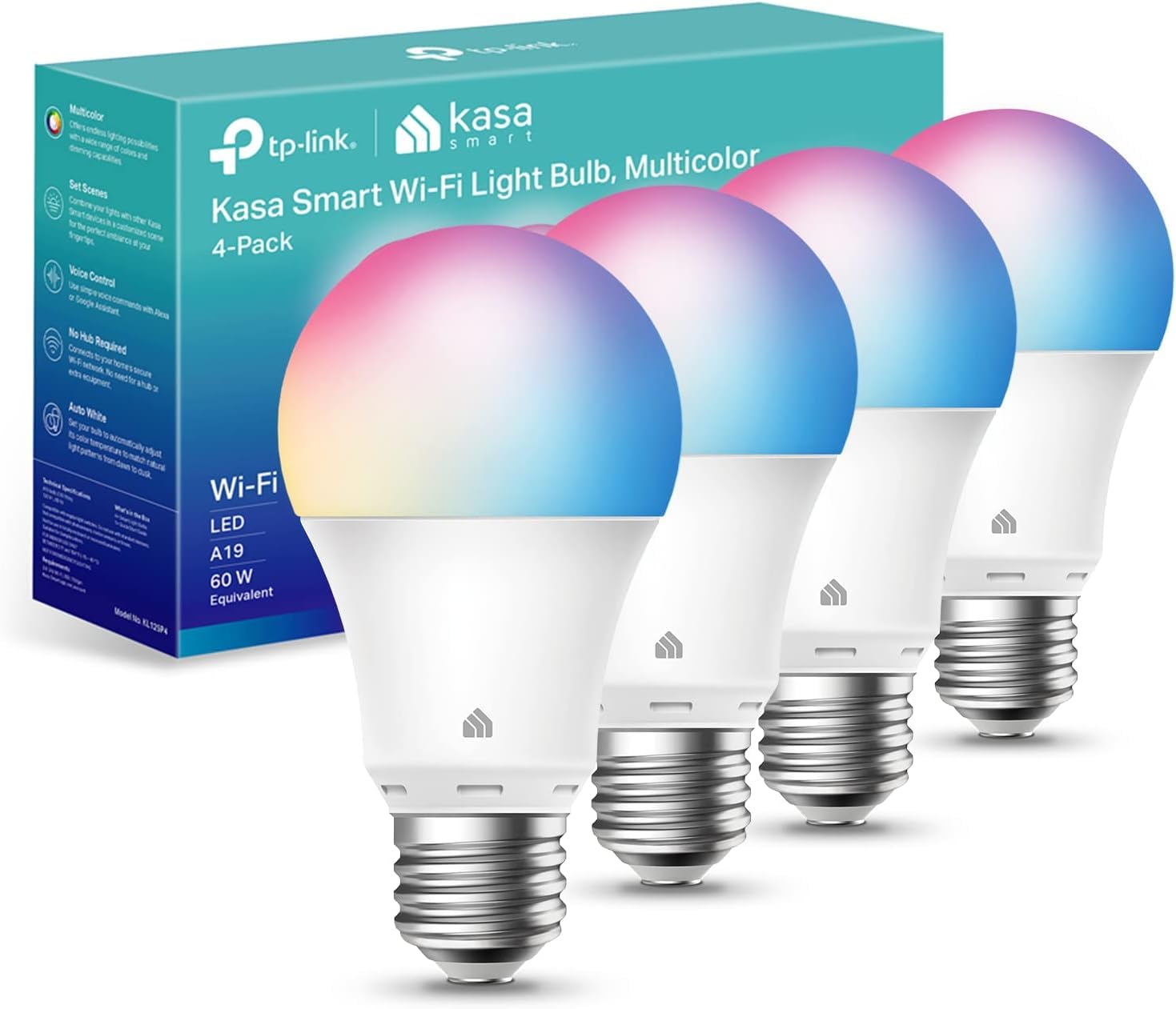
We recommend these bulbs for older adults who want simple app and voice control, along with adjustable brightness and color.
Pros
- Kasa app guides setup step by step
- Voice control works with Alexa and Google Assistant
- Scheduling and remote control can improve daily routines
Cons
- Requires a 2.4GHz Wi-Fi network
- Color settings may feel unnecessary for basic lighting
- Some users report flickering when dimmed
We found the Kasa app easy to follow during setup. The bulbs connect directly to Wi-Fi, so we did not need a separate hub. Once connected, Alexa and Google Assistant could turn the lights on, off, or adjust them by voice.
The 800-lumen output works well for bedrooms, hallways, and living areas. We could dim the bulbs or choose warm white for evenings and cooler white for tasks. The color feature adds flexibility, but many users may mainly use the adjustable white settings.
Schedules can turn lights on before waking or create a lived-in look while we are away. Remote control also helps when we enter a dark room or forget to switch off a light. We should note that these bulbs require a 2.4GHz Wi-Fi network.
The four-pack offers useful coverage for several rooms. We noticed that dimming performance can vary, and some customer reports mention flickering at lower settings. Overall, the bulbs suit users who want flexible control without installing a hub.
Kasa Smart Color Bulbs
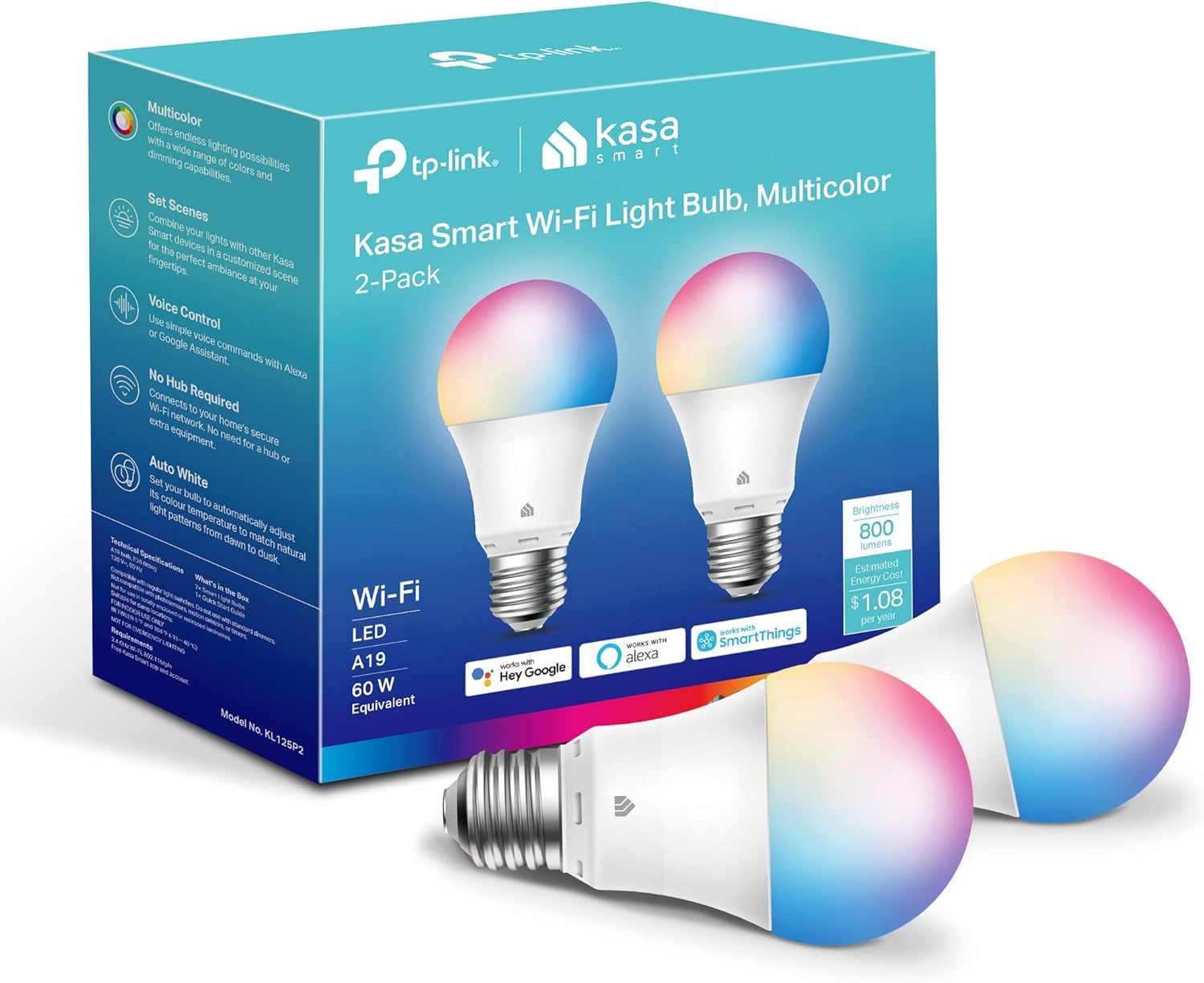
We recommend these bulbs for older adults who want simple app or voice control, flexible lighting, and no separate hub.
Pros
- Easy control through the Kasa app, Alexa, or Google Assistant
- Dimming, color changes, and warm-to-cool white settings
- Scheduling and remote control can improve daily convenience
Cons
- Setup requires a 2.4GHz Wi-Fi network and a Kasa account
- Resetting a bulb may take extra effort
- The app can feel slightly confusing during setup
We found the installation process fairly simple, especially because the Kasa app guides us through each step. Once connected, we could turn the bulb on or off, adjust brightness, and change the color from a phone without reaching for the wall switch.
Voice control worked well for basic tasks, such as turning on a light before entering a dark room. Scheduling also helped us set a soft morning light and automatic shutoff times, which may be useful for daily routines.
The bulb produces up to 800 lumens, making it suitable for many bedrooms, living rooms, and hallways. Its white light ranges from warm to cool, while the color modes add flexibility for decorations or mood lighting.
We did notice a few limits. The bulb only supports 2.4GHz Wi-Fi, and resetting it after setup can be frustrating. We also recommend checking that the home voltage matches the bulb’s 120-volt rating before buying.
Lightinginside Smart Light Bulbs

We recommend these bulbs for older adults who want simple voice control, remote access, and adjustable lighting without buying a hub.
Pros
- Alexa and Google Assistant support allows hands-free control.
- Bluetooth backup helps maintain local control when Wi-Fi fails.
- Warm, cool, dim, and color settings suit different needs.
Cons
- The SmartLife app can feel confusing when setting groups or routines.
- Initial setup requires Bluetooth and a 2.4GHz Wi-Fi network.
- Some owners report pairing problems after about a year.
We found the bulbs easy to install in standard E26 sockets. The SmartLife app connected them within minutes, and voice commands worked well for turning lights on, off, or dimming them. A six-pack also makes it practical to cover several rooms at once.
The 800-lumen output provides useful brightness for bedrooms, hallways, and living spaces. We liked being able to choose a soft warm white for evenings or a cooler white for tasks. The color features add flexibility, but many users may rely mostly on the standard white settings.
Schedules and timers can help older adults keep regular lighting routines. Remote control also lets family members check or adjust lights when needed. However, the app takes some time to learn, especially when creating groups or custom scenes.
These 9-watt LED bulbs use less power than traditional 60-watt bulbs and include a two-year warranty. We would choose them for affordable, flexible lighting, while keeping the warranty information in case connection problems develop later.
Lightinginside Smart Light Bulbs

We recommend these bulbs for older adults who want bright lighting, voice control, and simple schedules without adding a smart hub.
Pros
- Bright output works well in larger rooms
- Alexa and Google Assistant support
- Local Bluetooth control can help during Wi-Fi problems
Cons
- Setup requires a 2.4GHz Wi-Fi network
- App pairing may take patience
- Some buyers reported connection or early failure issues
We found the 1350-lumen output helpful in rooms that needed stronger light. The bulbs also let us switch between warm and cool white, dim the light, or choose colors through the SmartLife app.
Voice control made daily use easier. We could turn lights on, switch them off, and adjust brightness through Alexa or Google Assistant without reaching for a phone. Schedules and timers also help reduce the need to use wall switches.
Setup was mostly straightforward, but the bulbs require both Bluetooth and a 2.4GHz Wi-Fi network during pairing. Some users reported trouble connecting the app or keeping a stable connection. The Bluetooth backup is useful, though it does not remove the need for a careful initial setup.
This four-pack suits bedrooms, living rooms, and hallways with standard E26 sockets. We would choose it for someone who values bright, adjustable lighting and voice commands, but we would keep the two-year warranty in mind because customer reports mention mixed long-term reliability.
SYLVANIA SMART+ WiFi Color Bulbs

We recommend this four-pack for older adults who want voice control, simple timers, and adjustable lighting without buying a hub.
Pros
- Works with Alexa, Google Assistant, and Siri Shortcuts
- Offers bright white light, dimming, and color choices
- Lets us control groups and routines from the app
Cons
- Requires a 2.4 GHz Wi-Fi network
- App setup may take patience
- Does not support Apple HomeKit
During testing, we found the bulbs easy to control once the free Sylvania app finished setup. Voice commands made everyday tasks simpler, especially when we wanted to turn lights off without walking across the room.
The bulbs provided useful white-light adjustments for different times of day. We could choose a warmer setting for the evening or a cooler, brighter setting for tasks. The color options worked well for accent lighting, though many older adults may use the white settings most often.
We liked the ability to create schedules and control the bulbs while away. However, the app felt less intuitive than some competing options, and connecting to Wi-Fi required attention to the 2.4 GHz network requirement. These indoor-only bulbs also should not go in fully enclosed fixtures.
At 800 lumens, each bulb gave us enough light for common lamps and rooms. We would choose this pack for users who already have Alexa or Google Home and want flexible lighting at a reasonable price.
Editor’s Choice
Editor’s Choice: Govee Smart Light Bulbs
For older adults who want a convenient balance of easy control, flexible lighting, and useful scheduling, the Govee Smart Light Bulbs stand out as our Editor’s Choice. They offer app and voice control through Alexa and Google Assistant, adjustable brightness and white tones, and schedules that can automatically turn lights on or off.
The 800-lumen output is suitable for common lamps and rooms, while scheduling can help reduce the need to move through dark areas at night. The main drawback is that setup requires a 2.4GHz Wi-Fi network, and the bulbs are not compatible with smart switches.
Best for: Older adults who want simple voice control, adjustable lighting, and automated daily routines without replacing their existing E26 fixtures.
Conclusion
The best smart light bulbs for elderly users should make everyday lighting simpler rather than more complicated. Features such as voice control, adjustable brightness, scheduling, remote access, and reliable connectivity can make lights easier to manage without repeatedly reaching for a wall switch.
Among the options reviewed, Govee Smart Light Bulbs are our Editor’s Choice for their combination of voice controls, adjustable lighting, scheduling, and straightforward installation. Other options, including Linkind, Kasa, Lightinginside, and SYLVANIA SMART+, offer useful alternatives depending on brightness, app preferences, voice-assistant compatibility, and room coverage.
Before buying, check your Wi-Fi requirements, socket type, compatibility with your preferred voice assistant, and whether the bulb works with your existing switches. Choosing a model that is easy to set up and operate can make smart lighting much more useful for older adults.
FAQs
1. What are the best smart light bulbs for elderly users?
The Govee Smart Light Bulbs are our Editor’s Choice because they combine simple app and voice controls, adjustable brightness, white-light settings, and useful scheduling features.
2. Are smart light bulbs easy for elderly people to use?
They can be, especially when they support voice commands, simple apps, schedules, and remote control. These features can reduce the need to reach for a wall switch or walk across a dark room.
3. Can elderly users control smart bulbs with their voice?
Yes. Several bulbs in this guide support voice control through assistants such as Amazon Alexa and Google Assistant. The SYLVANIA SMART+ option also supports Siri Shortcuts.
4. Do smart bulbs need Wi-Fi?
Many of the bulbs reviewed require a 2.4GHz Wi-Fi network for initial setup and smart features. Some models also provide Bluetooth for local control or setup assistance.
5. Can smart bulbs help older adults avoid walking through dark rooms?
Yes. Scheduling can automatically turn lights on at selected times, while voice and remote controls can let users activate lights before entering a dark room. These features may make daily lighting routines more convenient.
6. What brightness should I look for in a smart bulb for elderly users?
The bulbs reviewed include models offering around 800 lumens, while one Lightinginside option provides up to 1,350 lumens for rooms that need stronger lighting.
7. Can smart bulbs work with regular lamps?
Yes. Several models in this guide use standard E26 sockets, making them suitable for compatible existing lamps and fixtures. Always check the bulb’s voltage and fixture requirements before purchasing.
8. Do smart bulbs work with traditional dimmer switches?
Not always. For example, the Linkind bulbs are specifically noted as unsuitable for traditional dimmer switches. Compatibility should be checked before installation.
9. Which smart bulbs are best for bright rooms?
The Lightinginside Smart Light Bulbs with 1,350 lumens are a strong choice when brighter illumination is the priority. They also offer voice control, adjustable white tones, dimming, and color options.
10. What should I check before buying smart light bulbs for an elderly person?
Check the Wi-Fi requirement, socket type, voice-assistant compatibility, app simplicity, brightness, scheduling features, and switch compatibility. A straightforward setup and dependable controls are especially important for everyday use.
