
10 Best Smart Light Bulbs for Caregivers: Top Choices for Safer Homes


Adult Coloring Book

Long Handle Shoe Horn

Page Magnifier Sheet
Smart light bulbs can help caregivers manage lighting without walking to every switch. Through an app, voice assistant, or scheduled routine, these bulbs can support safer nighttime movement, reduce glare, and make it easier to check or adjust lights from another room.
For caregivers, the best smart light bulbs offer reliable connections, simple controls, adjustable brightness, and compatibility with the devices already in use. We also look for bulbs that work without complicated setup, recover well after a power outage, and provide warm, dim light for bedrooms and hallways. We tested and researched smart light bulbs to find the options that make daily care tasks easier and more manageable.
Best Smart Light Bulbs for Caregivers
We selected the best smart light bulbs for caregivers based on ease of use, reliable app controls, voice support, and useful scheduling features. Our list includes options that can help manage lighting for older adults, people with disabilities, and anyone who needs safer, more convenient control.
Govee Smart Light Bulbs
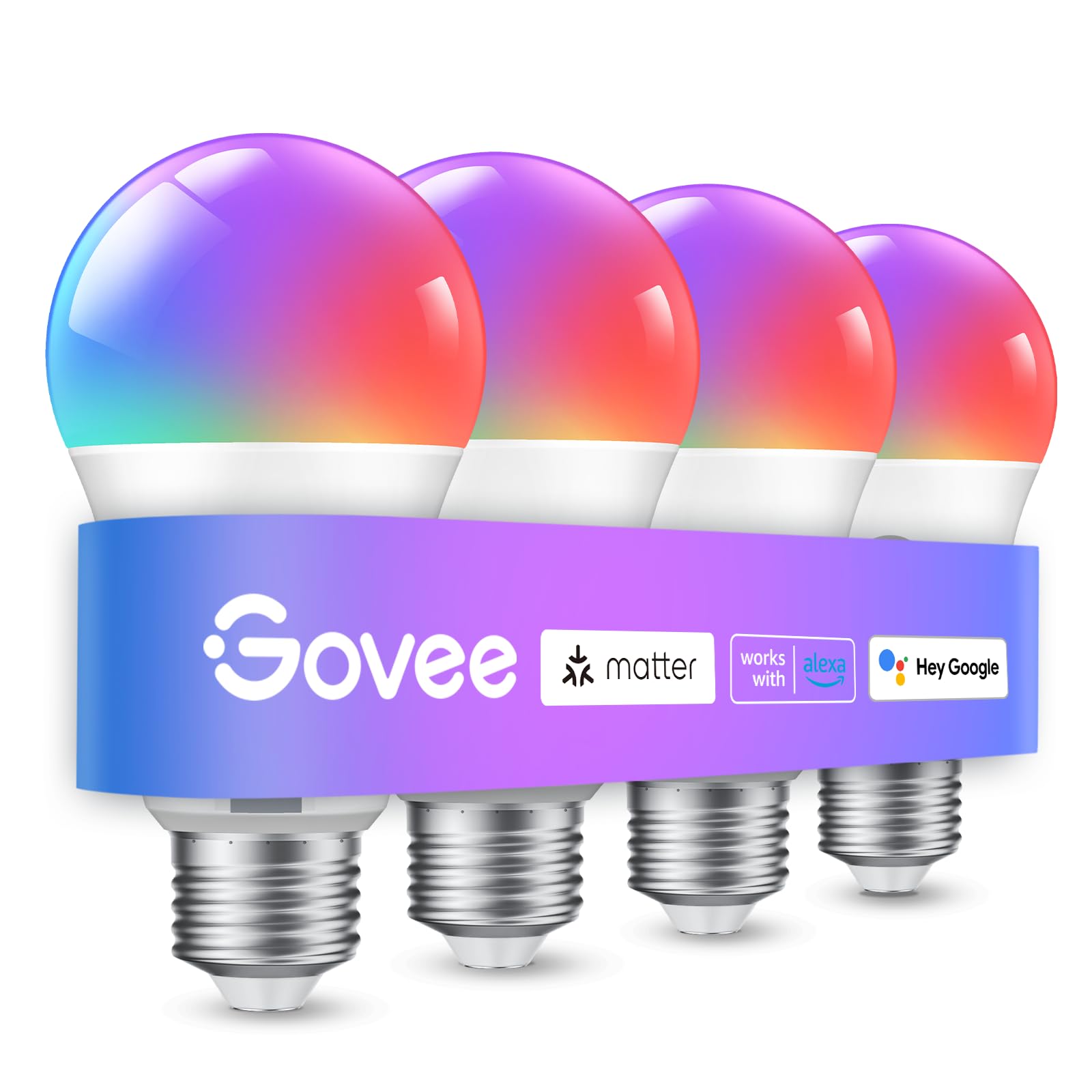
We recommend these bulbs for caregivers who want flexible lighting, voice control, and simple schedules across several rooms.
Pros
- Easy app, Bluetooth, and Wi-Fi setup
- Useful schedules, timers, and grouped controls
- Bright color and white-light options
Cons
- Requires a stable 2.4GHz Wi-Fi connection
- The app needs microphone access for music sync
- Cannot work with smart switches
We found the four-pack useful for placing bulbs in bedrooms, hallways, and common areas. The Govee app made it easy to turn lights on, dim them, change colors, and control several bulbs together.
For caregiving routines, scheduled lighting stands out. We could set lights to turn on near wake-up time or fade later in the evening. This can reduce the need to walk through a dark home, although setup takes some planning.
Voice control through Alexa or Google Assistant adds convenience when hands are busy. The bulbs also offer bright white light and many color choices, but caregivers who only need basic on-and-off control may not use every feature.
We noticed that the bulbs depend on 2.4GHz Wi-Fi and cannot pair with smart switches. Music sync also relies on the phone microphone, so it may not work while another app is using it.
DAYBETTER Smart Light Bulbs
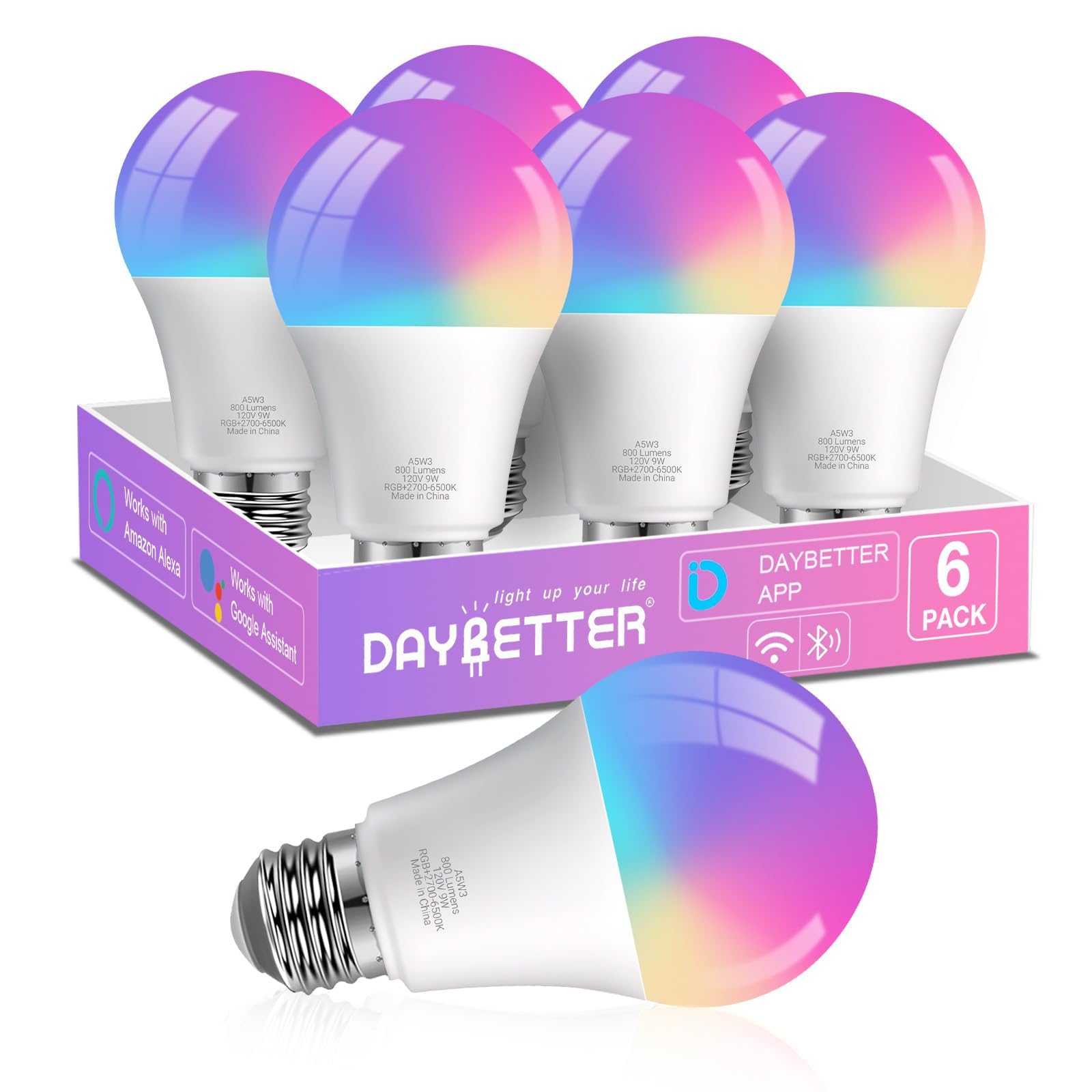
We recommend these bulbs for caregivers who want simple voice control, scheduled lighting, and adjustable colors without adding a hub.
Pros
- Voice control works with Alexa and Google Home
- Scheduling and group control support daily routines
- Adjustable colors and white light suit many rooms
Cons
- Setup requires a 2.4GHz Wi-Fi network
- The bulbs cannot use physical dimmer switches
- The DAYBETTER app does not support Matter or Home Assistant
We found the setup fairly simple after connecting a phone to a 2.4GHz network and enabling Bluetooth. The app lets us control each bulb, group several bulbs, and create schedules. These features can help caregivers turn on entryway lights, set bedtime lighting, or manage rooms without walking to every switch.
Voice commands worked well for basic tasks such as turning lights on, changing colors, and lowering brightness. The bulbs also provide a useful range of warm and cool white light. We could use a soft setting at night and a brighter option for daytime care tasks.
The main limits involve compatibility. These bulbs do not connect to 5GHz Wi-Fi, Matter, Tuya, Smart Life, or Home Assistant. We also had to avoid physical dimmer switches because they can cause flickering; brightness changes should come through the app or voice assistant.
Music sync and preset scenes add extra options, but caregivers may find scheduling and group control more useful. With six bulbs in the pack, we can cover several lamps or rooms while keeping control in one app.
Kasa Smart Color Bulbs
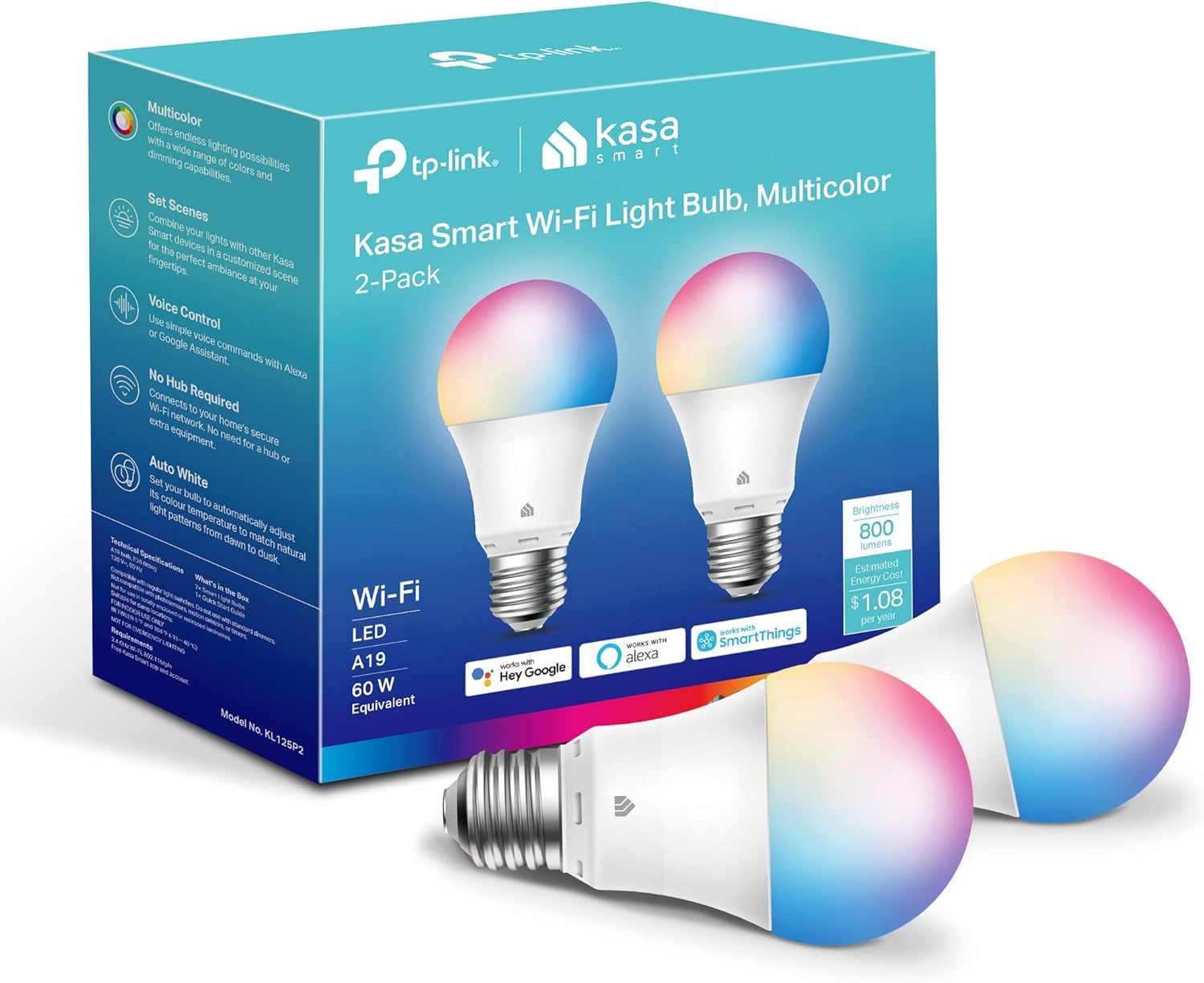
We recommend these bulbs for caregivers who want simple remote control, schedules, and hands-free lighting without adding a hub.
Pros
- Easy app, Alexa, and Google Assistant control
- Scheduling and dimming support daily routines
- Full-color options plus adjustable white light
Cons
- Works only with 2.4GHz Wi-Fi
- Setup or resetting can take patience
- The app requires a Kasa account
We found the Kasa app helpful during setup because it guides us through connecting each bulb to Wi-Fi. Once connected, we could turn lights on, dim them, or change colors from another room. That makes the bulbs useful when we need to check a room without disturbing someone.
Scheduling adds practical support for caregiving routines. We can set a soft light for morning, keep an entryway lit at night, or turn lights off automatically after bedtime. Voice control also helps when our hands are full or we need light while assisting someone.
The bulbs provide up to 800 lumens, which works well for bedrooms, halls, and smaller living spaces. We liked having both colorful settings and warm-to-cool white light for everyday use.
These bulbs need a 2.4GHz Wi-Fi network and use a standard E26 socket. We would choose them for indoor areas where reliable scheduling and remote access matter more than quick setup or support for 5GHz networks.
Linkind Smart Light Bulbs

We recommend these bulbs for caregivers who want simple voice control, schedules, and adjustable lighting without adding a hub.
Pros
- Alexa and Google Home control
- Schedules and group settings
- Warm, cool, and colored light options
Cons
- Setup requires a 2.4GHz Wi-Fi network
- The AiDot app may need occasional reconnecting
- Not suitable for traditional dimmer switches
We found voice control useful when our hands were busy with meals, medication, or other care tasks. We could turn lights on, lower the brightness, or change the color without walking across the room. The bulbs also responded through the AiDot app for remote control.
The adjustable white range helped us create softer light in the evening and brighter light for reading or household tasks. We also liked setting schedules for hallways, bedrooms, and entryways, which reduced the need to manage each bulb manually.
Setup was straightforward, but the bulbs required 2.4GHz Wi-Fi rather than 5GHz. Bluetooth helped with local control, though the app occasionally needed a connection refresh. Caregivers should also avoid installing these bulbs on fixtures controlled by traditional dimmer switches because they may flicker or buzz.
Each bulb provides up to 800 lumens, and the four-pack works well for several rooms. The music and color effects are less important for caregiving, but the preset scenes and group controls can make daily lighting easier to manage.
Amazon Basics Smart A19 Color-Changing Bulb

We recommend this bulb for caregivers who want simple voice control and remote access without adding a hub.
Pros
- Quick Alexa setup for many users
- Voice, app, scheduling, and group controls
- Adjustable brightness and color settings
Cons
- Works only with Alexa
- Requires a 2.4GHz Wi-Fi network
- Some users report connection problems
We found the setup straightforward: we screwed in the bulb, opened the Alexa app, and connected it without a separate hub or third-party app. Once paired, we could turn it on, dim it, or change its color by voice. That makes it useful when a caregiver cannot easily reach a wall switch.
The Alexa app also lets us control the bulb while away from home. We could schedule lights to turn on at set times or group several bulbs by room. These options may help caregivers check lighting remotely or create a regular evening routine.
Color changes work well for mood lighting, but the bulb is less useful when we need bright, neutral light for reading or detailed tasks. We also found the Alexa-only design limiting for homes that use Google Assistant, Apple Home, or another smart home system.
The bulb uses a standard socket and can work in indoor rooms, including damp areas such as bathrooms. We would choose it for bedrooms, hallways, and common spaces where voice control matters more than broad smart-home compatibility.
Kasa Smart Multicolor Bulbs
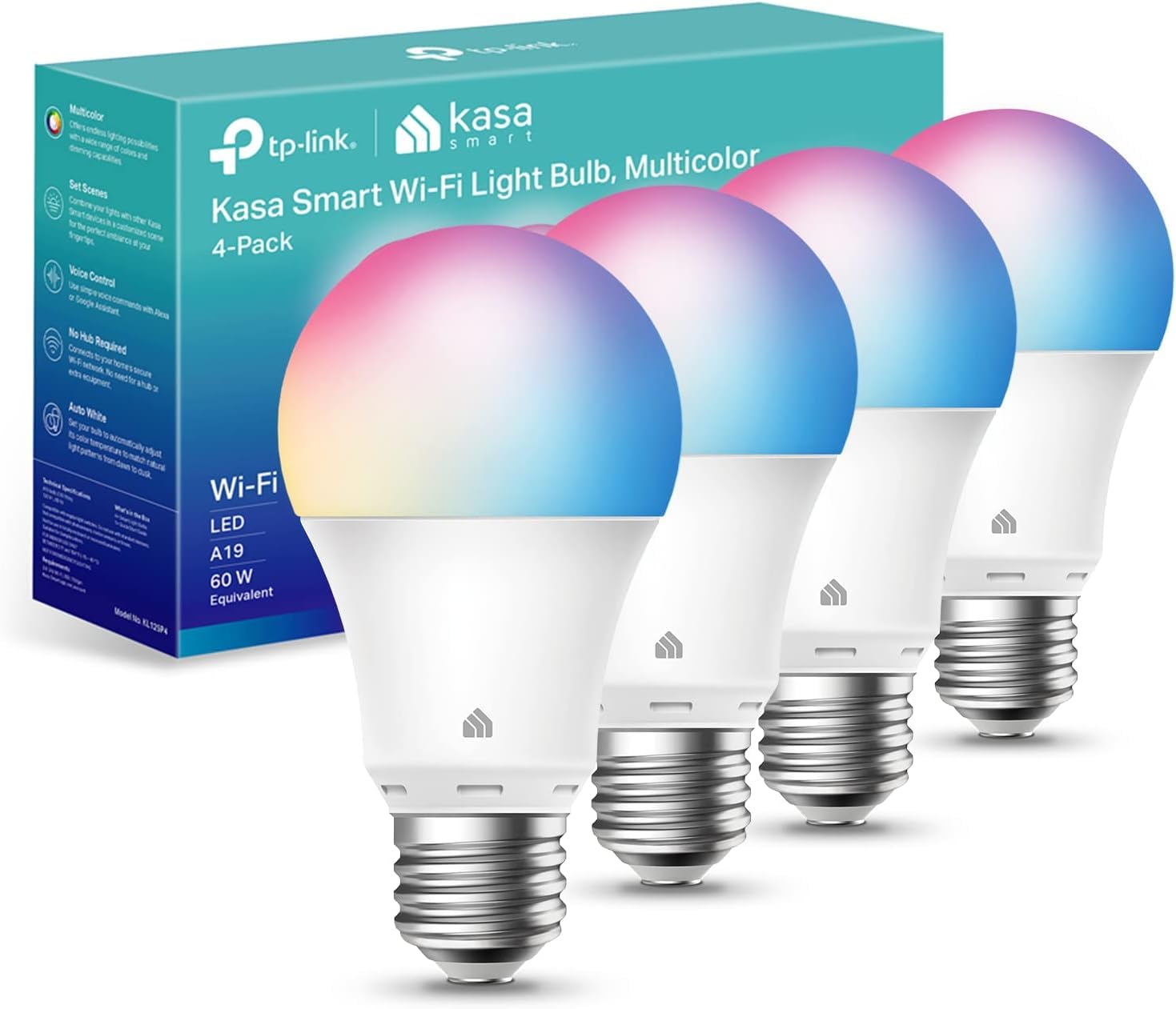
We recommend these bulbs for caregivers who want remote control, scheduled lighting, and hands-free operation without adding a hub.
Pros
- Simple setup through the Kasa app
- Dimming, color changes, and adjustable white light
- Works with Alexa and Google Assistant
Cons
- Requires a 2.4GHz Wi-Fi network
- Color light may seem less bright than white light
- Some users report flickering at low brightness
We found the Kasa app easy to follow during setup. The bulbs connected directly to Wi-Fi, so we did not need a separate hub. That makes them practical for caregivers managing lights in several rooms.
Scheduling helped us create a steady routine. We could set lights to turn on before someone woke up, fade at bedtime, or switch off automatically after leaving a room. Remote control also let us adjust the lighting without walking to the switch.
The adjustable white range worked well for daily tasks. We used a cooler setting for activity and a warmer tone in the evening. Voice control through Alexa or Google Assistant added convenience when our hands were full.
The four-pack suits bedrooms, hallways, and living areas. However, the bulbs only support 2.4GHz Wi-Fi, and color settings may not appear as bright as white light. We also noted that very low dimming levels can cause flicker for some users.
Lightinginside Smart Wi-Fi Bulbs

We recommend these bulbs for caregivers who want voice control, schedules, and remote lighting without adding a hub.
Pros
- Alexa and Google Assistant support makes hands-free control simple.
- Schedules, timers, dimming, and color changes work through the SmartLife app.
- Bluetooth backup can help with local control when Wi-Fi fails.
Cons
- The app may feel confusing when setting up groups and routines.
- Initial pairing requires 2.4GHz Wi-Fi and Bluetooth.
- Some users report connection problems after extended use.
We found the bulbs easy to install in standard E26 fixtures. Setup worked best when we used a 2.4GHz network and kept Bluetooth enabled during pairing. Once connected, we could control individual bulbs or manage several rooms together.
For caregiving, the scheduling tools are useful. We could set lights to turn on before someone wakes, keep a hallway softly lit at night, or switch off lamps without entering the room. Alexa and Google Assistant also let us use voice commands when our hands were busy.
The bulbs provide bright white light for daily tasks and warmer settings for evenings. Color options add flexibility, but caregivers will likely use the dimming, timer, and tunable white features more often.
The SmartLife app handles many controls, though its menus may take time to learn. We also would not rely on these bulbs as the only safety light, since connection issues can occur over time. With a two-year warranty and a six-bulb pack, they offer useful coverage for several rooms at a reasonable cost.
Sengled S1 Warm Smart Bulbs

We recommend these bulbs for caregivers who want simple Alexa control, warm light, and easy dimming without adding a separate hub.
Pros
- Pair quickly with compatible Alexa devices
- Voice and app controls support hands-free use
- Warm, dimmable light suits bedrooms and living areas
Cons
- Some bulbs may need resetting during setup
- Bluetooth range can limit reliability
- Compatibility with third-party fixtures may vary
We found the setup straightforward: we screwed in a bulb, opened the Alexa app, and paired it with a compatible Echo device. The auto-pairing feature can save time, though a few bulbs may require a reset if Alexa does not find them right away.
For caregiving, voice control is useful when we need to turn on a light without reaching a switch. We can also dim the bulb from 5% to 100%, which helps us create softer lighting at night or brighter light for daily tasks.
The 2700K warm light feels comfortable in bedrooms, hallways, and lamps. Each bulb provides enough light for common indoor use, while the E26 base fits many standard fixtures.
These bulbs work best with compatible Alexa devices and within a reliable Bluetooth range. We would avoid placing them in fixtures that depend on another smart lighting system unless we confirm compatibility first.
Linkind Tunable White Smart Bulbs

We recommend these bulbs for caregivers who want hands-free control, scheduled lighting, and adjustable white tones without replacing several types of bulbs.
Pros
- Voice and app control help when our hands are full.
- Schedules can support morning, bedtime, and overnight routines.
- Warm-to-cool white settings suit relaxing, reading, and task lighting.
Cons
- Setup requires a 2.4GHz Wi-Fi network and the AiDot app.
- Traditional wall dimmer switches may cause flicker.
- Bluetooth control may not reach well across larger or multi-level homes.
We found the adjustable color range useful in different care settings. Warm light felt more comfortable in the evening, while cooler light helped us see clearly during medication checks, dressing, and other tasks.
Voice control through Alexa or Google Home added practical convenience. We could turn lights on, dim them, or change the color without walking across the room. The app also lets us group bulbs, which helps when several rooms need the same setting.
Scheduling supports regular routines, such as turning on a hallway light before someone wakes or switching lights off after bedtime. Remote control can also help us check lighting while away from home.
Setup was straightforward, but we needed the AiDot app and a 2.4GHz network. We would avoid pairing these bulbs with standard dimmer switches, since some users report flickering or buzzing. Their Bluetooth range may also be limited in larger homes.
Philips Hue Essential Smart Bulb 4-Pack
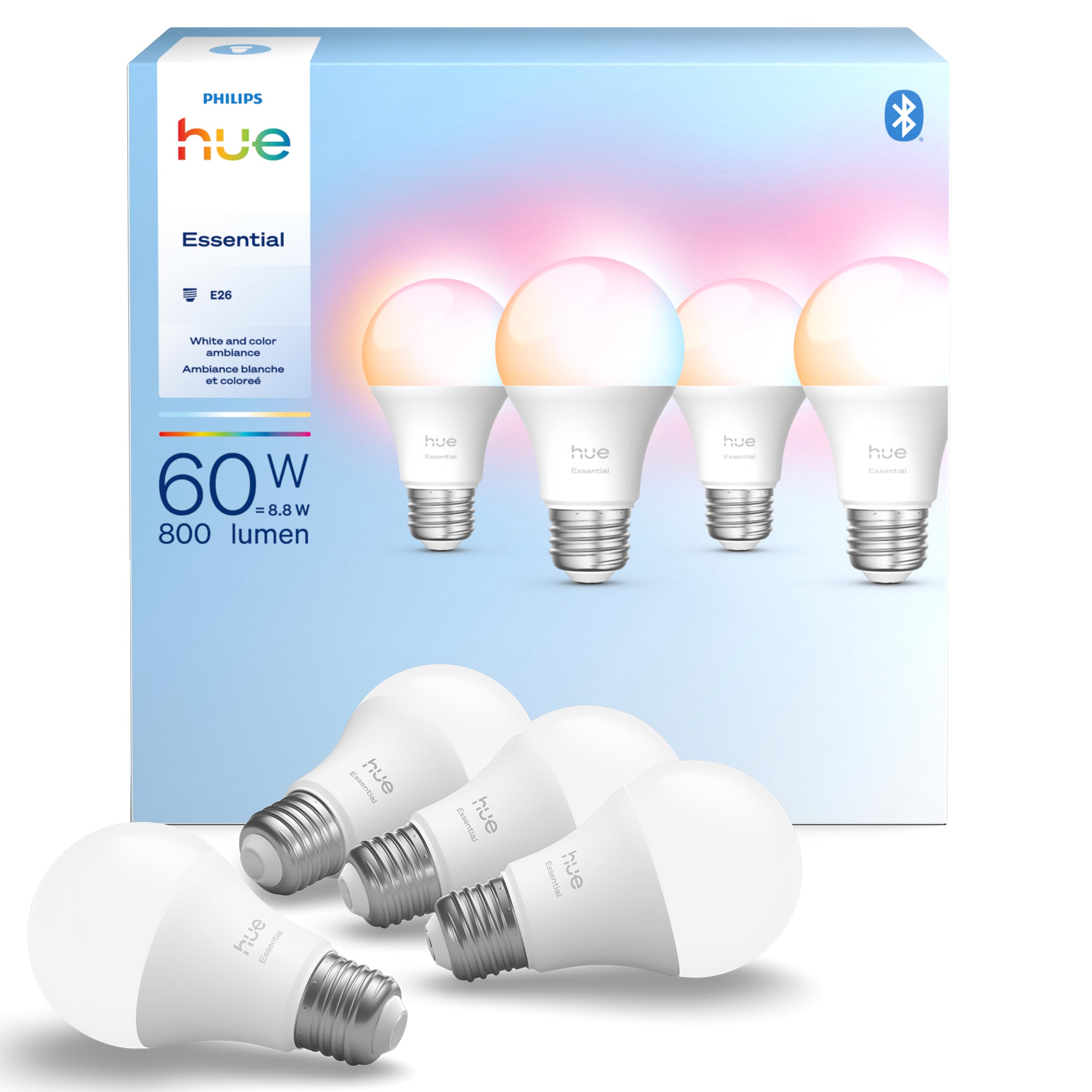
We recommend these bulbs for caregivers who want easy remote control, gentle dimming, and flexible light settings throughout the home.
Pros
- Simple app control and scheduling
- Smooth dimming for nighttime care
- Works with Alexa, Google Assistant, and Apple Home
Cons
- Some features require a Hue Bridge
- Color settings may be more than needed
- Smart controls depend on power and connectivity
We found the setup straightforward: screw in the bulbs, open the Hue app, and follow the pairing steps. We could adjust lights from another room, which helped when someone needed better visibility without getting up to find a switch.
The dimming worked well for evening routines. We could lower the brightness for sleep or increase it for reading and medication checks. The wide white-light range also helped us choose warmer light at night and cooler light during daytime tasks.
Voice control added convenience when our hands were full. The four-bulb pack works well for bedrooms, hallways, or a living area, although caregivers should know that some advanced features require a Hue Bridge. The bulbs also cost more than basic smart bulbs, but the app and scheduling tools felt dependable during daily use.
Buying Guide
We should start by matching the bulb to the caregiver’s routine and the user’s needs. Consider whether we need remote control, scheduled lighting, hands-free control, or simple on-and-off operation.
| Feature | What to check |
|---|---|
| App control | Remote access, shared accounts, and clear status updates |
| Voice control | Compatibility with the voice assistant we already use |
| Scheduling | Timers, routines, and sunrise or sunset settings |
| Brightness | Adjustable brightness for reading, movement, and nighttime use |
| Color options | Warm light for evenings and brighter light for tasks |
| Connection | Reliable Wi-Fi, Bluetooth, or hub-based operation |
| Safety | Heat limits, electrical ratings, and secure installation |
We should check the bulb’s base type and wattage before buying. The bulb must fit the fixture and provide enough light for the room without exceeding the fixture’s rating.
Ease of use matters for both caregivers and household members. We should look for simple controls, clear setup instructions, dependable notifications, and access options for more than one caregiver.
Privacy also deserves attention. We should review the app’s permissions, account security, data policies, and whether the bulb can work without recording audio or video.
Finally, we should consider the cost of ownership. Check the purchase price, hub requirements, subscription fees, energy use, warranty, and expected replacement needs.
Editor’s Choice
We choose the Philips Hue White and Color Ambiance as the best smart light bulb for caregivers. It offers reliable scheduling, dimming, and remote control through the Hue app. We can also connect it to voice assistants and motion sensors for hands-free lighting.
The bulb helps us create routines that support daily care. We can schedule brighter light in the morning, softer light at night, or turn on a hallway bulb before someone gets out of bed.
| Feature | Why it helps caregivers |
|---|---|
| Remote control | We can adjust lights without entering the room. |
| Scheduling | We can set regular lighting routines. |
| Dimming | We can reduce glare and improve nighttime comfort. |
| Motion sensor support | We can automate lights in halls and bathrooms. |
| Color options | We can use warm light at night and white light for tasks. |
We should note that the bulb requires a compatible hub for some advanced features. The setup costs more than basic Wi-Fi bulbs, but the added controls can benefit households managing regular care routines.
Conclusion
We can choose smart light bulbs that make daily care tasks easier, safer, and more consistent. Brightness control helps us adjust lighting for reading, movement, and rest without changing bulbs or reaching for switches.
Voice and app controls can help when our hands are full or when we need to manage lights from another room. Scheduling and automation also support regular routines, such as turning on hallway lights before nighttime movement.
When comparing bulbs, we should check hub requirements, Wi-Fi reliability, app quality, brightness, color temperature, and compatibility with our devices. A simple bulb may suit basic needs, while a model with scheduling and remote access may better support ongoing caregiving.
We should also choose bulbs that fit existing fixtures and avoid settings that create glare or harsh light. Testing one bulb first lets us confirm that it works well for the person receiving care and for everyone who helps them.
FAQS
Which smart light bulbs work best for caregivers?
We recommend bulbs with app controls, voice support, schedules, and adjustable brightness. These features let us manage lighting without entering every room.
Can we control smart bulbs from another location?
Yes. Most Wi-Fi bulbs allow remote control through a mobile app. We should connect the bulbs to a reliable home network and use a secure account password.
Do smart bulbs need a hub?
Some bulbs connect directly to Wi-Fi and do not need a hub. Others use Bluetooth, Zigbee, or another system that may require a separate hub. We should check compatibility before buying.
Can smart bulbs help with nighttime safety?
Scheduled or motion-activated lighting can improve visibility near bedrooms, hallways, and bathrooms. We should choose soft, low-brightness settings at night to reduce glare.
Are smart bulbs easy for older adults to use?
They can be, especially when we set up simple voice commands or one-touch controls. Physical switches should remain available if someone cannot use a phone or voice assistant.
What should we consider before buying?
- Brightness: Choose bulbs with enough light for each room.
- Color temperature: Warm light often suits bedrooms, while cooler light can support tasks.
- Compatibility: Check phone, voice assistant, and network support.
- Reliability: Look for steady connections and clear app controls.
- Privacy: Review account settings and limit unnecessary data sharing.