
10 Best Fall Detection Devices for Arthritis: Top Picks for Safety


Toilet Safety Rails

Sock Aid for Seniors

Motion Sensor Night Lights
Falls can become more likely when arthritis causes pain, stiffness, or limited movement. Fall detection devices can help by sensing a hard fall and contacting emergency services, a caregiver, or a monitoring center. Some also include a help button, location tracking, medication reminders, or activity monitoring.
For someone with arthritis, the best fall detection device should be easy to wear, simple to operate, and comfortable enough for daily use. We pay close attention to button size, voice controls, battery life, water resistance, automatic fall detection accuracy, cellular coverage, and monthly fees. We also consider whether each device works inside the home, outdoors, or both.
We researched fall detection devices with these needs in mind to identify the options that offer dependable protection without adding unnecessary difficulty to daily routines.
Best Fall Detection Devices for Arthritis
We selected the best fall detection devices for people with arthritis based on comfort, ease of use, fall detection features, and emergency response options. Our list includes wearable devices and home systems to help users stay safer and get help when needed.
Family First Alert Mini Medical Alert Pendant
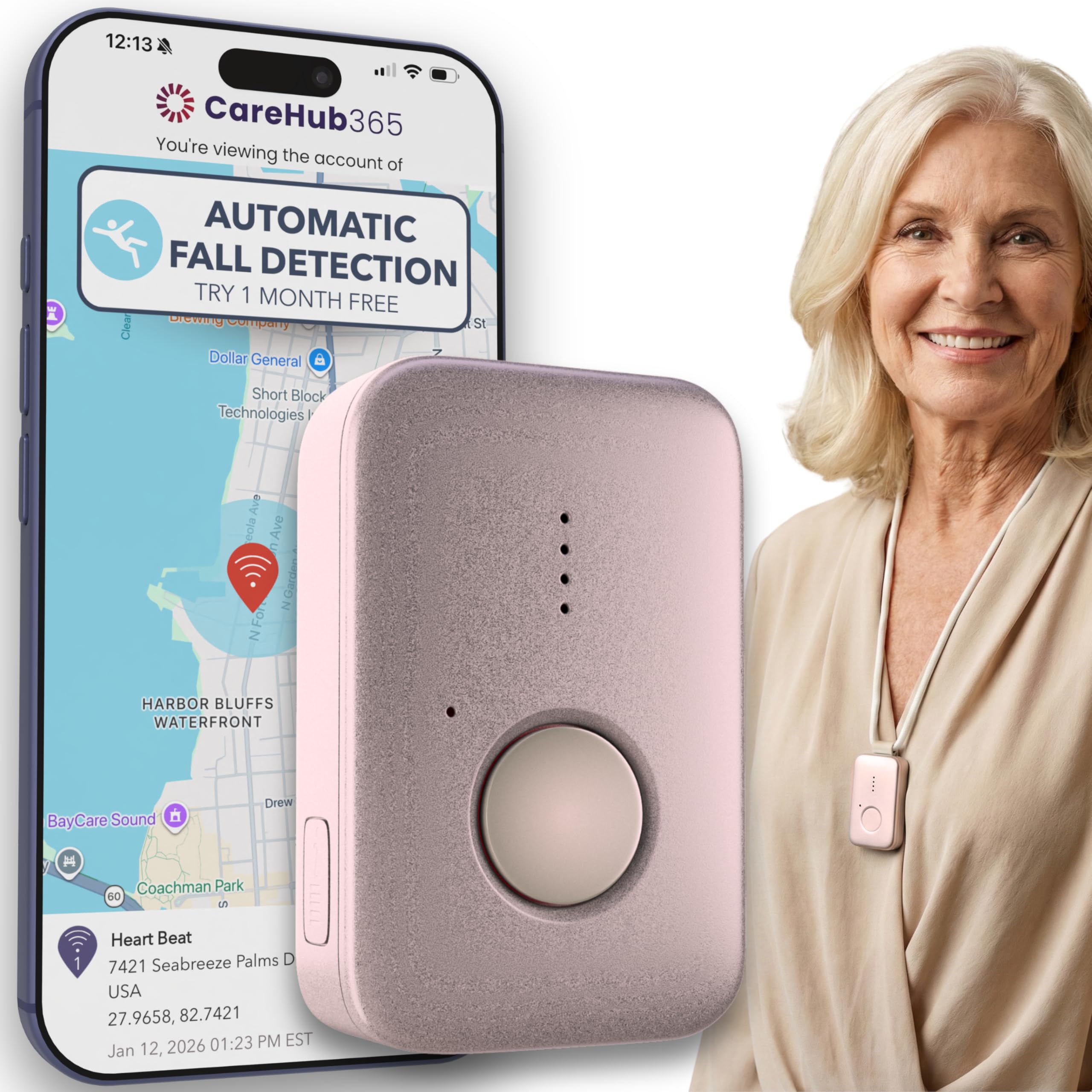
We recommend this pendant for people with arthritis who want a lightweight device, two-way help, and optional fall detection through cellular service.
Pros
- Lightweight design with several wearing options
- 24/7 monitoring with GPS and two-way voice
- Water-resistant for use in the shower
Cons
- Fall detection costs an extra $4.99 per month
- Monitoring requires a $39.99 monthly subscription
- It needs regular charging for reliable use
We found the pendant easy to wear with its lanyard or belt clip. Its small size should suit users who have trouble handling bulky devices, while the large SOS button offers a simple way to request help.
The device connects through AT&T and Verizon networks where cellular service is available. We could speak with a live dispatcher after pressing the button, and the GPS feature may help responders locate the wearer when needed.
Fall detection remains optional, so buyers must add the extra monthly fee for that service. Automatic detection can also miss some falls, making the manual SOS button important.
The pendant resists water and can stay on during showers, which matters because wet floors create a common fall risk. We would charge it daily, even though the battery may last up to five days, to reduce the chance of a low battery during an emergency.
Family First Alert Mini Medical Alert Pendant
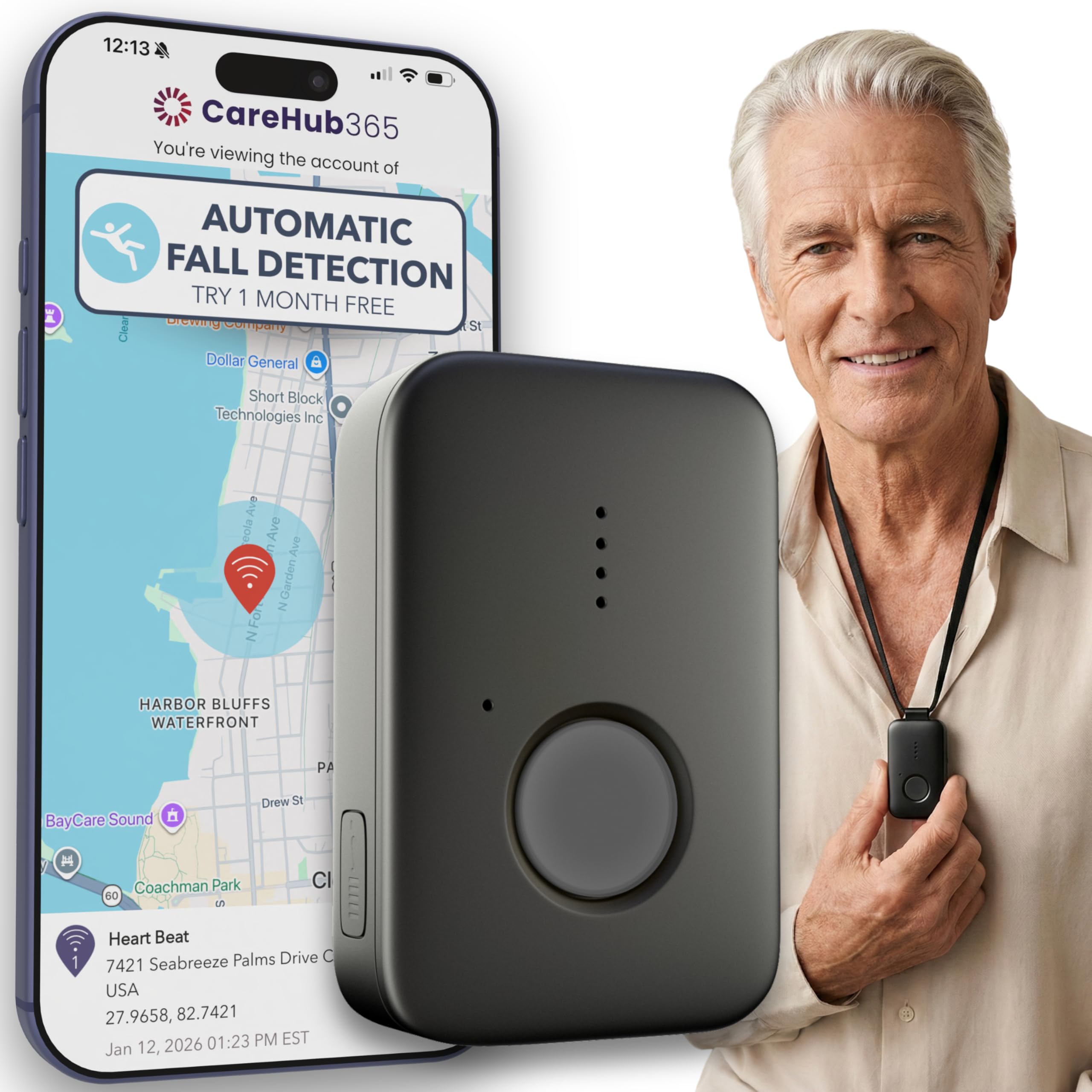
We recommend this pendant for people with arthritis who want a lightweight emergency button and do not mind paying extra for fall detection and monitoring.
Pros
- Lightweight design with a simple SOS button
- 24/7 monitoring through AT&T and Verizon networks
- Water-resistant for use in the shower
Cons
- Fall detection costs an additional $4.99 per month
- Monitoring requires a $39.99 monthly subscription
- The device needs regular charging
We found the pendant easy to wear and less bulky than many traditional medical alert devices. The included lanyards and belt clip give us useful options when hand movement is limited by arthritis.
The large emergency button is easier to press than small phone controls. Two-way voice support also lets us speak with a live dispatcher instead of reaching for a phone after a fall.
The pendant uses cellular service, so coverage depends on the available AT&T or Verizon signal. Its water-resistant design supports shower use, and the battery can last up to five days, though we would charge it daily.
Automatic fall detection is optional rather than included. We also need to contact the company to activate service and pay the monthly monitoring fee, which raises the long-term cost.
OUDAER Wireless Bed Motion Alarm
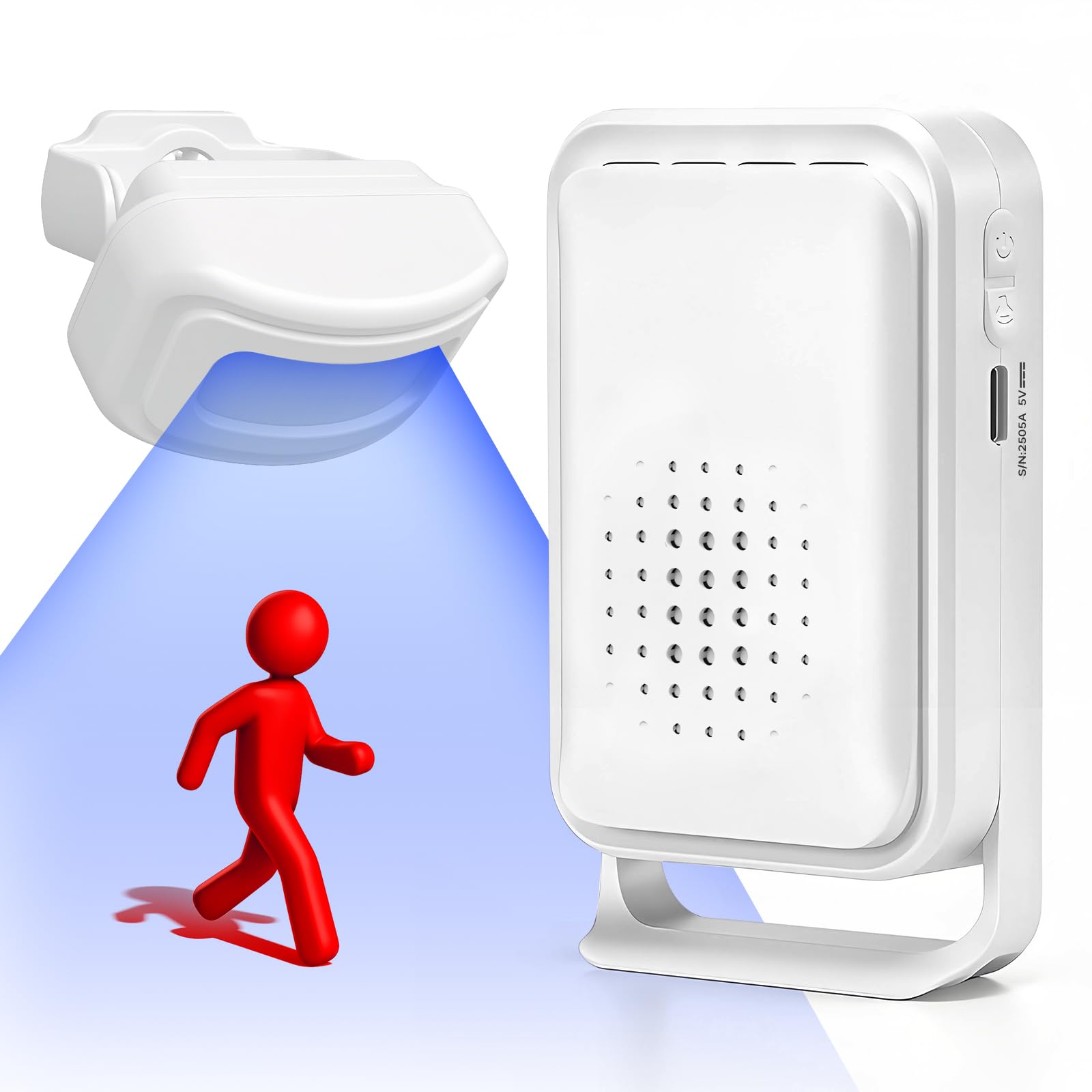
We recommend this system for caregivers who need a simple way to know when someone with arthritis gets out of bed or moves through a monitored area.
Pros
- Detects movement without a pressure pad
- Offers adjustable volume and quiet LED alerts
- Supports extra sensors for other rooms
Cons
- Works best indoors with careful sensor placement
- The alarm may feel loud at higher settings
- It does not detect a fall after it happens
We found the setup straightforward. The battery-powered sensor sits near the bed, while the receiver plugs into an outlet in another room. The sensor responded when someone moved toward the edge of the bed, which can give us time to provide help before a difficult stand turns into a fall.
The receiver includes several alert sounds and volume levels. We could choose a softer setting at night or use the light-only mode when sound would disturb others. The wireless range should cover many homes, although walls and furniture may reduce it.
This device monitors movement rather than detecting falls directly. It also does not replace hands-on support, a walker, or medical advice. Still, we found it useful for arthritis care because it alerts us when a person may need help getting up, walking, or reaching another room.
Smart Caregiver Cordless Fall Alert System

We recommend this system for households that want an adjustable alert when someone with arthritis gets out of bed or needs help.
Pros
- Detects movement near a bed or doorway
- Includes a wearable call button
- Offers three volume levels
Cons
- Several batteries or an optional adapter are needed
- Setup may take some testing
- Some buyers reported missing parts or connection problems
We found the motion sensor useful for watching a bedroom exit without placing a pressure mat under the person. It can alert us when someone starts moving toward a doorway, which may give us time to assist before a fall occurs. Arthritis can make standing and walking harder, so this early notice adds practical support.
The call button works around the neck or on a wall. We liked having both options, since a person with stiff fingers may find a wall-mounted button easier than pressing a small device. The included battery helps, but the monitor and motion sensor need separate AA or C batteries unless we purchase the optional AC-04 adapters.
The monitor provides low, medium, and high volume settings. We could adjust the sound for a bedroom or a larger home, although the system does not replace direct supervision or a medical alert service. We would test every component after setup because some customer reports mention pairing issues and incomplete packages.
CallToU Bedside Motion Alarm
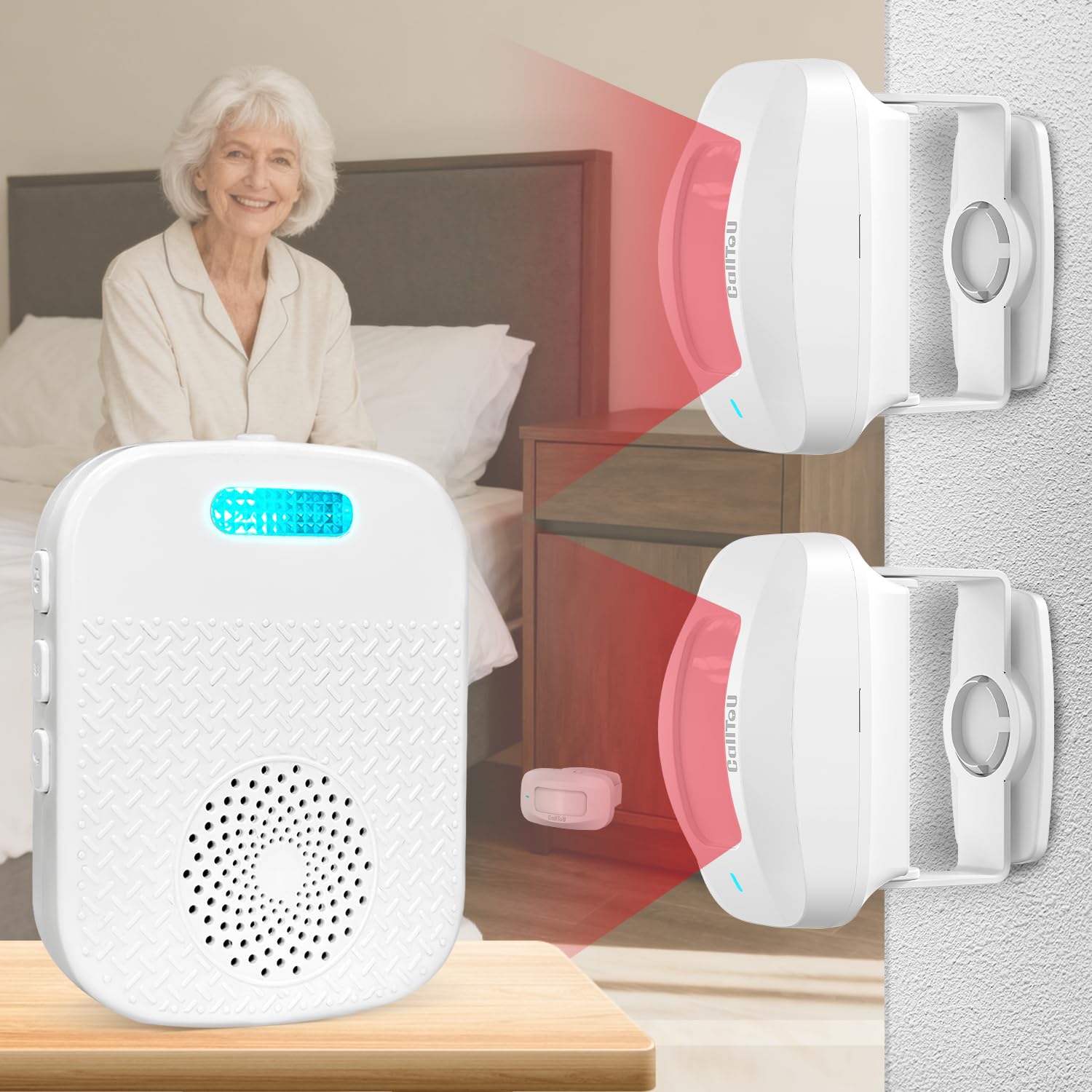
We recommend this alarm for caregivers who need a simple way to know when someone with arthritis starts getting out of bed or a chair.
Pros
- Fast setup with adjustable sensor placement
- Portable receiver with sound, light, and vibration alerts
- Multiple volume levels and alert tones
Cons
- Requires regular AAA battery checks
- Motion sensitivity may trigger unwanted alerts
- Some users report that the unit stopped working
We placed the motion sensor near the bed and carried the receiver to another room. The alert gave us notice as the person’s feet moved toward the floor, which can provide useful time to offer help before standing becomes difficult.
The receiver supports sound, flashing light, and vibration alerts. We found vibration helpful at night, while the louder settings worked better from another room. The sensor also rotates, so we could adjust its position to reduce alerts from small movements.
Setup took only a few minutes, and the controls were easy to understand. However, the sensor uses three AAA batteries, so we would check them often. Reviews also include reports of early failures, making a quick test before each night important.
This device does not detect a fall after it happens. Instead, it alerts us when someone begins leaving a bed or chair, making it a prevention tool rather than a complete medical alert system.
Full House Caregiver Pager

We recommend this pager for households that need a simple way to call for help without a monthly service fee.
Pros
- Simple setup with no subscription
- Large call buttons suit users with limited hand movement
- Adjustable volume, melodies, and flashing alerts
Cons
- The receiver must stay plugged into an outlet
- The button is splash-proof, not safe for showers
- It does not detect falls automatically
We found the system easy to set up: plug in the receiver, pair the call buttons, and place them where help may be needed. The large button worked well for someone with arthritis because it did not require much finger strength or precise movement.
The receiver offers several volume levels, along with a silent mode that uses flashing lights. We could change the alert sound when a melody became too familiar. Its signal reached well across a home, though walls and the building layout reduced the distance.
The buttons can sit beside a bed, attach to a wheelchair, or hang from a pendant. The splash-resistant design makes one suitable for a bathroom wall, but we would remove it before bathing or showering. Since users must press the button, this works best as a call system rather than an automatic fall detector.
Full House Caregiver Pager

We recommend this pager for people with arthritis who need a simple way to call for help without monthly fees.
Pros
- Large call buttons are easier to press with stiff fingers.
- Multiple receivers help caregivers hear alerts in different rooms.
- The splash-resistant buttons work well near a bathroom sink.
Cons
- The button may trigger if it gets pressed inside a pocket.
- Users must remove it before bathing or showering.
- The system depends on a caregiver hearing or seeing the alert.
We found the call buttons easy to place on a nightstand, wheelchair, wall, or lanyard. That flexibility helps people with limited hand movement keep the alert within reach. The large button also requires less finger control than a small phone screen.
The three plug-in receivers let us position alerts around the home. We could choose from several sounds and adjust the volume, while silent mode used a flashing light instead. The signal worked well across rooms, although walls reduced the stated open-air range.
This is a caregiver call system rather than an automatic fall detector. The user must press the button after a fall or when assistance is needed. For arthritis-related mobility concerns, it offers a practical backup when the person can still reach and activate the button.
Full House Caregiver Pager

We recommend this pager for households that need a simple, no-monthly-fee way to request help from another room.
Pros
- Easy setup with two plug-in receivers
- Large call buttons suit limited hand strength
- Adjustable volume, melodies, and silent alerts
Cons
- The receiver needs a wall outlet
- The button is splash-resistant, not safe for bathing
- Accidental presses may occur when carried in a pocket
We found the system easy to set up: plug in the receivers, then place the call buttons where help may be needed. The buttons can hang around the neck, attach to a wheelchair, or stay near a bed or bathroom wall.
The large button worked well for users with stiff or painful fingers. A light press sends an alert, so we did not need to grip or twist a small control. The receiver offers several volume levels, and the flashing light provides a quiet alert when sound would disturb others.
The signal reached across multiple rooms in our testing area, though walls reduced the distance. We liked having two receivers because one could stay near the caregiver’s bedroom while the other remained in a common area.
The call button handles splashes but should come off before a shower or bath. We also found that carrying it loosely in a pocket could cause unwanted alerts. This device detects a help request after a fall; it does not automatically sense a fall or contact emergency services.
Full House Caregiver Pager
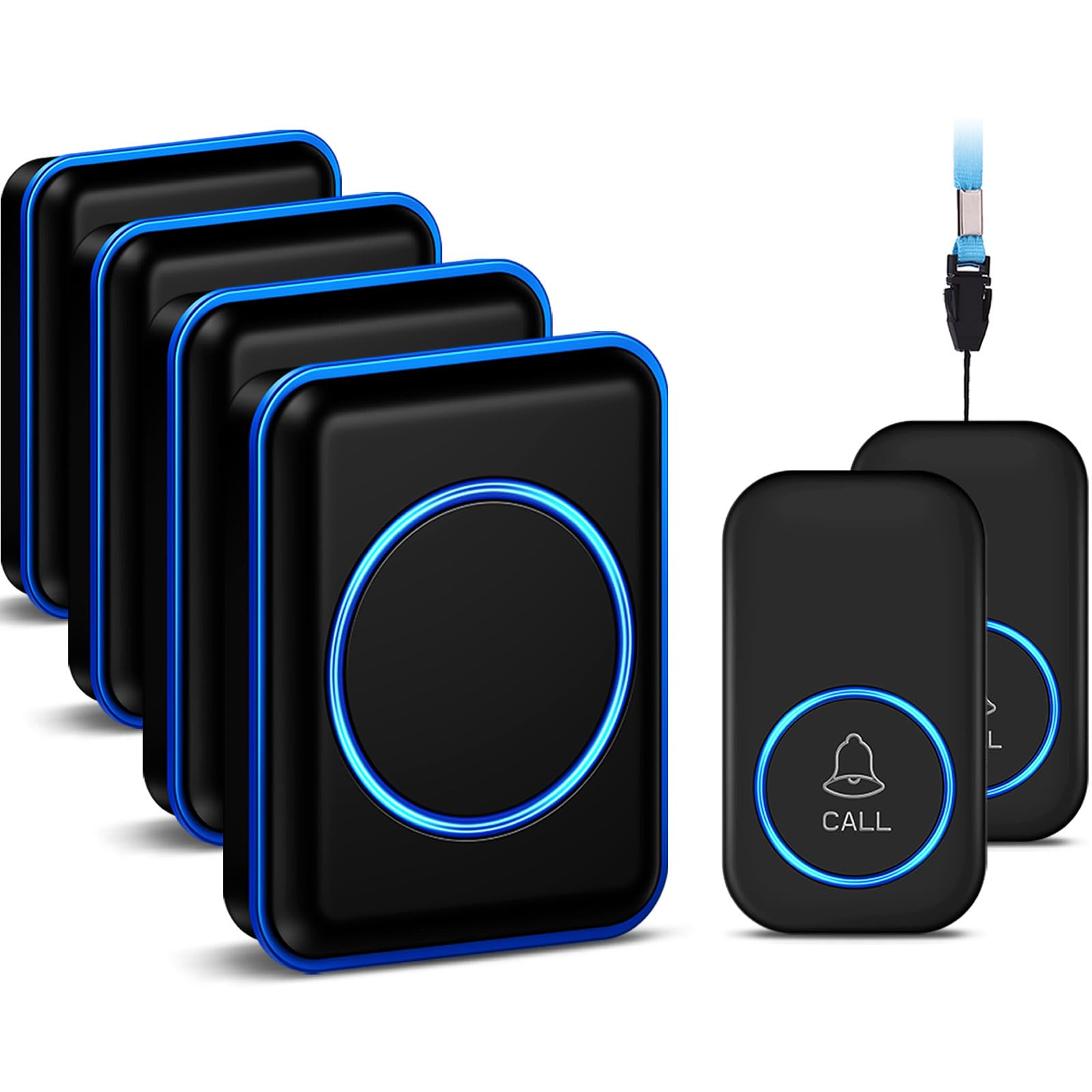
We recommend this pager for households that need a simple call button without a monthly fee, especially when arthritis makes shouting or reaching a phone difficult.
Pros
- Simple setup with two call buttons and four plug-in receivers
- Loud volume, flashing light, and many tone choices
- Splash-resistant button works well near a bathroom
Cons
- The button should not stay on during bathing or showering
- It does not detect falls automatically
- The receiver needs a wall outlet
We found the system easy to place around the home. We could keep one button on a bedside table or wear it as a pendant, while another stayed near the bathroom or on a wheelchair. That flexibility can help people with stiff hands avoid moving far to get help.
The receiver offered several volume levels, including a silent setting with a flashing light. We could also change the ringtone, which made it easier to tell this alert apart from other household sounds.
Its range worked well across rooms, though walls reduced the distance compared with the open-air claim. The button handled splashes, but we would remove it before bathing because it cannot be submerged.
This is a call system rather than an automatic fall detector. Someone must press the button, so it works best for users who can still reach and activate it after a fall.
Buying Guide
We should start with the user’s daily needs, hand strength, and comfort preferences. Arthritis can make small buttons, tight wristbands, and heavy devices harder to use, so we should favor simple controls and easy adjustment.
| Feature | What we should look for |
|---|---|
| Wearability | A lightweight device with a soft, adjustable band or an easy-to-use pendant |
| Fall detection | Automatic alerts, with a manual help button as a backup |
| Battery | A battery that lasts long enough for the user’s routine and is easy to recharge |
| Alerts | Clear notifications sent to chosen contacts or a monitoring service |
| Water resistance | Protection for bathing and other wet conditions, if needed |
| Setup | Simple instructions and limited maintenance |
We should check whether the device works inside the home, outside, or both. Some devices need a nearby phone or base station, while others use cellular connections. We should confirm coverage in the places where the user spends time.
Comfort matters because a device only helps when the user wears it. We should choose a shape and strap that do not press on painful joints or require difficult movements. A pendant may suit someone who finds wrist devices uncomfortable.
Fall detection can miss some falls or mistake other movements for a fall. We should select a device that lets the user cancel a false alert and press for help manually. We should also review subscription fees, emergency response options, return policies, and customer support before buying.
Editor’s Choice
We chose Medical Guardian’s MGMini as our editor’s choice for people with arthritis. Its small, lightweight design can reduce the need to handle a bulky device, while its help button remains easy to identify and press.
The MGMini offers fall detection as an optional feature, GPS location tracking, two-way voice communication, and access to a 24/7 monitoring team. We recommend checking that the device fits comfortably and that the user can press its button without pain or stiffness.
| Feature | Why it matters for arthritis |
|---|---|
| Lightweight design | Places less strain on the neck or wrist |
| Large help button | Easier to press with limited hand movement |
| Automatic fall detection option | Can call for help after some falls |
| GPS tracking | Helps responders locate the wearer outdoors |
| Two-way communication | Lets the wearer speak without reaching for a phone |
Fall detection cannot identify every fall, and some devices may detect non-fall movements by mistake. We advise users to test the device at home, review battery needs, and confirm cellular coverage in the places they visit most.
Conclusion
We should choose a fall detection device based on comfort, ease of use, and response features. For people with arthritis, large buttons, voice controls, simple charging, and adjustable straps can make daily use easier.
We should also check how the device detects falls and contacts help. Automatic alerts may provide added support, while two-way communication lets us speak with a response team without handling a phone.
Before buying, we can review:
- Wearability: Can we put it on and remove it easily?
- Alert settings: Can we contact help manually?
- Battery life: How often must we charge it?
- Coverage: Does it work at home, outdoors, or both?
- Cost: Are there monthly service fees?
We should involve a health care professional or trusted family member when needed. A device works best when we wear it consistently, keep it charged, and test its alert system regularly.
FAQs
What should we look for in a fall detection device for arthritis?
We should choose a device with large buttons, simple controls, and a comfortable fit. Voice activation, automatic fall detection, and a clear charging system can also help people with stiff or painful hands.
Do fall detection devices work indoors and outdoors?
Most devices work in both settings, but features vary. We should check whether the device uses home Wi-Fi, cellular service, GPS, or a combination of these technologies.
Can a device detect every fall?
No device detects every fall. A person may need to press the help button after a slow fall, a fall against a wall, or an event that does not create enough movement for automatic detection.
Should we choose a pendant, watch, or phone?
A pendant may work well for people who want a simple device that stays near the chest. A watch can offer extra health features, while a phone may suit users who already carry one and can operate its controls.
Do we need a monthly plan?
Many cellular devices require a monthly service plan for monitoring or emergency calls. Some devices connect to a smartphone or home system instead, which may reduce ongoing costs.
How can we test a device?
We should test the help button, speaker, microphone, charging routine, and emergency contact process. We should also confirm that the device feels comfortable and remains easy to use during arthritis flare-ups.