
10 Best Smart Light Bulbs for Arthritis: Easy-Use Lighting Options


Glucose Monitor Kit

Cane with LED Light

Adaptive Eating Utensils
Smart light bulbs let us control lighting with a phone, voice assistant, or preset schedule. They can reduce the need to reach for switches, change brightness without twisting a knob, and add useful features such as timers and motion-based controls. These options can help people with arthritis manage lighting with less hand strain.
For people with arthritis, the best smart bulbs should offer simple controls and reliable connections. Look for bulbs that work with your existing devices, respond quickly to voice commands, and do not require frequent manual adjustments. Brightness range, app design, setup, and compatibility with dimmer switches also matter.
We evaluated smart bulbs for ease of use, accessibility, performance, and value to identify the options that make everyday lighting easier to control.
Best Smart Light Bulbs for Arthritis
We selected the best smart light bulbs for arthritis based on ease of use, reliable app controls, voice commands, and helpful automation features. Our list includes options that can reduce the need to reach, twist, or use small switches.
Govee Smart Bulbs
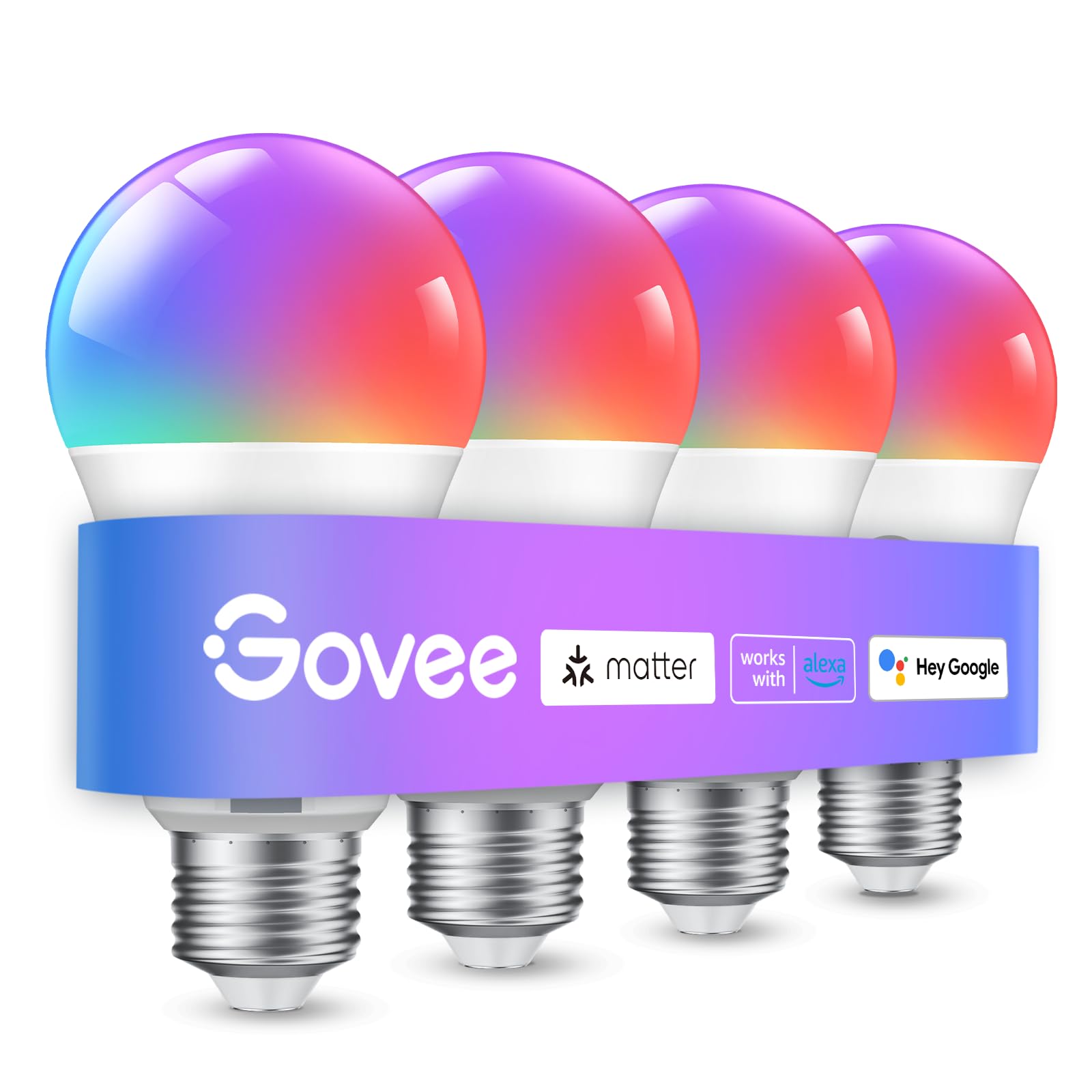
We recommend these bulbs for anyone who wants hands-free lighting controls and flexible schedules that reduce the need to reach for wall switches.
Pros
- Voice and app controls make daily adjustments easier
- Timers and sunrise settings support regular routines
- Bluetooth and Wi-Fi offer flexible setup options
Cons
- Setup requires a compatible 2.4GHz Wi-Fi network
- The bulbs do not work with smart switches
- App controls may feel less convenient for users with hand pain
We found the bulbs simple to screw into standard E26 sockets and connect through the Govee app. Once paired, we could change brightness, color, and scenes without handling the bulb or reaching for a switch. Voice control also helped when our hands felt stiff.
The scheduling tools worked well for bedtime and morning routines. We could set the lights to turn on or off at planned times, which reduced small tasks throughout the day. Group control also let us adjust several bulbs together.
The 800-lumen output suited lamps and smaller rooms, while the wide color range added useful options for low-glare evening light. However, the app may still require tapping and swiping, and the bulbs need stable 2.4GHz Wi-Fi. We also would not use them with a smart wall switch.
Linkind Smart Light Bulbs

We recommend these bulbs for people with arthritis who want hands-free lighting control, flexible color settings, and simple routines.
Pros
- Voice control reduces the need to reach for switches.
- The app offers quick dimming, color changes, and schedules.
- Bluetooth can help maintain local control when Wi-Fi is unavailable.
Cons
- Setup requires a 2.4GHz Wi-Fi network.
- The app may occasionally lose its network connection.
- These bulbs should not be used with traditional dimmer switches.
We found the voice controls helpful when our hands felt stiff or sore. Linking the bulbs with Alexa or Google Home let us turn lights on, lower brightness, and change colors without twisting a switch or reaching across the room.
The AiDot app also made daily lighting easier. We could schedule lights to turn on in the morning, choose warm settings for the evening, and control several bulbs together. The bulbs responded quickly during normal use, and the 800-lumen output worked well in lamps and smaller rooms.
Setup was simple with a compatible 2.4GHz network, though users with only 5GHz Wi-Fi may need to adjust their router settings. We also noticed that the app can sometimes lose its connection, which may require reconnecting it.
The color effects and music sync are useful for entertainment, but the main benefit for arthritis is convenient control. These E26 bulbs fit standard lamp sockets and offer dimming through the app or voice commands, without requiring a hub.
Govee Smart Light Bulbs
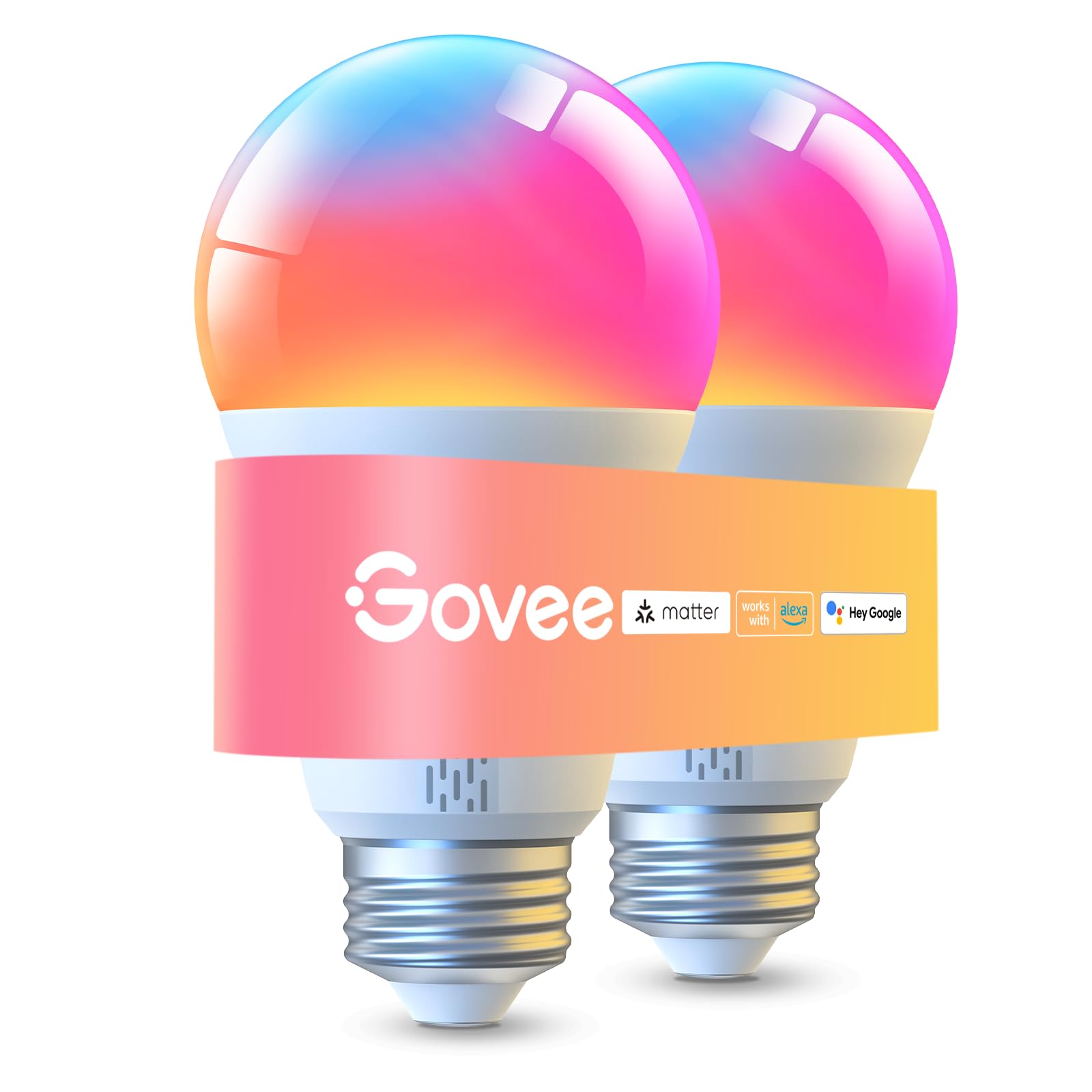
We recommend these bulbs for people with arthritis who want bright, adjustable lighting and hands-free control without reaching for a wall switch.
Pros
- Voice control reduces the need to handle switches or phones.
- Bright output helps light rooms, work areas, and reading spots.
- Dimming, warm white, cool white, and color settings offer flexible comfort.
Cons
- Setup and advanced controls require the Govee app.
- They only support 2.4GHz Wi-Fi.
- They cannot work with smart switches.
We found the voice controls useful when our hands felt stiff. Alexa, Google Assistant, and Matter let us turn the bulbs on, change brightness, or switch scenes without twisting a small knob or pressing a button.
The bulbs also provide strong light for larger rooms. We could lower the brightness for relaxing and choose a warmer tone for evening use. The cooler white setting worked well when we needed clear light for reading or household tasks.
The app offers many scenes, schedules, and group controls. Bluetooth makes initial setup easier, while Wi-Fi enables remote access and saved presets. We did need the app for the full feature set, and the 2.4GHz requirement may require extra setup on some home networks.
At 9 watts, each bulb replaces a 75-watt incandescent bulb while producing up to 1,000 lumens. Some users report occasional flickering or less saturated green and yellow colors, so we would test each bulb soon after installation.
Linkind Tunable White Smart Bulbs

We recommend these bulbs for people with arthritis who want voice control, adjustable brightness, and scheduled lighting without using a wall dimmer.
Pros
- Voice control reduces the need to reach for switches.
- Warm-to-cool settings suit reading, rest, and daily tasks.
- The app supports dimming, schedules, and group control.
Cons
- Setup requires the AiDot app and a 2.4GHz Wi-Fi network.
- They do not work with traditional dimmer switches.
- Some users report flickering or buzzing while dimming.
We found the voice controls useful when reaching a switch felt difficult. Alexa and Google Home can turn the bulbs on or off, change brightness, and adjust the color temperature. The app also lets us control the lights from a phone.
The adjustable white range worked well in different rooms. We used warmer light in the evening and brighter, cooler light for reading or detailed tasks. The 800-lumen output provides enough light for bedrooms, hallways, and smaller living spaces.
Schedules added another helpful option. We could set lights to turn on before entering a room, which reduced the need to search for a switch. Group control also made it easier to manage several bulbs at once.
Setup was simple, but the bulbs only support 2.4GHz Wi-Fi and need the AiDot app. We also avoided standard dimmer switches, since they may cause flickering. Some buyers report uneven dimming and a faint buzz, so these bulbs may not suit users who need completely silent operation.
Amazon Basics Color-Changing Smart Bulb

We recommend this bulb for people with arthritis who use Alexa and want hands-free lighting control without a hub.
Pros
- Voice control reduces the need to reach for switches.
- Easy Alexa setup with no extra hub or app.
- Dimming and color changes support different needs.
Cons
- Works only with Alexa.
- Requires a 2.4 GHz Wi-Fi network.
- A physical dimmer switch will not work with it.
After screwing it into a standard socket, we found the Alexa setup simple. The app detected the bulb quickly, and voice commands let us turn it on, dim it, or change its color without twisting a switch.
That hands-free control can help when finger and hand movement feels painful. We could also group bulbs by room, which made it easier to manage several lights with one command.
The bulb offers useful brightness control, from a soft setting to full brightness, along with 16 preset colors. Its 800-lumen output works well for lamps and smaller rooms, though some users may want more brightness from one bulb.
We would choose this model only for Alexa homes. It connects directly to 2.4 GHz Wi-Fi, and some customer reports mention connection or setup problems, so reliable Wi-Fi matters.
Brightown Rechargeable E26 Bulbs
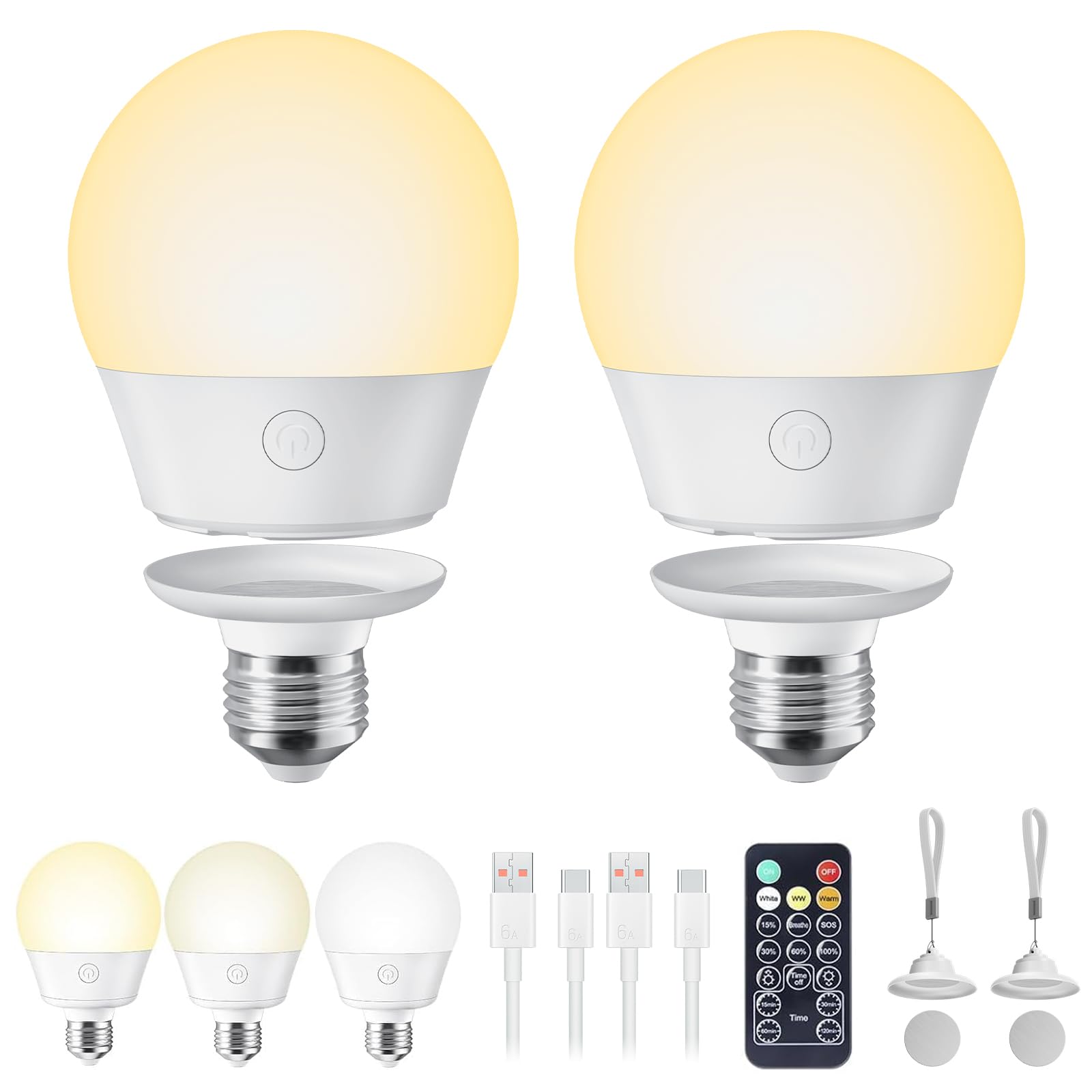
We recommend these bulbs for hands-free lighting in hard-to-reach fixtures, though their battery life may not suit long reading sessions.
Pros
- Remote control reduces the need to reach or twist a switch
- Magnetic base makes charging easier
- Brightness and color settings support different tasks
Cons
- Battery life may fall short of the stated 6–9 hours
- Light output works better for accent lighting than full-room use
- Remote controls can add another item to manage
We found the detachable magnetic base helpful for arthritis. After installing the base once, we could remove the bulb for charging without repeatedly twisting it into the socket. That design also works well in wall sconces, lamps, closets, and other spots that are hard to reach.
The included remote lets us turn the bulb on or off, adjust brightness, change among warm, natural, and cool white light, and set a timer. These controls reduce hand strain when the fixture sits high or lacks an easy switch.
At its brightest, the bulb provides useful light for basic tasks, but we would not rely on it as the main light for detailed reading. Battery performance also varies. Some users report several hours of use, while others say the charge lasts closer to three hours.
The adhesive and lanyard bases give us more placement options outside standard E26 sockets. With two bulbs in the pack, this set suits bedrooms, closets, emergency lighting, and small areas where wiring is unavailable.
Sengled S1 Warm Smart Bulbs

We recommend these bulbs for people with arthritis who want Alexa voice control, simple dimming, and warm light without reaching for a switch.
Pros
- Alexa voice control reduces the need to grip or twist switches.
- Dimming from 5% to 100% helps us set comfortable lighting.
- Auto pairing and local Bluetooth control simplify setup.
Cons
- Some bulbs may need resetting if they lose their connection.
- They work best with compatible Alexa devices.
- They offer warm white light rather than a wide range of colors.
We found the screw-in setup straightforward, especially with an Echo device that supports Bluetooth pairing. Once connected, we could turn the bulbs on, shut them off, or change brightness by voice. That made daily use easier when our hands felt stiff.
The 2700K soft white light feels comfortable in bedrooms, living rooms, and hallways. At 800 lumens, the bulbs provide useful brightness, while dimming lets us lower the output for evenings without touching a small control.
Connection performance was mostly steady, but some users report occasional “device unresponsive” messages or the need to reset a bulb. We also would not choose these for fixtures that depend on another smart-lighting system, since compatibility may vary.
The four-pack uses standard E26 bases and fits many common lamps and fixtures. Sengled also includes a three-year warranty and U.S.-based support, which adds reassurance for a product we expect to use every day.
DAYBETTER Smart Light Bulbs
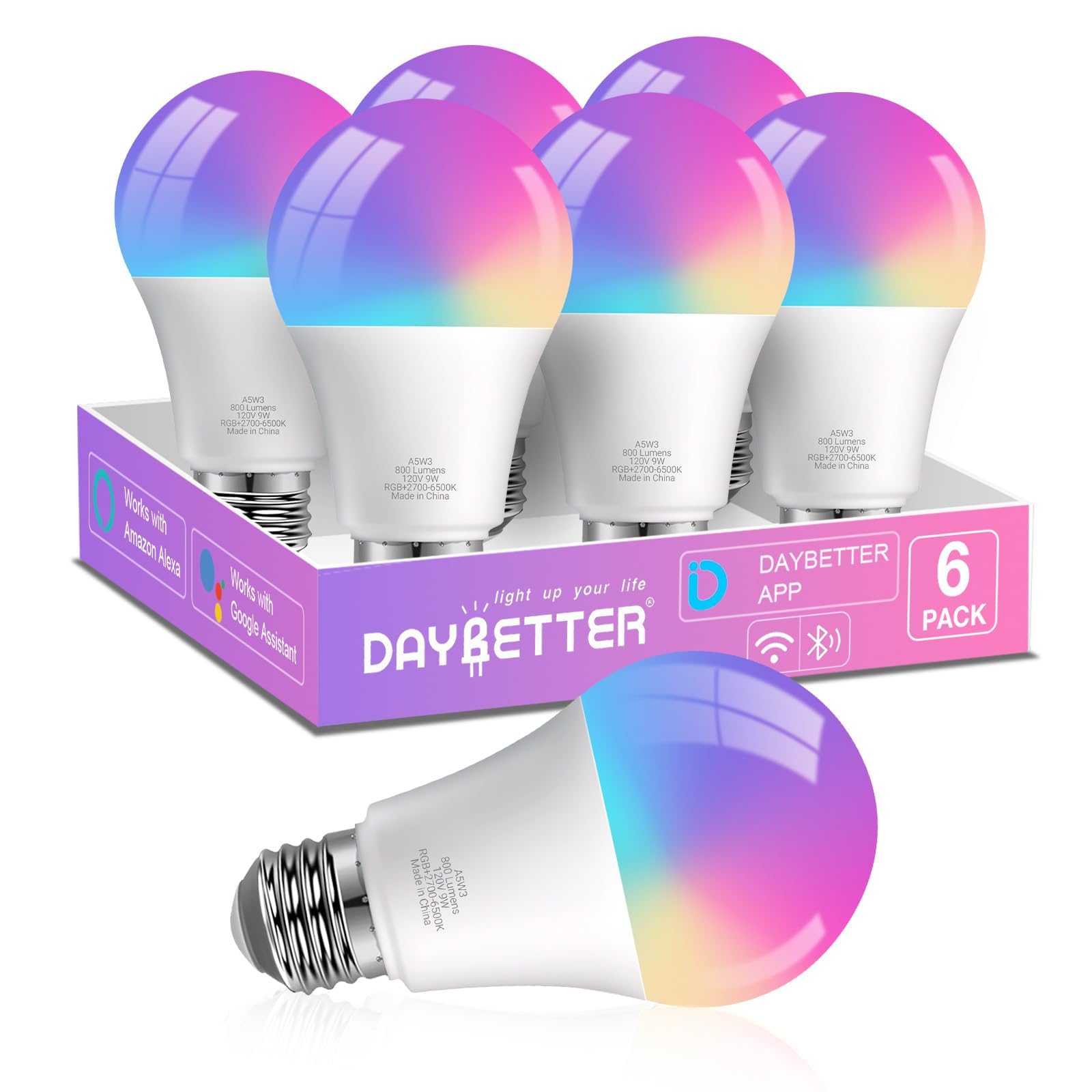
We recommend these bulbs for people with arthritis who want hands-free lighting, adjustable brightness, and app-based control without using a physical dimmer.
Pros
- Voice control reduces the need to reach for switches.
- App control makes dimming and scheduling easier.
- Adjustable white light and color settings suit different tasks.
Cons
- Setup requires a 2.4GHz Wi-Fi network and Bluetooth.
- Physical dimmer switches can cause flickering.
- The app does not support Matter, Tuya, or Smart Life.
We found the voice controls useful when our hands felt stiff or when we needed light without reaching across the room. Alexa and Google Home can turn the bulbs on or off, change brightness, and adjust colors after setup.
The DAYBETTER app also helps us create schedules and control several bulbs together. We could set brighter light for tasks and softer light in the evening, which reduced the need to handle switches.
Setup was fairly simple, but the 2.4GHz requirement may cause trouble on some home networks. We also had to avoid using these bulbs with a wall dimmer and use the app or voice commands instead.
The six-bulb pack works well for lamps and indoor fixtures with standard E26 sockets. At 800 lumens, each bulb provides useful general lighting, while the color options add flexibility for relaxing or improving visibility.
Kasa Smart Color Bulbs
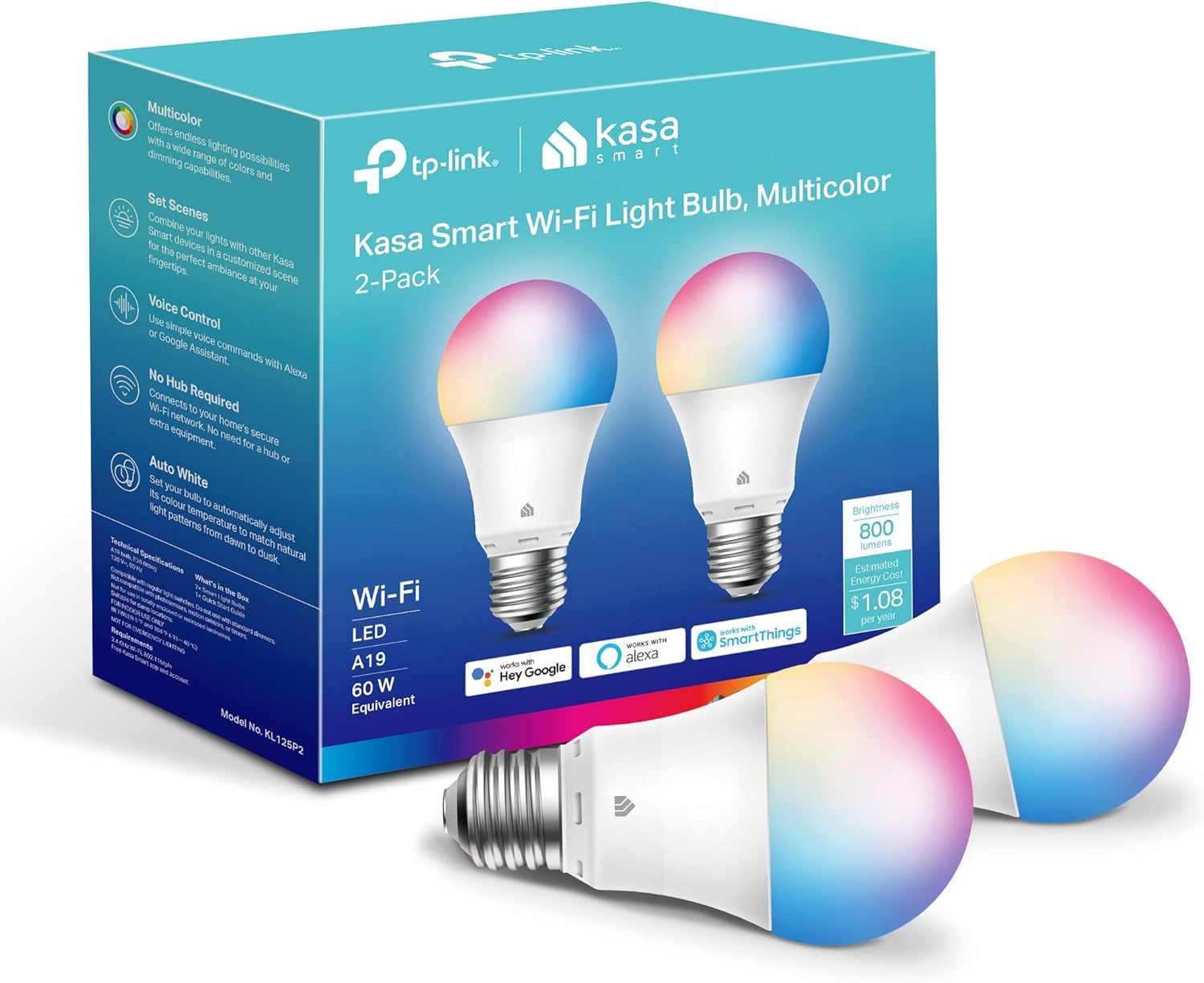
We recommend these bulbs for people with arthritis who want hands-free control, easy dimming, and flexible scheduling without a hub.
Pros
- Voice, app, and remote control
- Smooth dimming and adjustable white light
- Simple routines and energy tracking
Cons
- Setup requires a 2.4 GHz Wi-Fi network
- Resetting can take extra effort
- The app requires an account
We found the voice control helpful when our hands were sore or full. Alexa and Google Assistant can turn the bulbs on, off, or adjust brightness without requiring us to grip a switch.
The Kasa app also made daily use easier. We could dim the light, change colors, and create schedules from a phone. Sunrise routines worked well for adding gentle light in the morning without reaching for a wall switch.
These bulbs produce up to 800 lumens and offer warm to cool white settings, along with color options. We liked the softer white settings for evenings and brighter tones for tasks. The A19 shape and E26 base fit many standard indoor lamps.
Setup was generally straightforward, though connecting the bulb to Wi-Fi took more effort when we had to reset it. The bulbs use 2.4 GHz Wi-Fi only, so buyers should check their network first. They also work only with 100–120-volt systems.
Lightinginside Smart Bulbs

We recommend these bulbs for people with arthritis who want hands-free control, adjustable brightness, and scheduled lighting without using a wall switch.
Pros
- Voice control works with Alexa and Google Assistant
- Bright, dimmable light with warm and cool settings
- Bluetooth backup can help maintain local control
Cons
- Setup needs 2.4GHz Wi-Fi and Bluetooth
- The SmartLife app may feel confusing for groups and routines
- Some owners report connection problems after extended use
We found the voice controls useful when reaching a lamp switch felt difficult. Alexa and Google Assistant let us turn lights on or off, dim them, and change colors without twisting a knob or pressing a small button.
The bulbs offer 800 lumens, which gave us enough light for general room use. We could shift from a warm setting for evening comfort to a cooler white for tasks, while the dimming feature helped reduce glare.
Setup worked without a hub, but it required both Bluetooth and a 2.4GHz Wi-Fi network during pairing. The app handled basic controls well, though creating groups and detailed routines took more effort than expected.
Schedules and timers can reduce the need for daily adjustments. Bluetooth control also helps when Wi-Fi fails, but owner feedback shows that some bulbs developed pairing issues after about a year. Lightinginside includes a two-year warranty, which adds useful protection.
Buying Guide
When choosing smart light bulbs for arthritis, we should focus on features that reduce hand strain and simplify daily use. Look for bulbs that work with voice commands, mobile apps, schedules, or compatible remotes.
Brightness and color control also matter. Dimming lets us adjust glare without handling a wall switch, while tunable white settings can support different tasks and times of day.
| Feature | What to look for |
|---|---|
| Setup | Simple installation and clear instructions |
| Controls | Voice, app, timer, or remote options |
| Brightness | Dimming with precise adjustments |
| Compatibility | Works with our phone or smart-home system |
| Reliability | Stable connection and dependable scheduling |
| Bulb type | Correct base, size, shape, and wattage |
We should check whether the bulb needs a separate hub. A hub may add setup steps, while hub-free models can connect directly to a suitable Wi-Fi network.
The app should have large, clear controls and avoid complex menus. We should also confirm that the bulb remembers its settings after a power outage and that we can control it without reaching or twisting a difficult switch.
Before buying, we should verify the bulb’s base, voltage, fixture size, and indoor or outdoor rating. A bulb with the right smart features will not work properly if it does not fit the fixture.
Editor’s Choice
We choose the Philips Hue White and Color Ambiance as our top pick for people with arthritis. Its app lets us turn lights on or off, adjust brightness, and set schedules without reaching for a wall switch.
We can also control the bulb with voice commands through compatible assistants. This helps when hand pain, stiffness, or limited grip strength makes physical controls harder to use.
| Feature | Benefit |
|---|---|
| App control | Adjusts light without touching the bulb |
| Dimming | Reduces glare and supports comfortable lighting |
| Scheduling | Automates lights at set times |
| Voice control | Offers a hands-free option |
The bulb requires a compatible Hue Bridge for some advanced features, which adds cost and setup time. We should also check device compatibility before buying, especially if we plan to use voice control.
For easier daily use, we recommend pairing the bulb with a smart speaker or placing it in a lamp that stays connected to power. A warm-white setting can provide softer evening light, while brighter white light can improve visibility during tasks.
Conclusion
We should choose smart light bulbs that reduce the need to reach, twist, or press small switches. Voice control, app access, schedules, and reliable automation can make daily lighting easier for people with arthritis.
Brightness and color settings also matter. We can select bulbs that offer comfortable light levels and work with our existing fixtures. A simple setup may be more useful than advanced features we rarely use.
Before buying, we should check compatibility with our phone, voice assistant, and home network. We should also consider whether the bulb needs a hub and whether someone can help with installation if handling small parts causes pain.
FAQS
Which smart light bulbs work best for arthritis?
We recommend bulbs that support voice control, app control, and simple scheduling. Dimmable LED bulbs with adjustable color temperature can also reduce the need to handle switches or reach lamps.
Can we control smart bulbs without touching them?
Yes. We can use voice assistants, smartphone apps, motion sensors, or wireless buttons. Voice control works best when the bulb connects reliably to a compatible smart speaker.
Do smart bulbs need a hub?
Some bulbs connect directly through Wi-Fi or Bluetooth. Others require a separate hub, so we should check the product details before buying. A hub-based system may offer more reliable control across several rooms.
Are smart bulbs easy to install?
Most smart bulbs fit standard lamp sockets. We screw in the bulb, turn on the power, and follow the setup steps in the app. If twisting a bulb is difficult, we can ask someone to install it safely.
Can we use smart bulbs with existing lamps?
Yes. Smart bulbs work with many standard lamps and ceiling fixtures. We should confirm the socket type and avoid using a smart bulb with a dimmer switch unless the manufacturer says they are compatible.
What features should we prioritize?
- Voice and app control
- Scheduling and timers
- Adjustable brightness
- Reliable connection
- Simple setup
- Compatibility with our smart home system
