
10 Best Smart Light Bulbs for Seniors: Easy, Reliable Choices


Automatic Pill Dispenser

Sock Aid for Seniors

Rollator Walker with Seat
10 Best Smart Light Bulbs for Seniors: Easy, Reliable Choices
Smart light bulbs add remote control and automation to ordinary lamps and fixtures. We can turn lights on or off from a phone, set schedules, adjust brightness, and choose models that work with voice assistants. These features can make daily routines easier, especially when reaching a wall switch is difficult.
For seniors, simple setup and reliable controls matter more than a long list of advanced features. The best smart light bulbs for seniors should offer easy controls, clear app instructions, dependable connections, and compatibility with the devices already in the home. We also looked at brightness, color options, hub requirements, and whether each bulb works with common voice assistants as we narrowed down the best choices.
Best Smart Light Bulbs for Seniors
We reviewed smart light bulbs for easy setup, clear controls, reliable performance, and useful safety features. Our list includes the best options for seniors, whether they want simple app controls, voice commands, or scheduled lighting.
Govee Smart A19 Bulbs
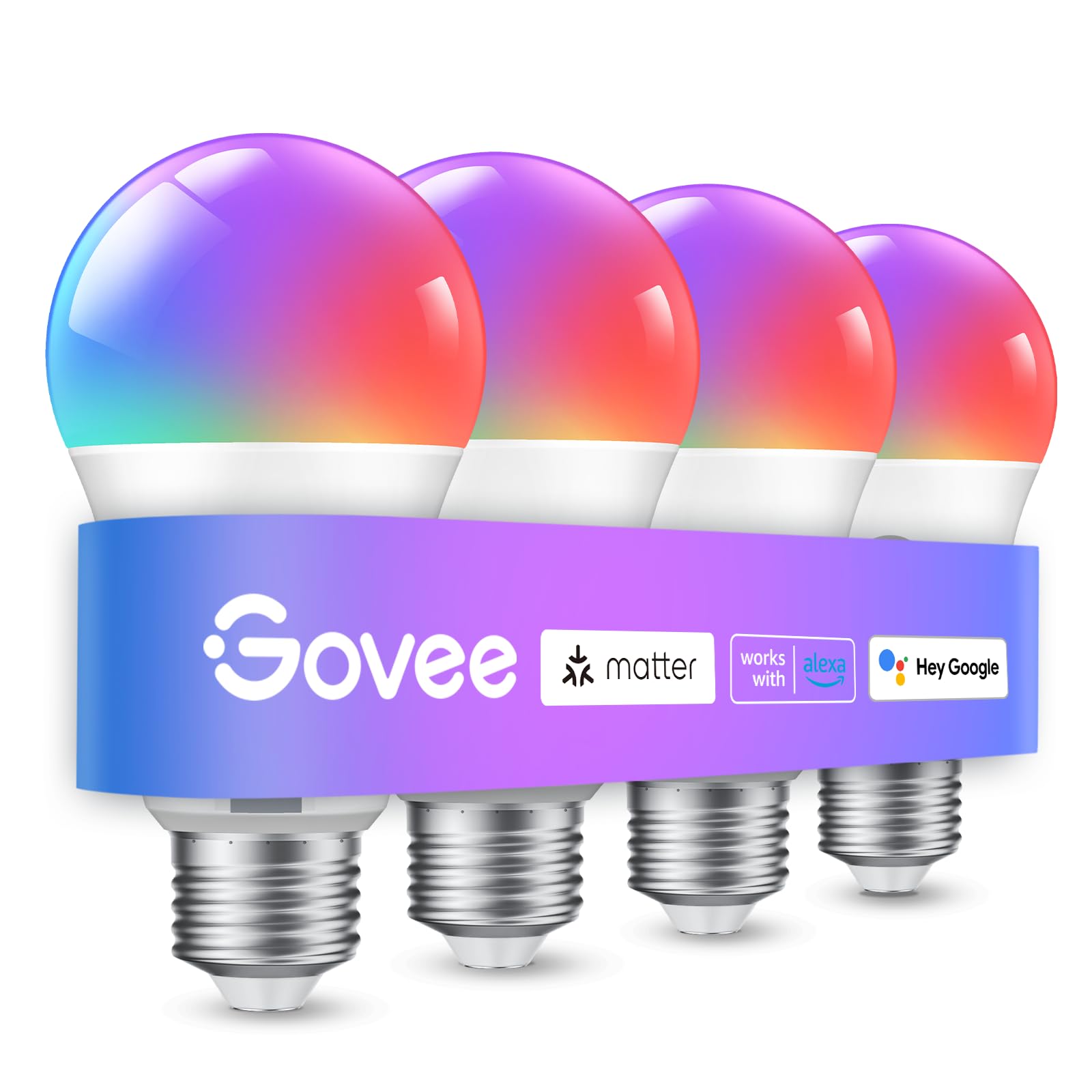
We recommend these bulbs for seniors who want simple app and voice control, colorful lighting, and helpful schedules.
Pros
- Easy setup with Bluetooth and Wi-Fi
- Voice control through Alexa and Google Assistant
- Timers and sunrise or sunset routines
Cons
- Requires a 2.4GHz Wi-Fi network
- The app may feel less simple for some users
- It cannot work with smart wall switches
We found the bulbs easy to install in standard E26 sockets. The Govee app guided us through pairing, and Bluetooth helped during setup. Voice commands also worked well for turning lights on and off or changing brightness.
The 800-lumen output provides enough light for bedrooms, hallways, and living rooms. We liked the warm and cool white settings for daily use, while the color modes added flexibility for relaxing or entertaining.
Schedules can help reduce daily tasks. We could set the bulbs to turn on at a chosen time, brighten in the morning, or dim at night. Seniors who prefer fewer phone controls may appreciate using Alexa or Google Assistant instead.
The main limitation involves the 2.4GHz Wi-Fi requirement. The app also offers many settings, which may take time to learn. This four-pack works best for indoor rooms where users want convenient lighting without replacing existing fixtures.
Linkind Smart Light Bulbs

We recommend these bulbs for seniors who want voice control, adjustable lighting, and simple schedules without adding a separate hub.
Pros
- Voice control works with Alexa and Google Home
- App offers color, white-light, and scheduling options
- Bluetooth can help with local control when Wi-Fi is unavailable
Cons
- Setup requires a 2.4GHz Wi-Fi network
- The AiDot app may occasionally lose its connection
- These bulbs should not be used with traditional dimmer switches
We found the setup straightforward after connecting the bulbs to a 2.4GHz network and pairing them with Alexa or Google Home. Once connected, we could turn lights on or off, change brightness, and select colors without reaching for a phone.
The 800-lumen output works well for lamps, bedrooms, and hallways. We especially liked using warm white for relaxing and brighter white for reading. Schedules can also turn lights on in the morning or off at bedtime, which may help seniors avoid walking through a dark home.
The AiDot app includes many preset scenes, timers, group controls, and color choices. These features offer plenty of flexibility, although some users may find the app more detailed than necessary for basic lighting.
We did notice two limits. The bulbs only support 2.4GHz Wi-Fi, and connection problems may require reopening the app or repeating setup. They also fit standard E26 sockets but can flicker or buzz with wall dimmer switches, so we recommend controlling brightness through the app or voice assistant.
Kasa Smart Color Bulbs
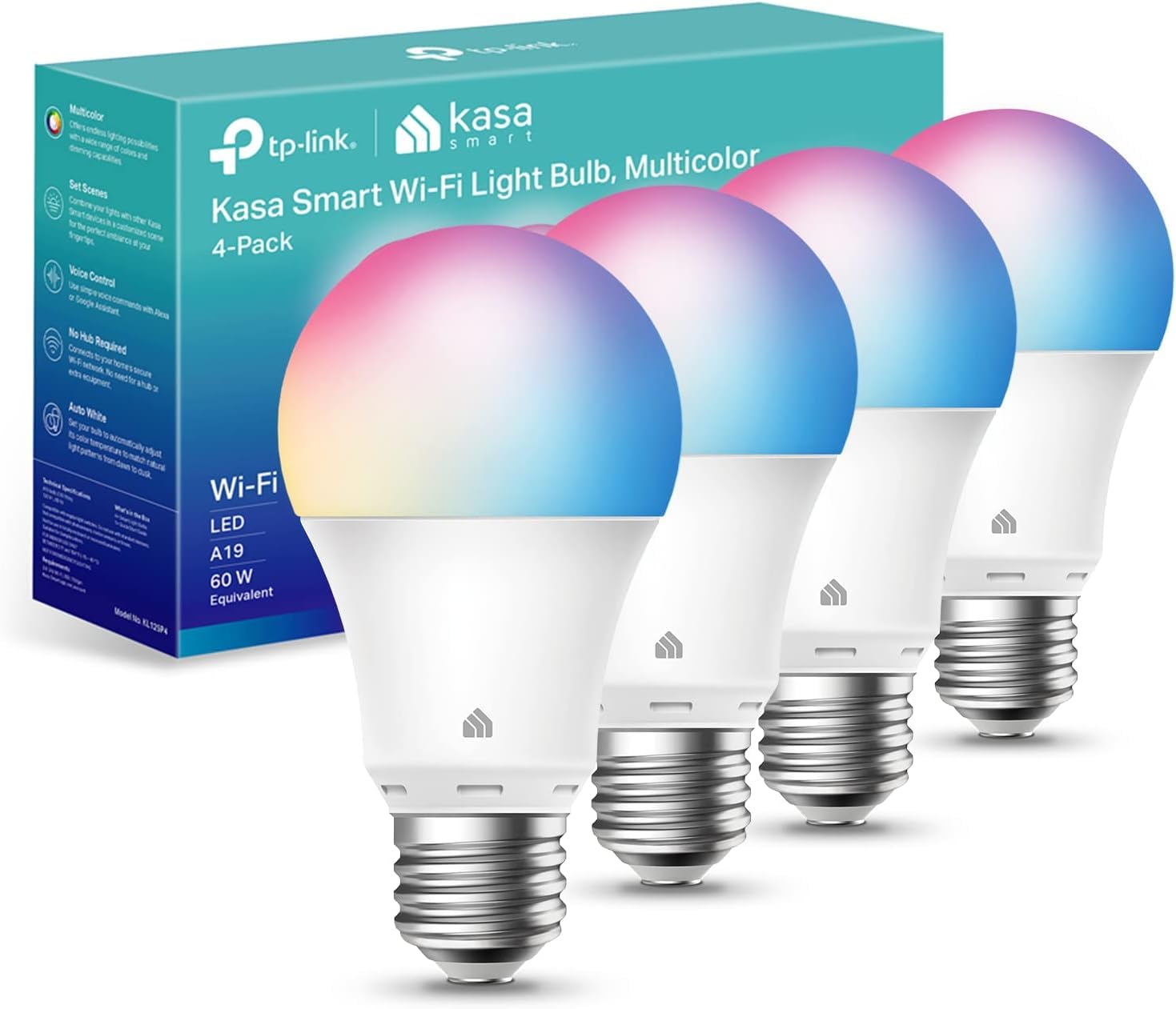
We recommend these bulbs for seniors who want simple app and voice controls, adjustable brightness, and no separate hub.
Pros
- Guided setup through the Kasa app
- Works with Alexa and Google Assistant
- Offers schedules, timers, and remote control
Cons
- Requires a 2.4GHz Wi-Fi network
- Color settings may take time to learn
- Some users report flickering at low brightness
We found the Kasa app easy to follow during setup. It guides us through connecting each bulb to Wi-Fi, and Alexa recognized the bulbs soon after we linked the accounts. Seniors who prefer voice commands can turn lights on, off, or dim them without reaching for a switch.
The bulbs provide useful white-light options, from warm 2500K tones to cool 6500K light. We used warmer light in the evening and brighter white light during the day. The 800-lumen output works well for bedrooms, living rooms, and hallways, though some users may want a brighter bulb for large spaces.
Schedules and timers add practical value. We can set lights to turn on before we get up, switch off at bedtime, or appear active while we are away. Remote control also helps when we forget to turn off a light.
The main limitation is network setup. These bulbs require a 2.4GHz Wi-Fi connection, and users may need to adjust router settings if their network combines both bands. We also found that very low brightness can cause flickering for some bulbs.
Kasa Smart Color Bulbs
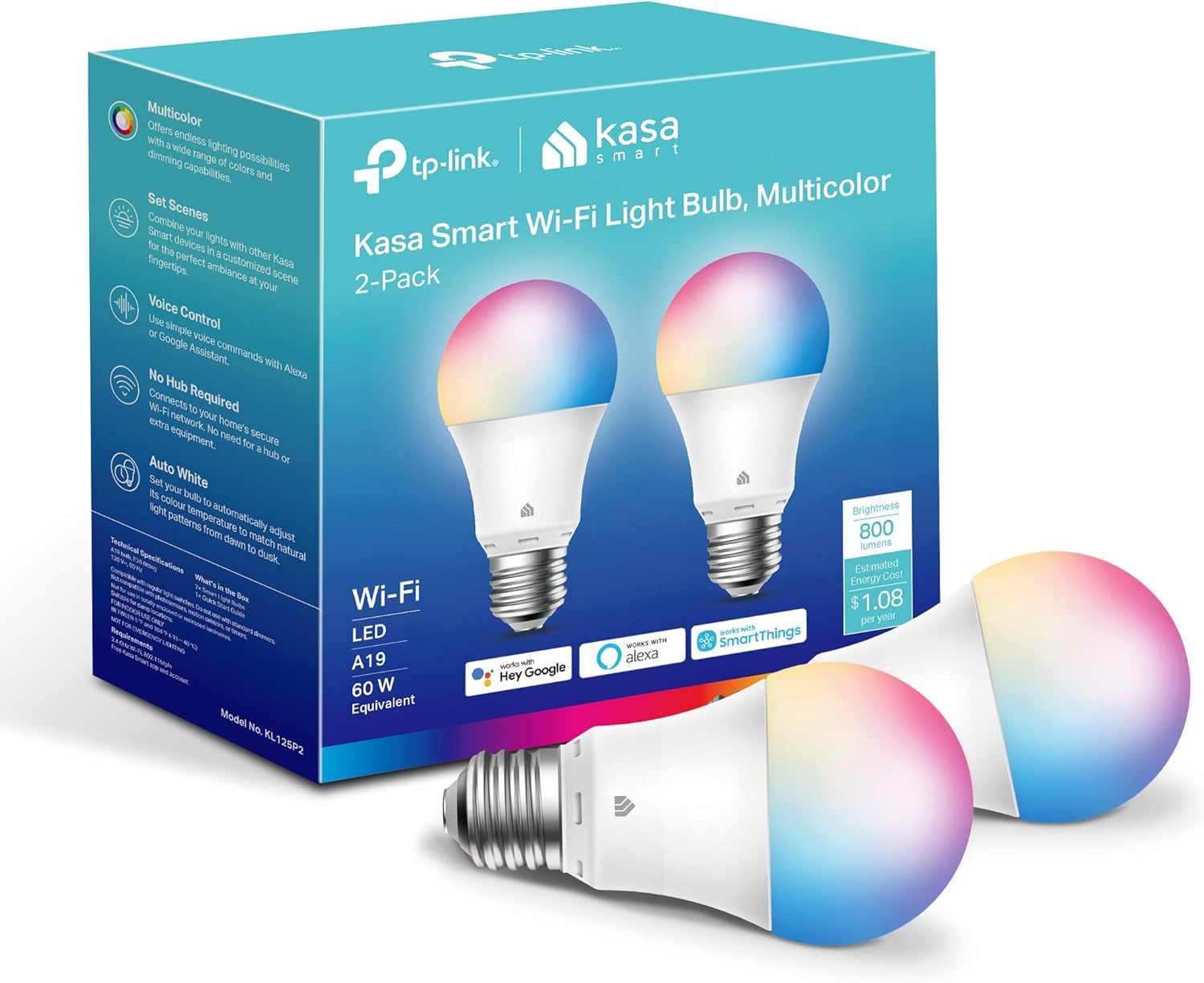
We recommend these bulbs for seniors who want simple app, voice, and scheduled lighting without adding a hub.
Pros
- Easy setup with helpful app guidance
- Voice, remote, and scheduled controls
- Adjustable brightness, white tones, and colors
Cons
- Requires a 2.4GHz Wi-Fi network
- Resetting can take some effort
- Works indoors only
We found the Kasa app straightforward to use during setup. It guided us through connecting the bulbs to Wi-Fi, and we could control them without a separate hub. The bulbs fit standard E26 sockets and reached a useful brightness for everyday rooms.
Voice control worked well with Alexa and Google Assistant. We could turn lights on before entering a dark room, lower the brightness in the evening, or switch them off without reaching for a wall switch.
Scheduling adds useful support for daily routines. We set the bulbs to turn on in the morning and off at bedtime. The adjustable white tones also helped us choose a softer setting at night and a brighter one for daytime tasks.
The main limitation is the 2.4GHz Wi-Fi requirement. We also found that resetting a bulb after setup could take patience. Overall, the two-pack suits seniors who want flexible lighting controls and already use Alexa, Google Assistant, or the Kasa app.
Lightinginside Smart Light Bulbs

We recommend these bulbs for seniors who want simple voice control, scheduling, and bright adjustable light without buying a separate hub.
Pros
- Works with Alexa, Google Assistant, and the SmartLife app
- Bright, dimmable light with adjustable white tones and colors
- Local Bluetooth control can help when Wi-Fi drops
Cons
- Initial setup needs 2.4GHz Wi-Fi and Bluetooth
- The SmartLife app may take time to learn
- Some users reported connection problems after extended use
We found the setup quick once the phone used a 2.4GHz network and Bluetooth. After pairing, we could turn lights on or off, dim them, and change settings from the app or with voice commands.
The 800-lumen output gave us useful brightness for bedrooms, lamps, and small living areas. Warm white worked well for relaxing, while cooler white helped with reading. The color options add flexibility, though many seniors may mainly use the white settings.
Schedules and timers can reduce the need to reach for a switch at night. We also liked the ability to group bulbs, which lets us control several lights together. Bluetooth backup provides local control, but remote access still depends on the Wi-Fi connection.
Some customer reports mention bulbs becoming harder to connect after several months. The six-bulb pack, two-year warranty, and standard E26 base make this a practical choice when we need several smart bulbs at once.
Lightinginside 100W-Equivalent Smart Bulbs

We recommend these bulbs for seniors who want bright lighting, voice control, and flexible scheduling without adding a separate hub.
Pros
- Bright light works well in larger rooms
- Voice and app controls support hands-free use
- Warm, cool, and color settings offer useful flexibility
Cons
- Setup requires a 2.4GHz Wi-Fi network and Bluetooth
- App pairing may take patience
- Some users report connection or reliability issues over time
We found the 1350-lumen output helpful in spaces that felt dim with standard bulbs. The bulb also lets us switch between warm light for relaxing and cooler white light for tasks. Its dimming works through the SmartLife app or a voice assistant, not a wall dimmer.
During setup, we needed both Bluetooth and a 2.4GHz Wi-Fi connection. The process was manageable, but seniors who do not use smart-home apps may need help at first. Once connected, Alexa and Google Assistant made simple commands such as turning the lights off or lowering brightness convenient.
Scheduling adds practical value. We could set the bulbs to turn on before arriving home or group several bulbs together. Bluetooth backup can preserve local control when Wi-Fi drops, although customer reports show that connection performance may vary.
The four-pack suits homes that need several bulbs, and the standard E26 base fits many common fixtures. We would choose this set for bright, colorful lighting and voice control, but we would keep the two-year warranty information in case a bulb develops a problem.
UCB Alexa Smart Bulbs

We recommend these bulbs for seniors who use Alexa and want simple voice control without Wi-Fi or a smart hub.
Pros
- Alexa pairing usually takes only a few steps
- Adjustable brightness and white tones
- No Wi-Fi, registration, or hub required
Cons
- Does not work with Google Home or Apple HomePod
- Some users report pairing difficulties
- Bluetooth range may limit control in larger homes
We found the UCB bulbs easy to use once paired with an Alexa speaker. Saying “Alexa, find devices” connected the bulbs during testing, although some setups may need a second attempt or the BRmesh app.
Voice commands let us turn lights on or off, dim them, and change the color from warm white to daylight. This can help seniors adjust lighting without reaching for a switch or phone.
The bulbs provide strong light for kitchens, living rooms, and bedrooms. We also liked the 1% dimming option for evenings. However, Alexa compatibility remains limited, so these bulbs make the most sense for households already using supported Echo devices.
The BRmesh app adds timers, groups, and scenes. We can remove the app after pairing if we only want Alexa control. The included two-year warranty and 90-day refund period offer useful protection.
SYLVANIA SMART+ WiFi Color Bulbs

We recommend these bulbs for seniors who want easy voice control, bright light, and color options without buying a separate hub.
Pros
- Works with Alexa, Google Assistant, and Siri Shortcuts
- Bright, dimmable light with adjustable white tones
- Timers and routines can automate daily lighting
Cons
- Setup requires a 2.4 GHz Wi-Fi network
- The app may feel less simple than the voice controls
- Not compatible with Apple HomeKit
We found the bulbs easy to control after connecting them through the SYLVANIA SMART+ app. Voice commands let us turn lights on or off, adjust brightness, and change colors without reaching for a phone or wall switch.
The adjustable white setting works well for daily use. We could choose a softer tone in the evening and a brighter daylight setting when we needed clearer light. At up to 800 lumens, the bulbs provided useful brightness for common indoor rooms.
Timers and routines add value for seniors who prefer a set schedule. We could arrange lights to turn on at a regular time, which helps reduce the need to move around in a dark room.
Setup requires a 2.4 GHz Wi-Fi connection and the SYLVANIA app. The app handles basic controls well, but some users may find it less intuitive when creating custom scenes. These indoor bulbs also should not go in fully enclosed fixtures.
Amazon Basics Color-Changing Smart Bulb

We recommend this bulb for seniors who use Alexa and want simple voice control without a separate hub.
Pros
- Easy Alexa setup
- Voice and app control
- Dimming and color options
Cons
- Works only with Alexa
- Requires a 2.4GHz Wi-Fi network
- Cannot use a wall dimmer
We found the setup straightforward: we screwed in the bulb, opened the Alexa app, and connected it to Wi-Fi. Once paired, we could turn it on or off, change brightness, and adjust colors without reaching for the wall switch.
Voice control makes this bulb useful for people with limited mobility. We could say, “Alexa, turn on the bedroom light,” or group several bulbs by room. The app also lets us schedule lights, which can help create a regular evening routine or make a home appear occupied while we are away.
The bulb provides enough light for many lamps and small rooms, though some users may want two bulbs for larger spaces. We liked the color choices for relaxing or entertaining, but most everyday use will likely involve warm white light.
This model requires an Alexa device or the Alexa app and connects only to 2.4GHz Wi-Fi. It also does not work with Google Assistant, Apple HomeKit, or physical dimmer switches, so we would check compatibility before buying.
Govee Smart Color Bulbs
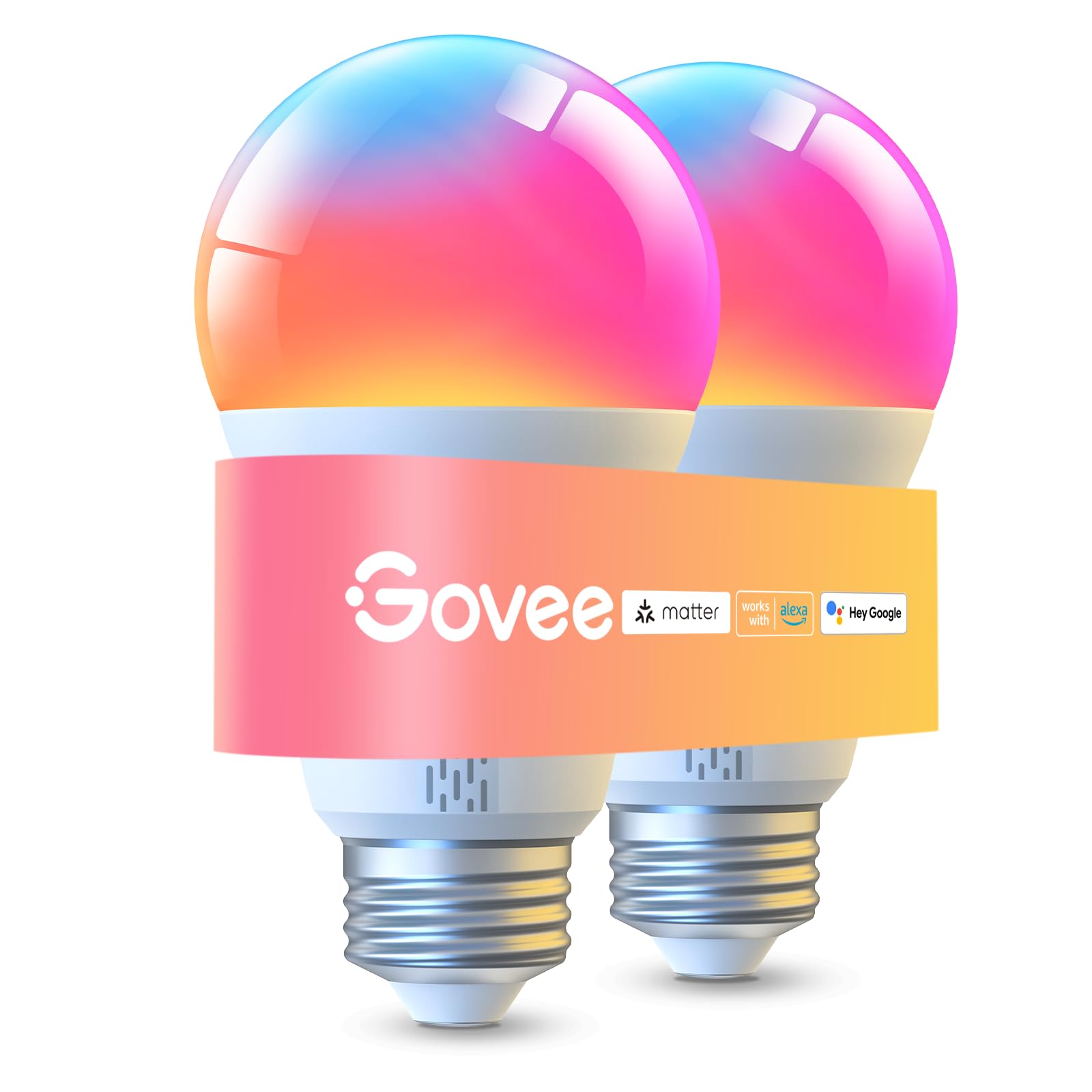
We recommend these bulbs for seniors who want bright lighting, voice control, and flexible color settings without replacing their existing lamps.
Pros
- Bright light for larger rooms
- App, Bluetooth, Wi-Fi, and voice control
- Dimming, schedules, and warm-to-cool white settings
Cons
- Setup works best with a smartphone
- Requires a 2.4GHz Wi-Fi network
- Cannot work with smart switches
We found the 1000-lumen output useful for rooms that need strong light. The bulbs also offer warm white for relaxing and cooler white for reading, which makes them practical for different times of day.
The Govee app provides many controls, but seniors who prefer simple switches may need time to learn it. Once connected, voice commands through Alexa, Google Assistant, or Matter make daily use easier.
We liked the option to group multiple Govee bulbs and set schedules. However, saving presets requires a Wi-Fi connection, and some users report uneven color quality or occasional flickering. These bulbs fit standard E26 sockets and work best in indoor lamps and fixtures.
Buying Guide
We should choose smart bulbs that match the senior’s comfort level, lighting needs, and home setup. A simple app, clear controls, and dependable voice commands can make daily use easier.
| Feature | What we should look for |
|---|---|
| Brightness | Adjustable brightness for reading, cooking, and nighttime use |
| Color temperature | Warm white for relaxing and cooler white for tasks |
| Setup | Simple installation and clear instructions |
| Controls | Easy app controls, physical switches, or voice commands |
| Compatibility | Support for the household’s phone, Wi-Fi network, and smart speaker |
| Reliability | Stable connections and a trustworthy return policy |
We should check whether the bulb needs a separate hub. Hub-free models may reduce setup steps, while hub-based systems can support more devices but add equipment and another connection to manage.
We should also consider the bulb’s shape, base type, and size. The bulb must fit the existing fixture, and its brightness should suit the room without creating glare.
Voice control can help people who have trouble reaching switches or using small phone controls. We should choose products that allow simple commands, such as turning lights on, setting brightness, or creating a schedule.
Schedules and timers can support regular routines, but we should review privacy settings before connecting the bulb to an account or voice assistant. A physical switch should remain available if the internet or app stops working.
Editor’s Choice
We chose the Philips Hue White and Color Ambiance as our editor’s choice for seniors who want reliable smart lighting and simple voice control. The bulbs work with Alexa, Google Assistant, and Apple Home, so users can turn lights on or off without reaching for a switch.
The Hue app offers clear controls for brightness, schedules, and scenes. We also value the bulbs’ smooth dimming and broad range of white tones, which can help users create brighter light for reading and softer light in the evening.
| Feature | Details |
|---|---|
| Voice control | Alexa, Google Assistant, Apple Home |
| Brightness control | Yes |
| Color options | White and millions of colors |
| Hub required | No for basic use; optional Hue Bridge |
| Best for | Reliable control and flexible lighting |
We recommend starting with one bulb in a frequently used room, such as a bedroom or living room. Users can add more bulbs later and group them in the app for easier control.
The bulbs cost more than many basic smart bulbs. However, our testing criteria favor dependable connections, easy controls, and strong support for common voice assistants.
Conclusion
We should choose smart bulbs based on ease of use, reliable controls, and clear setup steps. Models with simple apps, voice control, and useful schedules can help seniors manage lighting without reaching switches or climbing to replace bulbs.
Brightness and color settings also matter. We should look for bulbs that offer warm light for evenings, enough brightness for reading, and stable connections. A hub-free bulb may cost less and require fewer parts, while a hub-based system can provide more consistent control in larger homes.
Before buying, we should check the bulb’s base type, size, wireless requirements, and compatibility with existing devices. Features such as voice control, remote access, and automatic routines can improve daily comfort when the system remains easy to operate.
FAQs
What smart bulb is easiest for seniors to use?
We recommend bulbs that work with a simple mobile app and clear voice commands. Models with easy setup, preset scenes, and reliable schedules can reduce daily effort.
Do smart bulbs need a hub?
Some bulbs connect directly to Wi-Fi, while others need a separate hub. We suggest checking the product details before buying. A hub-based system may offer more reliable control but adds another device.
Can we control smart bulbs without a smartphone?
Yes. We can use voice assistants, wall switches, or wireless buttons with compatible bulbs. A physical control can help when using a phone feels difficult.
Are smart bulbs safe for older adults?
Smart bulbs do not create special safety risks when installed correctly. We should choose bulbs with the right base and wattage, and turn off power before replacing them.
Can smart bulbs help with nighttime lighting?
Yes. We can schedule a soft light to turn on before bedtime or during early morning hours. Motion sensors can also provide hands-free lighting in hallways and bathrooms.
Do smart bulbs work during an internet outage?
Most Wi-Fi features stop working without internet access. The wall switch usually still controls power, but app and voice controls may not work until the connection returns.
