
Smart Thermometer vs Digital Thermometer for Seniors


Non Slip Bath Tub and Shower Mat 40 x 16 Inch Extra Large
Telescopic Grabber Reacher Tool, 5-Level Adjustable Length
RMS Deluxe Sock Aid with Foam Handles
Choosing between a smart thermometer vs digital thermometer can feel like a tough task. Both of these tools check your body heat when you feel sick.
You want a tool that gives fast, clear results without stress. Caregivers may also want to track fevers over time to share with doctors. We will help you pick the right choice for your exact needs.
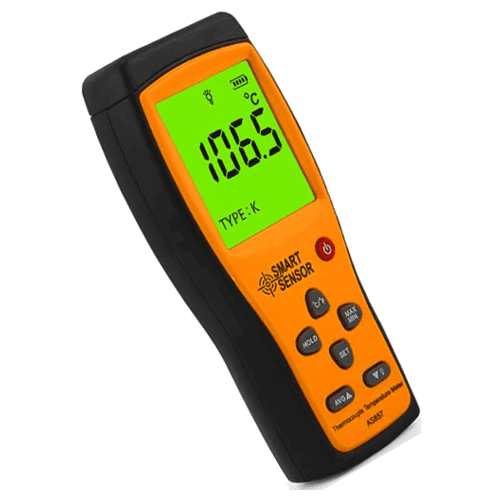
Quick Comparison
A digital thermometer is the best choice for seniors who want a fast, simple check. You just press one button, wait for the beep, and read the small screen.
A smart thermometer links directly to a phone app. It is much better for caregivers who need to save past readings or share health facts with a doctor. The right choice depends on how much you like using tech tools.
At-a-Glance Comparison
Here is a fast look at how both choices compare. These basic facts can help you start your choice.
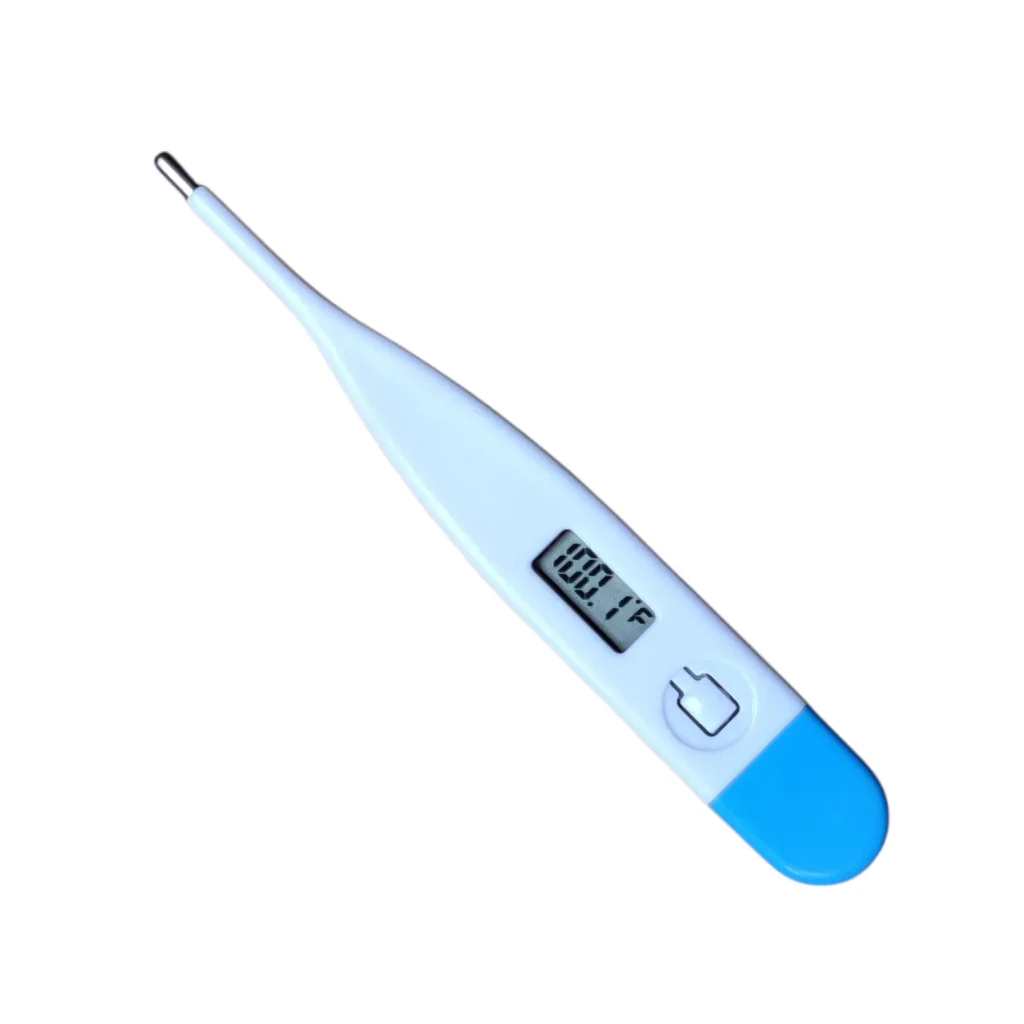
| Feature | Smart Thermometer | Digital Thermometer |
| Best For | Caregivers and tracking | Quick, simple checks |
| Data Saving | Saves history on an app | Shows only the last check |
| Power Source | Batteries (some charge) | Coin or AAA batteries |
Smart Thermometer Review for Seniors
Smart models use Bluetooth to link to a phone or tablet. They track health facts for you over a long time.
Ease of Use
Setup takes a few minutes and some patience. You must download an app on your phone. Then you pair the tool using Bluetooth. This can be hard for some older adults. But once it is set up, it is very helpful. The app saves every reading in a list. You do not have to write anything down. The phone screen makes the numbers huge. This is great for seniors with bad eyesight.
Key Strengths
- Saves all past fevers in one clear list.
- Phone screens show very large, bright text.
- Easy to share facts with a doctor or nurse.
- Color codes show if a fever is too high.
- Many apps can manage profiles for two or more people.
Potential Drawbacks
- Needs a smart phone or tablet to work right.
- Setup steps can confuse those who dislike tech.
- You must keep your phone charged and nearby.
- Costs more money up front.
Digital Thermometer Review for Seniors
Standard digital models have been around for many years. They are simple, basic, and do one job very well.
Ease of Use
You only need to press the start button. You place it under the tongue or arm. It beeps loud when it is done. The small screen shows the number. There is no phone, app, or password to deal with. It is ready to go right out of the box. This makes it perfect for those who want no stress.
Key Strengths
- Very easy to start with one simple button press.
- Costs much less money to buy and replace.
- No apps, phones, or Wi-Fi connections needed.
- Small and very easy to keep in a drawer.
- Batteries last for a very long time.
Potential Drawbacks
- Tiny text on the screen can be hard to read.
- Does not save old data for you to review later.
- Easy to lose because it is very small.
- Buttons can be stiff for hands with bad joints.
Which Is Easier for Seniors to Use?
Most seniors find standard digital choices much easier to use every day. You only need to press one button. There are no menus to read. There are no passwords to remember. It is a tool that anyone can pick up and use right away.
Smart tools ask you to open an app. This takes more steps and more time. However, the phone app shows much bigger text. This helps seniors with poor eyesight. It may be easier for seniors who already use a smart phone all day long.
Performance Comparison
Both tools are very accurate when used the right way. They read body heat in just a few seconds. They use the exact same sensors inside.
A basic digital tool shows the number right away on the stick. A smart tool might take one second longer to send the data to your phone. Both do a great job at catching a fever. Neither one is better at the actual heat check. The main difference is just how they show you the final number.
Comfort, Accessibility, and Senior-Friendly Design
Comfort is about how easy the tool is to hold, hear, and read.
“A bright screen with large numbers is the best feature for older eyes. Loud beeps help those who cannot hear well.”
Basic tools often have very small screens. They can be hard to read in a dark room. Smart tools let you read the results on a large phone screen. The phone can light up very bright. Some smart apps even read the number out loud. This is a big help for seniors with vision or hearing loss.
Features Comparison
Here is a breakdown of what each tool can do. Look for features that fit your daily life.
| Feature | Smart Thermometer | Digital Thermometer |
| Screen Size | Huge (on your phone) | Very small |
| Memory | Endless app storage | Usually just 1 reading |
| Alerts | App alerts and colors | Simple audio beep |
Price, Maintenance, and Long-Term Value
Basic tools cost very little. You can find them in any local drug store. They need a new battery every few years. The parts are cheap and easy to find.
Smart models cost more up front. You also need a smart phone to use them. Both have a long life if you keep them clean and dry. Standard models offer the best quick value. Smart models offer long-term value for caregivers who need deep health logs.
Here is a look at the long-term value and upkeep.
| Cost Factor | Smart Thermometer | Digital Thermometer |
| Upfront Price | Higher cost | Very low cost |
| Battery Type | Rechargeable or AAA | Small coin battery |
| Hidden Fees | None (apps are free) | None |
Who Should Choose a Smart Thermometer?
- Caregivers who track a parent’s health over time.
- Seniors who like using phone apps and tablets.
- Those who want to share clean data with a doctor.
- Seniors who need very large text to read clearly.
- Families who want to track health for many people.
Who Should Choose a Digital Thermometer?
- Seniors who want a simple, one-button press.
- Those who do not own or like smart phones.
- Shoppers looking to spend less money.
- People who just want a fast “yes or no” on a fever.
- Seniors who want a tool that works right out of the box.
Final Verdict
Best for most seniors: Digital Thermometer. It is fast, cheap, and very easy to learn. You do not need tech skills to check your health.
Best for caregivers: Smart Thermometer. It tracks health data so you do not have to guess or write notes.
Best value: Digital Thermometer. It costs less, lasts for years, and gets the main job done.
Best for ease of use: Digital Thermometer. One button press beats opening an app every time.
Scoring Summary
Here is how both choices score across key areas. These scores reflect everyday senior use.
| Category | Smart Thermometer | Digital Thermometer |
| Ease of Use | 6/10 | 9/10 |
| Senior-Friendly Design | 8/10 | 7/10 |
| Performance | 9/10 | 9/10 |
| Value | 7/10 | 9/10 |
How We Evaluate Products
We look at products with older adults in mind. We focus on big text, clear screens, and simple setups. We know that stiff hands and poor eyesight change how a tool feels.
We check if the buttons are easy to press. We also look at the price and the true value. A good tool must be safe, fast, and easy to hold. We do not let flashy tech distract from practical, daily use.
Senior-Specific Buying Considerations
- Screen Size: Can you read the numbers without your reading glasses?
- Alerts: Does the tool beep loud enough for you to hear it clearly?
- Grip: Is the handle thick enough for stiff hands to hold well?
- Setup: Do you need an app or Wi-Fi to make it work out of the box?
- Speed: Does it read your heat in just a few seconds, or do you have to hold still for a long time?
Common Buying Mistakes
- Buying a smart tool without owning a smart phone.
- Paying extra for app features you will never open or use.
- Choosing a basic tool with tiny numbers that are too small to read.
- Forgetting to check if the battery is easy to change with stiff hands.
- Losing the small tool because it does not come with a bright case.
Safety
Always clean the tip after each use. Use a simple alcohol wipe to stop germs from spreading. Let it dry fully before you put it away.
If a fever is very high, call a doctor right away. These tools check your heat, but they do not replace a real doctor visit. Always keep the small coin batteries away from pets and small grandkids. Check the battery door to make sure it clicks shut tight.
Conclusion
The right choice comes down to how much you like tech. A standard digital model is simple, cheap, and very fast. It is ready when you need it without any fuss.
A smart model costs more but keeps great records. Caregivers often love the app because it saves time and worry. Many seniors prefer the simple button of the basic tool. Choose the one that brings you the most peace of mind and fits your daily life.