
10 Best Video Doorbells for Seniors: Easy-to-Use Options for Home Security


Mattress Topper Memory Foam

Sudoku Puzzle Book

Bathtub Grab Bar
Video doorbells combine a doorbell, camera, microphone, and motion sensor in one device. They can show who is at the door, send alerts to a phone, and let people speak with visitors without opening the door. For seniors, these features can add convenience and help reduce the need to walk to the door for every visitor.
The best video doorbells for seniors offer clear video, simple controls, reliable alerts, and installation that does not create extra work. We also look for useful accessibility features, such as loud chimes, adjustable notification settings, two-way audio, and support for family members who may help manage the device. Battery life, subscription costs, privacy settings, and compatibility with an existing doorbell system also matter.
We compared video doorbells with these needs in mind to find the models that are easiest to use, dependable, and practical for older adults.
Best Video Doorbells for Seniors
We selected the best video doorbells for seniors based on ease of use, clear video, reliable alerts, and helpful safety features. Our list includes options for different needs, budgets, and home setups.
TKMARS Wireless Doorbell Camera
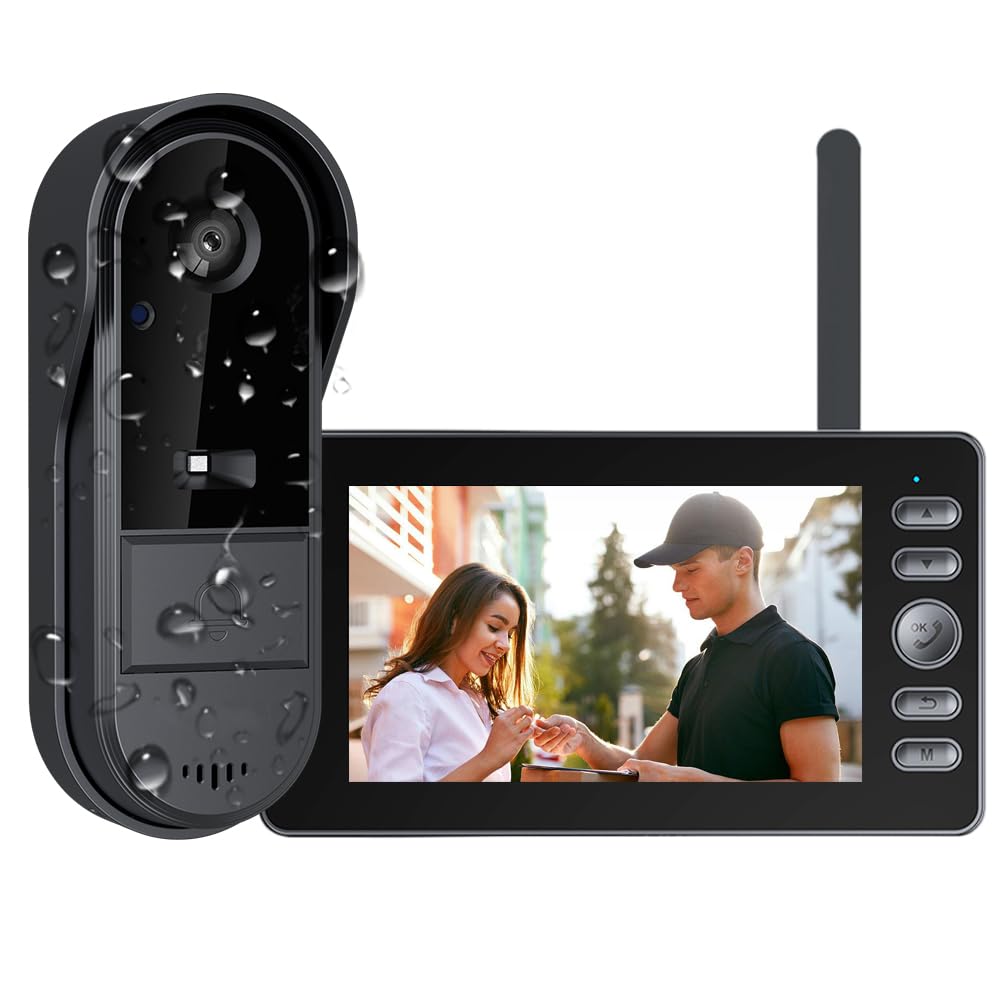
We recommend this system for seniors who want a simple doorbell camera with a dedicated indoor screen and no Wi-Fi or monthly fees.
Pros
- Direct connection between the doorbell and indoor monitor
- Clear two-way talk and night vision
- Active Wake-Up lets us check outside before answering
Cons
- Indoor monitor needs to stay connected to power
- Signal may weaken through thick walls or beyond about 15 meters
- Local recording requires an SD card
We found the setup straightforward, since the camera connects directly to the included monitor instead of using an app or home network. That makes it a practical choice for users who prefer fewer account settings and less technology to manage.
The indoor screen worked much like a small home monitor. We could press and hold the monitor to wake the camera and check the entrance before anyone rang. The two-way audio was useful for speaking with visitors without opening the door.
The wide view helped us see more of the area near the entrance, while infrared night vision kept the image usable after dark. The picture is serviceable rather than highly detailed, so it may not show fine facial features clearly at a distance.
We also found a limitation with range. The connection can lose strength when the monitor sits far from the doorbell or when thick walls and doors block the signal. Since the monitor needs wired power, it works best when placed near a convenient outlet.
Ring Battery Doorbell 2K
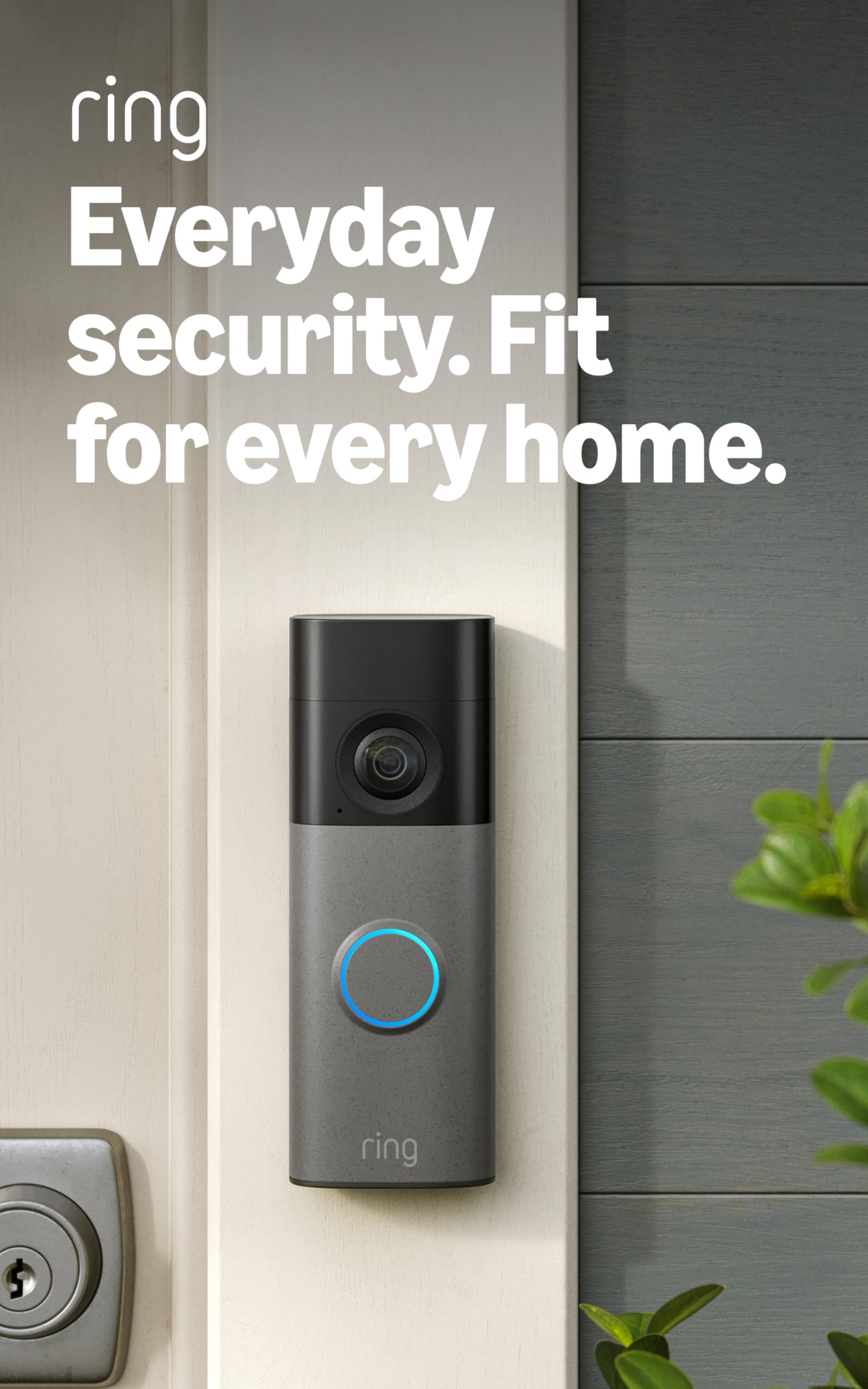
We recommend this doorbell for seniors who want clear video, simple two-way talk, and a wide view of the front door.
Pros
- Sharp 2K video with up to 6x zoom
- Battery power makes installation easier
- Works with Alexa devices
Cons
- Recharging requires removing the doorbell
- USB-C cable is not included
- Many recording features require a paid plan
We found the video clear enough to identify visitors, packages, and cars without standing close to the screen. The wide view also helped us see more of the entry area, while zoom made distant details easier to check.
Setup was straightforward, and the included mounting hardware helped us finish the installation quickly. The battery design avoids doorbell wiring, but we still had to remove the unit for charging. Seniors may want someone to handle that task when the battery runs low.
Live View and two-way talk made it easy for us to speak with visitors without opening the door. Motion alerts arrived on our phones, and Alexa support can add convenient voice announcements through a compatible Echo device.
The main drawback is the subscription requirement for cloud recordings and some advanced alerts. Without the plan, we could still view live activity, but reviewing past events was more limited.
BOIFUN Wireless Video Doorbell
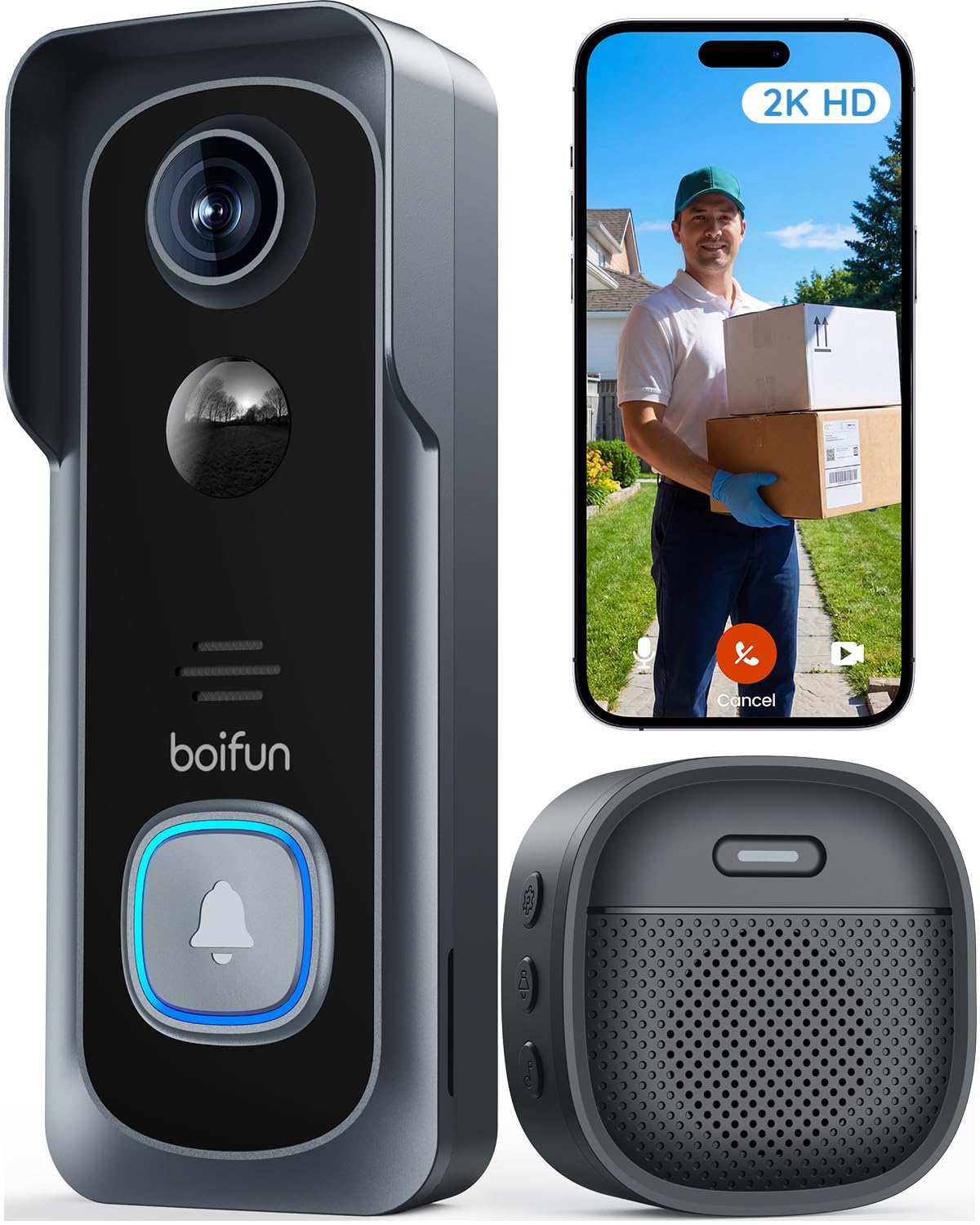
We recommend this doorbell for seniors who want a wide view, simple wireless setup, and no required monthly subscription.
Pros
- Wide view helps monitor visitors and packages
- Clear video and night vision
- Local storage avoids required subscription fees
Cons
- Works only with 2.4GHz Wi-Fi
- Battery and motion accuracy vary by use
- App menus may take time to learn
We found the BOIFUN easy to place without running wires. The included adhesive mount can suit an apartment or rental, while screws provide a firmer fit. The indoor chime also helps people who may not notice phone alerts.
The camera gives us a broad view of the entrance, and its 2K video keeps faces and packages fairly clear during the day. Night footage remains useful, although lighting and distance affect detail. Two-way audio lets us speak with visitors without opening the door.
Motion alerts and human detection worked well in normal use, but busy streets or passing cars may cause extra alerts. We can adjust the detection settings to reduce them. The app shows live video and recorded clips, though some users may find the playback order less intuitive.
The rechargeable battery removes the need for wiring, but frequent activity will shorten the time between charges. We can save recordings to a microSD card up to 128GB, with no required subscription. Seniors who prefer simple controls may need help with the first setup and app account details.
Tapo D210 Video Doorbell

We recommend the Tapo D210 for seniors who want clear video, simple visitor calls, and flexible battery-powered installation.
Pros
- Clear 2K video with a wide, head-to-toe view
- One-tap visitor calls and preset replies
- Local storage works without a required subscription
Cons
- Battery life changes with use and settings
- microSD card is sold separately
- Setup requires a 2.4GHz Wi-Fi connection
We found the video easy to view in the Tapo app, with enough detail to recognize visitors and check packages. The wide view also showed more of the entry area than many standard doorbells. At night, the spotlight improved visibility, although it may feel bright in a quiet neighborhood.
The Ring Call feature made answering convenient. Instead of opening the full app, we could answer from an incoming call screen. Seniors who prefer fewer steps may also appreciate the preset replies and clear two-way audio.
Installation stayed simple because the D210 uses a rechargeable battery and includes an angled wedge. We could place it where existing wiring was unavailable. However, we needed to remove the doorbell to recharge it, and battery life depended on recording activity, live viewing, and weather.
Motion zones and free person detection helped reduce unwanted alerts. We could save footage to a separate microSD card, which avoided a required cloud plan. Alexa and Google Assistant support added useful hands-free viewing, but the indoor chime and connected display still depended on a working Wi-Fi network.
TKMARS Wireless Video Doorbell
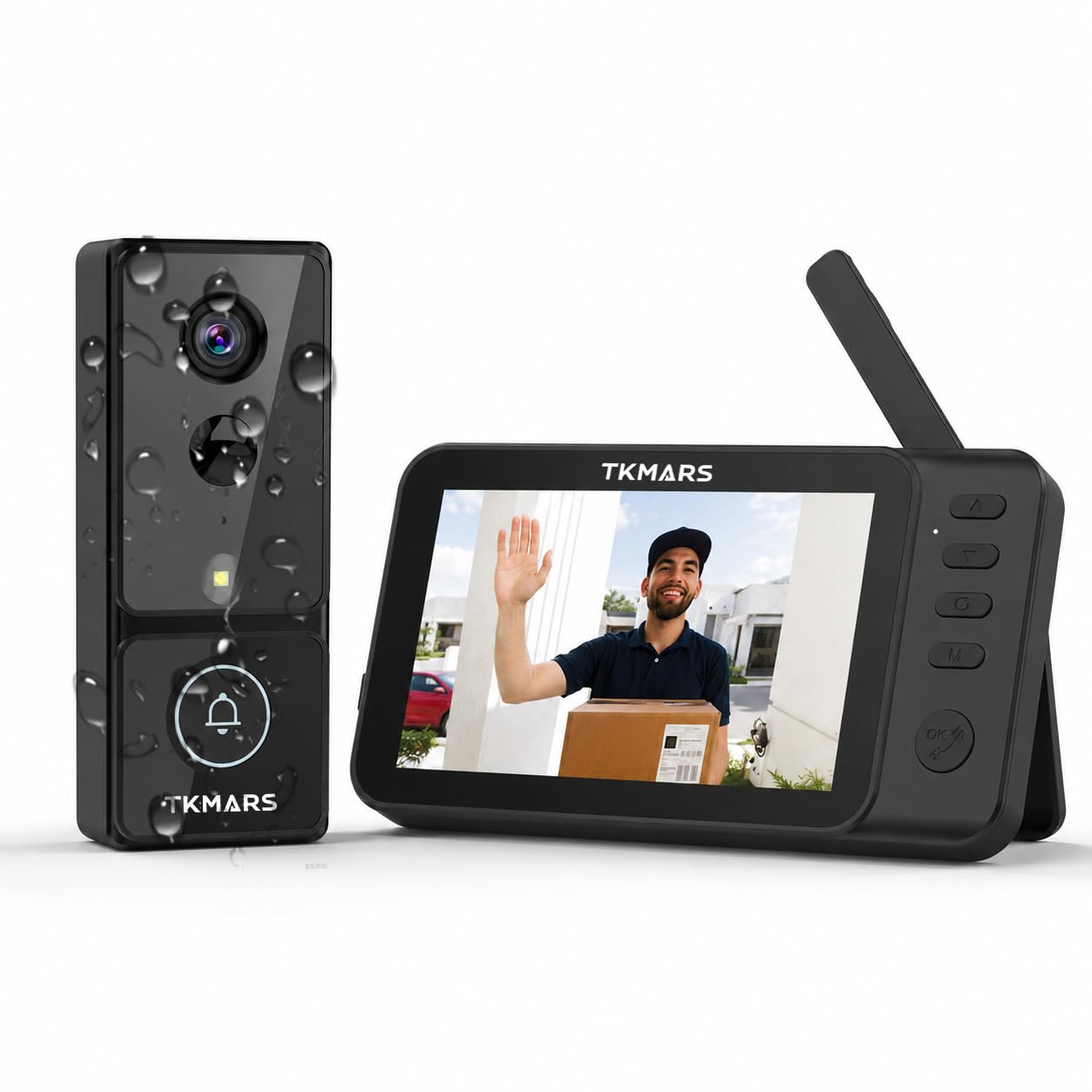
We recommend this doorbell for seniors who want a simple monitor without Wi-Fi, an app, or monthly fees.
Pros
- Easy viewing through the included indoor monitor
- Wide camera view with motion detection
- Two-way audio and no subscription cost
Cons
- Night vision may look less clear than expected
- Wireless range can drop through walls
- Some users reported setup and power problems
We found the dedicated monitor easy to use because it avoids phone apps and account setup. The active wake-up feature also lets us check the front door from inside, even when nobody presses the button.
The wide view showed more of the entry area than a narrow doorbell camera. Motion alerts worked well in testing, and the intercom audio came through clearly. The chime volume also suited a home where hearing a quiet alert may be difficult.
Image quality was acceptable in daylight, but several owners found the night view weaker than advertised. We also noticed that walls and other obstacles can reduce the wireless range. Battery life should be convenient, although the listing gives different estimates, so charging needs may vary.
With its low rating from 17 reviews, we would choose this model mainly for homes that need a basic, local monitor. Seniors who want sharper night footage, phone alerts, or dependable performance through several walls may prefer a more established option.
Blink Video Doorbell

We recommend the Blink Video Doorbell for seniors who want simple setup, long battery life, and clear two-way communication.
Pros
- Easy wire-free or wired installation
- Clear daytime video with a wide view
- Long battery life with included batteries
Cons
- Cloud storage requires a paid plan after the trial
- Night vision can look less sharp
- Alerts may feel limited without a subscription
We found the setup process straightforward, especially with the Blink app guiding each step. The included Sync Module helps connect the doorbell to the home network, but users still need reliable 2.4 GHz Wi-Fi.
The camera provides a useful head-to-toe view, which helped us see visitors and packages more clearly. Two-way talk worked well for speaking with people at the door without opening it. Alexa support also lets users answer through a compatible device.
Battery power makes the doorbell flexible for homes without existing wiring. Wired installation can activate an indoor chime, while wire-free use sends alerts through the app. Seniors who prefer saved recordings should note that cloud storage requires a Blink subscription after the free trial.
TKMARS Wireless Video Doorbell
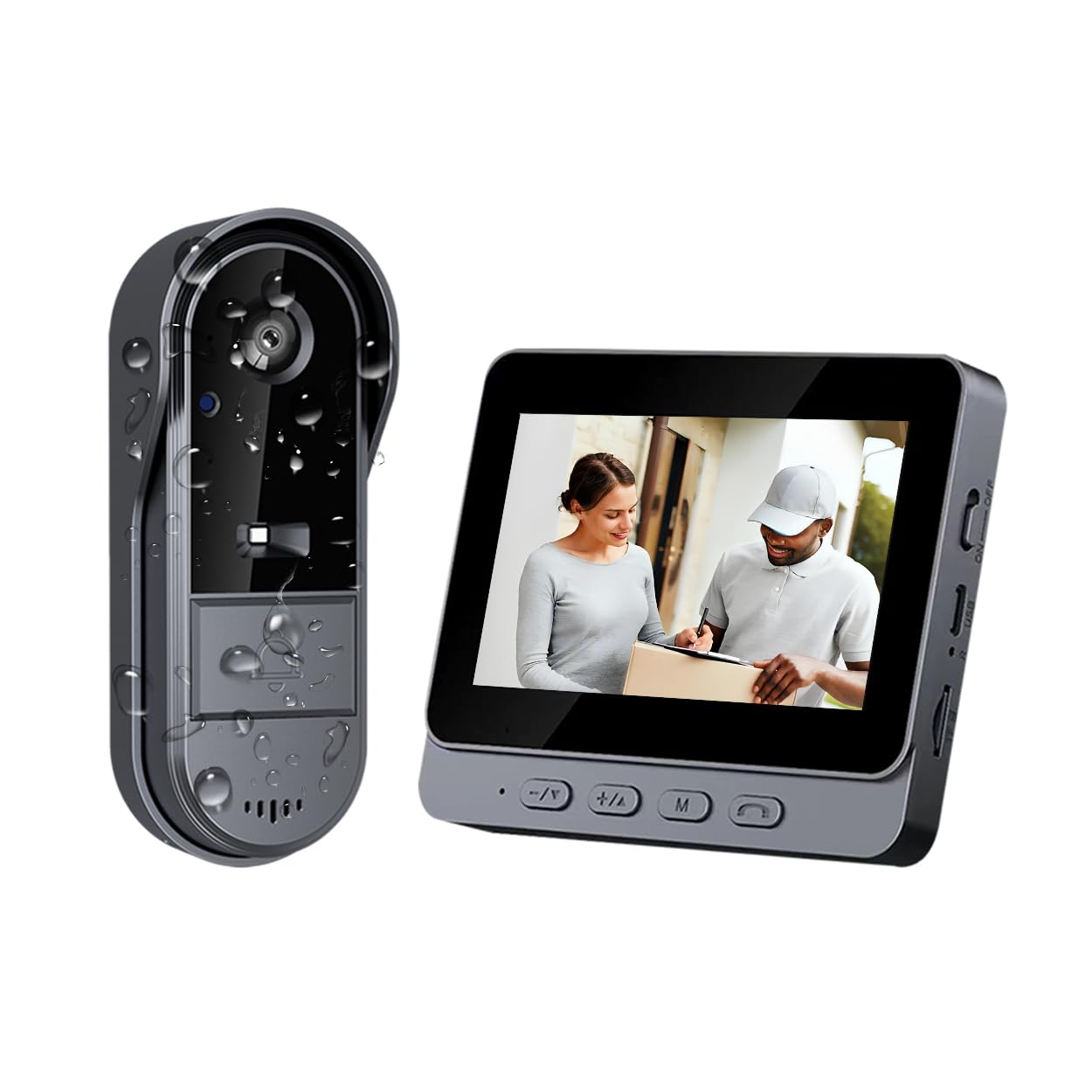
We recommend this doorbell for seniors who want a simple camera and indoor screen without Wi-Fi, apps, or monthly fees.
Pros
- Simple setup with no account or subscription
- Clear 1080p video and wide viewing angle
- Two-way audio and local recording
Cons
- Indoor monitor has a small 4.3-inch screen
- Wireless range can drop through walls
- Reviews mention that the screen may break if dropped
We found the plug-and-play design easy to understand. The indoor monitor shows visitors without requiring a smartphone, which makes this system a good fit for seniors who prefer familiar controls.
The video looks clear enough to identify people at the door, and the wide view helps cover more of the entrance. Two-way audio lets us speak with visitors without opening the door.
Local recording avoids cloud storage and ongoing fees. The outdoor unit also has weather protection, but the signal depends on the layout of the home. Thick walls or several floors may reduce its range.
The 3.9-star rating from 739 reviews suggests mixed experiences. Several buyers praised the easy installation and connection, while one review reported a broken screen after a drop. We would choose this model for basic entry monitoring, but handle the monitor carefully.
Ring Battery Doorbell 2K Plus
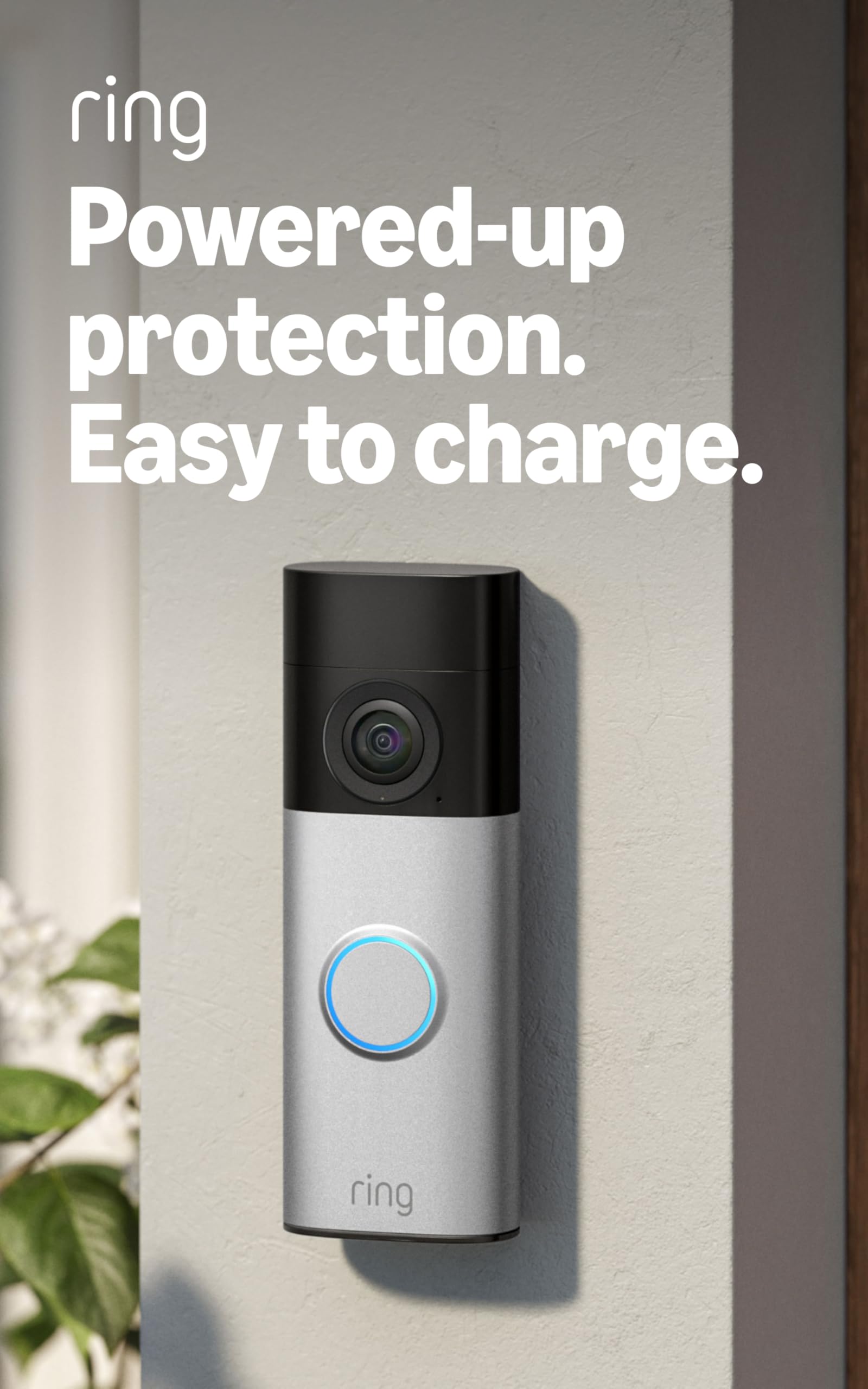
We recommend this doorbell for seniors who want sharp video, simple battery changes, and reliable phone alerts.
Pros
- Clear 2K video with useful zoom
- Quick-release battery makes charging easier
- Wide view, night vision, and two-way talk
Cons
- Many recording features require a Ring subscription
- Works only with 2.4GHz Wi-Fi
- Battery charging adds regular upkeep
We found the image easy to read in both daylight and low light. The wide view helped us see visitors standing close to the door, while the zoom made packages and faces easier to inspect.
The removable battery made installation less demanding because we did not need to connect wiring. We could take out the pack, charge it indoors, and snap it back into place. The included mounting hardware also helped keep setup straightforward.
Motion alerts arrived through the Ring app, and two-way talk let us speak with visitors without opening the door. This can help seniors check on deliveries or ask a guest to wait.
The main drawback involves the subscription. Ring requires a compatible Ring Protect plan for recorded video and several advanced features. Without one, the doorbell still provides live viewing, alerts, and communication, but it offers less history to review.
eufy Security Video Doorbell E340
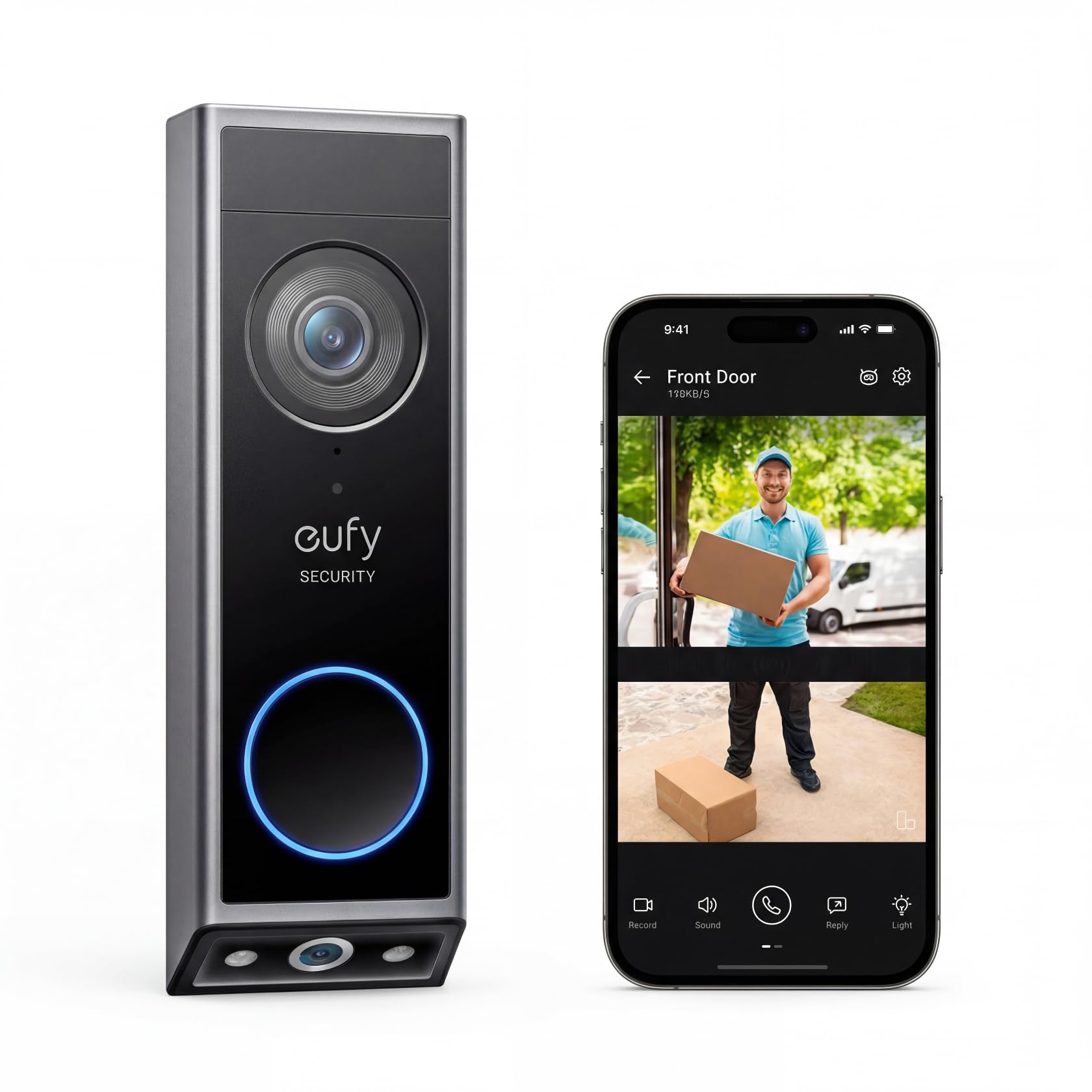
We recommend this doorbell for seniors who want clear visitor and package views without a monthly storage fee.
Pros
- Shows visitors and packages with two camera views
- Stores recordings locally
- Works wirelessly or with existing wiring
Cons
- Battery charging may become a regular task
- Package alerts can sometimes trigger by mistake
- Some features require a compatible chime or smart speaker
We found the dual-camera design useful because it shows a visitor from head to toe while also pointing toward the doorstep. That lower view makes it easier to check whether a package arrived without opening the door.
The 2K video looks sharp in daylight, and the color night vision helps us see more after dark. Two-way talk lets us speak with visitors from a phone, which can be helpful when we do not want to walk to the door.
Local storage keeps recordings on the device, so we avoid a monthly subscription. We also liked the choice between battery power and wired installation. The removable battery makes wireless setup easier, though we still need to monitor its charge.
Motion and package alerts worked well overall, but we noticed that package detection can occasionally send an incorrect alert. Seniors who want indoor alerts may also need a separate chime or a compatible Alexa, Google Assistant, or eufy device.
Ring Wired 4K Pro Doorbell
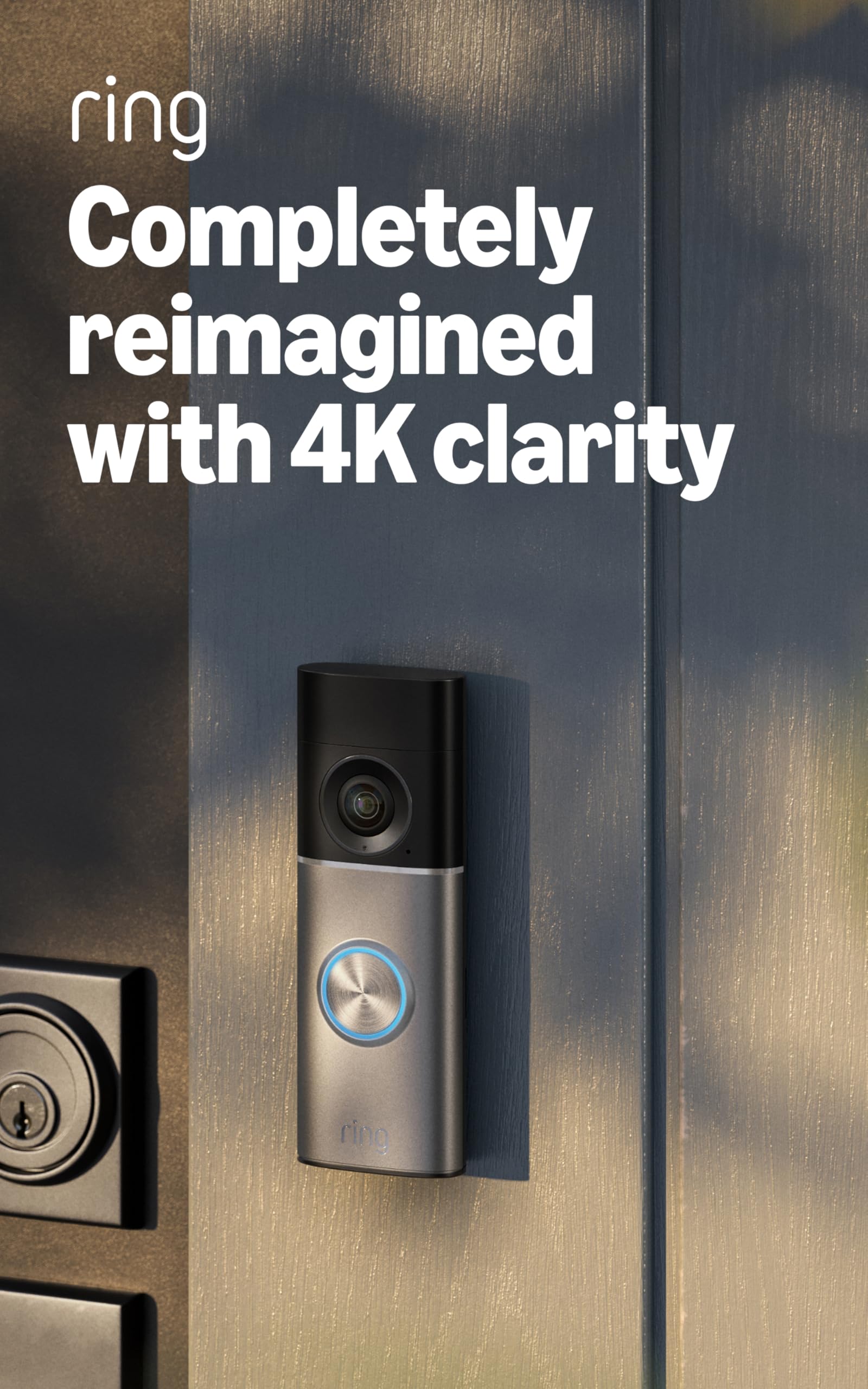
We recommend this doorbell for seniors who want sharp video and already have compatible hardwired wiring.
Pros
- Very clear video with useful zoom
- Precise motion alerts
- Two-way talk works through the Ring app
Cons
- Requires hardwired installation
- Some features need a Ring subscription
- May need a stronger transformer in older homes
We noticed a clear improvement in image detail when viewing faces, packages, and activity near the walkway. The wide view also helped us see more around the entrance without constantly adjusting the camera.
Motion alerts felt more focused than those from older doorbells. We received fewer alerts for activity outside the main area, although results can vary with the camera’s placement and the home’s layout.
The two-way talk feature lets us speak with visitors from a phone. This can help seniors avoid opening the door for an unknown person. The Ring app may still feel less simple than a basic doorbell, especially for users who are not comfortable with smartphones.
Installation took about 15 minutes when compatible wiring was already in place. Older homes may need a transformer upgrade, and the required adapter or transformer is not included.
Night video stayed useful with nearby lighting, while very dark areas switched to black-and-white viewing. A Ring subscription is needed for certain recording and notification features, so we should include that ongoing cost in the purchase decision.
Buying Guide
We should choose a video doorbell that matches the senior’s comfort with technology, home layout, and daily needs. Simple controls, clear instructions, and reliable alerts can make the system easier to use.
| Feature | What we should look for |
|---|---|
| Video quality | A clear image that shows faces and visitors |
| Two-way audio | Loud, easy-to-use communication with visitors |
| Night vision | Useful images in low light or darkness |
| Motion alerts | Adjustable alerts that reduce unwanted notifications |
| Power | Battery operation for simpler installation, or wired power for less maintenance |
| Connectivity | Reliable Wi-Fi that reaches the front door |
| Storage | A clear plan for viewing or saving recorded video |
| Accessibility | Large text, strong volume, and an easy-to-read app |
We should check whether installation requires drilling, wiring, or professional help. A battery model may offer more flexible placement, but we must remember to recharge it.
We should also review the app before buying. It should make alerts, live video, and two-way audio easy to find. Compatibility with our smartphone or other devices matters as well.
Privacy and security deserve attention. We should look for account protection, software updates, control over recording, and clear information about subscription fees.
Editor’s Choice
We chose the Google Nest Doorbell (wired, 2nd gen) as our editor’s choice for seniors. Its clear video, familiar app, and useful alerts make it easier to check visitors without opening the door.
The doorbell can identify people, packages, animals, and vehicles. It also provides a wider view from head to toe, which helps us see deliveries placed near the entrance. A wired connection means we do not need to recharge a battery.
| Feature | Why it helps seniors |
|---|---|
| 24/7 video history | Review activity at any time |
| Two-way talk | Speak to visitors from indoors |
| Familiar face alerts | Recognize approved visitors |
| Wired power | No regular charging |
| Indoor chime support | Hear alerts throughout the home |
We can connect the doorbell to Google Home speakers and displays. This setup lets us hear alerts or view visitors from different rooms.
Some features require a Google Home subscription, and installation may need an existing doorbell wire. We should check the home’s wiring and subscription needs before buying.
Conclusion
We should choose a video doorbell based on the senior’s daily needs, home layout, and comfort with technology. A simple app, clear video, loud alerts, and reliable customer support can make the device easier to use.
Key features to prioritize:
- Easy setup and controls
- Clear two-way audio
- Adjustable motion alerts
- Strong night vision
- Long battery life or wired power
- Optional family or caregiver access
We should also check monthly fees before buying. Some doorbells provide basic alerts without a subscription, while others require a plan to save video or use advanced detection.
The best choice should help us feel safer without adding unnecessary steps. Testing the doorbell’s volume, app, and Wi-Fi connection after installation can help ensure it works well for the person using it.
FAQS
What should we look for in a video doorbell for seniors?
We recommend a model with a clear app, loud alerts, two-way talk, and simple controls. Large text and reliable motion detection can also make daily use easier.
Do video doorbells require a monthly fee?
Some features work without a subscription, such as live video and basic alerts. Cloud video storage, advanced detection, and longer recording history may require a monthly plan.
Can we install a video doorbell without wiring?
Yes. Battery-powered models usually install without existing doorbell wiring. We need to recharge the battery or replace it when the power runs low.
Will a video doorbell work with a weak Wi-Fi signal?
Video doorbells need a stable Wi-Fi connection near the front door. If the signal is weak, we can add a mesh Wi-Fi system or move the router closer.
Can family members receive alerts?
Most major models let us share access with trusted family members. We should use separate accounts when possible and review permission settings regularly.
Are video doorbells safe for older adults who live alone?
They can help us see visitors without opening the door. We should still avoid opening the door for unknown people and contact emergency services when a situation feels unsafe.
Do we need a smart speaker or display?
No. A phone can provide alerts and live video. A compatible smart display or speaker can add voice announcements, which may help seniors who cannot reach their phone quickly.