
10 Best Video Doorbells for Arthritis: Easy-Use Picks for 2026

Robot Vacuum Cleaner
Medical Alert System

Mattress Topper Memory Foam
Video doorbells let us see and speak with visitors without opening the door. They can also send motion alerts, record activity, and help people check deliveries from a phone or smart display. For people with arthritis, these features may reduce the need to move quickly, grip a small device, or reach the door before a visitor leaves.
The best video doorbells for arthritis have simple controls, clear audio, reliable motion alerts, and installation that requires little force. We also look for models with large, easy-to-press buttons, strong night vision, adjustable motion zones, and voice or app controls. A doorbell that needs frequent charging or a tight battery cover may create extra work.
We compared video quality, setup, app design, accessibility features, and daily use to find the models that make answering the door easier and more comfortable.
Best Video Doorbells for Arthritis
We selected video doorbells with simple controls, clear alerts, and features that reduce the need to press small buttons or handle heavy equipment. Our list includes options with easy installation, voice control, and reliable video features to help make daily use more manageable.
Ring Battery Doorbell 2K
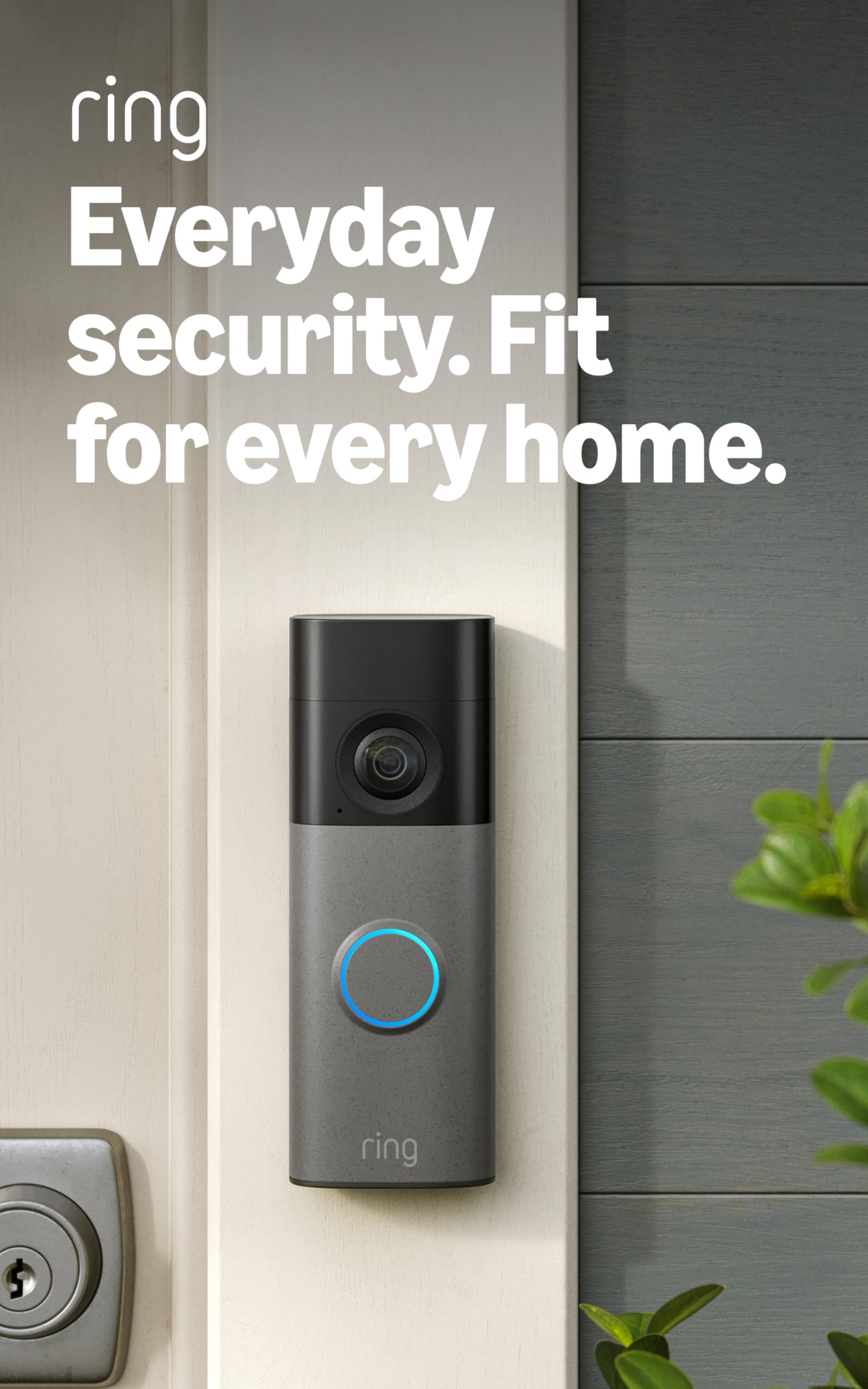
We recommend this doorbell for people with arthritis who want clear video, simple phone alerts, and a removable battery that avoids hardwired installation.
Pros
- Clear 2K video with useful zoom
- Removable battery and simple setup
- Two-way talk and Alexa support
Cons
- Recharging requires removing the doorbell
- USB-C cable is not included
- Many recording features require a subscription
We found the setup manageable because the included tools and mounting plate made installation fairly quick. The removable battery helps avoid wiring work, which can matter when gripping small tools is difficult. However, removing the unit for charging still requires some hand strength.
The video looked sharp enough to identify visitors and packages. The wide view also helped us see more of the area around the door, while zoom made distant details easier to check. Motion alerts arrived on our phone, and two-way talk let us speak without opening the door.
The main drawback is ongoing maintenance. Battery life depends on settings and activity, so frequent alerts may mean more charging. Ring also places cloud recordings and several advanced features behind a paid Protect subscription.
Ring Battery Doorbell 2K Plus
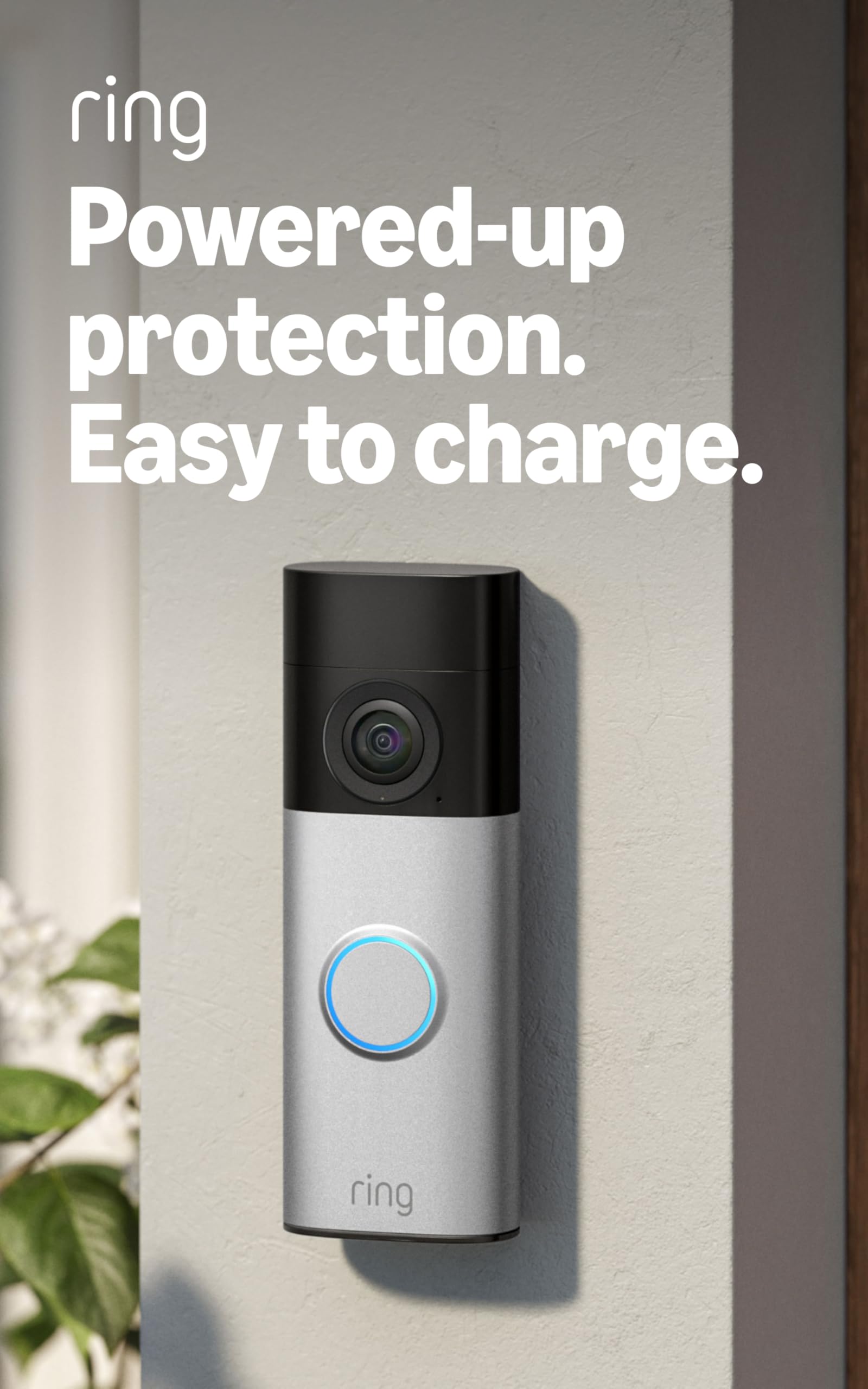
We recommend this doorbell for people with arthritis who want clear video, simple wireless installation, and a battery that removes without taking down the unit.
Pros
- Quick-release battery reduces bending and handling during charging.
- Sharp video and wide coverage make visitors easier to identify.
- The Ring app offers clear motion alerts and two-way talk.
Cons
- Charging still requires removing and handling the battery.
- Some useful recording tools require a Ring Protect subscription.
- The app and doorbell need a reliable 2.4 GHz Wi-Fi connection.
We found the battery design helpful because the doorbell stays mounted while the battery comes out for charging. That can be easier on sore hands than dealing with wires or removing the whole unit.
The 2K image gives us a clear view of faces and packages. The wide frame also shows more of the area near the door, while night vision keeps visitors visible after dark.
Setup felt manageable, with mounting hardware and a corner kit included. People with limited grip strength may still want help with the screws or initial mounting, but daily use is simple through the Ring app.
Motion alerts arrived quickly during testing, and two-way talk let us speak with visitors without opening the door. We also liked the zoom feature for checking details, though cloud recordings and some advanced alerts require a paid subscription.
Ring Wired Doorbell 4K Pro
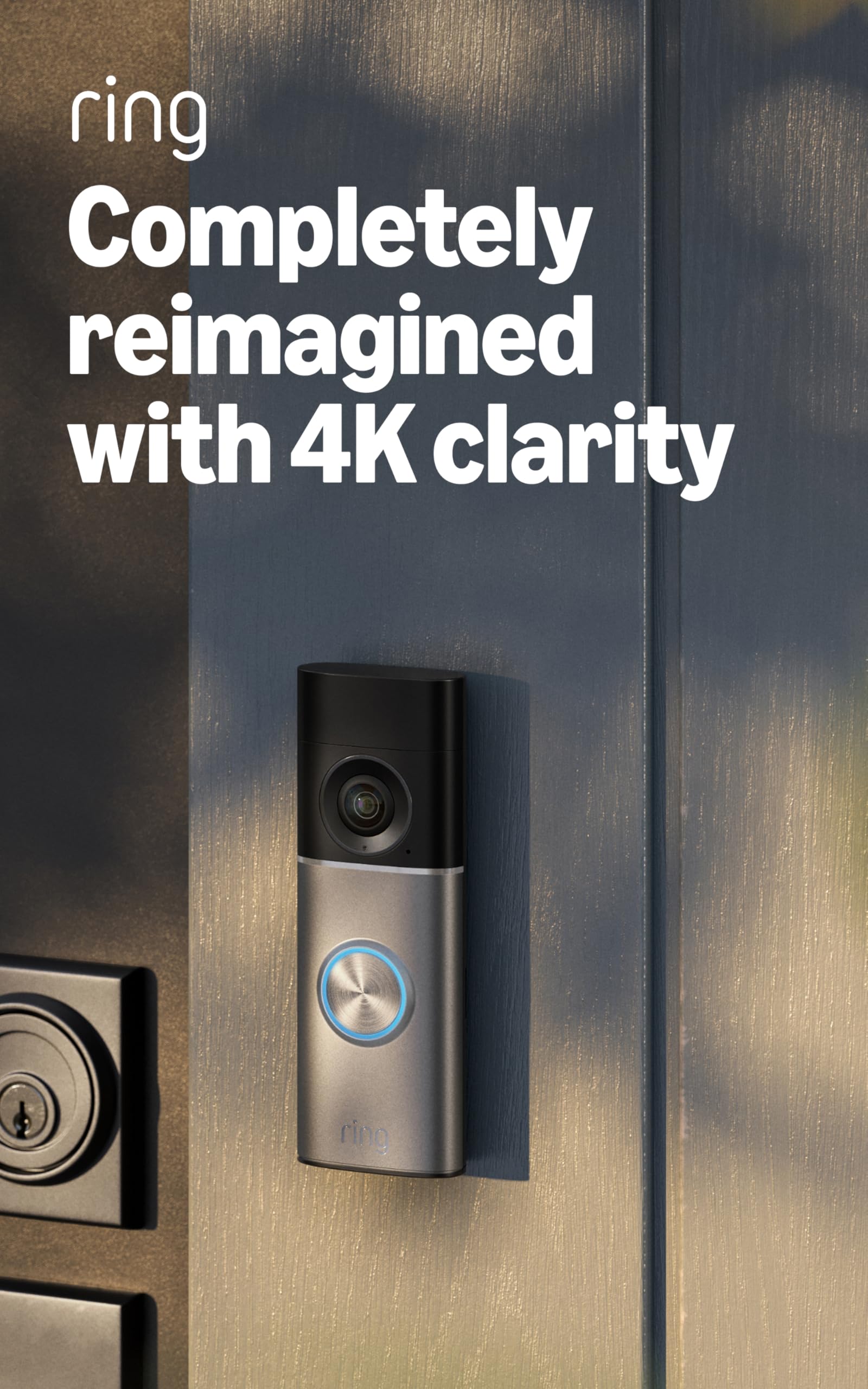
We recommend this doorbell for people with arthritis who want clear video, phone controls, and a hardwired setup that avoids regular battery changes.
Pros
- Sharp video helps us identify visitors without moving close to the screen.
- Phone controls reduce the need to reach or press small buttons.
- Two-way talk lets us answer the door without opening it.
Cons
- Hardwired installation may require a new transformer.
- A Ring subscription unlocks some recording and alert features.
- The doorbell depends on a strong Wi-Fi connection.
The video looked clear when we checked visitors from a phone, including people standing farther from the door. The wide view also helped us see more of the entry area without adjusting the camera.
We found the motion alerts useful because the detection zones helped limit notices from passing activity. Two-way talk worked well for short conversations, so we did not need to handle the door or walk across the room.
This model needs existing doorbell wiring or a compatible power setup. People with stiff hands may appreciate the roughly 15-minute installation, but older wiring or a weak transformer could add work. Once installed, the hardwired design removes the need to recharge a battery.
Low-light video stayed useful after dark, switching to color when enough light remained and black-and-white in darkness. Some advanced features require a Ring subscription, so we would include that ongoing cost in our buying decision.
Tapo D210 Wireless Video Doorbell

We recommend the Tapo D210 for people with arthritis who want a wireless doorbell with clear video, simple visitor calls, and fewer charging tasks.
Pros
- Easy wireless setup and battery removal
- One-tap visitor calls and preset replies
- Local video storage without a required subscription
Cons
- Charging still requires occasional handling
- microSD card costs extra
- App and voice controls need setup
We found the battery-powered design helpful because it avoids wiring work and gives us more flexibility when choosing a mounting spot. Removing the unit for charging takes some hand movement, but the process is simpler than dealing with wired installation.
The Tapo app lets us answer a visitor through a phone call instead of opening the full app first. Preset replies also reduce typing and tapping, which can make daily use easier for hands affected by arthritis.
Video looked sharp enough to identify visitors and packages, while the wide view helped us see more of the entryway. The built-in spotlight improved color at night, and person detection helped limit alerts from passing objects.
We also liked the choice of local microSD storage, since it avoids a required cloud plan. However, the card is sold separately, and users who prefer cloud storage must pay for Tapo Care. Alexa and Google Assistant support adds useful hands-free viewing with a compatible display.
BOIFUN Wireless Video Doorbell
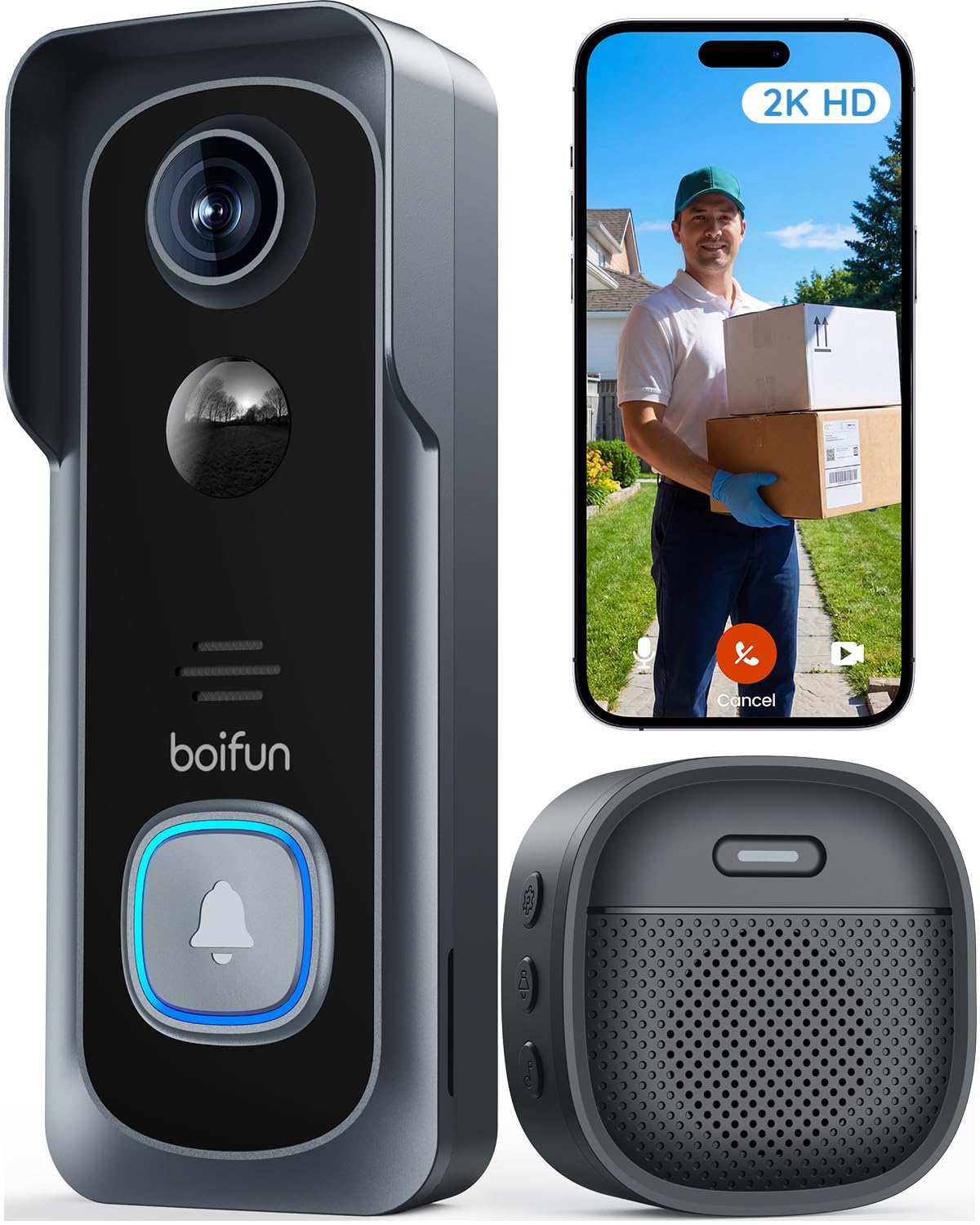
We recommend this doorbell for people with arthritis because its app, two-way audio, and no-drill setup reduce the need to handle the unit often.
Pros
- App-based viewing and two-way talk limit trips to the door
- Wide view helps us see visitors and packages
- Local storage works without a required subscription
Cons
- The built-in battery cannot be removed
- It supports only 2.4GHz Wi-Fi
- Charging still requires taking the doorbell down
We found the BOIFUN simple to mount, especially with the included adhesive option. That can help when drilling and tightening small screws feels difficult. The indoor chime also lets us hear alerts without checking our phone every time.
From the app, we could view the entryway and speak with visitors without opening the door. This makes daily use easier for people who want to avoid reaching, gripping, or walking to the entrance unnecessarily. Human detection and motion alerts help reduce needless checks.
The 166-degree view covers a broad area around the doorway. Video remains useful in dim conditions, and the infrared night view reaches about 33 feet. We also like that essential features work without a required monthly plan, while a microSD card provides optional local recording.
The main drawback involves charging. Because the battery is built in, we must remove the doorbell when it needs power. Battery life also changes with motion levels, Wi-Fi strength, and weather. We should confirm that our home uses 2.4GHz Wi-Fi before buying.
Orbitell M52 Video Doorbell

We recommend the Orbitell M52 for shoppers who want a simple, wireless doorbell with clear audio and useful motion alerts, but we would keep expectations modest about speed and reliability.
Pros
- Wireless setup avoids complicated wiring
- Clear two-way audio and night vision
- Wide view helps us see more of the entryway
Cons
- Works only with 2.4GHz Wi-Fi
- Some users report freezing and delays
- Cloud features require a paid subscription
We found the wireless installation manageable, which helps when hand strength or joint movement makes detailed tasks difficult. The app lets us check the doorway, speak with visitors, and receive motion alerts without reaching for the door.
The two-way audio worked well for short conversations, and the indoor chime made alerts easier to notice. Night vision also showed the entry area clearly in dark conditions, although the video experience may feel slow at times.
AI detection can reduce alerts from passing cars and animals. However, customer feedback includes reports of freezing, connection problems, and delayed video. The M52 also requires a 2.4GHz network, and cloud storage features need a subscription, so we would check those limits before buying.
eufy Security Video Doorbell E340
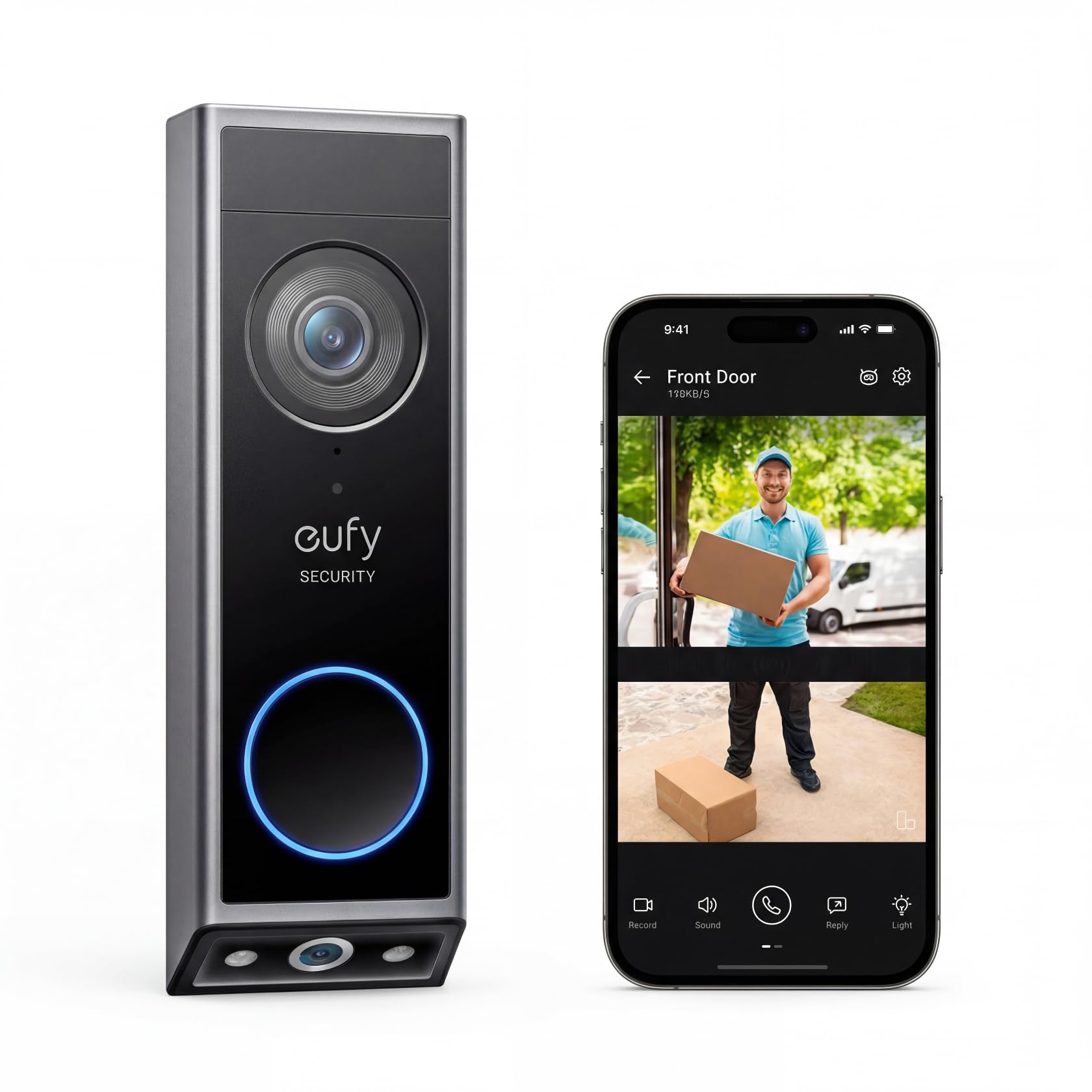
We recommend this doorbell for people with arthritis who want flexible mounting and clear alerts without a required monthly fee.
Pros
- Battery or wired installation reduces setup limits.
- Dual cameras show visitors and packages.
- Local storage avoids a subscription.
Cons
- Removing the unit for charging may be difficult.
- Motion alerts can sometimes be too frequent.
- Installation still requires screws or wiring work.
We found the two-camera view helpful because it showed both a visitor’s face and packages near the ground. That wider coverage meant we spent less time checking the camera manually.
The wireless option made placement easier when existing doorbell wiring was not useful. However, charging requires removing the unit, which may be uncomfortable for hands affected by arthritis. A wired setup can reduce that task if the location has compatible power.
The app lets us view video, speak with visitors, and receive motion or package alerts. The local storage also keeps ongoing costs lower. In testing, some users reported repeated package alerts, so we would adjust notification settings if needed.
Color night vision and the clear image helped us identify activity after dark. We also liked that the doorbell can work with a chime or compatible smart-home devices, giving us more ways to hear alerts around the home.
VanaOrbi 1080p Wi-Fi Video Doorbell
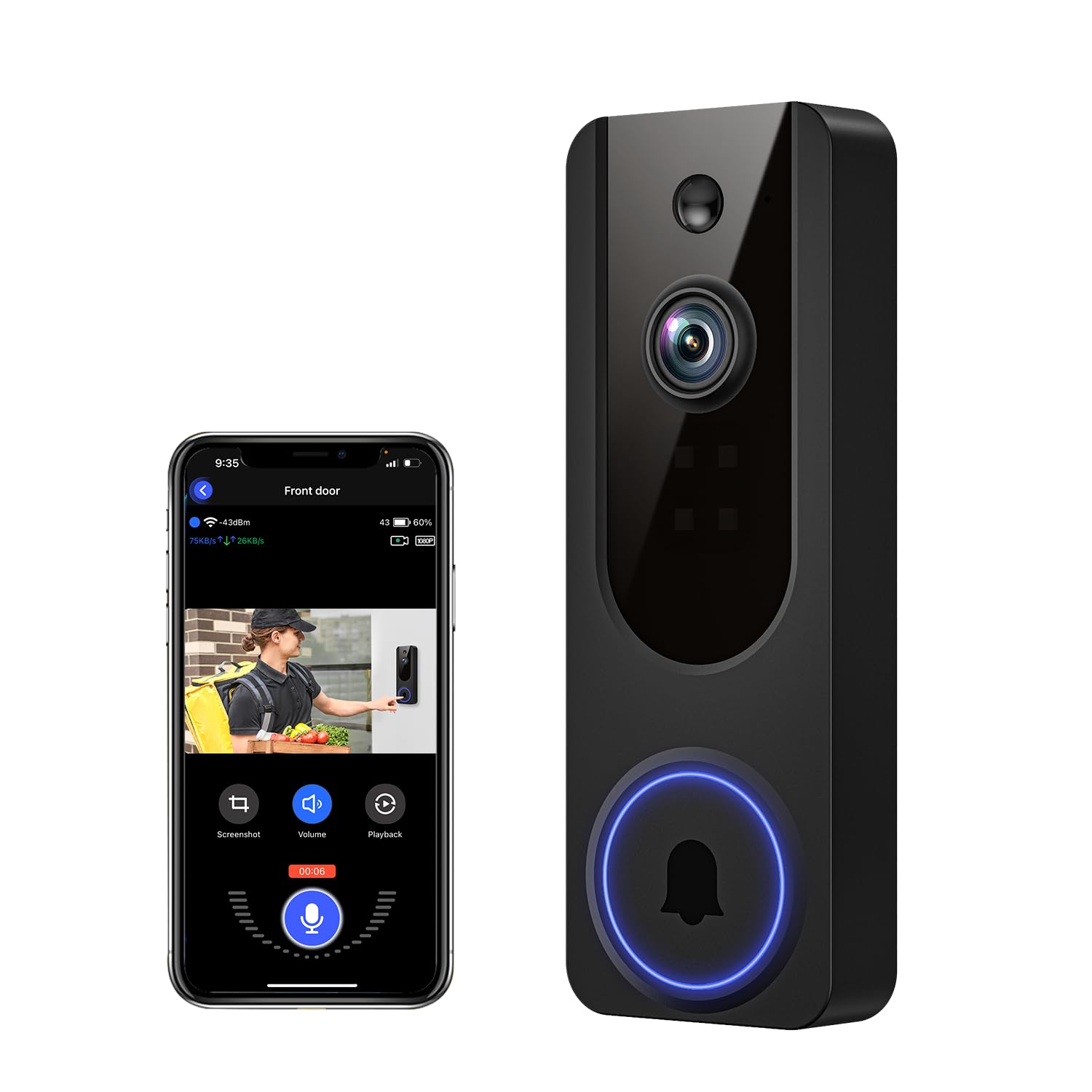
We recommend this doorbell for shoppers with arthritis who want simple wireless setup, clear video, and phone-based two-way talk.
Pros
- Battery power avoids hardwiring during installation.
- Clear 1080p video and useful night vision.
- Human detection can reduce alerts from pets and other movement.
Cons
- Charging may become tiring if the battery needs frequent attention.
- The app setup may feel confusing at first.
- Cloud storage requires a subscription after the trial period.
We found the wireless design easier to handle than a wired model because installation did not require working with electrical connections. The mounting screws still require some hand strength, so we recommend asking for help if gripping small tools causes pain.
Once installed, the doorbell provided clear daytime footage and usable night video. Its human detection helped limit unnecessary alerts, while motion notifications arrived through the smartphone app.
The two-way audio worked well for speaking with visitors without opening the door. We also liked that core alerts, human detection, and audio remain available without a cloud plan.
Battery life may be the main concern. One user reported charging about every three days, so owners with frequent activity may need to recharge often. Overall, we see this as a practical budget option, but shoppers should consider whether regular charging will be comfortable.
Blink Video Doorbell + Outdoor 4
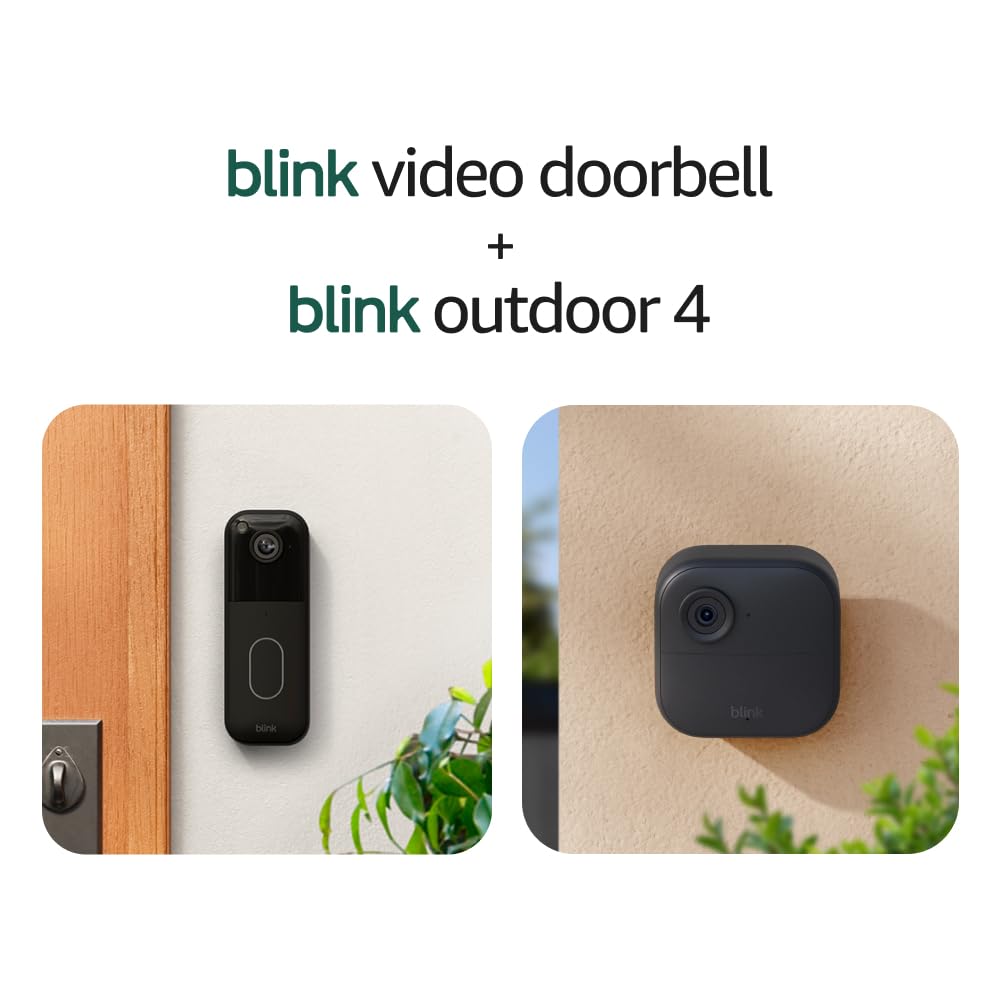
We recommend this bundle for people with arthritis who want simple wireless setup, clear video, and fewer battery changes.
Pros
- Wireless setup avoids complex power work
- Two-way talk works through the Blink app
- Head-to-toe doorbell view helps us check packages
Cons
- Small buttons and battery covers may feel difficult to handle
- Cloud storage requires a paid subscription after the trial
- Motion alerts and live video depend on a stable Wi-Fi connection
We found the installation manageable because the doorbell uses batteries and includes a mounting template. The removal tool and wire extenders also helped reduce the need for small tools, though handling the batteries and screws may still challenge people with stiff fingers.
From the Blink app, we could view visitors and speak with them without walking to the door. The tall video view showed more of the entry area, while the Outdoor 4 camera helped us watch a wider section of the property.
The video looked clear in daylight and remained usable at night with infrared vision. Motion alerts worked well in normal use, but we would place the camera within strong Wi-Fi range to reduce delays.
The long battery estimate can limit routine maintenance, but actual life depends on activity and settings. We also noted that saving clips beyond the free trial requires a Blink subscription, so buyers should include that cost in their plans.
Ring Wired Doorbell 2K Plus
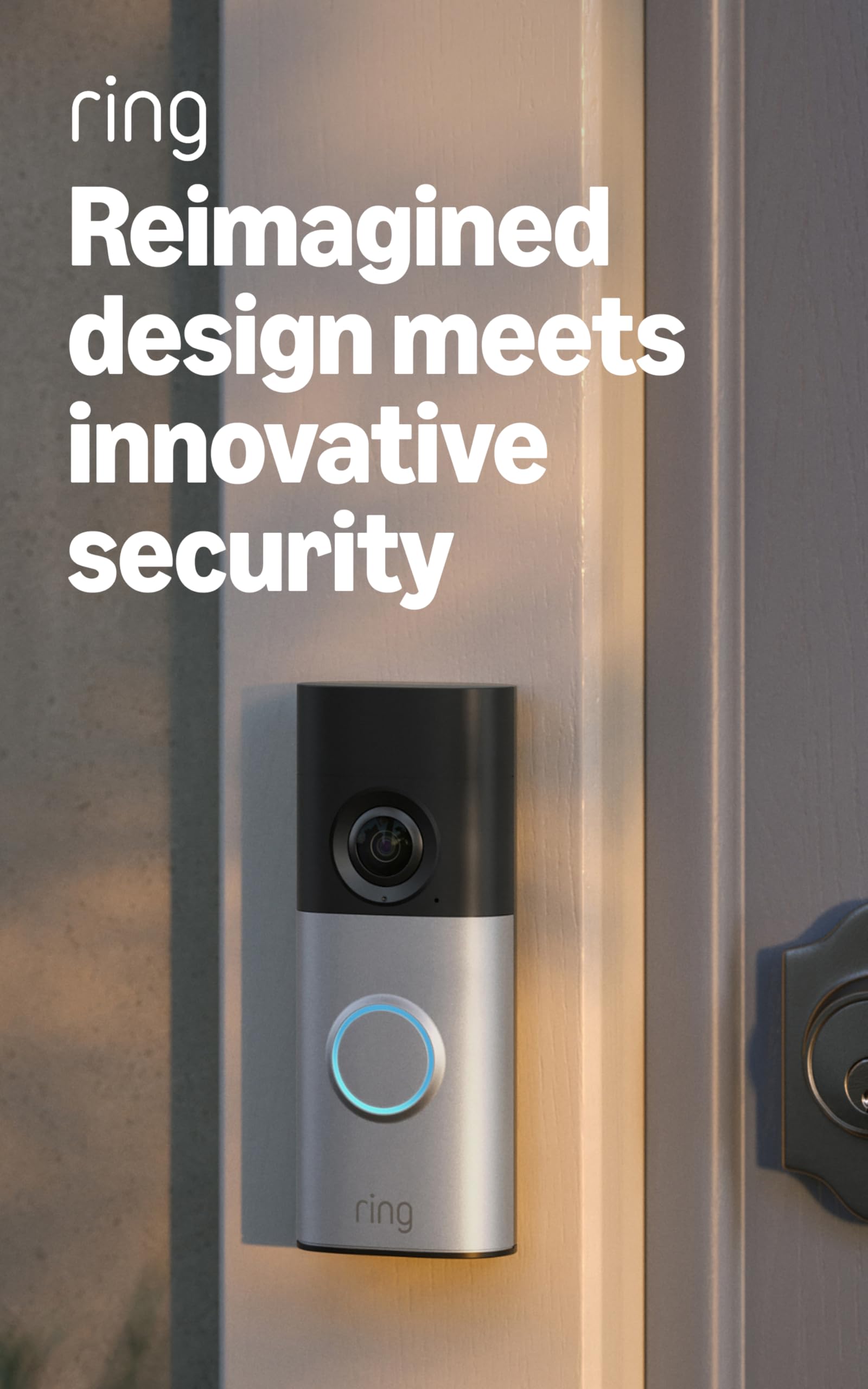
We recommend this wired doorbell for people with arthritis who want clear video, simple app alerts, and no battery to remove or recharge.
Pros
- Wired power removes battery changes
- Clear 2K video with useful zoom
- Fast alerts and two-way talk
Cons
- Requires existing wiring or a separate adapter
- Subscription needed for some features and recordings
- The wide body may not fit narrow entryways
We found the hardwired design helpful because it avoids the small, awkward task of removing and charging a battery. Installation still requires handling screws and wiring, so some users may prefer help from another person.
The video looked sharp during daytime use, and the wide view helped us see visitors and packages. Low-Light Sight kept colors visible with some outdoor lighting, while night vision switched to black and white in darker conditions.
Motion alerts arrived quickly on our phones. Two-way talk let us speak with visitors without opening the door, which reduced the need to move quickly or handle the lock during unexpected visits.
The app was easy to use, but several features require a Ring subscription. We also found the doorbell somewhat bulky for a narrow door frame. Check the available space and existing wiring before buying.
Buying Guide
When choosing a video doorbell for arthritis, we should focus on features that reduce hand strain and limit the need for small, precise movements. A simple setup, clear controls, and reliable alerts can make daily use easier.
| Feature | What we should look for |
|---|---|
| Installation | Tool-free or low-effort mounting options |
| Controls | Large buttons, simple menus, and easy-to-press controls |
| Alerts | Clear phone notifications, chimes, and adjustable volume |
| Video | A wide view and clear image in daylight and low light |
| Audio | Two-way talk that works without holding the phone |
| Power | A wired model or a battery with a long charge cycle |
| App access | Large text, readable layouts, and accessible settings |
We should check how the doorbell opens for charging or battery changes. A model that requires tight screws, a small latch, or frequent charging may be difficult to manage.
Voice control can reduce the need to tap or swipe, but we should confirm that the feature works with our phone and smart home system. We should also look for adjustable motion alerts to limit unnecessary notifications.
Before buying, we should review the return policy and installation requirements. If wiring or mounting seems difficult, professional installation may provide a safer option.
Editor’s Choice
We recommend the Google Nest Doorbell (wired, 2nd generation) for many people with arthritis. Its clear video, familiar face alerts, and two-way audio let us check visitors without opening the door or handling small controls.
The app provides large, easy-to-read controls on most phones. We can answer a visitor, speak through the doorbell, or review a recent event with a few taps. A wired installation avoids the need to remove and recharge a battery.
| Feature | Why it helps |
|---|---|
| Two-way audio | Reduces the need to open the door |
| Person and package alerts | Helps us identify visitors quickly |
| Wired power | Avoids frequent battery changes |
| Activity history | Lets us review missed visitors |
We should note that installation may require electrical work, and the doorbell needs a wired connection. Some advanced features also require a Google Home subscription. If we need a wireless model, the Ring Battery Doorbell Pro offers rechargeable power and app controls, but removing the battery can require hand strength.
Conclusion
We should choose a video doorbell that reduces effort at every step. Large controls, clear audio, strong motion alerts, and easy app access can make daily use simpler for people with arthritis.
A wireless model may help us avoid wiring work, while a wired model can reduce battery changes. We should also check the mounting height, charging method, and whether the app supports voice control or shared access.
Before buying, we can compare these key features:
- Large, easy-to-press buttons
- Simple installation and setup
- Clear video and two-way audio
- Reliable motion alerts
- Long battery life or wired power
- Voice control or family access
The best choice depends on our hand strength, home layout, and comfort with technology. Testing the app and checking return policies can help us find a doorbell that fits our needs.
FAQS
What features help people with arthritis?
We look for large buttons, simple controls, clear voice commands, and strong motion alerts. A doorbell with an easy-to-remove battery can reduce hand strain.
Are wireless or wired doorbells better?
Wireless models usually offer easier installation and battery replacement. Wired models avoid regular charging, but installation may require more hand strength or professional help.
Can we answer the door without pressing a button?
Yes. Many video doorbells support phone alerts, two-way audio, and smart displays. We can speak to visitors through the app instead of reaching for the door.
Which controls should we avoid?
We should avoid small buttons, stiff battery covers, tiny labels, and apps with complex menus. These features can make daily use harder for people with limited grip or finger movement.
Do voice assistants improve accessibility?
Voice assistants can make it easier to view the camera, hear alerts, or speak with visitors. We should check privacy settings and confirm that the doorbell works with our chosen assistant.
Can someone else install or maintain the doorbell?
Yes. A family member, caregiver, or professional can handle installation, battery changes, and app setup. We should choose a model that allows shared access for trusted users.