
10 Best Video Doorbells for Disabled Adults: Accessible Home Security Options


Weekly Pill Organizer

Hearing Aid Cleaning Kit

Adjustable Bed Wedge Pillow
Video doorbells let us see and speak with visitors without opening the door. For disabled adults, they can reduce the need to move quickly, reach a peephole, or answer unexpected knocks. Many models also send alerts to a phone, record activity, and work with smart home devices.
The best video doorbells for disabled adults offer clear video, simple controls, loud or visual alerts, and reliable access from a phone or tablet. We also look for features that support different needs, such as two-way audio, motion-zone settings, night vision, voice control, and optional professional monitoring.
When choosing one, we pay close attention to installation, power source, app accessibility, subscription fees, and compatibility with existing door hardware and home networks. We tested and researched video doorbells to find the models that make monitoring the front door easier and more accessible.
Best Video Doorbells for Disabled Adults
We selected the best video doorbells for disabled adults based on accessibility, ease of use, video quality, alerts, and installation needs. Our list includes options with useful features such as two-way audio, motion detection, mobile alerts, and smart home support.
Ring Battery Doorbell 2K
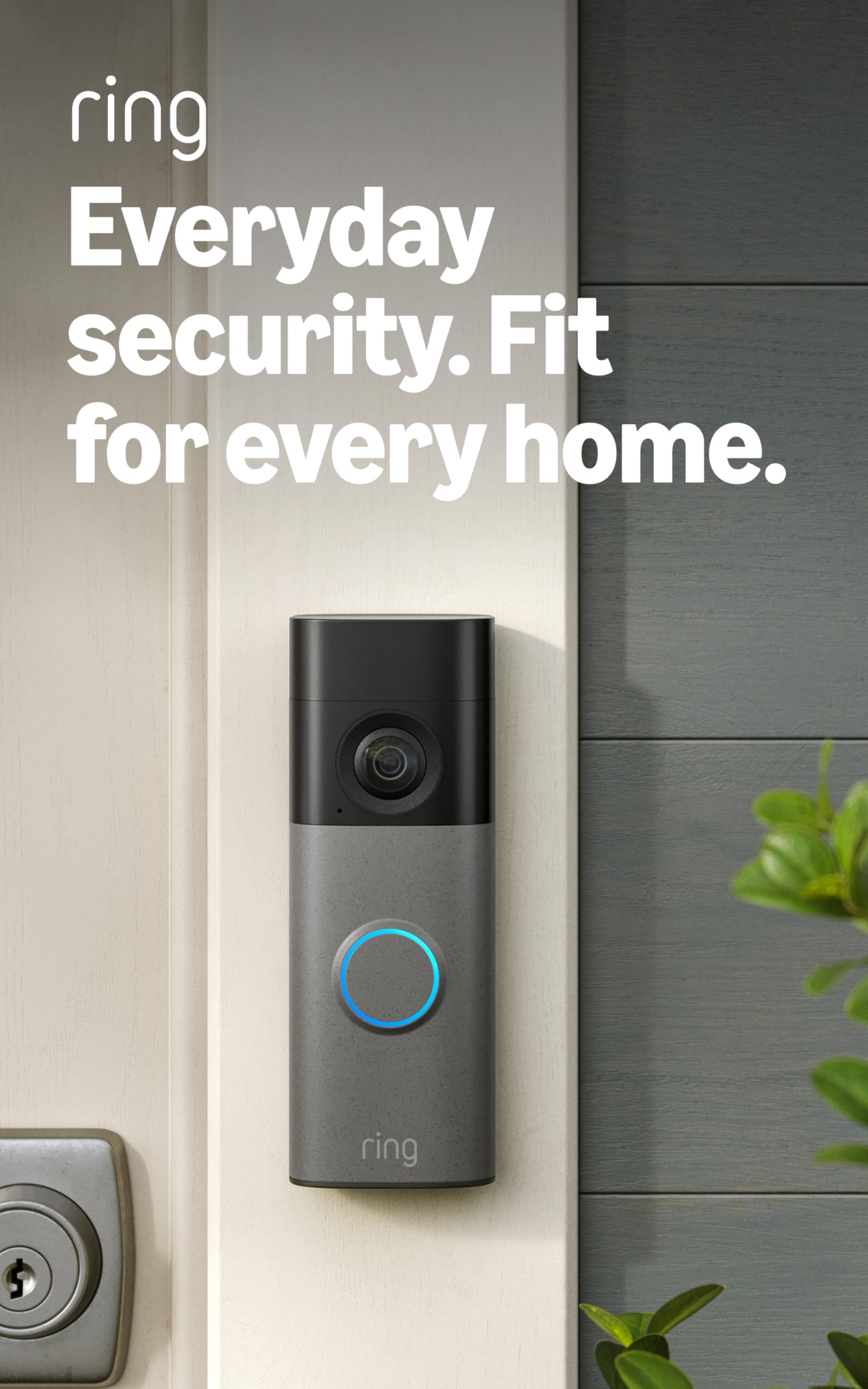
We recommend this doorbell for disabled adults who want clear video, phone alerts, and two-way communication without opening the door.
Pros
- Sharp 2K video with a wide view and up to 6x zoom
- Two-way talk and motion alerts support remote communication
- Removable battery makes charging simpler than wired installation
Cons
- A Ring Protect subscription is needed for many recording features
- Battery charging may become frequent with heavy use
- The cable for USB-C charging is not included
We found the video easy to read on a phone, including faces, packages, and activity near the walkway. The wide view also helped us see more of the area around the door, while zoom added useful detail when someone stood farther away.
Two-way talk worked well for speaking with visitors without reaching the door. This can help adults with limited mobility, fatigue, or balance concerns manage deliveries and visitors from a chair or bed.
Installation took little time, and the built-in battery avoided the need for new wiring. Charging requires removing the doorbell from its mount, so users who have trouble gripping small tools may need help. The battery can also need regular charging when motion alerts and other features stay active.
Motion notifications arrived on our phone, and Alexa support can add hands-free alerts through compatible devices. However, recorded video, extended storage, and some smart features require a paid Ring Protect plan. Wi-Fi quality also affects video performance, and the doorbell uses 2.4GHz Wi-Fi only.
Ring Battery Doorbell 2K Plus
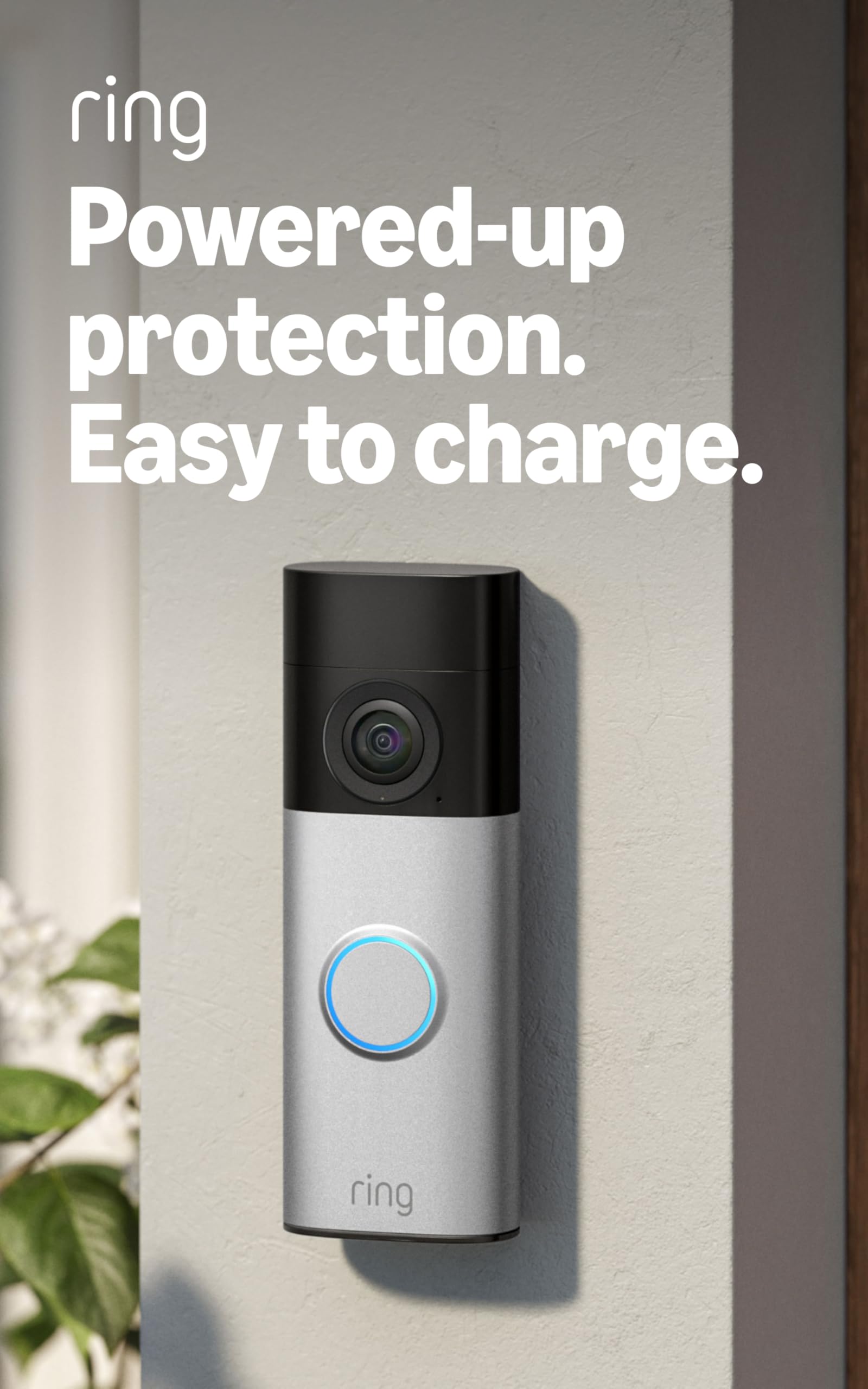
We recommend this doorbell for disabled adults who want sharp video, simple battery charging, and two-way communication without hardwiring.
Pros
- Clear 2K video with a wide view
- Removable battery simplifies charging
- Two-way talk and motion alerts support remote access
Cons
- Some useful features require a Ring Protect plan
- Works only with 2.4 GHz Wi-Fi
- Regular charging may be needed in busy areas
We found the setup straightforward, with mounting hardware and a corner kit included. The removable Quick Release Battery Pack also helps people who cannot safely work with electrical wiring. We can take out the battery, charge it indoors, and snap it back into place.
The wide video view makes it easier for us to see visitors, packages, and movement near the door. The 2K image stays clear when we zoom in, while night vision helps us check activity after dark.
Two-way talk is useful when reaching the door takes extra time or effort. We can speak with a visitor through the Ring app, ask a delivery driver to leave a package, or check who arrived without opening the door.
Motion alerts can help us notice visitors from another room. However, the doorbell needs a stable 2.4 GHz Wi-Fi connection, and Ring charges extra for features such as saved recordings and some smart alerts.
Ring Wired Doorbell 4K Pro
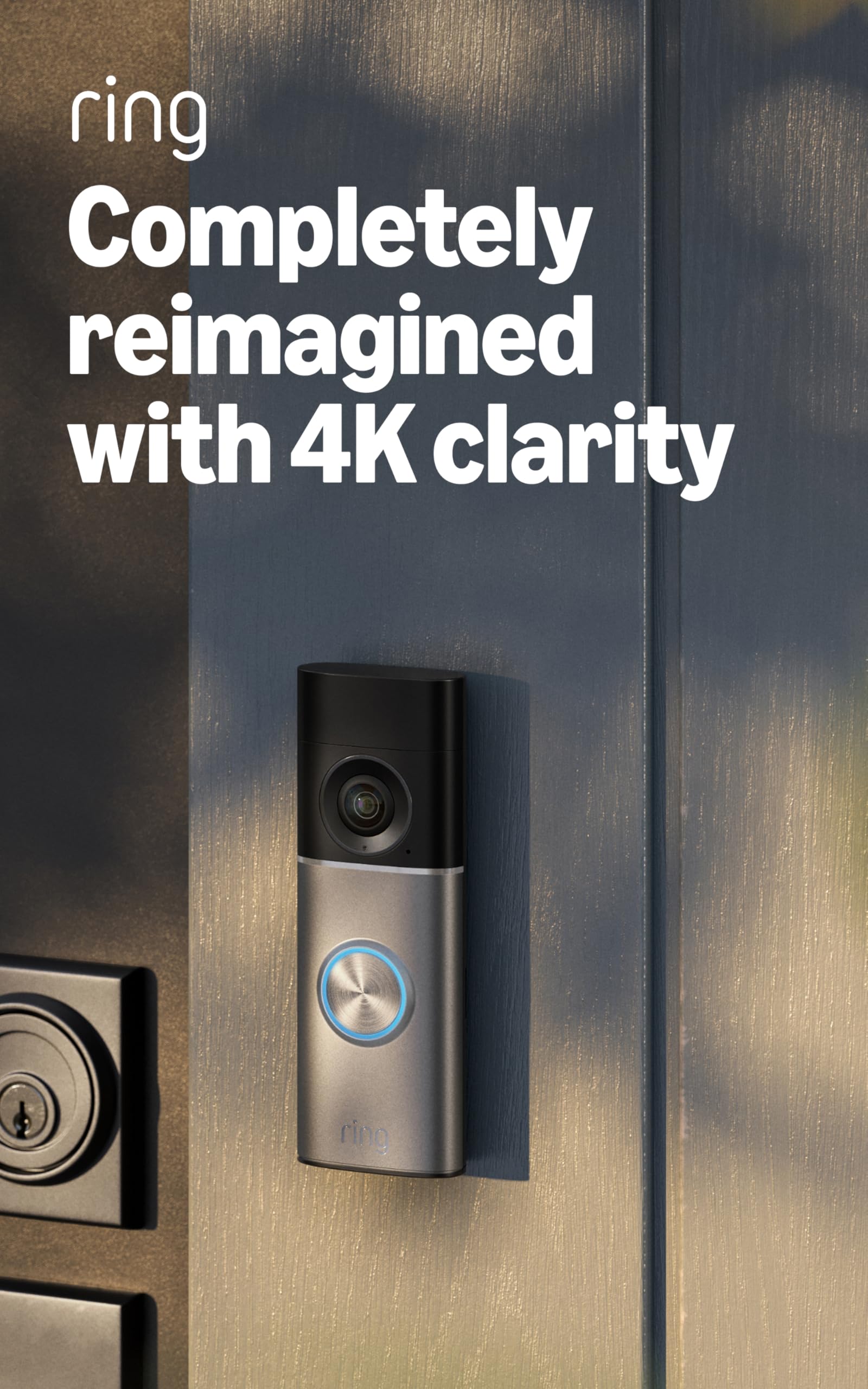
We recommend this doorbell for disabled adults who want clear video, precise motion alerts, and two-way communication without opening the door.
Pros
- Sharp 4K video with up to 10x zoom
- Two-way talk and wide viewing area
- Hardwired power supports continuous use
Cons
- Requires existing wiring or a compatible transformer
- Some features require a Ring subscription
- Wired installation may not suit every home
We found the high-resolution video helpful for checking visitors from a phone. The wide view showed more of the entry area, while the zoom helped us identify faces and packages at a distance.
Two-way talk made communication easier when we could not reach the door quickly. We could speak with visitors through the app, which may help adults with limited mobility or balance concerns.
The motion alerts felt more focused than basic doorbell alerts. Ring’s 3D Motion Detection can reduce unnecessary notifications, and low-light video remained useful after sunset.
Setup took about 15 minutes, but the doorbell needs compatible hardwired power. We also noted that cloud recordings and some advanced alert features require a Ring subscription. Connectivity may depend on a strong Wi-Fi signal and suitable upload speed.
Tapo D210 Wireless Video Doorbell

We recommend the Tapo D210 for disabled adults who want clear video, simple visitor calls, and flexible battery-powered installation.
Pros
- Sharp 2K video with a wide, head-to-toe view
- Phone call alerts and preset replies reduce app steps
- Local storage works without a required subscription
Cons
- Battery life varies with use and settings
- microSD card is sold separately
- The included chime works indoors only
We found the D210 easy to install without existing doorbell wiring. The included wedge helped us aim the camera toward the walkway, while the battery design gave us more placement options.
The wide view showed visitors and packages near the ground. Its person detection helped limit unwanted alerts, and the spotlight improved nighttime color video. We could also answer through the Tapo app or use a phone call-style alert, which may feel easier for people who find app navigation tiring.
Two-way audio worked well for short conversations, and preset replies helped us respond quickly when we could not speak for long. Alexa and Google Assistant support adds another way to view or answer visitors on a compatible display.
We liked the option to save recordings to a microSD card instead of paying for cloud storage. However, the card costs extra, and frequent live viewing or motion alerts may require more frequent battery charging.
BOIFUN 2K Video Doorbell
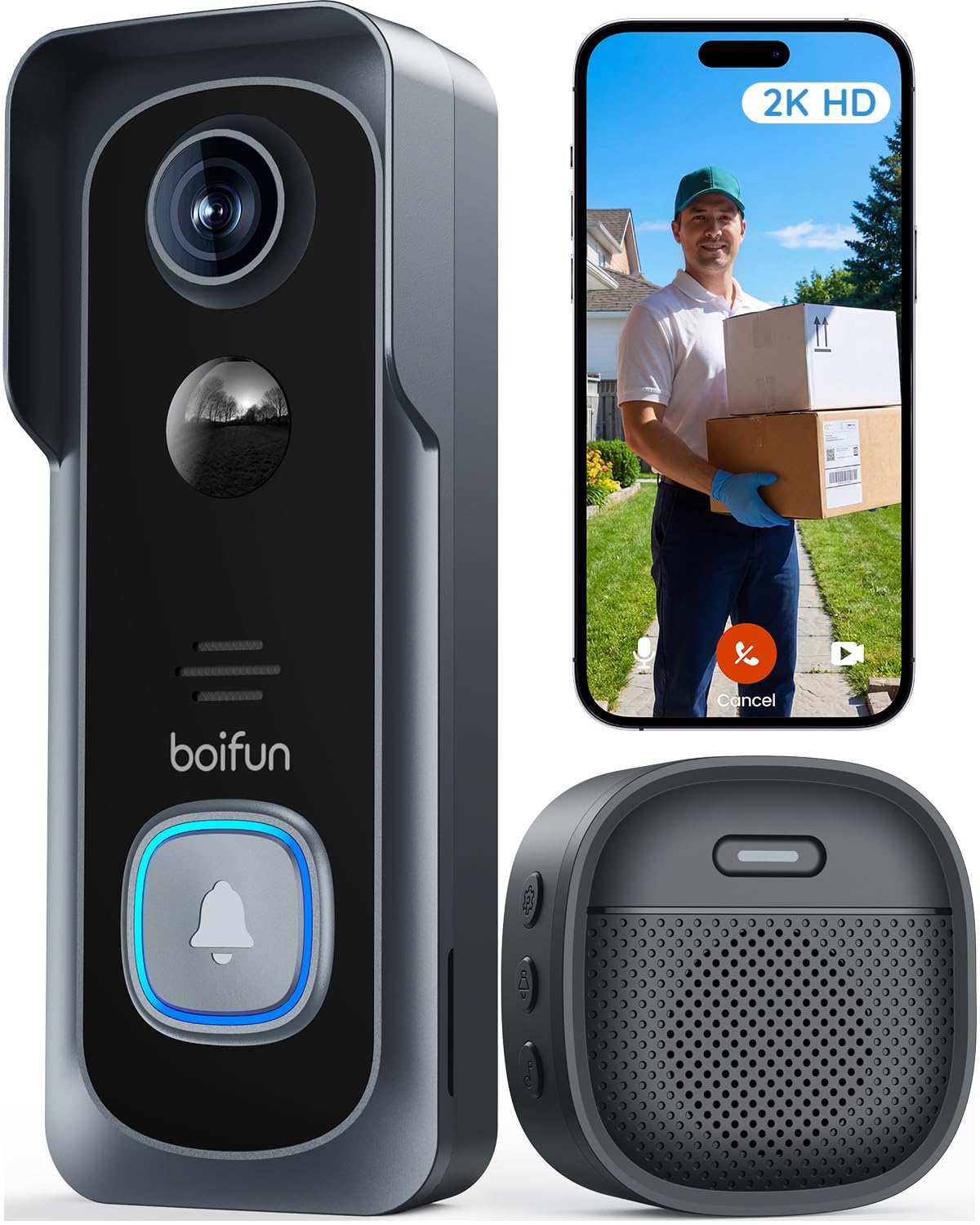
We recommend this doorbell for disabled adults who want wide video coverage, phone alerts, and two-way communication without a required subscription.
Pros
- Wide 166-degree view helps us see visitors and packages.
- Two-way audio lets us speak without reaching the door.
- Local microSD storage avoids required monthly fees.
Cons
- The battery cannot be removed for charging.
- It works only with 2.4GHz Wi-Fi.
- Motion alerts may need adjustment in busy areas.
The BOIFUN J1 gave us a broad view of the entryway, which reduced the need to reposition the camera or move toward the door. Its human detection and motion alerts can help us notice visitors through the BoifunCam app.
Two-way audio proved useful when we wanted to answer the door from a chair or another room. The included indoor chime also provides an alert inside the home, while the phone app supports live viewing and remote conversation.
At night, HDR video and invisible infrared lighting showed visitors from up to about 33 feet away. The 2K image provided useful detail, although lighting and Wi-Fi quality affected the view.
Installation uses adhesive or screws and does not require wiring. We liked this flexibility, but the built-in battery must be charged in place because it is not removable. BOIFUN rates it for up to 60 days under limited test use, so frequent motion alerts may shorten that time.
The doorbell supports microSD cards up to 128GB, but the card is not included. It also carries an IP65 weather-resistance rating, a built-in tamper alarm, and a two-year warranty.
Orbitell M52 Video Doorbell

We recommend the Orbitell M52 for disabled adults who want simple phone alerts, two-way talk, and a clear view of the entryway at a low price.
Pros
- Quick wireless setup with app control
- Clear two-way audio and useful night vision
- Wide view with person-focused motion alerts
Cons
- Works only with 2.4GHz Wi-Fi
- Some users report freezing and delayed video
- Many useful recording features require a subscription
We found the setup straightforward, which helps when drilling and wiring are not practical. The wireless design also makes it easier to place the doorbell at a comfortable height or location.
The two-way audio lets us speak with visitors without opening the door. Its loud speaker and included indoor chime can help users who may not hear a phone alert or who need extra time before answering.
At night, the infrared view showed the doorway clearly, though the image quality and response speed were not always consistent. Some customer reports mention freezing, slow frame rates, and connection problems, so we would place it near a strong 2.4GHz signal.
The app sends motion and doorbell alerts to a smartphone. Cloud subscribers also get secure storage and pre-capture recording, but the doorbell becomes less useful without the paid plan. With its mixed 3.8-star rating, we see the M52 as a budget option rather than the most dependable choice for users who need instant, uninterrupted access.
VanaOrbi 1080p Wi-Fi Video Doorbell
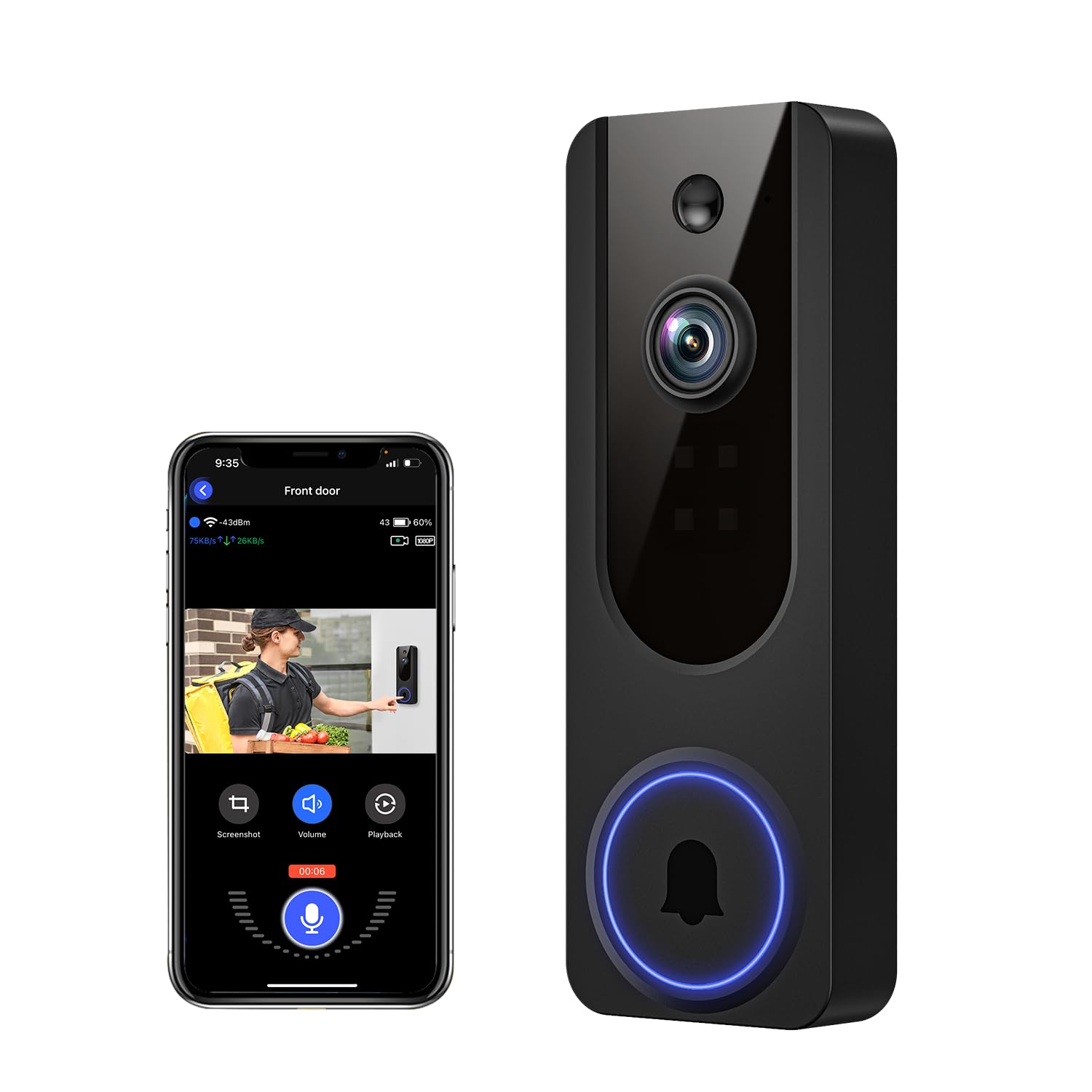
We recommend this doorbell for disabled adults who want clear video, phone alerts, and two-way communication without a complicated setup.
Pros
- Clear daytime and nighttime video
- Human detection can reduce unwanted alerts
- Two-way audio works through the phone app
Cons
- Battery life may last only a few days for some users
- Cloud storage requires a paid plan for added recording features
- Works with 2.4 GHz Wi-Fi only
We found the setup fairly simple, and the app connected to the doorbell without much trouble. This can help users manage visitors from a chair, bed, or another room instead of walking to the door.
The 1080p video looked clear in daylight, while the night view remained useful at close range. Motion alerts also worked well in user testing, though homes with frequent activity may still receive extra notifications.
Two-way audio lets us speak with visitors through a smartphone. That feature adds convenience and can help users decide whether to open the door. The rechargeable battery needs regular charging, with some users reporting about three days of use.
Core features remain available without a subscription, including alerts, human detection, and two-way talk. A cloud plan adds recording and playback, so buyers should check the ongoing cost before choosing this model.
eufy Security E340 Video Doorbell
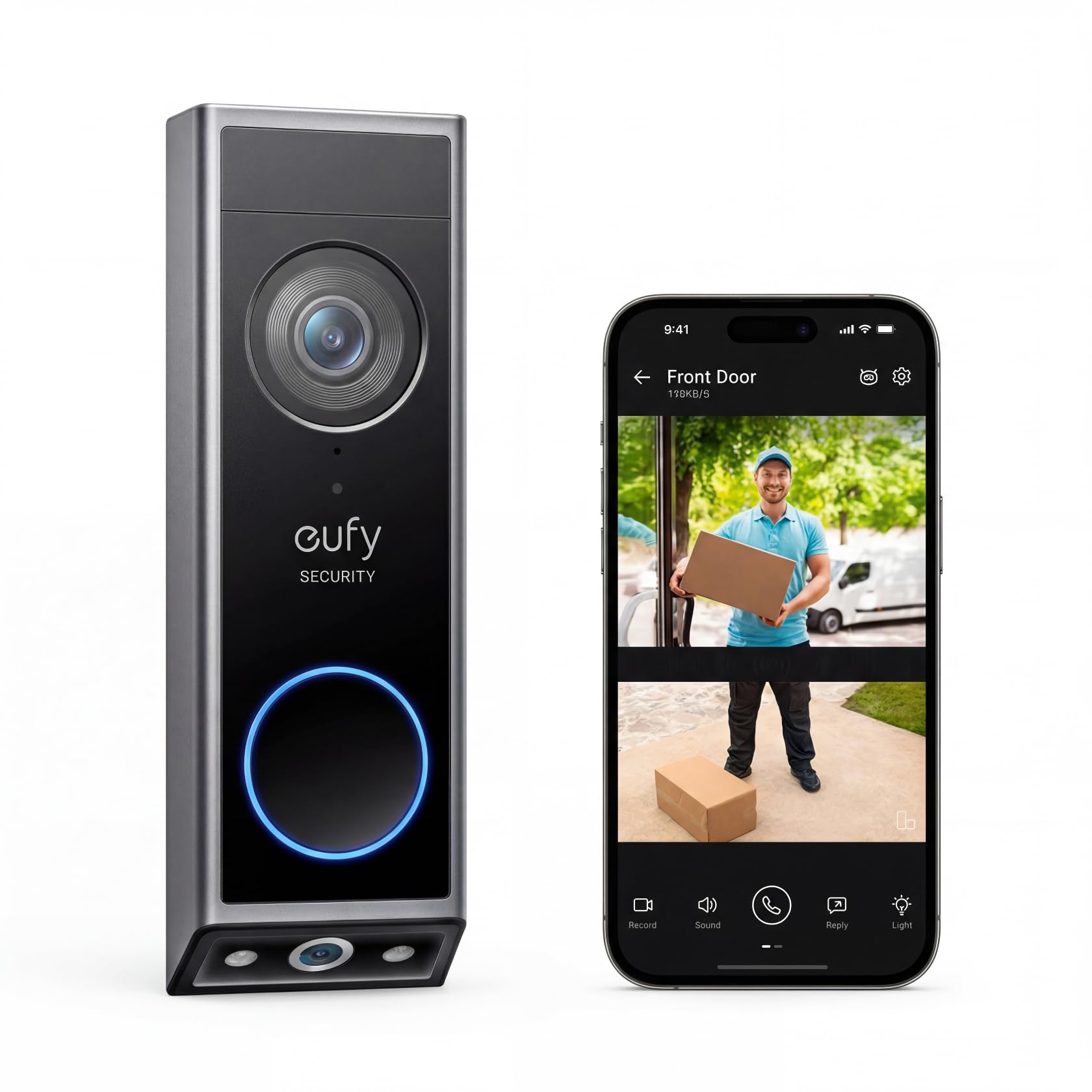
We recommend the eufy E340 for adults who want clear visitor and package views without a monthly storage fee.
Pros
- Dual cameras show visitors and packages
- Works wirelessly or with existing wiring
- Local storage avoids subscription costs
Cons
- Battery charging requires regular access
- Motion alerts can sometimes be too sensitive
- A separate chime may improve alerts around the home
We found the dual-camera design useful because it shows a person from head to toe while also covering the area below the door. This layout helps us check packages without opening the door or bending down to see the porch.
The 2K image looks clear during the day, and the color night vision gives us more detail after dark than basic black-and-white video. Two-way talk also lets us speak with visitors through the app, which can help adults with limited mobility avoid rushing to the door.
Installation works with a battery or 16–24V wiring. The removable battery makes charging easier, but users still need to take it out when the charge runs low. We can also connect the doorbell to a compatible chime, Alexa, or Google Assistant device for alerts in other rooms.
Built-in storage records video without a required subscription. We liked this for keeping ongoing costs down, though the motion detection may sometimes send repeated or incorrect package alerts. With a 4.1-star rating from more than 4,200 reviews, the E340 offers strong accessibility features with a few alert and maintenance limits.
WISDOM VIEW Wireless Video Doorbell

We recommend this doorbell for disabled adults who want a large indoor screen, simple controls, and local video storage without a monthly fee.
Pros
- Large 7-inch screen with clear video
- Indoor monitor supports calls and door unlocking
- Local storage avoids subscription costs
Cons
- Battery life may vary
- Limited ringtone choices
- Some buyers reported smaller or non-touch displays
The indoor monitor makes this system easier to use than a phone for many people. We could view visitors, answer calls, and speak through the two-way audio from one central screen. This setup may help adults with limited mobility, vision, or smartphone experience.
Installation does not require wiring or drilling, which can make setup more accessible. The doorbell connects over Wi-Fi, and the TuyaSmart app adds phone alerts for users who want remote access.
Video looked clear in daylight, while night vision helped identify visitors in low light. Motion alerts cover movement within about 5 meters, but large homes or thick walls may weaken the wireless connection.
Local storage on the included TF card keeps recordings available without a subscription. We would confirm the screen size and touch functions after delivery, since some customer reviews reported products that did not match the listing.
Ring Wired Doorbell 2K Plus
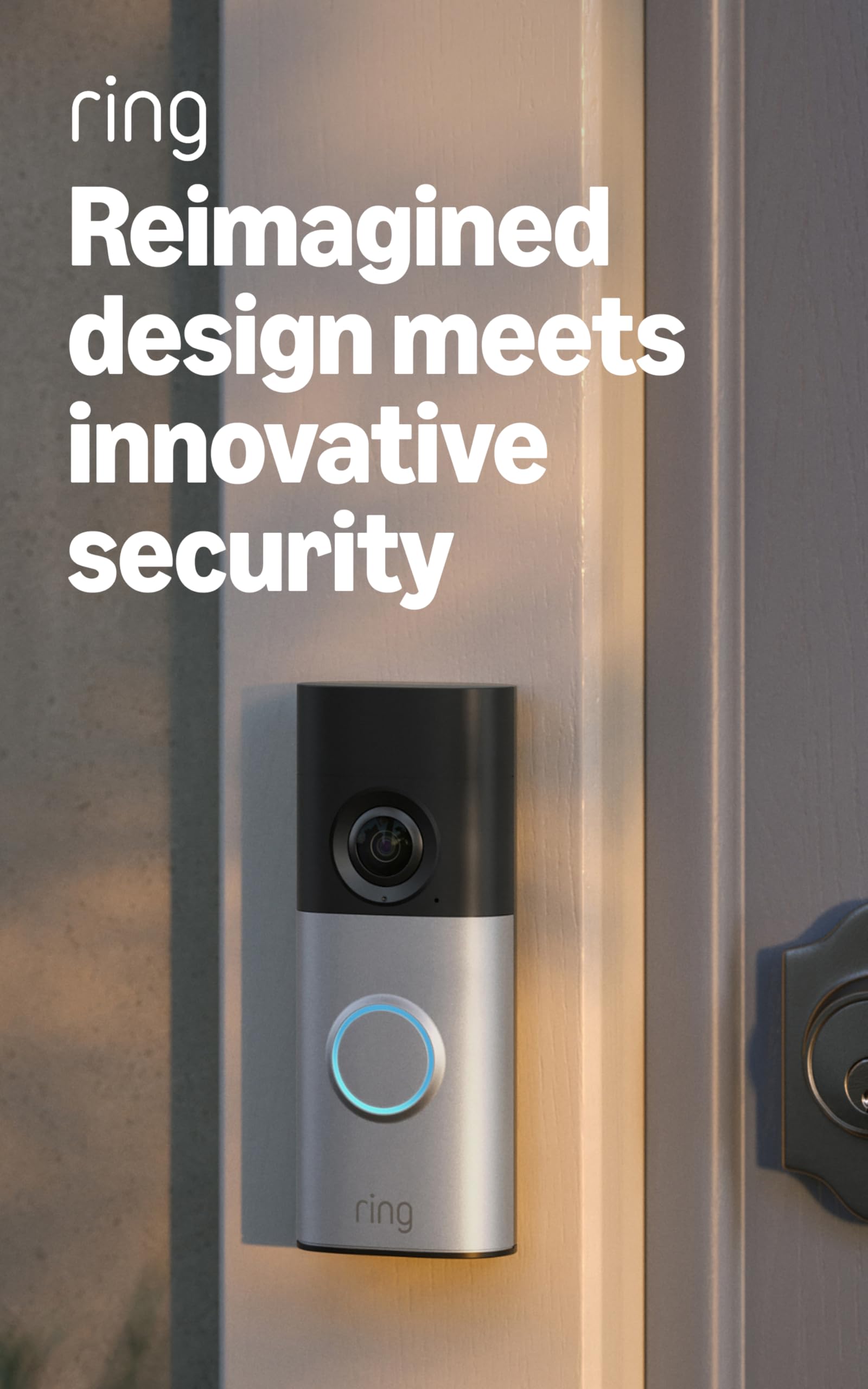
We recommend this wired Ring doorbell for disabled adults who want clear video, quick alerts, and simple two-way communication without needing to reach the door.
Pros
- Clear 2K video with useful zoom
- Descriptive motion alerts can reduce app checking
- Wired power avoids battery charging
Cons
- Requires existing wiring or a separate power adapter
- Some advanced features require a Ring subscription
- Its wide body may not fit narrow door frames
During testing, the video looked sharp enough to identify visitors and packages. Low-light color helped in dim conditions, while night vision kept the image usable after dark. The wide view also showed more of the porch than many standard doorbells.
We found the motion alerts helpful because they arrived quickly and explained activity more clearly than a basic movement notice. Two-way talk let us speak with visitors from a phone, which can help users who have trouble reaching the door or moving around quickly.
The wired setup worked well once the correct transformer and existing doorbell wiring were available. Installation took about 15 minutes, but narrow entryways may require careful measuring or the included wedge. Ring’s Video Descriptions and some recording features require a compatible subscription, so buyers should include that ongoing cost in their budget.
Buying Guide
We should start with the user’s daily needs, including mobility, hearing, vision, memory, and access to a smartphone. A doorbell should reduce effort, not add steps or confusing controls.
We should compare these features:
| Feature | What to look for |
|---|---|
| Video quality | A clear image, wide view, and useful night vision |
| Audio | Two-way talk, strong speaker volume, and adjustable sound |
| Alerts | Custom sounds, vibration, visual notifications, and adjustable sensitivity |
| Accessibility | Simple controls, readable text, voice control, and screen-reader support |
| Power | A battery that is easy to charge or reliable wired installation |
| Installation | A suitable height, secure mounting, and no need to reach difficult areas |
| Privacy | Activity zones, data controls, and account security options |
We should check whether the doorbell needs a subscription for video storage, advanced alerts, or other key features. We should also confirm that it works with our phone, tablet, smart display, internet connection, and existing doorbell wiring.
For adults with hearing loss, we should prioritize strong visual and vibration alerts. For limited mobility, remote two-way talk and easy access to recorded video can reduce the need to reach the door quickly.
We should review return policies, warranty terms, app ratings, and customer support before buying. A trusted caregiver may also help test the setup and adjust alerts without taking control away from the user.
Editor’s Choice
We recommend the Aqara G4 Video Doorbell for many disabled adults. Its two-way audio, clear video, and local storage options help users check visitors without opening the door. We can also connect it to compatible smart-home systems for alerts and control.
The doorbell supports facial recognition, motion alerts, and customizable detection zones. These features can reduce unnecessary notifications and make it easier for users to notice important activity. A wired or battery-powered setup provides added installation flexibility.
| Feature | Why it helps |
|---|---|
| Two-way audio | Lets users speak with visitors remotely |
| Motion alerts | Provides notice when someone approaches |
| Local storage option | Reduces reliance on a monthly cloud plan |
| Smart-home support | Allows control through compatible devices |
We suggest checking the installation requirements before buying. Users with limited hand strength or mobility may prefer professional installation, especially for a wired setup. A compatible smart speaker or phone can also make alerts easier to hear or access.
Conclusion
We should choose a video doorbell based on the user’s specific access needs, not just on image quality or smart-home features. Large text, clear audio, strong motion alerts, and simple controls can make daily use easier.
For adults with mobility limits, remote two-way talk and reliable notifications may reduce the need to reach the door quickly. People with hearing loss may benefit from phone alerts, visual signals, or connection to compatible lights and devices.
We should also check installation and support before buying. A wired model may provide steady power, while a battery model can work better in homes without suitable wiring. Professional installation may help users who cannot safely use ladders or tools.
Key points to check:
- Easy-to-read app and simple controls
- Clear video in daylight and low light
- Adjustable motion zones and alert settings
- Loud, clear two-way audio
- Battery life or dependable wired power
- Accessible installation and customer support
The best choice will match the person’s home, abilities, and preferred way to receive alerts. Testing the app and notification settings can help us confirm that the doorbell works well before relying on it.
FAQS
What features help disabled adults most?
We should look for clear two-way audio, strong night vision, motion alerts, and simple controls. A doorbell with a wide viewing angle can help users see visitors who stand or sit in different positions.
Can we answer the door without opening it?
Yes. Most smart video doorbells let us speak with visitors through a phone, tablet, or smart display. Some models also support preset replies, which can help when speaking is difficult or unsafe.
Do video doorbells need a subscription?
Some do. A subscription may store video clips in the cloud, while other models offer local storage or basic alerts without a monthly fee. We should check storage costs before buying.
Which power option works best?
Battery models suit homes without existing doorbell wiring, but we must recharge them. Wired models provide steady power but may require professional installation. We should choose based on our mobility, access needs, and home setup.
Can a video doorbell work with accessibility devices?
Many models connect with smartphones, smart speakers, and smart displays. We should confirm compatibility with screen readers, voice controls, visual alerts, or other assistive technology we use.
How can we reduce false motion alerts?
We can adjust motion zones and sensitivity. Some doorbells also let us ignore busy streets, pets, or other areas that trigger unwanted notifications.