
10 Best Smart Light Bulbs 2026: Top Picks for Every Home


Lightweight Vacuum Cleaner

Portable Wheelchair

Heated Blanket
Smart light bulbs make it easy to adjust a room’s brightness, color, and schedule from a phone, voice assistant, or smart-home app. Unlike standard LED bulbs, they can connect to Wi-Fi, Bluetooth, or a smart-home hub, letting us control lights without reaching for a wall switch.
The best smart light bulbs offer reliable connections, useful controls, good color and dimming performance, and simple setup. We also pay close attention to brightness, bulb size, power use, app quality, and compatibility with platforms such as Alexa, Google Home, and Apple Home. We tested and researched smart bulbs to find the options that make everyday lighting easier and more dependable.
Best Smart Light Bulbs
We tested smart light bulbs for brightness, color quality, app features, setup, and smart home compatibility. Our list includes the best options for different rooms, budgets, and lighting needs.
Linkind Smart Light Bulbs

We recommend these bulbs for homes that want colorful lighting, voice control, and useful schedules without adding a hub.
Pros
- Simple Alexa and Google Home control
- Bright colors and adjustable white tones
- Wi-Fi and Bluetooth connections
Cons
- Setup requires a 2.4GHz Wi-Fi network
- The AiDot app may occasionally lose connection
- Not suitable for traditional dimmer switches
We found the setup straightforward through the AiDot app, and Alexa connected with little effort. Once paired, our voice commands changed brightness, colors, and power settings quickly.
The bulbs offer plenty of lighting choices for everyday use. We used warm light for relaxing, brighter white light for tasks, and colored scenes for casual gatherings. The 800-lumen output works well in lamps and smaller rooms, though larger spaces may need more than one bulb.
Schedules and grouped controls make these bulbs more practical than basic color-changing models. We could set lights to turn on or off automatically and control several bulbs together. The app also includes music sync, preset scenes, and custom effects for users who enjoy experimenting.
The main limitation involves connectivity. Initial setup needs 2.4GHz Wi-Fi, and some users may experience app connection problems. We also avoided using these bulbs with dimmer switches because they can flicker or buzz.
Govee Smart Light Bulbs
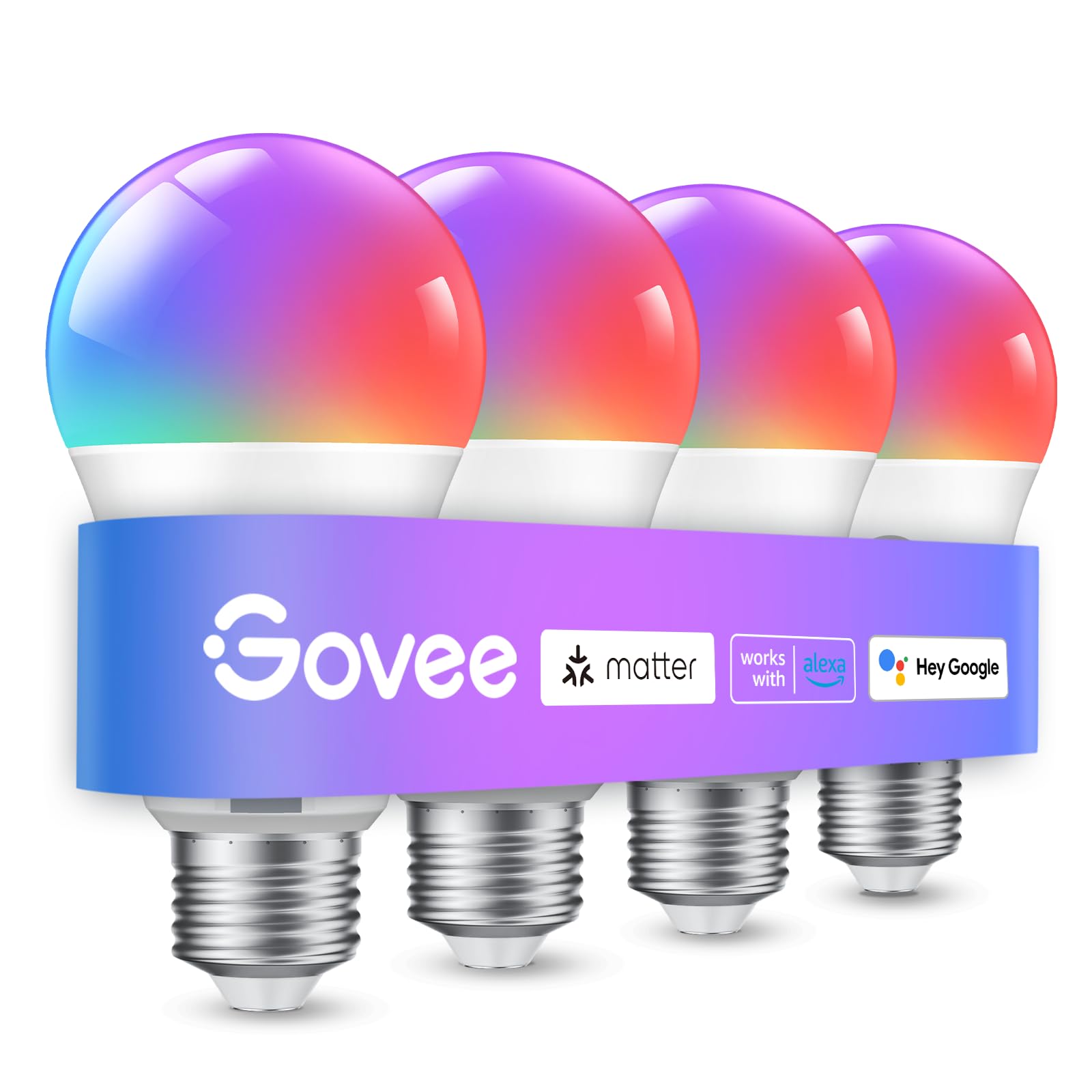
We recommend this four-pack for colorful room lighting, easy scheduling, and broad smart-home control at a reasonable price.
Pros
- Bright colors and useful white-light settings
- Simple setup through Wi-Fi or Bluetooth
- Music sync, schedules, and voice control
Cons
- Requires a 2.4GHz Wi-Fi network
- The app needs microphone access for music sync
- Not compatible with smart switches
We found the Govee app easy to use for changing colors, dimming the bulbs, and creating groups. Connecting them through Bluetooth helped with setup, while Wi-Fi enabled remote control and routines.
The bulbs produce vivid colors for entertainment and softer white light for everyday use. Their 800-lumen output works well in bedrooms, offices, and living rooms, though larger spaces may need more than one bulb.
Schedules and sunrise or sunset routines make these bulbs useful beyond mood lighting. Voice commands through Alexa or Google Assistant handled basic tasks reliably in our testing.
Music sync adds a fun effect, but it depends on the phone’s microphone. We also needed a stable 2.4GHz network, and the bulbs should not connect through a wall-mounted smart switch.
Kasa Smart Color Bulbs
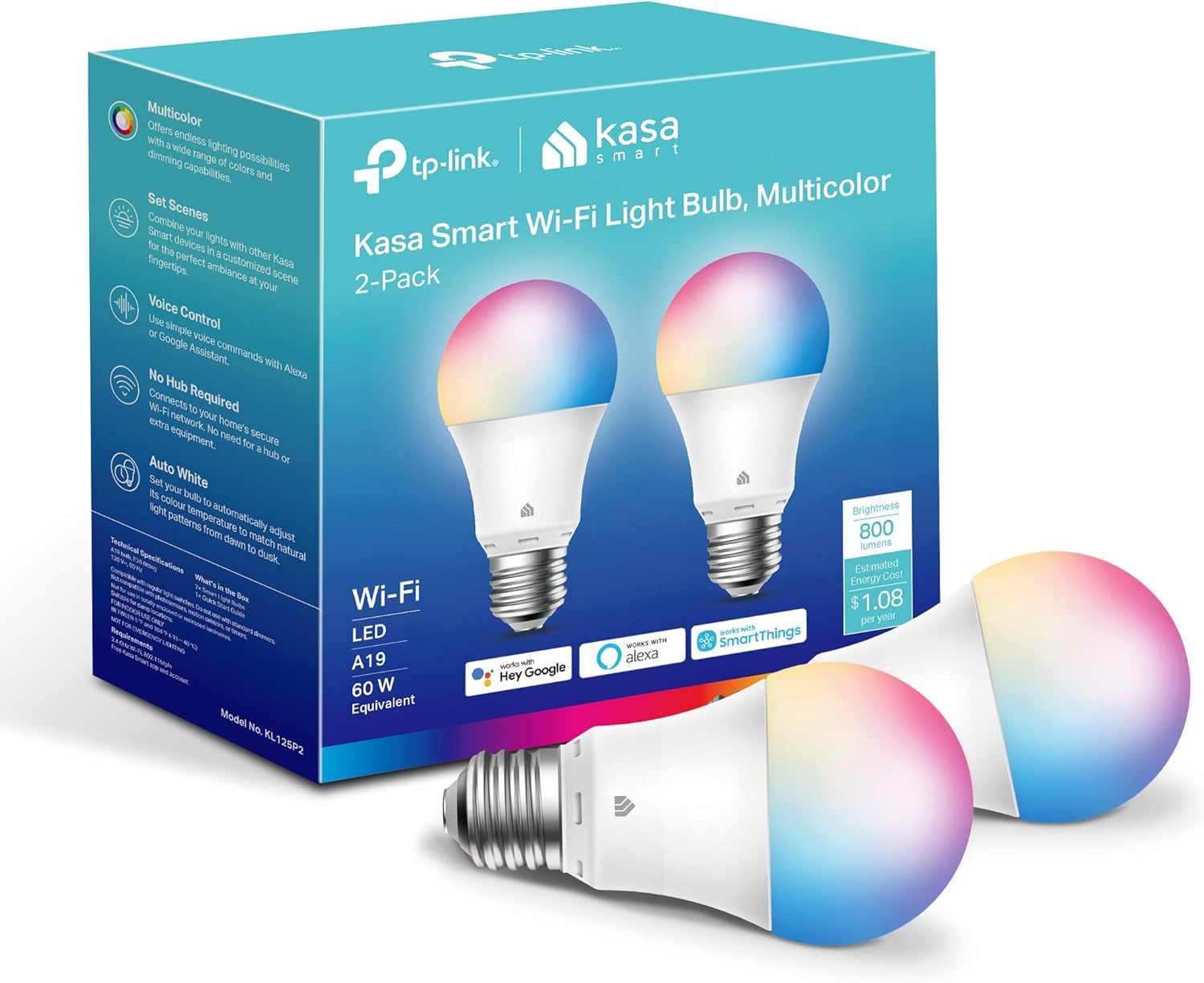
We recommend these bulbs for anyone who wants colorful, dimmable lighting without buying a hub.
Pros
- Simple Wi-Fi setup through the Kasa app
- Wide range of colors and adjustable white tones
- Works with Alexa and Google Assistant
Cons
- Requires a 2.4GHz Wi-Fi network
- Resetting can take some effort
- Indoor use only
After installing these bulbs, we found the Kasa app easy to follow. It guided us through connecting each bulb to Wi-Fi, and we could control brightness, color, and power from our phones.
The 800-lumen output works well for bedrooms, offices, and smaller living areas. We used warmer white light in the evening and cooler light while working. The color modes also handled basic mood lighting and holiday decorations well.
Scheduling made the bulbs more useful in daily routines. We could set lights to turn on before waking or switch off automatically at night. Energy monitoring adds helpful information, though the bulbs need a 2.4GHz network and may require extra effort if we reset them.
Voice control worked with Alexa and Google Assistant after setup. We also liked having remote access when we were away from home. For reliable color lighting at a reasonable level of brightness, this two-pack offers a practical starting point.
Lightinginside Smart Light Bulbs

We recommend these bulbs for buyers who want affordable color lighting, voice control, and flexible Bluetooth and Wi-Fi connections.
Pros
- Quick setup with the SmartLife app
- Bright, adjustable white and color lighting
- Bluetooth control can work when Wi-Fi is unavailable
Cons
- SmartLife controls can feel confusing
- Requires a 2.4GHz Wi-Fi network for Wi-Fi setup
- Some users report connection problems after extended use
We found the bulbs easy to install in standard E26 sockets and quick to pair with the SmartLife app. Alexa and Google Assistant added convenient voice control, while group settings let us manage several bulbs together.
The bulbs provide bright everyday lighting and offer warm-to-cool white adjustment. We also used the RGB colors for accent lighting, holiday themes, and relaxed evening settings. Dimming worked well, although the app took some effort to learn.
Bluetooth backup gives these bulbs a useful advantage when Wi-Fi drops. However, the SmartLife app is less polished than some competing platforms, especially when creating groups, routines, and custom scenes.
These 9-watt bulbs produce up to 800 lumens and do not need a separate hub. We think they suit bedrooms, living rooms, and ceiling fixtures for shoppers who want many features at a lower price, but buyers who need the most reliable long-term connection may prefer a more established brand.
Amazon Basics Color-Changing Smart Bulb

We recommend this bulb for Alexa users who want simple setup, remote control, and basic color lighting without a hub.
Pros
- Quick Alexa setup
- Adjustable brightness and 16 preset colors
- Useful schedules and room groups
Cons
- Works only with Alexa
- Requires a 2.4GHz Wi-Fi network
- Cannot work with a physical dimmer
We found the setup simple after screwing in the bulb and adding it through the Alexa app. It connected directly to Wi-Fi, so we did not need a hub or another control app.
Voice commands worked well for everyday tasks, such as turning the bulb on, changing its color, and lowering the brightness. The app also let us manage the bulb remotely and create schedules for times when we were away.
The color choices suit bedrooms, living rooms, movie nights, and holiday use. White light works well for normal lighting, though users who need very bright room lighting may prefer multiple bulbs.
This bulb has a major compatibility limit. It works exclusively with Alexa and requires a 2.4GHz network, so it does not fit homes built around Google Assistant, Apple HomeKit, or SmartThings. Some buyers also reported connection problems or settings that did not always remain saved.
Kasa Smart Color Bulbs
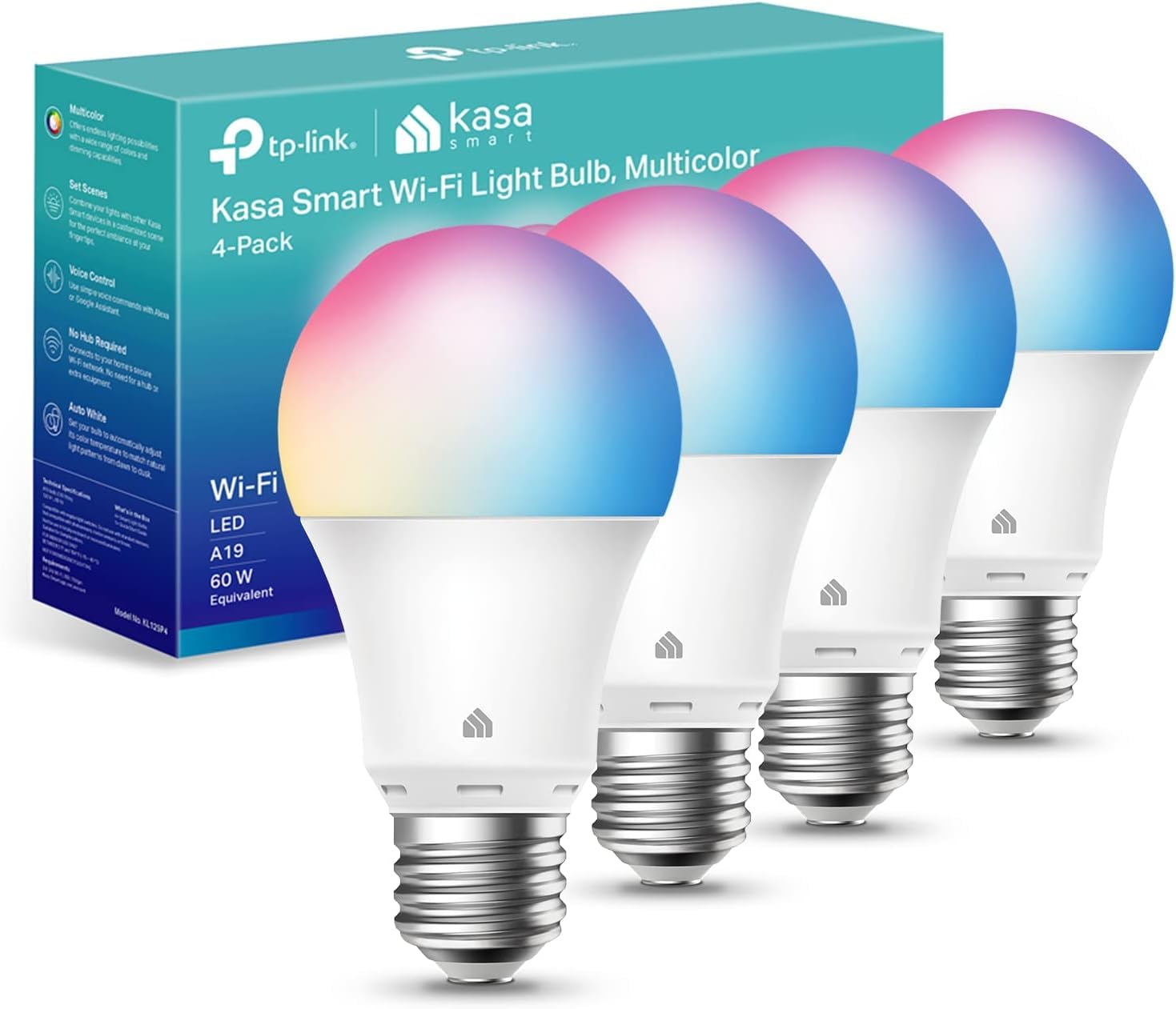
We recommend these bulbs for homes that want simple Wi-Fi control, adjustable white light, and colorful scenes without a separate hub.
Pros
- Easy setup through the Kasa app
- Wide range of colors and white tones
- Works with Alexa and Google Assistant
Cons
- Requires a 2.4GHz Wi-Fi network
- Color light looks less bright than white light
- Some users report flicker at low brightness
We found the installation process straightforward. The Kasa app guided us through connecting each bulb, and Alexa and Google Assistant support made voice control easy after setup.
The bulbs gave us useful control over everyday lighting. We could choose a soft warm white for evenings, a cooler tone for work, or a color for a more relaxed room. Scheduling also helped us turn lights on and off while away.
At 800 lumens, they work well in bedrooms, offices, and lamps, but they may not provide enough brightness for large rooms. The bulbs connect directly to Wi-Fi, so we avoided buying a hub, though they only support 2.4GHz networks.
We also liked the dimming and energy-use features in the Kasa app. Some owners report flickering at low brightness, and color modes can appear dimmer than white light. Overall, this four-pack offers flexible control and dependable smart-home features at a reasonable price.
Linkind Matter Smart Bulbs
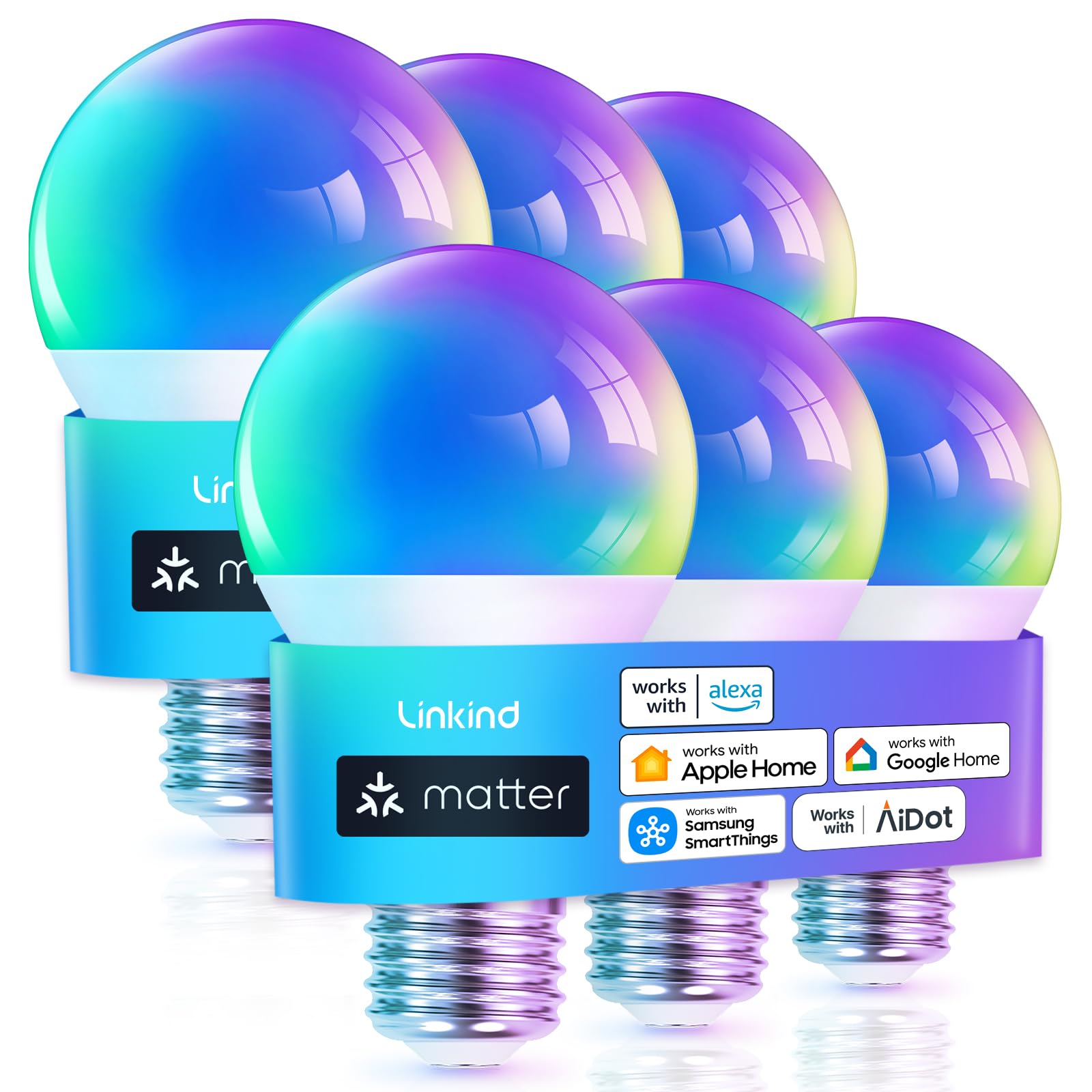
We recommend these bulbs for households that want affordable color lighting with Matter support and broad smart-home compatibility.
Pros
- Matter support works with major smart-home platforms
- Bright 800-lumen output suits everyday rooms
- Six bulbs provide good coverage for the price
Cons
- Setup requires a 2.4GHz Wi-Fi network
- Traditional dimmer switches are not supported
- Some advanced features depend on the AiDot app
We found the six-pack useful for outfitting several lamps or rooms at once. The bulbs produced enough light for bedrooms, living rooms, and smaller kitchens, while the color options made it easy to switch from a bright daytime setting to softer evening lighting.
Matter support gives us more control over how we use the bulbs. We could connect them with compatible Alexa, Apple Home, or Google Home setups instead of managing every light through a separate app. The AiDot app still handles features such as music syncing and custom scenes.
Setup worked best when we started in the AiDot app and used a 2.4GHz network. The bulbs do not suit fixtures with standard wall dimmers, so we would check the switch type before buying. Overall, this pack makes a practical choice for shoppers who want several inexpensive, colorful smart bulbs without limiting themselves to one major platform.
Govee 1000LM RGBWW Smart Bulbs
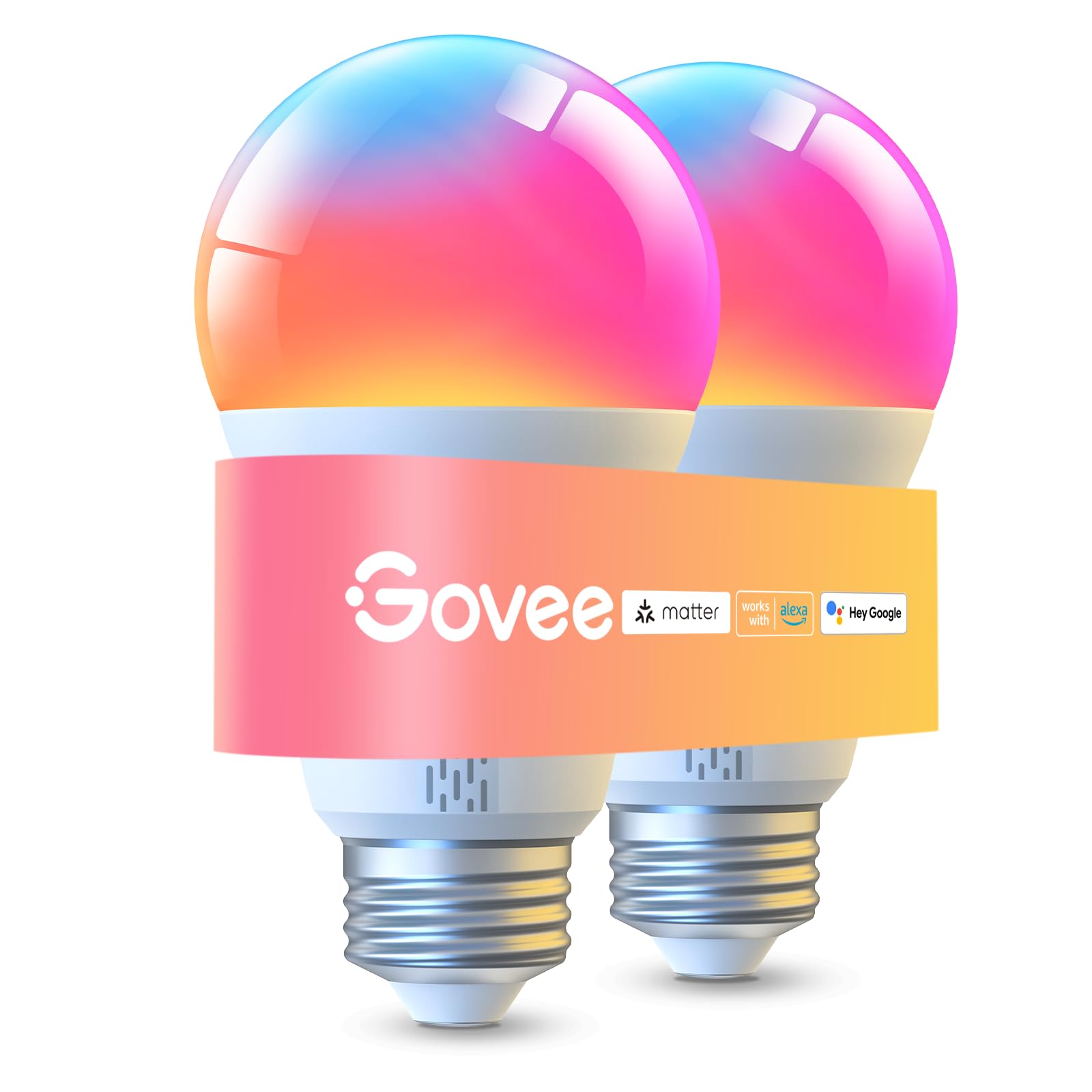
We recommend these bulbs for bright, colorful lighting, flexible app controls, and easy Alexa or Google Assistant support.
Pros
- Bright output with adjustable white tones
- Wide color range and useful scene presets
- Wi-Fi, Bluetooth, Matter, Alexa, and Google Assistant support
Cons
- Requires 2.4GHz Wi-Fi for some features
- Presets need Wi-Fi with Bluetooth turned off
- Some colors may look less saturated
We found the bulbs easy to install and quick to pair with the Govee Home app. The 1,000-lumen output works well in bedrooms, living rooms, and other spaces that need more than soft mood lighting.
The color options give us plenty of control for daily use, holidays, and movie nights. We also liked switching between warm and cool white settings, while the dimming range helped us set a more comfortable level at night.
Voice control worked well with Alexa and Google Assistant after setup. Matter support adds another option for compatible smart home systems, and group control lets us adjust several Govee products together.
The app provides many scene modes, schedules, and music-reactive effects. However, some advanced settings depend on Wi-Fi, and the bulbs only support 2.4GHz networks. We also found that green and yellow can appear less rich than other colors.
These bulbs offer good value for shoppers who want strong brightness and colorful lighting without a complex setup. We would avoid using them with smart switches, since Govee notes that they are not compatible.
Philips Hue Essential Color Bulbs
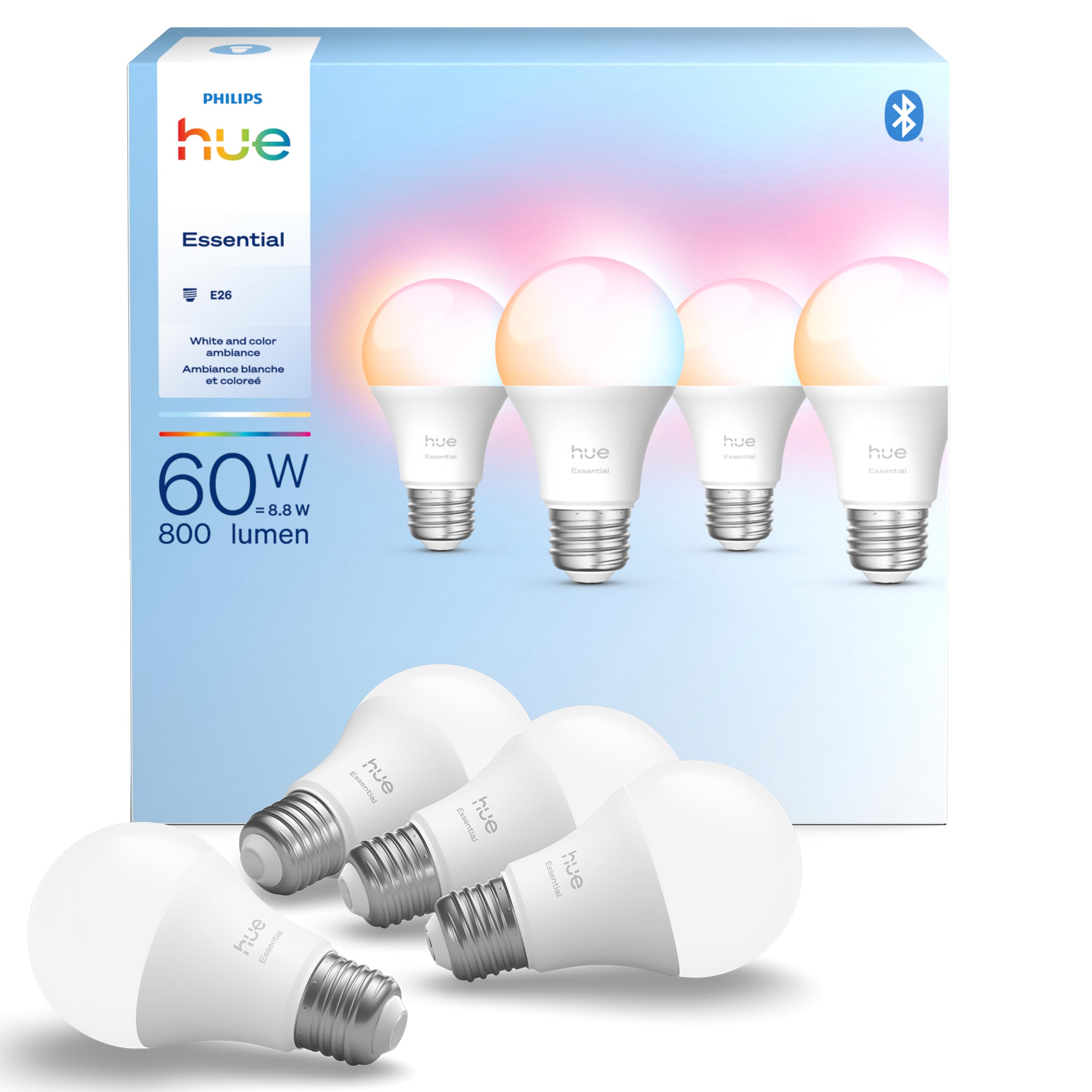
We recommend this four-pack for buyers who want rich color options, smooth dimming, and an easy way to expand a Hue setup.
Pros
- Wide range of colors and white tones
- Simple app and voice control
- Works with other Hue products
Cons
- A Hue Bridge unlocks the fullest feature set
- Setup costs more than basic smart bulbs
- One reported failure suggests durability may vary
We found the setup straightforward: screw in the bulbs, open the Hue app, and follow the pairing steps. The app made it easy to adjust brightness, choose colors, and create schedules without much trial and error.
The color range works well for everyday lighting. We used warmer tones for relaxed evenings and brighter white light for tasks. Dimming down to a low level also helped when we wanted soft lighting without turning the room completely dark.
Alexa, Google Assistant, and Apple Home support gives us several control options. The bulbs also pair with a Hue Bridge, which adds more advanced control and makes them a better fit for homes that already use Philips Hue products.
At 800 lumens, they provide useful light for lamps and smaller rooms, though larger spaces may need more than one bulb. These bulbs cost more than many basic options, but the reliable app, broad color control, and easy expansion help justify the price for Hue users.
Cync GE Full Color Smart Bulbs

We recommend these bulbs for anyone who wants bright color control, app scheduling, and Matter support without buying a hub.
Pros
- Wide range of colors and adjustable white tones
- Works with Alexa, Google Assistant, and Matter
- Simple direct connection over 2.4GHz Wi-Fi
Cons
- Requires a 2.4GHz Wi-Fi network
- The app may need occasional troubleshooting
- Color features cost more than basic smart bulbs
We found setup fairly simple through the Cync app. The bulbs fit standard E26 fixtures, and we could control them from our phones without adding a bridge. The 800-lumen output worked well for lamps, bedrooms, and smaller living spaces.
Color changes were quick, and the adjustable white light made it easy to switch from a cooler daytime setting to a softer evening tone. We also used schedules to turn the lights on at set times, which made daily routines more convenient.
Voice control worked well with Alexa in our testing. Matter support adds flexibility for homes that use platforms such as Apple Home or SmartThings, although compatibility can still depend on the devices and network in use.
The main drawback is the 2.4GHz Wi-Fi requirement. We also noticed that one bulb could occasionally lose its connection or behave differently from the other, so the Cync app may require some patience during troubleshooting.
Buying Guide
We should first check compatibility with our smart home platform, phone, and Wi-Fi network. Some bulbs need a hub, while others connect directly through Wi-Fi, Bluetooth, or newer smart home standards.
Brightness matters as much as color. We should compare lumens, not just wattage, and choose dimmable bulbs for rooms that serve several purposes. Warm white suits bedrooms, while cooler white can help with work areas.
| Feature | What to check |
|---|---|
| Brightness | Lumens for light output |
| Color | White temperature or full color range |
| Connection | Wi-Fi, Bluetooth, hub, or smart home standard |
| Controls | App, voice commands, schedules, and scenes |
| Energy use | Wattage and estimated power needs |
| Fit | Bulb shape, base type, and fixture size |
We should look for reliable scheduling, remote control, and voice support if we plan to automate lighting. A good app should make setup simple and provide clear controls without requiring frequent manual adjustments.
For color bulbs, we should check whether the bulb supports both accurate white light and smooth color changes. We should also review privacy settings, required account access, and software support before connecting the bulb to our home network.
Finally, we should compare the total cost, including any hub, subscription, or replacement needs. Buying the right size, base, brightness, and connection type helps prevent compatibility problems.
Editor’s Choice
We choose the Philips Hue White and Color Ambiance as our top smart light bulb for 2026. It produces rich colors, smooth dimming, and reliable scheduling through the Hue app. The bulb works with major smart home platforms, including Apple Home, Google Home, and Amazon Alexa.
| Feature | Details |
|---|---|
| Best for | Whole-home lighting |
| Color range | White tones and millions of colors |
| Connections | Bluetooth, Zigbee, Matter support through compatible Hue hardware |
| Sizes | A19, BR30, and other common formats |
We like the wide range of scenes and automation options. We can group bulbs by room, set routines, and control lights away from home. Bluetooth control works for basic setups, while a Hue Bridge adds better range and advanced features.
The main drawback is the higher price compared with many Wi-Fi bulbs. We may also need the Hue Bridge for the full feature set. Still, its stable performance, strong app, and broad product range make it a dependable choice for users who want consistent smart lighting.
Conclusion
We should choose a smart bulb based on our lighting needs, smart home platform, and budget. Brightness, color quality, dimming range, and app features matter more than a long list of extra settings.
For simple setups, affordable Wi-Fi bulbs can provide reliable control without added hardware. We can choose a hub-based model when we need faster response times, stronger local control, or support for many connected devices.
Before buying, we should check:
- Platform support: Alexa, Google Home, Apple Home, or Matter
- Bulb type: A19, BR30, GU10, or another fitting
- Color needs: White light only or adjustable colors
- Connection: Wi-Fi, Bluetooth, Thread, or Zigbee
- Controls: App, voice, schedules, and physical switches
We should also consider privacy, software support, and energy use. The best smart light bulb for our home is the one that fits our fixtures, works with our existing devices, and provides the controls we will use regularly.
FAQs
Which smart light bulb works best for most homes?
We recommend choosing a bulb that supports your preferred smart home system, such as Apple Home, Google Home, Amazon Alexa, or Matter. A dimmable white bulb suits most rooms, while a color bulb adds more control for mood lighting.
Do smart bulbs need a hub?
Some bulbs connect directly through Wi-Fi, Bluetooth, or Matter. Others use Zigbee or another system that requires a hub. We check the product details before buying to confirm what extra equipment we need.
Are Matter bulbs better?
Matter can make setup and device control easier across compatible platforms. However, support varies by bulb and smart home system, so we still verify which features each product supports.
Can we use smart bulbs without the internet?
Many bulbs continue to work with a wall switch or local Bluetooth control when the internet goes down. Remote access, voice control, schedules, and some automations may stop working until the connection returns.
How bright should a smart bulb be?
We look for about 800 lumens for a standard room bulb. Larger rooms, kitchens, and work areas may need bulbs with 1,100 lumens or more.
Do smart bulbs use more electricity?
They use a small amount of power while waiting for commands. Turning off the wall switch cuts that standby use but also prevents remote control and scheduled operation.