
10 Best Fall Detection Devices for Home: Top Picks for Safety and Peace of Mind


GPS Tracker for Elderly

Quad Cane for Seniors

Large Button TV Remote
Falls can cause serious injuries, especially for older adults who live alone or have balance problems. Fall detection devices for home use can call for help after a fall, connect users with emergency services, or alert family members through a phone or monitoring center.
These devices come in several forms, including wearable pendants, watches, wall buttons, and smart home sensors. Automatic fall detection can add protection when someone cannot press a help button, but it may not detect every fall. The best device combines accurate detection with reliable emergency response, comfortable design, strong battery life, and coverage throughout the home.
We compared the features, monitoring plans, setup, and limits of leading fall detection devices to find the options that offer dependable support at home.
Best Fall Detection Devices for Home
We reviewed fall detection devices for home use based on features, ease of setup, reliability, and monitoring options. Our list includes products designed to help alert family members, caregivers, or emergency services after a fall.
Seculife Medical Alert Pendant
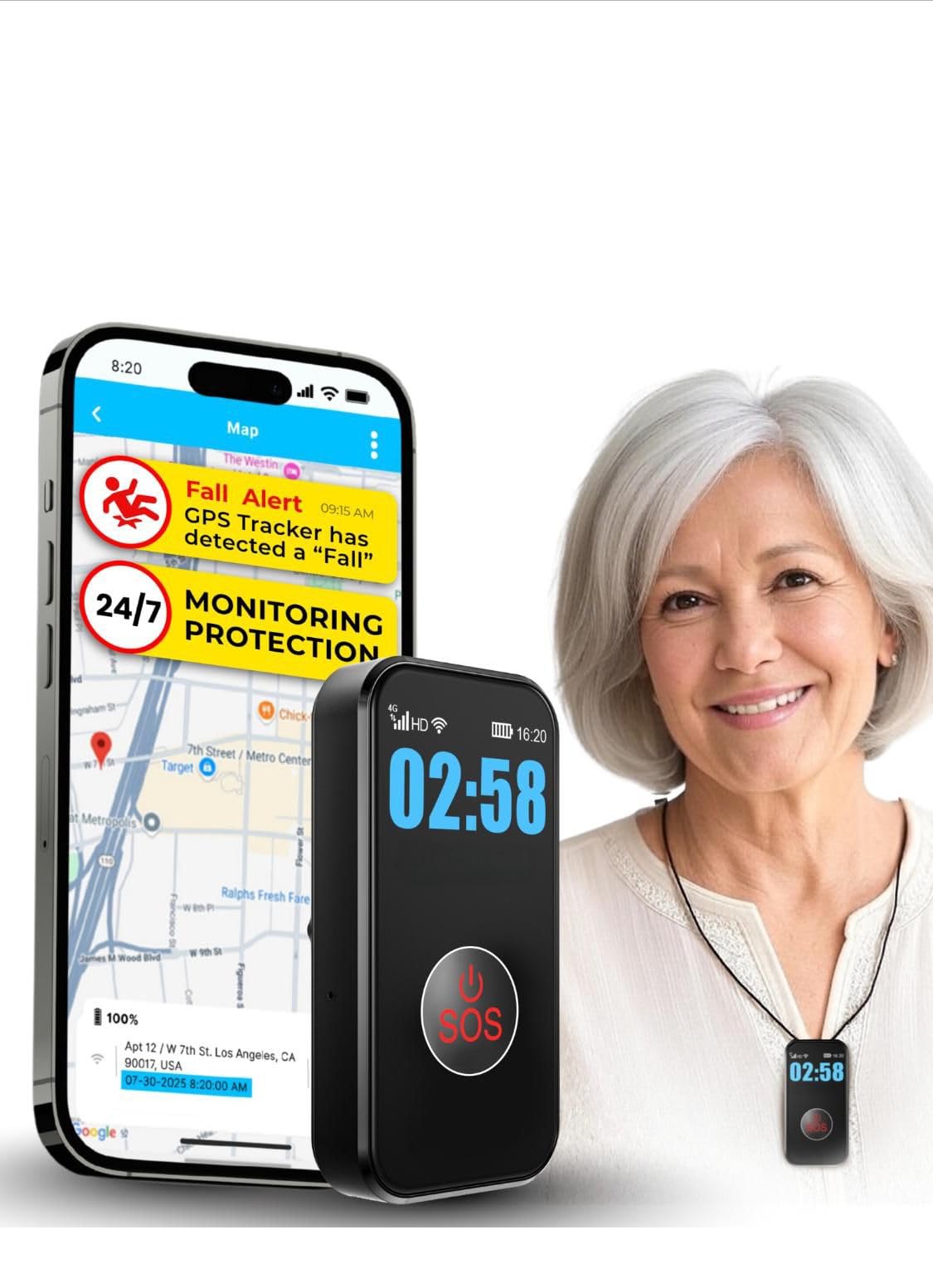
We recommend this pendant for families who want fall alerts, GPS tracking, and direct contact without relying on a call center.
Pros
- Automatic fall alerts and one-touch SOS calling
- GPS tracking with geofence notifications
- Waterproof design with several days of battery life
Cons
- Requires a $20 monthly subscription
- Fall detection may not recognize every fall
- Setup and activation may require customer support
We found the large SOS button easy to identify and press. The pendant also supports two-way calling, so caregivers can speak with the wearer through its built-in speakerphone. Its auto-answer feature helps when the wearer cannot respond normally.
GPS tracking adds value for people who leave home often. We can check the wearer’s location, review location history, and set alerts for entering or leaving selected areas. The device uses cellular service, so performance may vary where coverage is weak.
The waterproof design makes it suitable for showers and daily use. Battery life lasts several days, although frequent location updates can reduce it. We also need to include the $20 monthly subscription when comparing its cost with other home fall detection devices.
Nomo Smart Care Home System
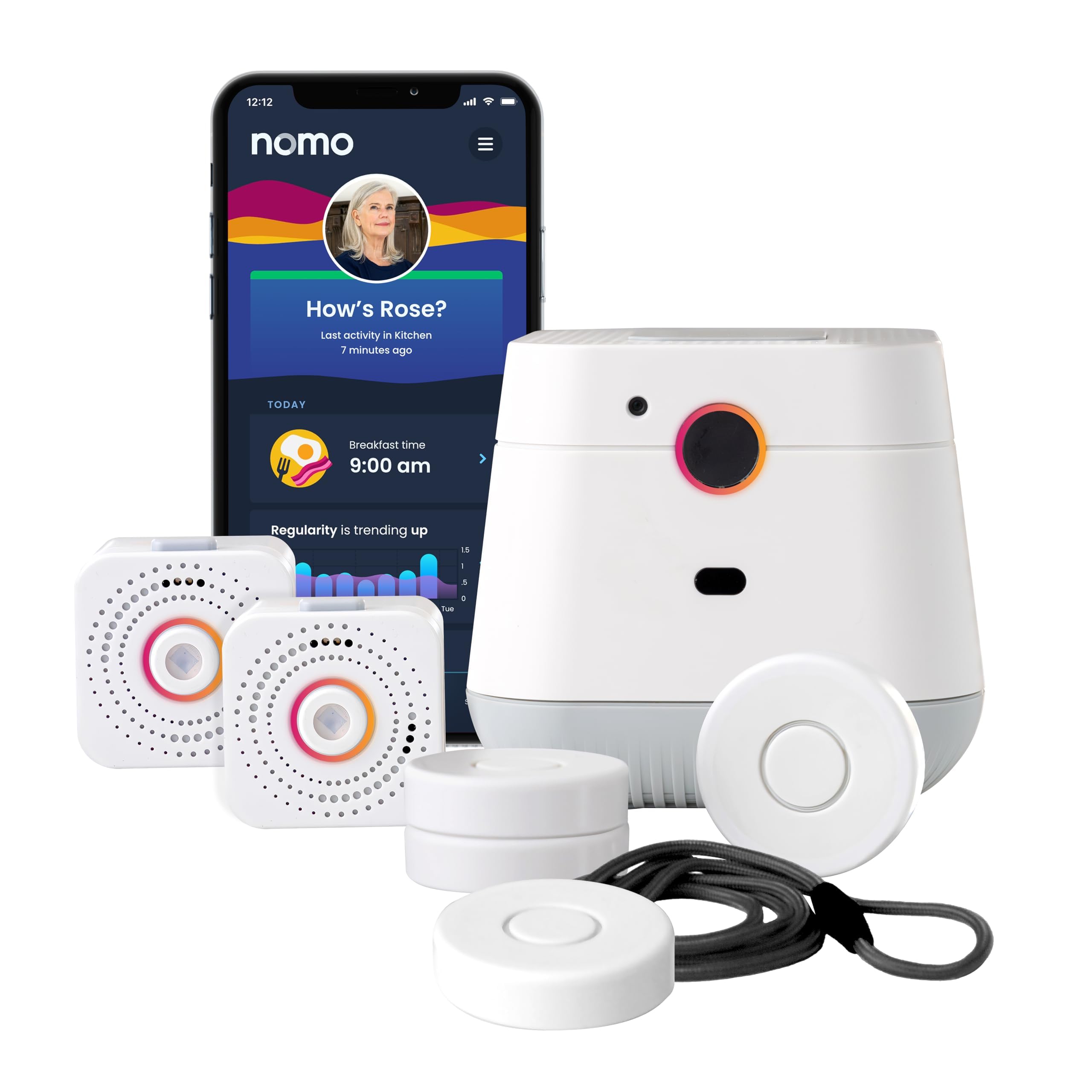
We recommend this system for households that want camera-free home monitoring, caregiver alerts, and two-way voice support through Wi-Fi.
Pros
- Camera-free design helps protect privacy
- Tracks activity and sends caregiver alerts
- Includes a 60-day app and monitoring trial
Cons
- Requires 2.4 GHz Wi-Fi
- Ongoing service costs $19.99 per month after the trial
- Fall detection results may vary
We found setup fairly simple: plug in the hub and satellites, connect them to home Wi-Fi, and place the Smart Tags where needed. The app also lets us adjust tag sensitivity and add trusted caregivers.
The hub’s two-way voice feature makes it easier to speak with someone during an alert. Caregivers can receive notifications through the app, while activity monitoring may show changes in daily routines.
This system does more than provide a basic emergency button, but it depends on Wi-Fi and a paid service after the trial period. We also recommend treating automatic fall detection as an added safety feature rather than a replacement for direct help or regular check-ins.
Smart Caregiver Floor Mat Alarm
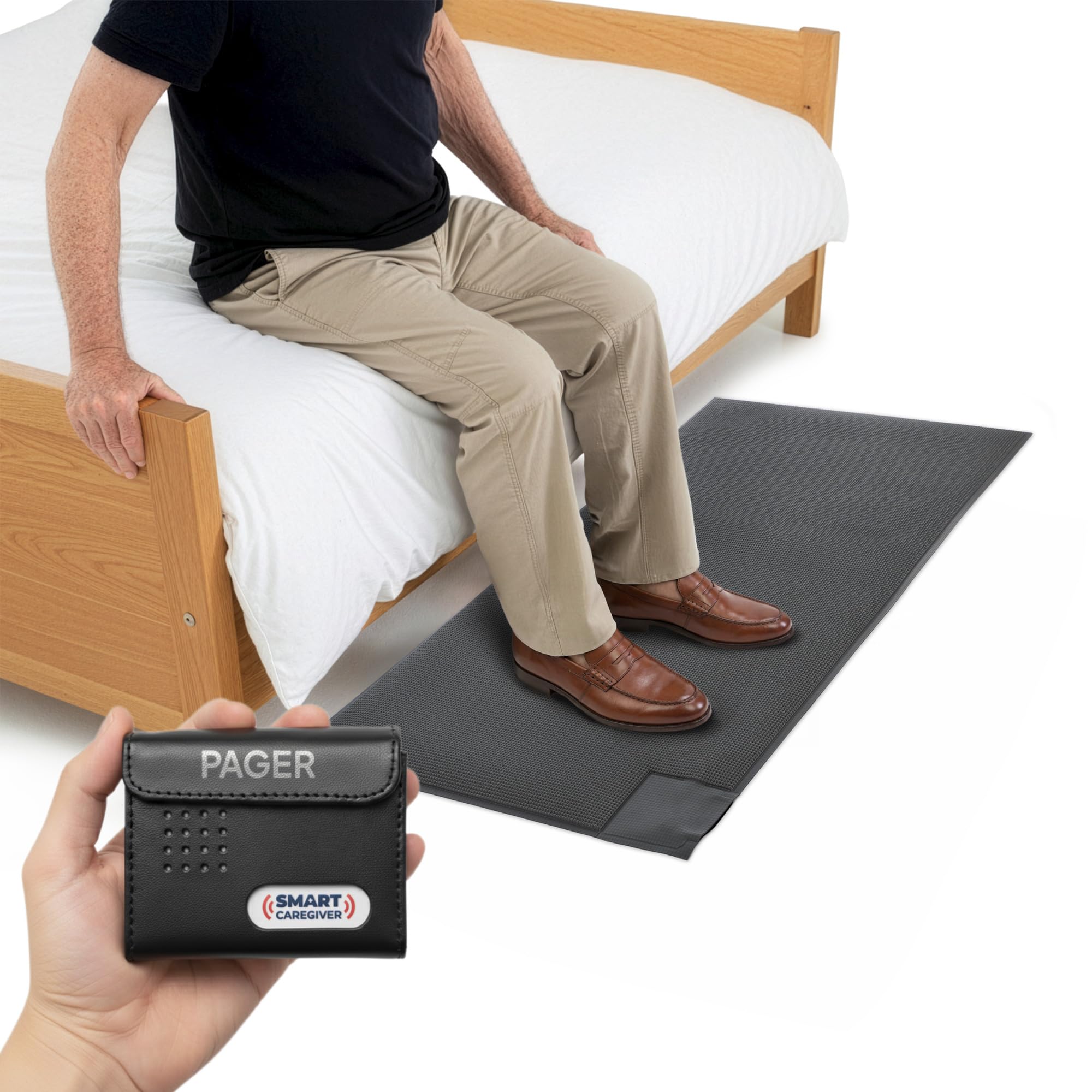
We recommend this system for caregivers who need a simple alert when someone steps out of bed or approaches an exit.
Pros
- Sends alerts to a pager up to 300 feet away
- Offers sound or vibration alerts
- Sets up quickly without loud noise near the user
Cons
- Requires two AA batteries for the pager
- The mat may need careful placement to prevent false alerts
- It detects pressure, not every type of fall
We found the mat easy to place beside a bed or near a doorway. Once someone stepped on it, the pager alerted us without disturbing the person in the room. The vibration setting worked well when we wanted a quieter warning.
The 24-by-48-inch mat felt sturdy and covered enough space for a typical bedside area. We could carry the pager while doing other tasks, though the range may vary with walls and other obstacles.
This device works best as a wandering and bed-exit alert, not as a complete fall detector. The pager needs two AA batteries, which are not included. We also like that the system can pair with compatible Smart Caregiver sensors, call buttons, and bed pads as care needs change.
ADT Medical Alert Plus

We recommend this system for households that want professional monitoring, automatic fall detection, and coverage throughout the home and yard.
Pros
- Covers up to 600 feet from the base unit
- Includes 24/7 U.S.-based monitoring
- Tracks unsafe home temperatures
Cons
- Requires a $43.49 monthly monitoring plan
- Needs activation before use
- Some users report limited two-way communication
We found setup straightforward, and the pendant felt simple to use during daily routines. Its range gives users room to move around the house or step into the yard without staying close to the base unit.
The system uses cellular 4G coverage, so it does not depend on a landline. Automatic fall detection adds another layer of protection, although we would still treat the pendant’s help button as the main way to request assistance.
ADT’s monitoring team can contact emergency services and provide updates to listed caregivers. The temperature alerts also help identify very hot or cold conditions in the home.
The ongoing cost may concern some households. Activation and professional monitoring are required, and customer feedback includes complaints about the price and communication features. We would choose this device for users who value monitored support more than a low monthly cost.
PILSAMAS WiFi Caregiver Pager
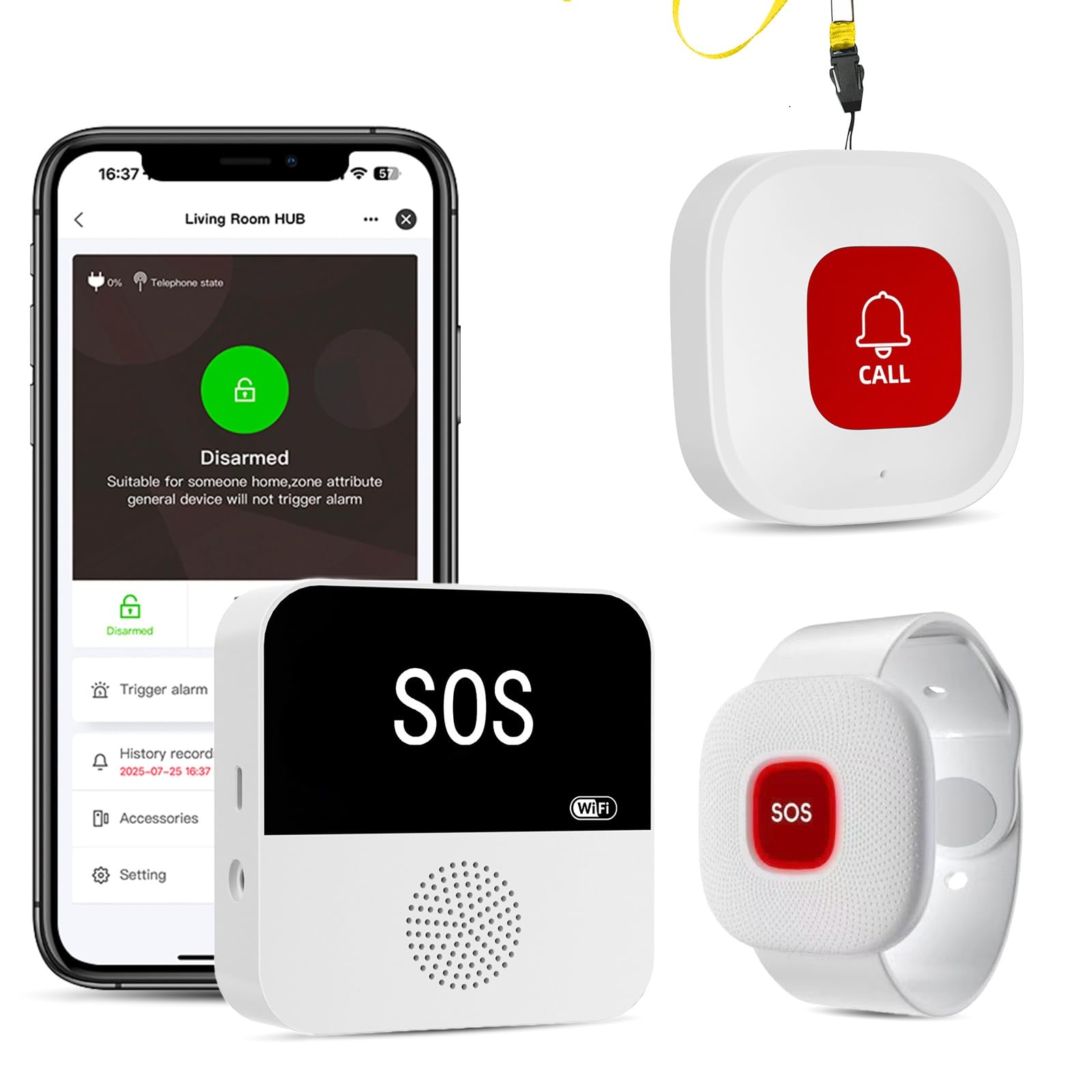
We recommend this system for households that want app alerts, loud local alarms, and no required monthly fee.
Pros
- Clear alerts with custom names, locations, and tones
- Waterproof buttons and wristband for wet areas
- Long range between the buttons and hub
Cons
- Hub requires a 2.4 GHz Wi-Fi network
- Neck-worn button may trigger false alarms
- The hub needs continuous power
We found the buttons simple to press, while the receiver produced a loud sound that worked well across the home. The flashing light added another useful signal when someone could not hear the alarm.
The app showed which button someone pressed, which reduced guesswork. We could also assign different tones and share alerts with family members. The free app covers basic notifications, but text messages, calls, and emails require an optional plan.
The waterproof design makes this system practical near showers, sinks, and bathtubs. The wristband felt suitable for daily wear, though the neck button could activate if it brushed against furniture or clothing.
Setup requires some attention because the hub works with 2.4 GHz Wi-Fi, not 5 GHz. Once connected, the system provides a useful mix of local and phone alerts for caregivers who need coverage throughout the home.
Connected Caregiver Safety+ 4G Medical Alert System
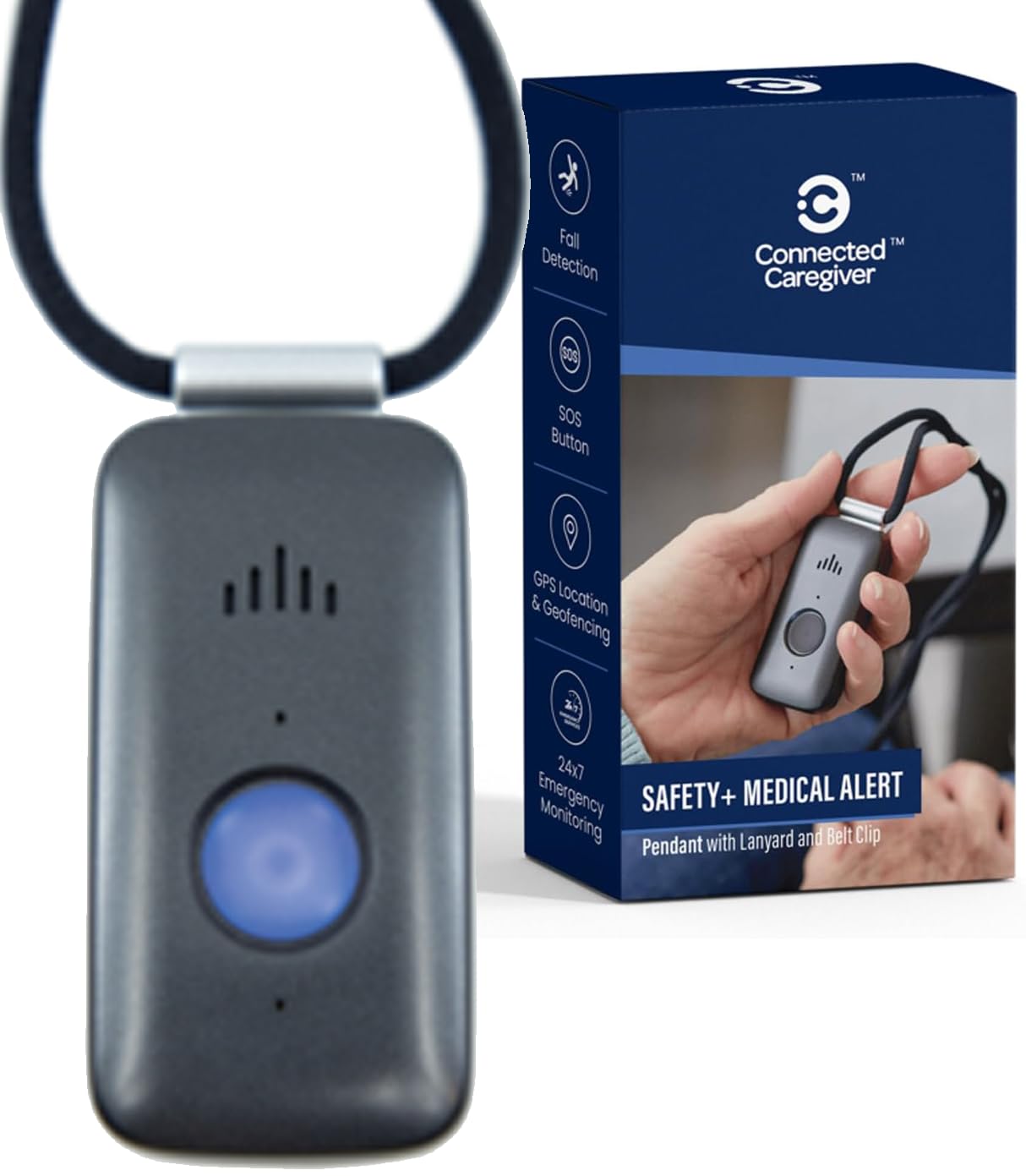
We recommend this device for households that want fall detection, GPS, and 24/7 monitoring in one portable system, but we would review the service terms and activation process before ordering.
Pros
- Fall detection and two-way voice communication
- GPS tracking and caregiver app access
- Water-resistant design with flexible wearing options
Cons
- Requires a paid monitoring plan after the first month
- Some users report setup and app problems
- Battery performance may vary between users
We found the device easy to carry with either the lanyard or belt clip. Its cellular connection means it works without a smartphone, which helps simplify daily use for someone who may not use mobile technology.
The monitoring center can respond when we press the help button, while the built-in microphone and speaker allow direct communication. Automatic fall detection adds another safety layer, though no fall detection system catches every fall.
The caregiver app provides location, activity, battery, and emergency updates. Some customers reported trouble activating the device or setting up the app, so we would test every feature before relying on it.
The device includes a charging dock and water-resistant construction for normal daily activities, including showers and rain. We would still keep a regular charging routine, since battery results can differ from the advertised maximum. The first month includes service, but ongoing monitoring costs $40 per month, and buyers should read the full terms before activation.
PRNBRH App-Controlled Medical Alert System
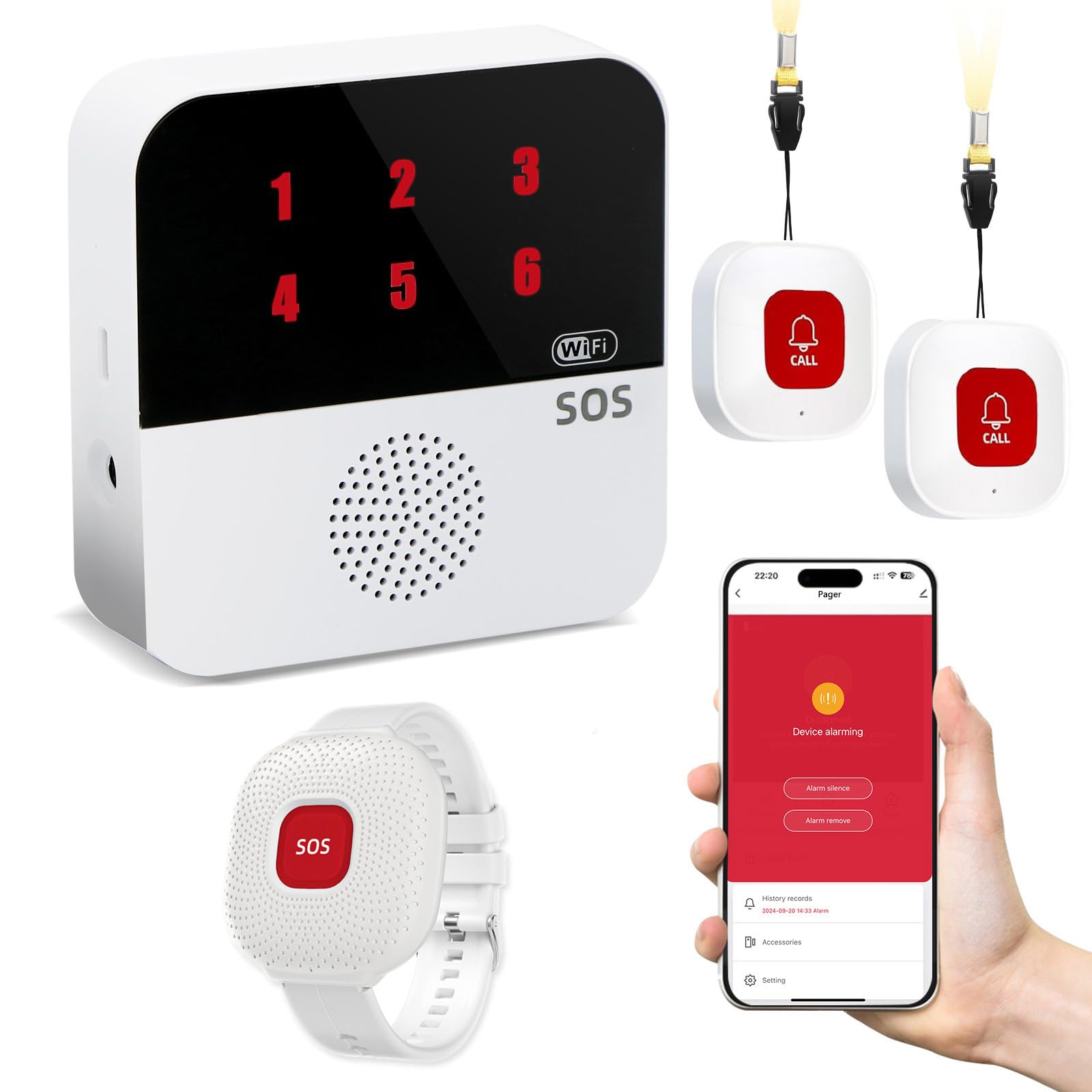
We recommend this system for households that want an easy emergency call button with app alerts and no required monthly fee.
Pros
- Includes two call buttons, a wrist remote, and a pager
- Sends alerts through the app and the local receiver
- Waterproof wrist remote works in the shower
Cons
- App features require 2.4GHz Wi-Fi
- Text alerts require a separate subscription
- It does not provide professional emergency monitoring
We found the setup fairly simple after connecting the device to a compatible 2.4GHz Wi-Fi network. The pager gives a local alert, while shared access through the Tuya Smart or Smart Life app lets several caregivers receive notifications.
The wrist remote adds useful coverage in the bathroom, where falls often happen. Only the wrist remote is waterproof, so we would keep the necklace buttons away from water.
The wireless signal reaches up to 300 feet and can work through walls and doors. Its backup connection also helps the pager continue working during an internet outage, although app alerts depend on the internet.
We like the lack of a required monthly fee for basic pager use. However, families seeking SMS alerts should check the added subscription cost, and they should remember that this device contacts caregivers rather than emergency services directly.
MT EXESPR Caregiver Call Button
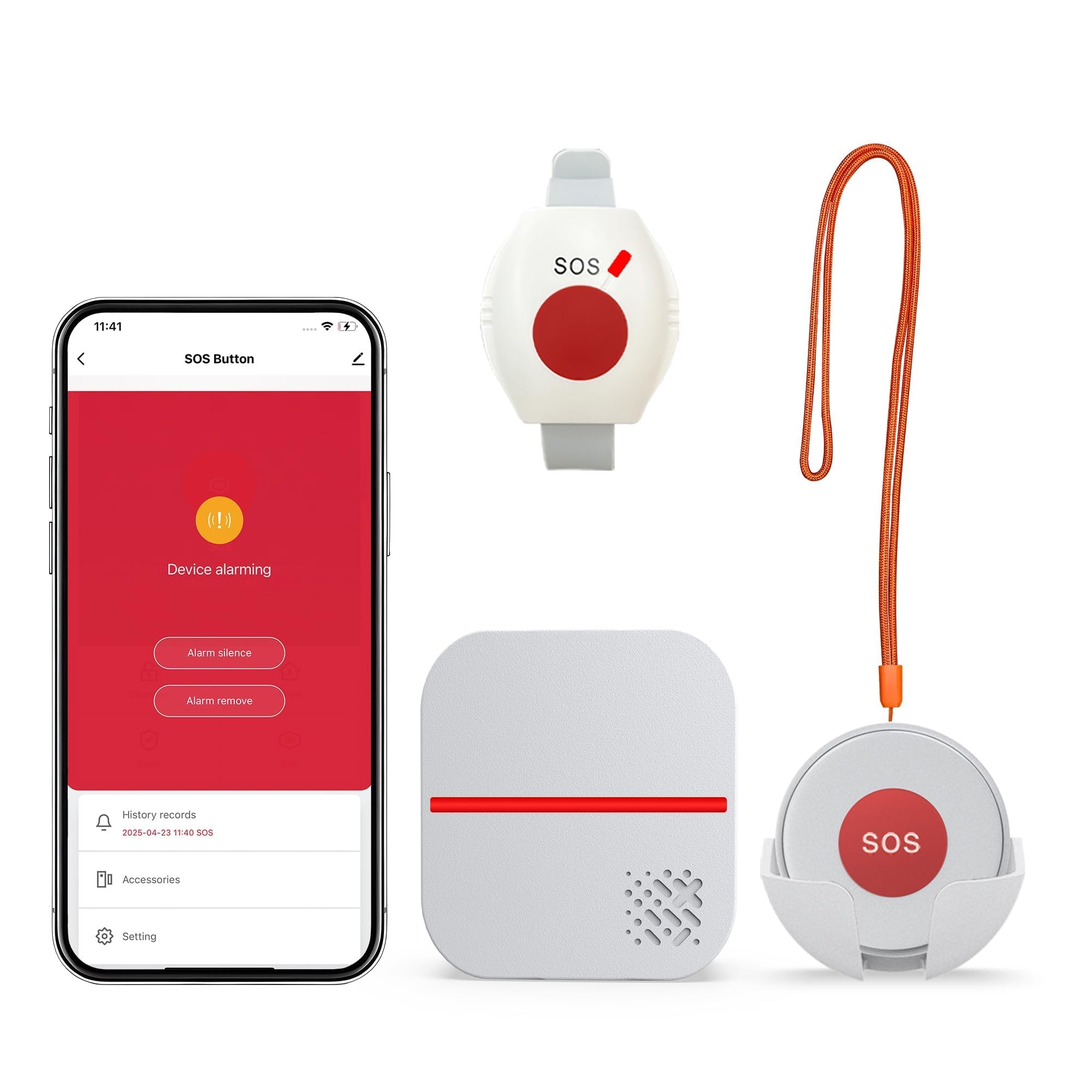
We recommend this system for homes where caregivers need a simple alert button without a monthly fee, but users must press the button after a fall because it does not detect falls automatically.
Pros
- No monthly fee for basic alerts
- Waterproof wearable button
- Loud receiver with adjustable sounds and volume
Cons
- Automatic phone and text alerts require a subscription
- App setup only works with 2.4GHz Wi-Fi
- The system depends on the user pressing the button
We found the setup simple: plug in the receiver, choose a ringtone, and adjust the volume. The signal worked well across several rooms, and the flashing alert added a useful visual cue for caregivers who might not hear the chime.
The wearable button can hang around the neck or attach to the wrist. Its IPX6 water resistance makes it suitable for bathroom use, but we would still place the receiver where caregivers can hear it clearly.
This device works best when help stays nearby. The app can send notifications over Wi-Fi, while phone calls and text messages need a separate subscription. We would choose it for basic in-home assistance, not as a complete monitored medical alert service.
Fajocru V46 Fall Detection Smart Watch
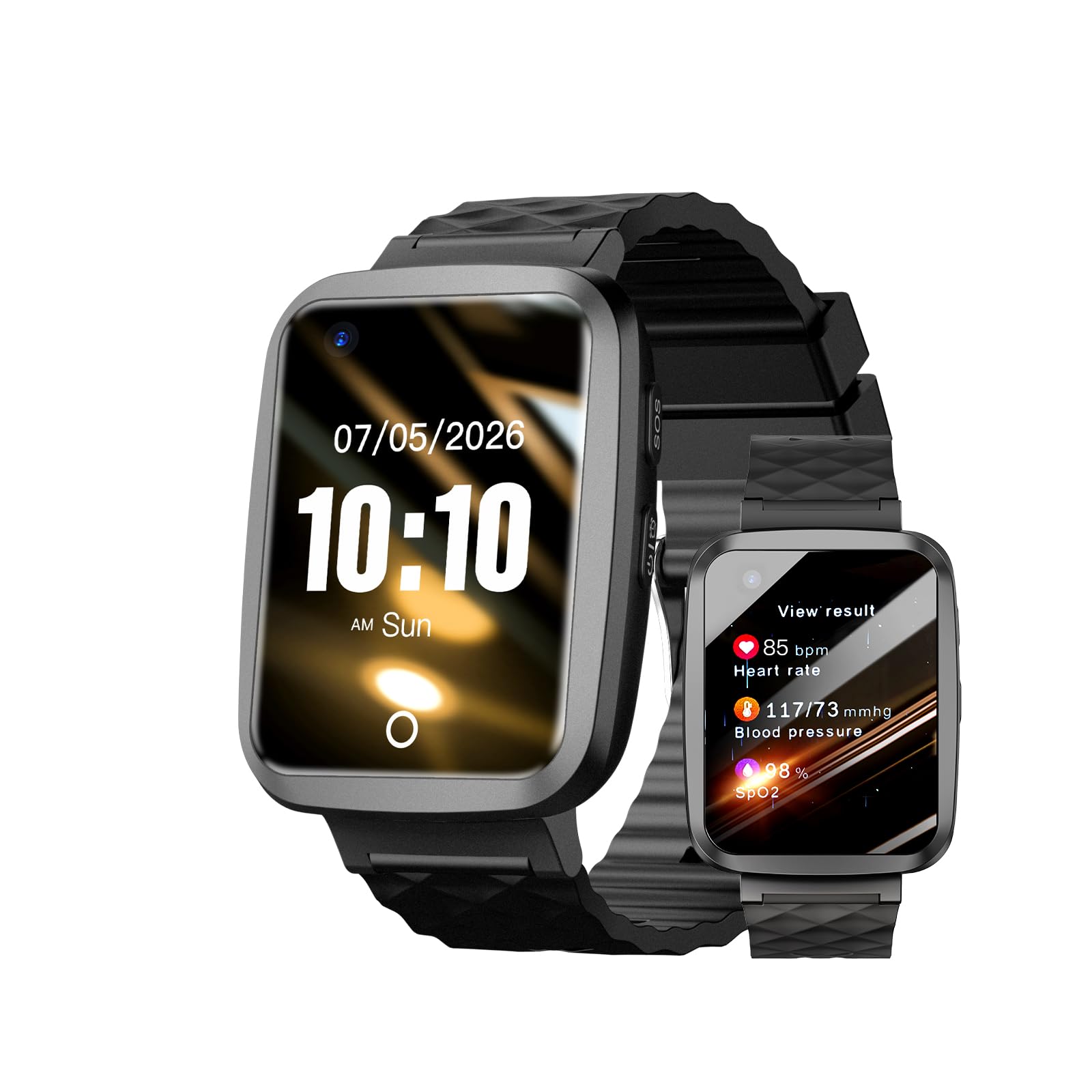
We recommend the Fajocru V46 for families who want fall alerts, GPS tracking, and voice calls in one wearable device.
Pros
- Fall alerts and an SOS button support quick contact with caregivers.
- GPS tracking and geofencing help monitor outdoor movement.
- Two-way calling works without a separate smartphone.
Cons
- Setup may take time and require help from customer support.
- The app and instructions may feel confusing to some users.
- Health readings should not replace medical equipment.
We found the watch light enough for daily use, with a large screen and simple controls that suit many older adults. The magnetic charger also makes charging easier for users with limited hand movement.
Fall alerts, GPS location sharing, and geofence notifications give caregivers several ways to monitor safety. The two-way calling feature worked well for quick check-ins, while the SOS button provided a direct way to contact preset numbers.
The setup was less straightforward than expected. Some users reported trouble getting started, and one review mentioned confusing video instructions. Families should test the watch, alerts, calling, and app before relying on it during an emergency.
Its water-resistant design handles rain and hand washing, but we would still avoid submerging it. The watch earned a 4.0-star rating from 26 reviews, so buyers should expect some variation in setup and daily performance.
Lunderg Wireless Early-Alert Bed Alarm

We recommend this bed alarm for caregivers who want quiet, wireless alerts when someone starts leaving bed.
Pros
- Sends alerts to a portable pager instead of using an in-room alarm
- Simple setup without Wi-Fi, an app, or tools
- Adjustable sound and vibration modes
Cons
- The sensor pad requires periodic replacement
- It monitors beds and compatible chairs, not every fall risk
- The pager and pad both need battery power
We found the setup straightforward: place the pressure pad near the sleeper’s hips, pair it with the pager, and test the alert. The system does not require an internet connection, which makes it useful in homes with unreliable Wi-Fi.
The pager gave us several ways to receive alerts. We could use a loud tone, lower the volume, or switch to vibration. Its stated range reaches up to 400 feet, although walls and the home’s layout can affect performance.
The pad has a soft foam design and a wipe-clean surface. It felt more comfortable and less intrusive than a wired alarm, while the wireless setup kept cords away from the bed. We also liked the included clips, bands, batteries, and wall bracket.
This device works best as an early warning tool, not as a guarantee against falls. We would still pair it with clear walkways, proper lighting, mobility support, and regular checks. The pad’s battery is not user-replaceable, so caregivers should track its expected service life and keep a replacement available.
Buying Guide
We should start by matching the device to the user’s needs, home layout, and comfort level. A wearable device may suit someone who moves often, while a room-based system may work better for someone who stays in set areas.
| Feature | What we should check |
|---|---|
| Fall detection | Look for automatic alerts and the option to cancel false alarms. |
| Help response | Check whether alerts reach family, caregivers, or a monitoring center. |
| Connection | Confirm coverage through cellular service, Wi-Fi, or a home base unit. |
| Battery | Review battery life, charging time, and low-battery warnings. |
| Comfort | Choose a size, weight, and wearing style that feels practical every day. |
| Water resistance | Check whether we can use it in bathrooms or during showers. |
| Setup | Look for clear instructions and simple installation. |
| Cost | Compare equipment fees, subscriptions, activation charges, and cancellation terms. |
We should check how the device handles missed or unclear falls. Some systems may not detect every fall, so an easy-to-reach help button and two-way voice communication can add useful support.
Privacy also matters. We should review what data the device collects, where it stores that data, and who can access it. Before buying, we can confirm the return policy, warranty, customer support hours, and whether the service works in the user’s area.
Editor’s Choice
We choose the Bay Alarm Medical SOS Smartwatch as our top pick for many homes. It combines automatic fall detection, two-way voice communication, GPS, and access to a 24/7 response team in one wearable device.
The watch works well for users who want help at home and while away. We also value its simple display, water-resistant design, and ability to contact trained emergency operators without using a phone.
| Feature | Why it matters |
|---|---|
| Automatic fall detection | Can request help after a detected fall |
| Two-way communication | Lets users speak with a response agent |
| GPS location tracking | Helps locate users outside the home |
| Water resistance | Supports use during common fall-risk activities |
We recommend reviewing the monthly monitoring cost, battery needs, and service coverage before buying. Fall detection can miss some falls or trigger a false alert, so users should still keep the device charged and wear it consistently.
Conclusion
We should choose a fall detection device based on the user’s health needs, home layout, and daily routine. Automatic detection can provide added support, while wearable buttons give users a direct way to call for help.
Before buying, we should check:
- Detection method: wearable, camera, sensor, or a combination
- Response service: 24/7 monitoring, emergency contacts, or both
- Range: coverage inside the home and nearby outdoor areas
- Privacy: data collection, camera use, and storage policies
- Costs: equipment, monthly fees, installation, and replacement parts
We should also test the device after setup. Confirm that alerts reach the right contacts, the battery lasts as expected, and the user can operate the device without help. A simple design often works best for older adults or people with limited mobility.
No device can replace a safe home, regular check-ins, and a plan for medical emergencies. We can reduce risks by removing loose rugs, improving lighting, keeping walkways clear, and reviewing the system as the user’s needs change.
FAQS
How do fall detection devices work?
Most devices use motion sensors to identify a sudden change in movement, impact, or body position. Some models use artificial intelligence to reduce false alerts, but no system detects every fall.
Do we need a monthly subscription?
It depends on the device. Some products work without a fee when paired with a phone or home hub. Others charge monthly for 24/7 monitoring, emergency response, GPS, or cellular service.
Can these devices call for help automatically?
Many models can contact a monitoring center, a caregiver, or emergency services after a detected fall. We should check the device settings, response process, and contact options before buying.
Should we choose a wearable or a home system?
Wearables, such as pendants and watches, can protect us in different rooms or outside the home. Wall buttons and room sensors may work well for people who do not want to wear a device, but they can provide less coverage.
How can we reduce false alarms?
We should wear the device correctly, keep its battery charged, and follow the setup instructions. We should also test alerts with caregivers or the monitoring provider.
What features should we compare?
- Fall detection accuracy and testing
- Battery life and charging method
- Water resistance for use in the bathroom
- Cellular, Wi-Fi, or landline connection
- Monthly fees and cancellation terms
- Caregiver alerts and emergency response options