
10 Best Smart Light Bulbs for Disabled Adults: Easy, Accessible Lighting Options


LED Clip Reading Light

Lap Desk for Reading

Book Holder Stand
Smart light bulbs let us control brightness, color, and schedules from a phone, voice assistant, or switch. For disabled adults, they can reduce the need to reach for a wall switch, move through a dark room, or adjust several lights by hand. Some bulbs also support routines, motion sensors, and remote control for added convenience.
The best smart light bulbs for disabled adults should offer simple controls, reliable connections, clear setup, and compatibility with the user’s phone, voice assistant, and existing fixtures. We also look for accessible features such as hands-free control, dimming without flicker, dependable timers, and options that work even when the internet is down. We tested and researched smart bulbs to find the models that make everyday lighting easier and more manageable.
Best Smart Light Bulbs for Disabled Adults
We selected the best smart light bulbs based on ease of use, voice control, app features, brightness, and compatibility with common smart home systems. Our list includes options that can help adults with disabilities control lighting with less physical effort.
Govee Smart Light Bulbs
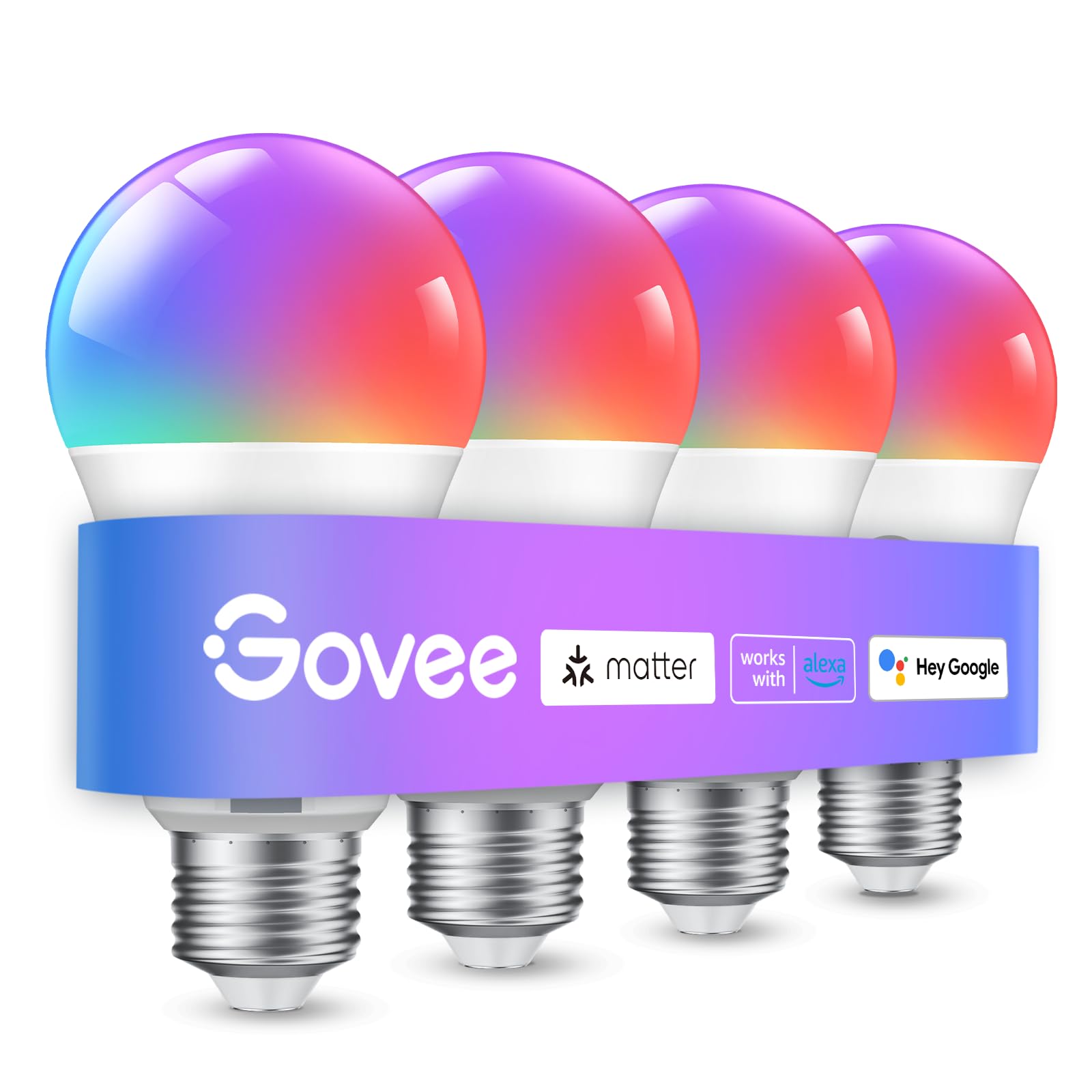
We recommend these bulbs for disabled adults who want simple app or voice control, useful schedules, and flexible lighting.
Pros
- Voice, app, and Bluetooth controls
- Sunrise, sunset, timer, and group settings
- Bright colors with adjustable white light
Cons
- Setup requires a 2.4GHz Wi-Fi network
- The app needs microphone access for music sync
- It cannot work with smart switches
We found the A19 bulbs easy to install in standard E26 sockets. The Govee app guided us through setup, and Bluetooth helped us connect without much delay. Voice commands through Alexa and Google Assistant made it easier to turn lights on, dim them, or change colors without reaching for a switch.
Schedules can support daily routines. We could set lights to turn on before waking, dim at bedtime, or switch off after leaving a room. Group control also helped us manage several bulbs at once, which may reduce the need to move around the home.
The 800-lumen output worked well for general room lighting, while the adjustable colors gave us more control over glare and mood. Music sync added entertainment value, but it depends on phone microphone access and will not work while another app uses the microphone.
Setup may take extra effort for users who do not already have a 2.4GHz network. We also would not pair these bulbs with wall switches, since the product does not support smart switches.
Linkind Smart Color Bulbs

We recommend these bulbs for disabled adults who want hands-free lighting, flexible controls, and simple scheduling.
Pros
- Voice control works with Alexa and Google Home
- App, Bluetooth, and Wi-Fi control offer several access options
- Tunable white light and color scenes support different tasks and moods
Cons
- Setup requires a 2.4GHz Wi-Fi network
- The bulbs do not work with traditional dimmer switches
- App control may require troubleshooting if the connection drops
We found the voice controls useful when reaching a wall switch was difficult. We could turn the bulbs on or off, dim them, and change colors without moving across the room. The AiDot app also lets us set schedules, group several bulbs, and create preset scenes.
The Bluetooth backup adds another way to control the lights when Wi-Fi is unavailable. However, setup still needs 2.4GHz Wi-Fi and Bluetooth, so users may need help during installation if their router uses a combined network.
At 800 lumens, the bulbs provide enough light for lamps, bedrooms, and smaller living areas. We liked switching to warm light for evening use and brighter white light for reading or daily tasks. The color options add flexibility, but some users may prefer a simpler bulb with fewer app features.
These E26 bulbs fit common fixtures and use 9 watts each. We would choose them for users who benefit from voice commands, reminders, and remote control, but we would avoid pairing them with a standard dimmer switch.
Govee 1000LM Smart Bulbs
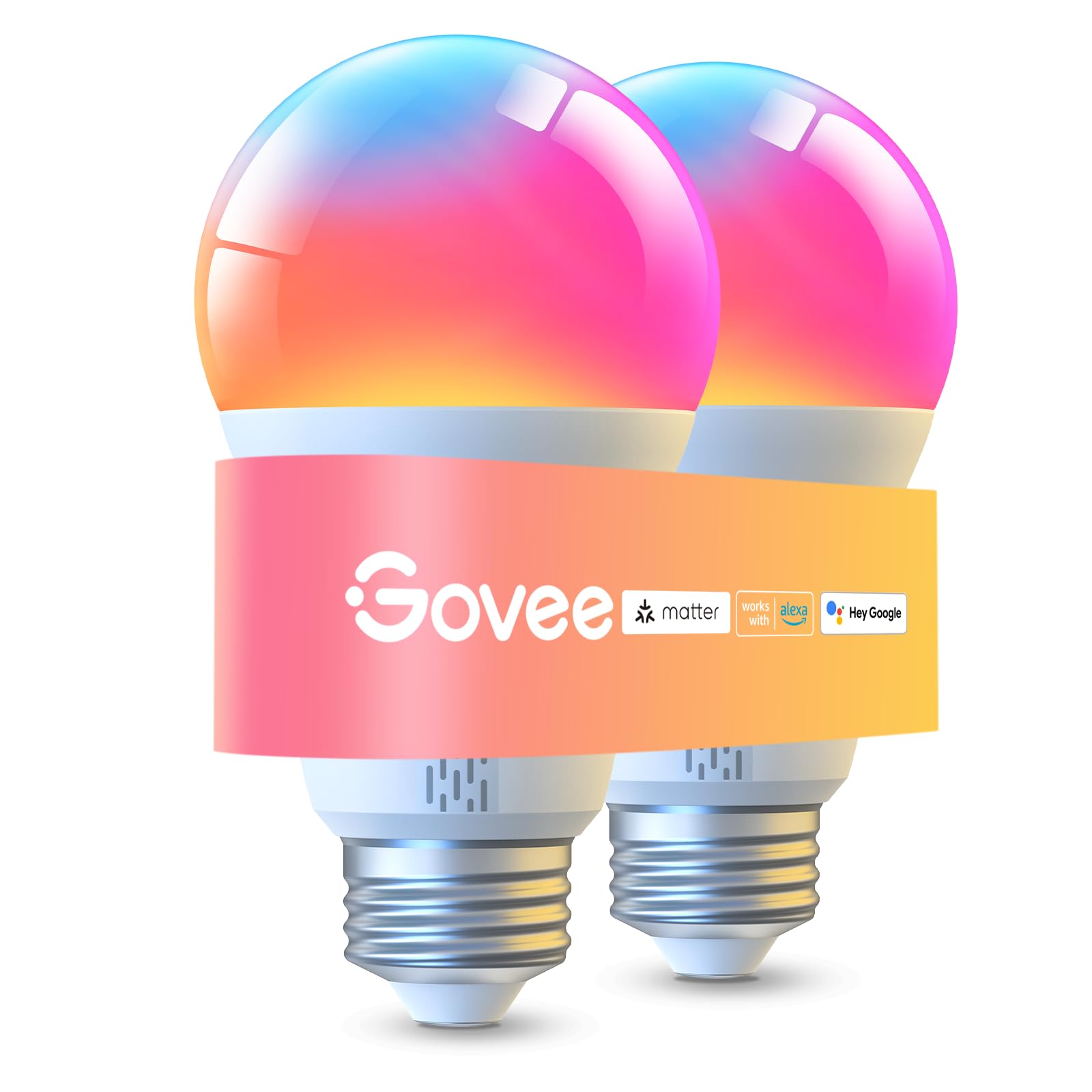
We recommend these bulbs for disabled adults who want bright, flexible lighting with app and voice control.
Pros
- Bright light with adjustable white tones
- Voice, app, and Bluetooth controls
- Color scenes, schedules, and group control
Cons
- Requires a 2.4GHz Wi-Fi network for some features
- Presets need Wi-Fi, not Bluetooth alone
- Not compatible with smart switches
We found the 1000-lumen output useful for larger rooms and tasks that need clear lighting. The bulbs also dim smoothly, which helps us create softer light for rest or reduce glare.
Voice control through Alexa, Google Assistant, or Matter can make daily use easier when reaching a wall switch is difficult. We could also adjust the bulbs from the Govee app, even when we were away from home.
The app offers many scenes, color choices, timers, and sunrise or sunset schedules. Group control works well for managing multiple Govee bulbs together, but setup requires a stable 2.4GHz Wi-Fi connection.
The warm-to-cool white range supports reading, relaxing, and general room lighting. We noticed that some colors, especially green and yellow, may look less saturated than expected. One customer also reported flickering, so buyers should monitor the bulbs during the return period.
Kasa Smart Color Bulbs
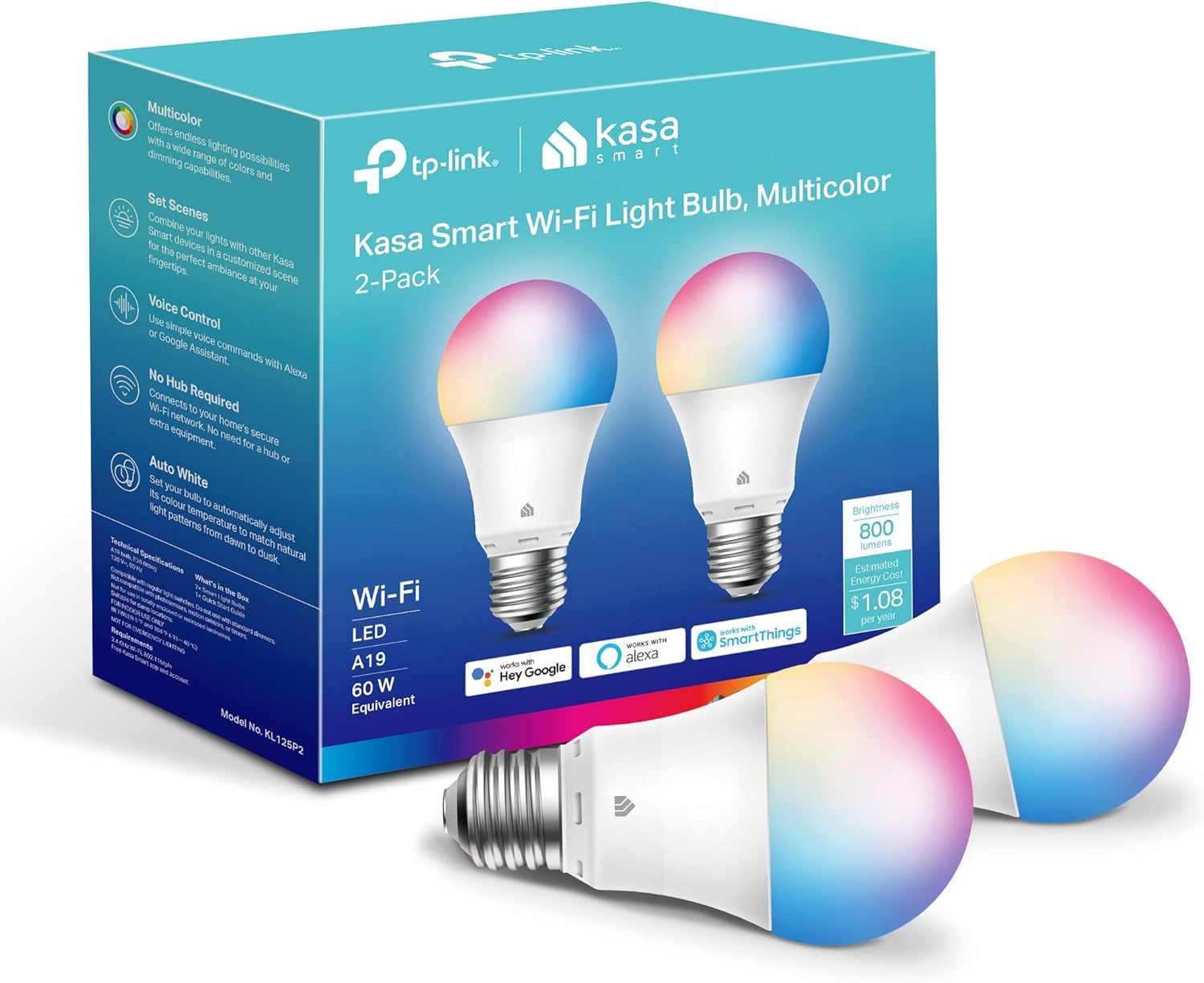
We recommend these bulbs for disabled adults who want flexible, hands-free lighting without adding a hub.
Pros
- Voice, app, and scheduled controls support different access needs
- Dimming and adjustable white tones help reduce glare
- Setup usually feels simple and guided
Cons
- Requires a 2.4 GHz Wi-Fi network
- Resetting a bulb can take patience
- The app requires an account
We found the Kasa app easy to follow during setup, and the included guidance helped us connect the bulbs to Wi-Fi. Once installed, we could turn the lights on, dim them, or change their color from a phone without reaching for a wall switch.
Voice control worked well with Alexa and Google Assistant. This makes the bulbs useful when we have limited hand movement, carry something, or need light before entering a dark room. Schedules can also turn lights on at set times, which may help with daily routines.
The bulbs provide up to 800 lumens and offer warm to cool white settings. We liked using a softer white in the evening and a brighter setting for tasks. The color choices add flexibility, though most people will likely use the standard white modes more often.
These bulbs only support 2.4 GHz Wi-Fi, so we should check our network before buying. We also found that resetting a previously connected bulb could be less straightforward than the initial setup.
Amazon Basics Color-Changing Smart Bulb

We recommend this bulb for disabled adults who use Alexa and want hands-free control without adding a hub.
Pros
- Voice control can reduce the need to reach a wall switch.
- Setup is simple through the Alexa app.
- Scheduling and room groups support daily routines.
Cons
- It works only with Alexa.
- It requires a 2.4GHz Wi-Fi network.
- Brightness and color changes do not work with a physical dimmer.
We found the bulb easy to install: we screwed it into a standard socket and added it through Alexa. Voice commands responded well during normal use, and the app gave us another way to control the light when speaking was not practical.
For people with limited mobility, voice control can make everyday tasks easier. We could turn the light on or off, adjust brightness, and select colors without walking to the switch. Alexa routines also let us schedule lights for times such as waking up or bedtime.
The bulb offers up to 800 lumens, which works well for many lamps and smaller rooms. We would use more than one bulb for larger spaces or tasks that need stronger lighting. The color settings add flexibility, but most users may rely mainly on the adjustable white light.
We also liked the ability to group bulbs by room. However, setup depends on a stable 2.4GHz Wi-Fi connection, and some users report occasional connection or configuration problems. This model suits households already using Alexa, but it is not a good choice for homes that depend on Google Assistant, Apple HomeKit, or another platform.
Lightinginside Smart Bulbs

We recommend these bulbs for disabled adults who want voice control, flexible schedules, and local Bluetooth control when Wi-Fi is unavailable.
Pros
- Voice control with Alexa and Google Assistant
- Bluetooth backup and remote app access
- Dimmable white light plus color settings
Cons
- Initial setup needs 2.4GHz Wi-Fi and Bluetooth
- SmartLife settings can take time to learn
- Some users report pairing problems after extended use
We found the bulbs easy to install in standard E26 sockets. The SmartLife app handled basic setup quickly, and Alexa made it simple to turn lights on, dim them, or change colors without reaching for a switch.
Schedules and timers can support daily routines, such as turning on bedroom lights before waking or setting hallway lights to come on at night. We also like the Bluetooth backup because we could still control the bulbs locally if the Wi-Fi connection dropped.
The 800-lumen output works well for bedrooms, living areas, and smaller rooms. We could switch between warm and cool white light, though the app took some practice when we wanted to create groups or detailed routines.
These bulbs suit users who value hands-free control and do not need a separate hub. We would choose them for accessible lighting, while keeping the two-year warranty in mind because some owners have reported connection issues after about a year.
Philips Hue Essential Color Smart Bulb 4-Pack
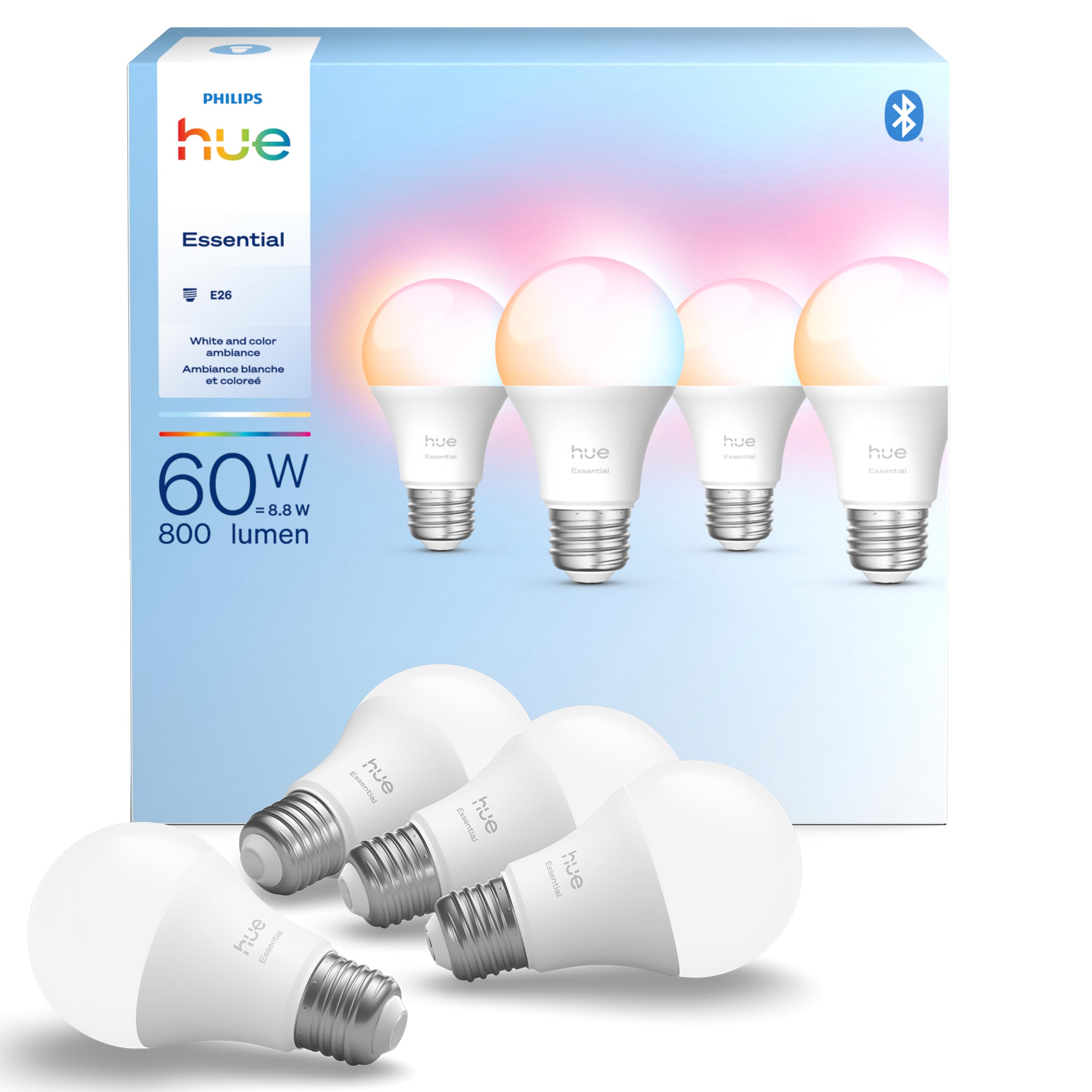
We recommend these bulbs for disabled adults who want flexible lighting, app control, and voice commands without needing to reach a wall switch.
Pros
- Smooth dimming for low-light needs
- Voice, app, and remote control options
- Works with Alexa, Google Assistant, and Apple Home
Cons
- A Hue Bridge adds cost for expanded features
- App setup may take time for some users
- One reported review mentioned an early bulb failure
We found the setup simple: screw in the bulbs, open the Hue app, and follow the pairing steps. The app lets us adjust brightness, choose warm or cool white light, and save preferred settings. This can help when bright overhead lighting causes discomfort or when users need softer light at night.
Voice control adds useful hands-free access. We could turn lights on or off, change brightness, and select colors without standing up or finding a switch. Remote control through the app also helps caregivers manage lighting from another room.
The bulbs support very low dimming, though the lowest setting may still feel brighter than expected in some rooms. We also found the color options useful for personal preference, but many users may mainly rely on the white-light settings.
The bulbs work without a Hue Bridge through the app, while the Bridge unlocks broader smart-home control and easier expansion. We should also note that the product information lists both BR30 and A19 descriptions, so buyers should confirm the bulb shape before ordering.
Feit Electric Smart RGBW Bulbs
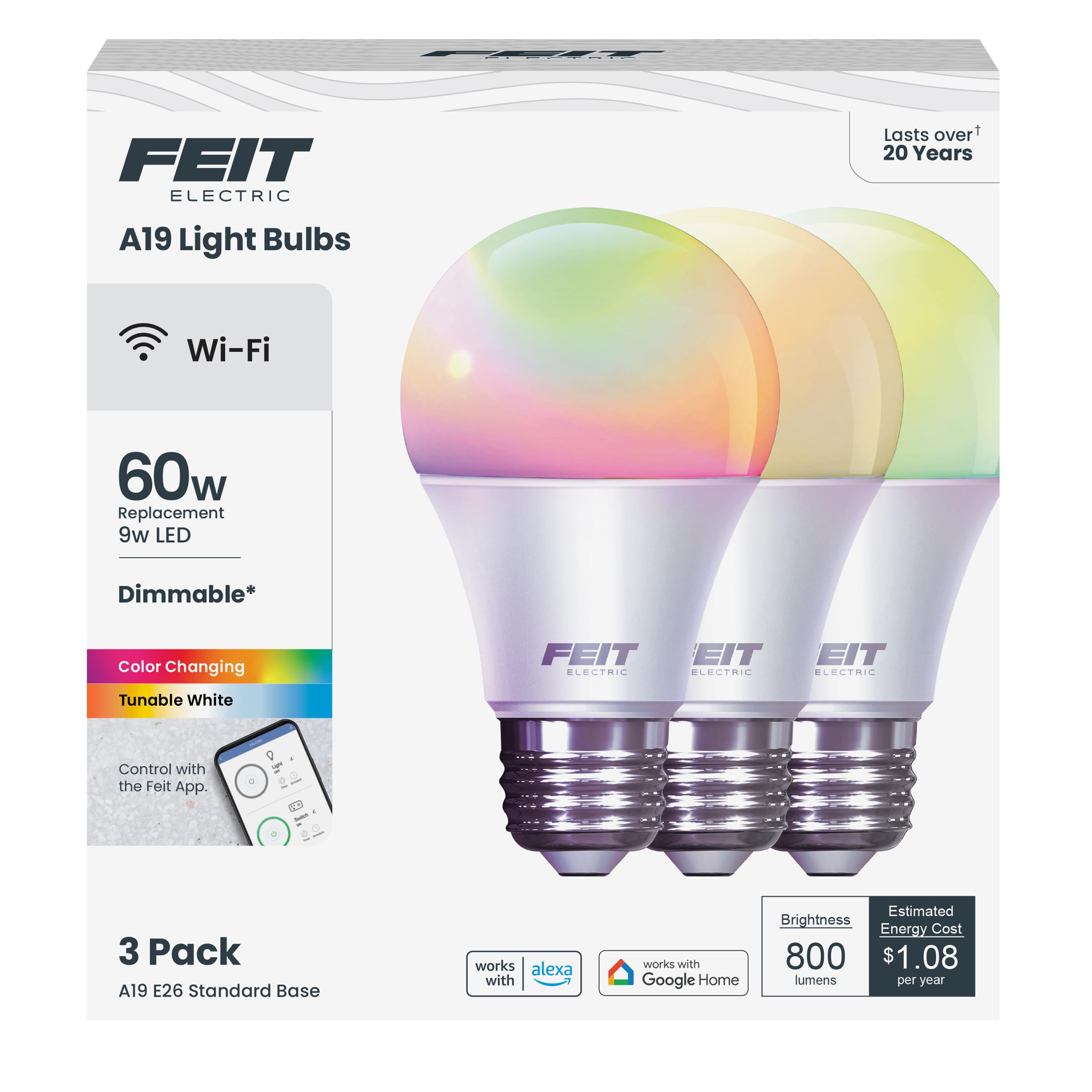
We recommend these bulbs for disabled adults who want voice control, adjustable brightness, and simple lighting schedules without a hub.
Pros
- Voice control works with Alexa and Google Assistant
- Tunable white light and color options support different needs
- Three bulbs connect directly to 2.4GHz Wi-Fi
Cons
- Setup requires a compatible 2.4GHz network
- The app may feel less accessible than voice controls
- Some users report connection or setup problems
We found the voice controls useful when reaching a wall switch was difficult. Alexa and Google Assistant can turn the bulbs on or off, dim them, and change colors without requiring us to use the phone app.
The bulbs also offer warm and cool white settings. We could use softer light in the evening and brighter light during tasks. The 800-lumen output worked well in bedrooms, living rooms, and smaller work areas.
Schedules and room groups made daily routines easier to manage. We could set lights to turn on at a regular time or control several bulbs together. The bulbs connect directly to Wi-Fi, but they only support 2.4GHz networks and may need to stay within a reasonable range of the router.
The Feit app handles setup and controls, though some users may find voice commands easier. We also noticed that connection reliability can vary, so these bulbs suit buyers who already have a stable 2.4GHz network.
Linkind Tunable White Smart Bulbs

We recommend these bulbs for disabled adults who want hands-free control, adjustable light, and simple schedules without changing bulbs often.
Pros
- Voice, app, and Bluetooth control
- Warm-to-daylight settings with smooth brightness adjustment
- Schedules and group control for several rooms
Cons
- Requires the AiDot app for setup
- Supports 2.4GHz Wi-Fi only
- Not suitable for traditional dimmer switches
We found the Linkind bulbs useful when reaching a wall switch was difficult. Alexa and Google Home let us turn lights on or off, dim them, and change the color temperature by voice. The app also provides remote control when we are away from home.
The adjustable white range works well for different needs. We used warmer light in the evening and brighter, cooler light for reading or household tasks. The high color rendering helped objects look more natural than they do under some basic LED bulbs.
Schedules can reduce daily effort. We could set lights to turn on at a chosen time, group several bulbs together, and use Bluetooth control after setup. This helps in homes where a switch is far from a bed, chair, or doorway.
Setup requires both Bluetooth and a 2.4GHz Wi-Fi network, so the process may take extra steps. We also would not use these with a standard dimmer switch, since the product instructions warn that it can cause flickering. Some users report uneven dimming or a faint buzz, so performance may vary by bulb and fixture.
Kasa Smart Color Bulbs
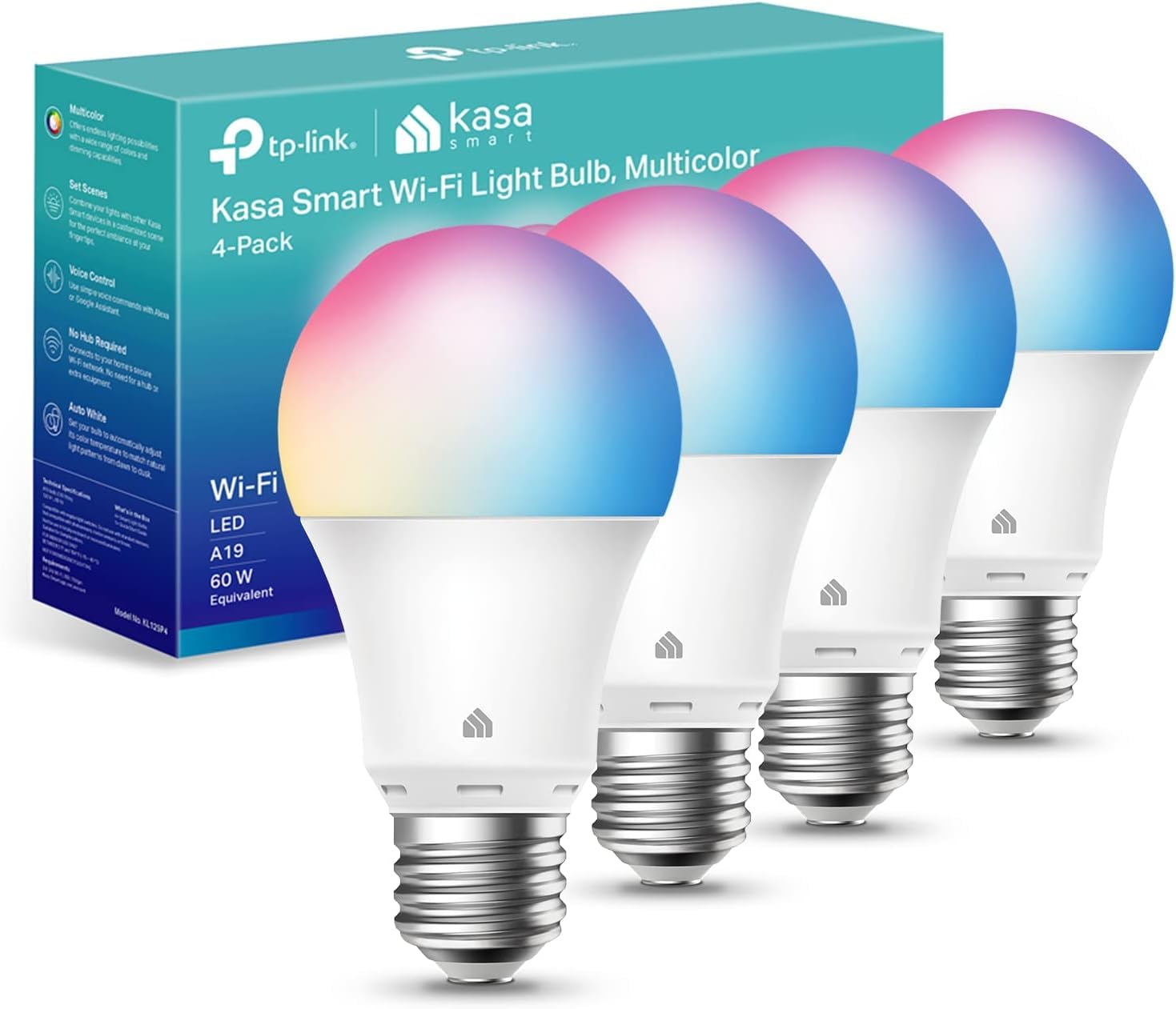
We recommend these bulbs for disabled adults who want flexible, hands-free lighting without adding a hub.
Pros
- Voice, app, and scheduled controls
- Adjustable colors and white tones
- Simple setup with Alexa or Google Assistant
Cons
- Requires a 2.4GHz Wi-Fi network
- Color light appears less bright than white light
- Some users report flickering at low brightness
We found the Kasa app easy to follow during setup. Each bulb connects directly to Wi-Fi, so we did not need an extra bridge or hub. The app also lets us control the bulbs from another location, which helps when we cannot reach a wall switch.
Voice control worked well for turning the lights on, changing brightness, and selecting colors. This feature can help adults with limited mobility or grip strength. We could also create schedules, such as a soft morning light or an automatic evening shutoff.
The bulbs offer warm and cool white settings, plus color choices for different needs. At full white brightness, the 800-lumen output works well for many rooms. We noticed that colored settings looked dimmer, and the bulbs only support 2.4GHz Wi-Fi.
Buying Guide
We should choose smart bulbs based on the user’s access needs, daily routines, and existing devices. A bulb that works with a phone may not meet the needs of someone who has limited hand movement, vision loss, or difficulty using small controls.
| Feature | What we should check |
|---|---|
| Voice control | Compatibility with the user’s preferred voice assistant and support for basic commands |
| App access | Clear text, screen-reader support, adjustable controls, and simple navigation |
| Brightness | A wide brightness range, including low settings for sleep and high settings for task lighting |
| Color temperature | White-light settings that support reading, relaxing, or maintaining a regular routine |
| Setup | Simple installation and reliable connection to the home network |
| Safety | Suitable bulb size, power rating, and heat limits for the intended light fixture |
We should check whether the bulb requires a hub or works directly with a home Wi-Fi network. A hub may add setup steps, while a direct connection can reduce extra equipment but may depend more on the quality of the home network.
We should also consider physical controls. Some users may need a wall switch, remote control, or smart button as a backup if voice commands or app access fail. We should confirm that the bulb restores its last setting after a power outage if consistent lighting matters.
Finally, we should review privacy settings, software support, and return policies. We should select a product that receives updates, protects account information, and fits the user’s budget without requiring features they will not use.
Editor’s Choice
We choose the Philips Hue White and Color Ambiance as our top pick for disabled adults. Its app, voice controls, schedules, and adjustable brightness can reduce the need to reach wall switches or lamps.
The bulb works with Alexa, Google Assistant, and Apple Home, so we can control lights through voice commands or an accessible smart device. We can also group bulbs by room and create routines for common tasks, such as turning lights on in the morning.
| Feature | Benefit |
|---|---|
| Dimmable light | Supports different vision needs |
| Voice control | Reduces physical effort |
| Schedules | Automates daily lighting |
| App control | Allows remote access |
| Color options | Supports comfort and visibility |
We should note that some Hue setups may require a bridge for full features. People who want a simpler setup can choose a Bluetooth-compatible Hue bulb, while those who need broad smart-home support may prefer a bulb that connects directly to Wi-Fi.
We recommend pairing the bulb with a compatible voice assistant, motion sensor, or accessible switch. These options can give users more ways to control lighting based on mobility, vision, hearing, or energy needs.
Conclusion
We can make daily lighting easier by choosing smart bulbs that match our access needs, home setup, and budget. Voice control, app controls, schedules, and motion sensors can reduce the need to reach switches or walk across a room.
We should check whether each bulb works with our phone, smart speaker, and home network. Brightness control and adjustable color temperature can also help us create comfortable lighting for reading, resting, or moving through the home at night.
Before buying, we can compare these key features:
- Simple controls: Voice, app, remote, or physical switch options
- Reliable connection: Wi-Fi, Bluetooth, or a compatible hub
- Useful automation: Timers, schedules, and motion-based routines
- Safe installation: Easy setup and secure fitting
- Accessible design: Clear apps and controls that suit our vision, hearing, movement, or memory needs
The best smart light bulb gives us dependable control without adding unnecessary steps. We should choose the model that fits our abilities and works smoothly with the devices we already use.
FAQS
What features should we look for in a smart bulb?
We should prioritize simple controls, adjustable brightness, voice support, and reliable scheduling. Bulbs that work with a phone app, smart speaker, or accessible switch can reduce the need to reach or move around.
Can smart bulbs help adults with limited mobility?
Yes. We can turn lights on or off without walking to a wall switch by using an app, voice command, motion sensor, or remote control. We should keep a manual control option available if the internet or app stops working.
Are smart bulbs useful for people with vision loss?
They can be. Voice control and automated schedules reduce the need to find small buttons or read app text. We should choose bulbs that work with the user’s preferred screen reader or voice assistant.
Do smart bulbs need Wi-Fi?
Some bulbs need Wi-Fi, while others use Bluetooth, Zigbee, or another smart-home hub. We should check the product’s connection requirements before buying, especially where internet access is unreliable.
Which bulb color is best?
We can choose warm white for bedrooms and living areas, and brighter, cooler white for task lighting. Adjustable color temperature lets us change the light to suit different activities.
Are smart bulbs difficult to install?
Most screw into a standard light socket. We should turn off power before installation and ask for help if reaching the fixture or handling electricity creates a safety risk.