
Best Caregiver Scheduling App for Easy Team Coordination


Electric Kettle with Auto Shutoff

Quad Cane for Seniors
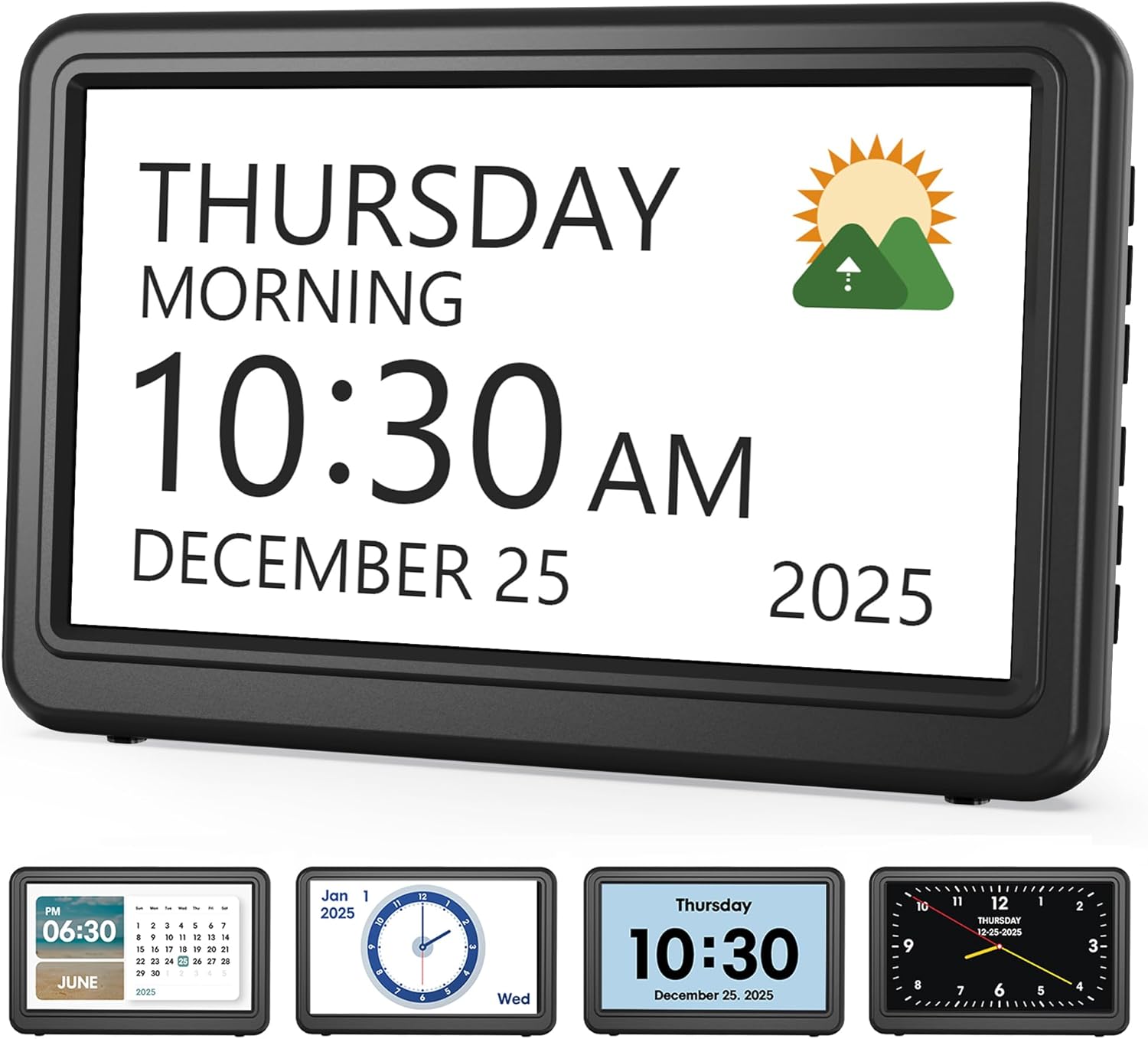
Medication Reminder Alarm
A caregiver scheduling app helps families and home care teams organize shifts, reduce missed visits, and keep communication clear. The best choice is the one that fits your workflow, is easy to use on a phone, and supports backup coverage when plans change.
A caregiver scheduling app can help families and home care teams keep shifts organized, reduce missed visits, and make sure the right person is in the right place at the right time. For seniors and the people who support them, that kind of coordination can bring real peace of mind.
- Coordination: Shared schedules reduce missed shifts and double-booking.
- Features: Look for reminders, messaging, mobile access, and shift swaps.
- Fit: Choose software that matches your caregiving model, not just your budget.
- Adoption: Simple training and easy phone use improve long-term success.
What a Caregiver Scheduling App Does for Modern Home Care Teams
A caregiver scheduling app is a digital tool that helps manage shifts, visits, and team communication in one place. Instead of relying on paper calendars, text chains, or repeated phone calls, care teams can see who is working, when they are needed, and where they need to be.
Why scheduling is more complex in 2026 for family caregivers and agencies
Today’s caregiving schedules are often more complicated than they look. One person may need help with bathing, meals, medication reminders, transportation, and overnight supervision, while family members and paid caregivers all share the load.
That means schedules can change quickly. A family caregiver may get delayed at work, a home care aide may call out sick, or a client may need a different visit time after a doctor appointment. When plans shift often, a simple calendar is usually not enough.
How digital scheduling improves shift coverage, communication, and accountability
Digital scheduling makes it easier to see coverage gaps before they become emergencies. Office staff or family coordinators can assign shifts, update changes, and notify the right people without sorting through scattered messages.
It also improves accountability. When visits are logged and updates are visible, it is easier to confirm that a caregiver arrived, completed the shift, and shared important notes with the next person on duty.
Scheduling software does not replace good caregiving judgment. If a senior seems confused, weak, more short of breath, or suddenly unsafe, contact a healthcare provider right away.
Who Needs a Caregiver Scheduling App and What Problem It Solves
Not every household needs full scheduling software, but many caregiving setups benefit from it. The more people involved, the more useful it becomes.
Use cases for private-duty caregivers, home care agencies, and family care networks
Private-duty caregivers can use an app to track recurring visits and last-minute changes. Home care agencies may use it to coordinate multiple employees, multiple clients, and different service locations.
Family care networks also benefit, especially when adult children, spouses, and outside helpers all share responsibility. A clear schedule can help everyone know who is covering mornings, evenings, weekends, and backup support.
Common scheduling pain points: missed shifts, double-booking, and last-minute callouts
The most common problems are often the simplest ones. A caregiver forgets a shift, two people think they are scheduled for the same visit, or a callout leaves no backup plan.
When that happens, seniors may wait longer for help with meals, medication reminders, or mobility support. A scheduling app helps reduce those gaps by making the plan visible to everyone who needs it.
Key Features to Look for in the Best Caregiver Scheduling App
The best caregiver scheduling app is not always the one with the most features. It is the one that fits your team’s workflow, is easy to use, and reduces confusion instead of adding it.
Shift assignment, recurring schedules, and real-time updates
Look for tools that let you assign one-time visits and repeat schedules. Recurring schedules are especially helpful for seniors who need regular morning care, evening check-ins, or weekly transportation.
Real-time updates matter too. If a shift changes, the app should update quickly so the whole team sees the latest version instead of working from outdated information.
Mobile access, caregiver availability tracking, and route or visit coordination
Mobile access is important because caregivers are often on the move. A phone-friendly app lets them check schedules, confirm visits, and review notes without returning to an office computer.
Availability tracking can help prevent overbooking. Some teams also need route or visit coordination, especially when caregivers travel between homes and need a logical schedule that cuts down on unnecessary driving.
Alerts, reminders, messaging, and shift swap tools
Alerts and reminders can reduce no-shows and late arrivals. Messaging tools help caregivers and office staff ask quick questions without relying on separate apps or long phone calls.
Shift swap tools are also useful when a caregiver has an emergency or a family conflict. A good system should make it easy to request coverage, approve changes, and keep a clear record of what happened.
- Fewer missed visits and scheduling mix-ups
- Faster communication between caregivers and coordinators
- Better visibility into coverage, time off, and backups
- More consistent care across shifts
How the Best Caregiver Scheduling App Supports Better Team Coordination
Good coordination is about more than filling time slots. It helps the entire care team work with less stress and gives seniors more consistent support.
Example: managing multiple clients, overnight care, and weekend coverage
Imagine a small agency that serves several clients, including one person who needs overnight care and another who needs weekend help. Without a shared system, it is easy for coverage to become confusing.
A caregiver scheduling app lets the team see all assignments in one place. That makes it easier to spot overlaps, confirm overnight coverage, and make sure weekend shifts are not forgotten.
Example: reducing phone tag between office staff, caregivers, and family members
Many care teams still spend too much time playing phone tag. Office staff call caregivers, caregivers call family members, and everyone tries to confirm the same detail in different ways.
A shared app reduces that back-and-forth by putting the schedule, updates, and messages in one system. That can save time and help everyone feel more informed.
Example: improving handoffs and continuity of care across shifts
Handing off care from one shift to the next is a sensitive part of home care. The next caregiver needs to know what happened earlier in the day, what was completed, and what still needs attention.
Scheduling tools that include notes or visit logs can support better continuity. That is especially helpful when a senior has memory issues, changing routines, or special instructions from a doctor. If there are medication questions, always consult your pharmacist or healthcare provider.
If a schedule change affects medication timing, meal support, sleep, or symptoms such as dizziness or confusion, check with your doctor or healthcare provider before making care changes.
Cost, Value, and App Comparison Factors to Consider in 2026
Cost matters, but value matters more. A cheaper tool may save money at first, but it may also create more work if it is hard to use or lacks the features your team needs.
Free vs paid platforms: what features are usually limited
Free platforms may be useful for very small teams or simple calendars. However, they often limit reminders, reporting, user access, or support options.
Paid platforms usually offer more structure, such as shift tracking, messaging, and backup coverage tools. The right choice depends on how many caregivers you manage and how much coordination your team needs.
Pricing factors: team size, compliance tools, reporting, and integrations
Pricing often depends on team size and the number of active users. Some platforms also charge more for compliance tools, reports, or connections to payroll and billing systems.
If your care business needs documentation for audits or internal review, those features may be worth the added cost. For family use, simpler tools may be enough if they are easy to understand and maintain.
How to compare apps based on ease of use, support, and scalability
When comparing apps, think about who will use them every day. If caregivers are not comfortable with the system, even a strong platform may fail in practice.
It can help to review a senior caregiver daily checklist template alongside the app features, since both should support the same workflow. Also consider whether the platform can grow with your needs over time.
Common Mistakes When Choosing a Caregiver Scheduling App
Choosing the right app is not just about picking a popular name. It is about avoiding problems that can disrupt care later.
Choosing based on price alone instead of workflow fit
Low price can be tempting, especially for family caregivers or small agencies. But a tool that does not match your workflow may create more stress than it saves.
Before deciding, think about how your team actually works. Do you need recurring shifts, shared notes, or visit tracking? If so, make sure those features are available and easy to use.
Overlooking caregiver adoption, training, and mobile usability
Even a good app can fail if caregivers do not use it consistently. That is why training and mobile usability matter so much.
Caregivers may be busy, tired, or working in different locations. If the app is confusing on a phone, they may avoid it and go back to text messages or paper notes.
Ignoring backup coverage, time-off tracking, and documentation needs
Some teams focus only on the main schedule and forget the support systems around it. Backup coverage, time-off requests, and documentation all matter when a care plan changes suddenly.
If your team also uses smart home tools, it may help to review how caregivers can coordinate with devices like those covered in how seniors can use Alexa at home. Technology works best when it supports the full routine, not just one part of it.
Expert Guidance: When to Get Help Implementing Scheduling Software
Some teams can set up scheduling software on their own. Others benefit from a little outside help, especially when the care schedule is already busy or complicated.
Warning signs that your team needs process support or a workflow audit
If your team is constantly correcting schedule mistakes, missing notes, or repeating the same calls, the problem may be the workflow, not just the software. That is a good time to pause and review how information moves through the team.
You may also need help if caregivers are confused about where to check updates or if family members are using different systems for the same schedule.
When to involve an operations lead, care coordinator, or software specialist
An operations lead or care coordinator can help map out the schedule structure before rollout. A software specialist can help with setup, permissions, and data entry.
This is especially useful for agencies with many clients, multiple shifts, or compliance needs. For families, a trusted coordinator can help simplify the process so it feels manageable.
How to roll out the app without disrupting active care schedules
Start with a short transition plan. Enter the most important visits first, confirm active caregivers, and test notifications before relying on the app for every shift.
It may also help to keep a backup calendar during the first phase. That way, if someone misses a notification, the team still has a second source of truth while everyone gets comfortable with the new system.
- Can caregivers view schedules easily on a phone?
- Are reminders, shift changes, and notes simple to send?
- Does the system support backup coverage and time-off requests?
- Will the app fit your team’s current workflow?
Final Recap: Choosing the Right Caregiver Scheduling App for SeniorsProTalk Readers
The best caregiver scheduling app is the one that makes care easier to coordinate, not harder. It should help your team cover shifts, share updates, and reduce confusion without creating extra work.
Summary of the most important decision factors for easy team coordination
Focus on mobile access, real-time updates, reminders, shift swaps, and simple communication. Also look at training needs, backup coverage, and whether the app supports the kind of care you provide.
Quick takeaway on matching the app to your caregiving model and budget
Small family networks may only need a simple tool, while agencies may need stronger reporting and coordination features. Match the app to your caregiving model, your budget, and the level of support your team truly needs.
If a senior’s care needs are changing quickly, or if medication timing and symptoms are becoming harder to manage, talk to your doctor or healthcare provider before adjusting routines.
Frequently Asked Questions
It is a digital tool that helps manage caregiver shifts, visits, and updates in one place. This makes it easier for families and agencies to stay organized.
Private-duty caregivers, home care agencies, and family care networks can all benefit. It is most helpful when several people share responsibility for care.
Look for shift assignment, recurring schedules, mobile access, reminders, and messaging. Shift swap tools and availability tracking are also useful.
Sometimes they are, especially for simple schedules. But free tools may limit support, reporting, and advanced coordination features.
It helps reduce missed visits, confusion, and last-minute coverage problems. It can also improve handoffs between shifts.
Do not choose based on price alone. Also make sure the app is easy to use on a phone and supports the backup coverage your team needs.
